
OCaml: Learn & Code PC
Groupe MINASTE
Download OCaml: Learn & Code on PC With GameLoop Emulator
OCaml: Learn & Code sa PC
Ang OCaml: Learn & Code, na nagmumula sa developer na Groupe MINASTE, ay tumatakbo sa Android systerm sa nakaraan.
Ngayon, maaari mong laruin ang OCaml: Learn & Code sa PC gamit ang GameLoop nang maayos.
I-download ito sa GameLoop library o mga resulta ng paghahanap. Hindi na tumitingin sa baterya o nakakadismaya na mga tawag sa maling oras.
I-enjoy lang ang OCaml: Learn & Code PC sa malaking screen nang libre!
OCaml: Learn & Code Panimula
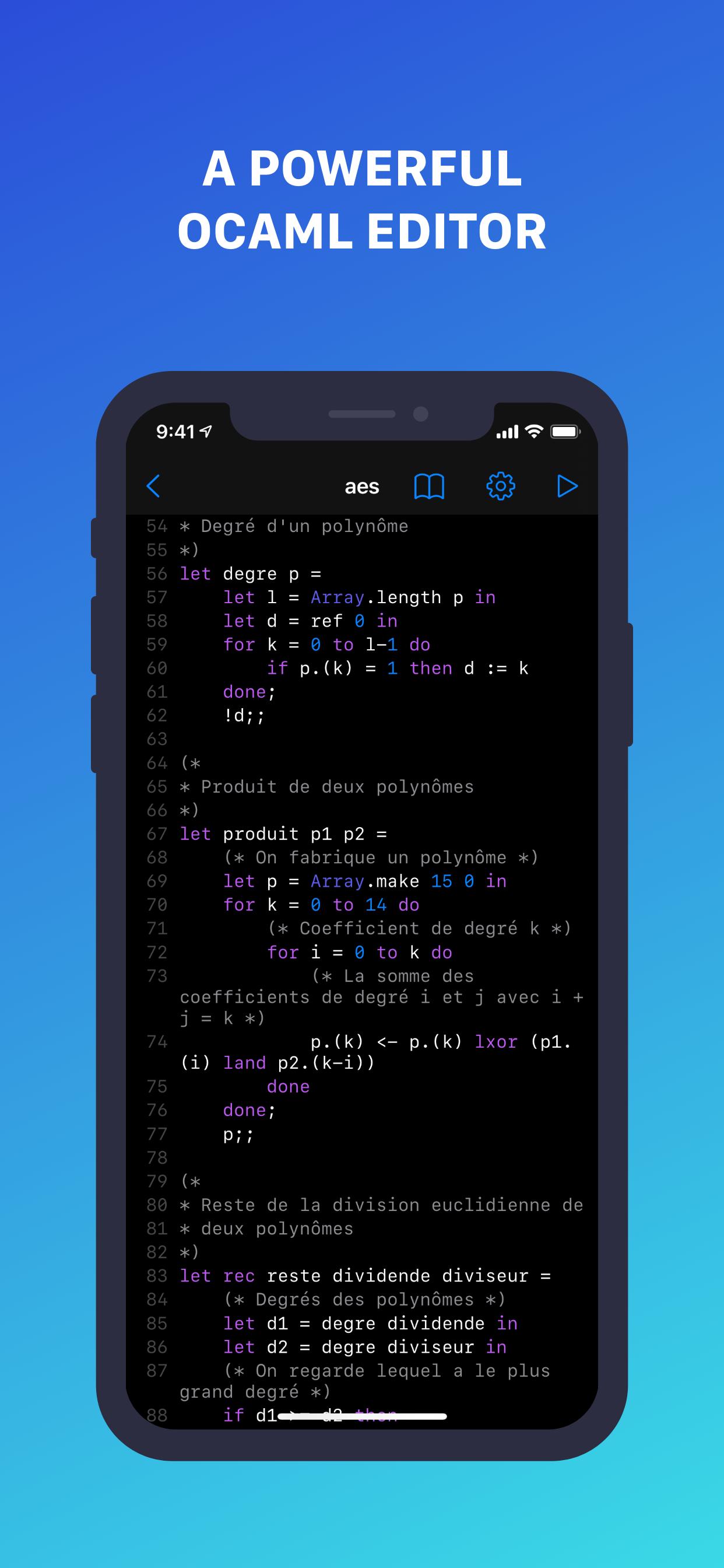
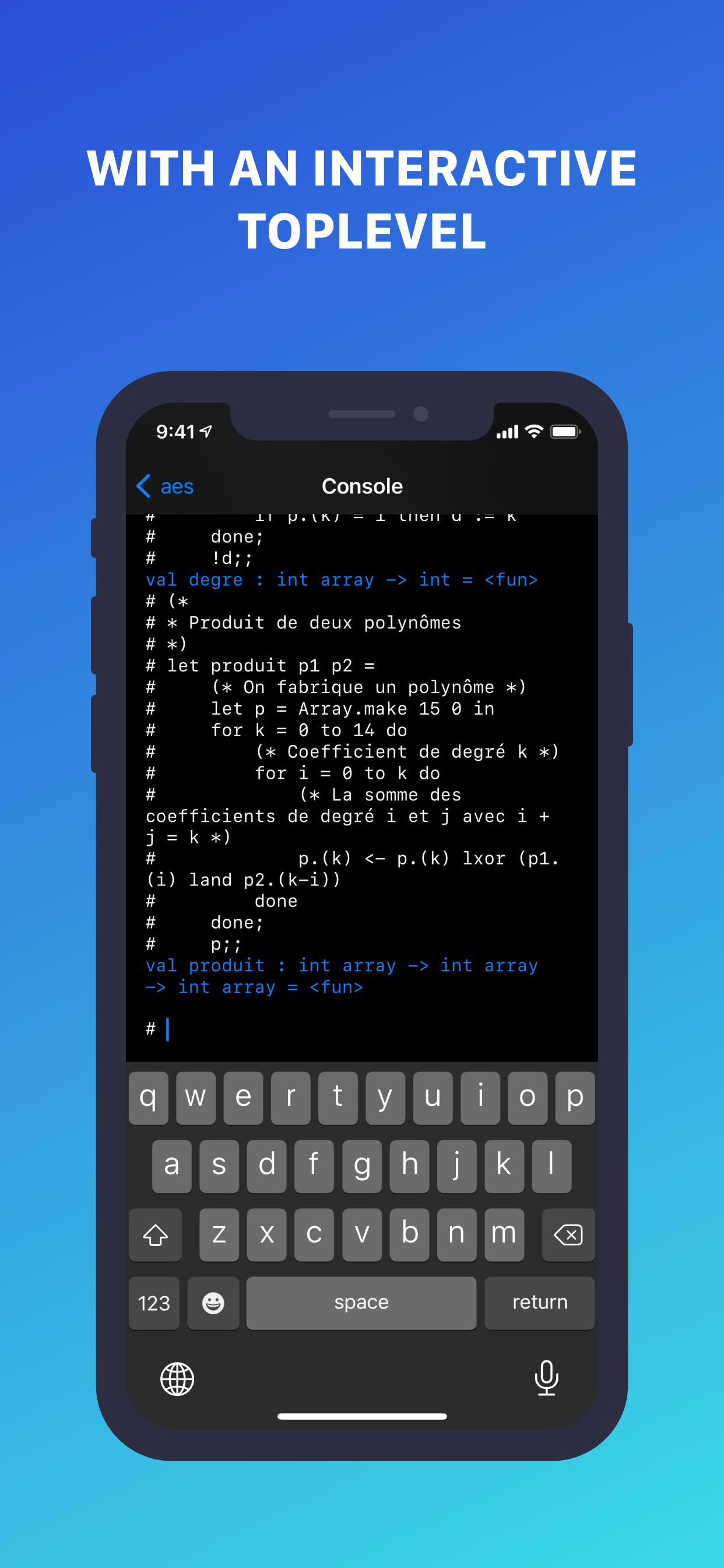
The all-in-one OCaml bundle for iOS, iPadOS and macOS! Learn the language and practice with a powerful editor and interactive top level available in the app, working offline.
CODE
- Write OCaml code directly from the app, and execute it with an interactive top level
- Save your code in .ml files to open again them later
- No need to install additional tools, OCaml is shipped with the app, and works offline
- Customize the editor settings to make it yours
LEARN
- Learn OCaml step by step with chapters about variables, conditions, loops, …
- New chapters are added frequently
- It’s quick and easy!
Don’t wait, start learning and playing with OCaml for free now!
Application developed by Nathan Fallet
© 2021 Groupe MINASTE
Preview
Tags
ToolsInformation
Developer
Groupe MINASTE
Latest Version
1.2.7
Last Updated
2022-04-04
Category
Tools
Available on
Google Play
Show More
How to play OCaml: Learn & Code with GameLoop on PC
1. Download GameLoop from the official website, then run the exe file to install GameLoop
2. Open GameLoop and search for “OCaml: Learn & Code” , find OCaml: Learn & Code in the search results and click “Install”
3. Enjoy playing OCaml: Learn & Code on GameLoop
Minimum requirements
OS
Windows 8.1 64-bit or Windows 10 64-bit
GPU
GTX 1050
CPU
i3-8300
Memory
8GB RAM
Storage
1GB available space
Recommended requirements
OS
Windows 8.1 64-bit or Windows 10 64-bit
GPU
GTX 1050
CPU
i3-9320
Memory
16GB RAM
Storage
1GB available space