OBD2: Torque Car Scanner FixD PC
Metaverse Labs
Download OBD2: Torque Car Scanner FixD on PC With GameLoop Emulator
OBD2: Torque Car Scanner FixD sa PC
Ang OBD2: Torque Car Scanner FixD, na nagmumula sa developer na Metaverse Labs, ay tumatakbo sa Android systerm sa nakaraan.
Ngayon, maaari mong laruin ang OBD2: Torque Car Scanner FixD sa PC gamit ang GameLoop nang maayos.
I-download ito sa GameLoop library o mga resulta ng paghahanap. Hindi na tumitingin sa baterya o nakakadismaya na mga tawag sa maling oras.
I-enjoy lang ang OBD2: Torque Car Scanner FixD PC sa malaking screen nang libre!
OBD2: Torque Car Scanner FixD Panimula
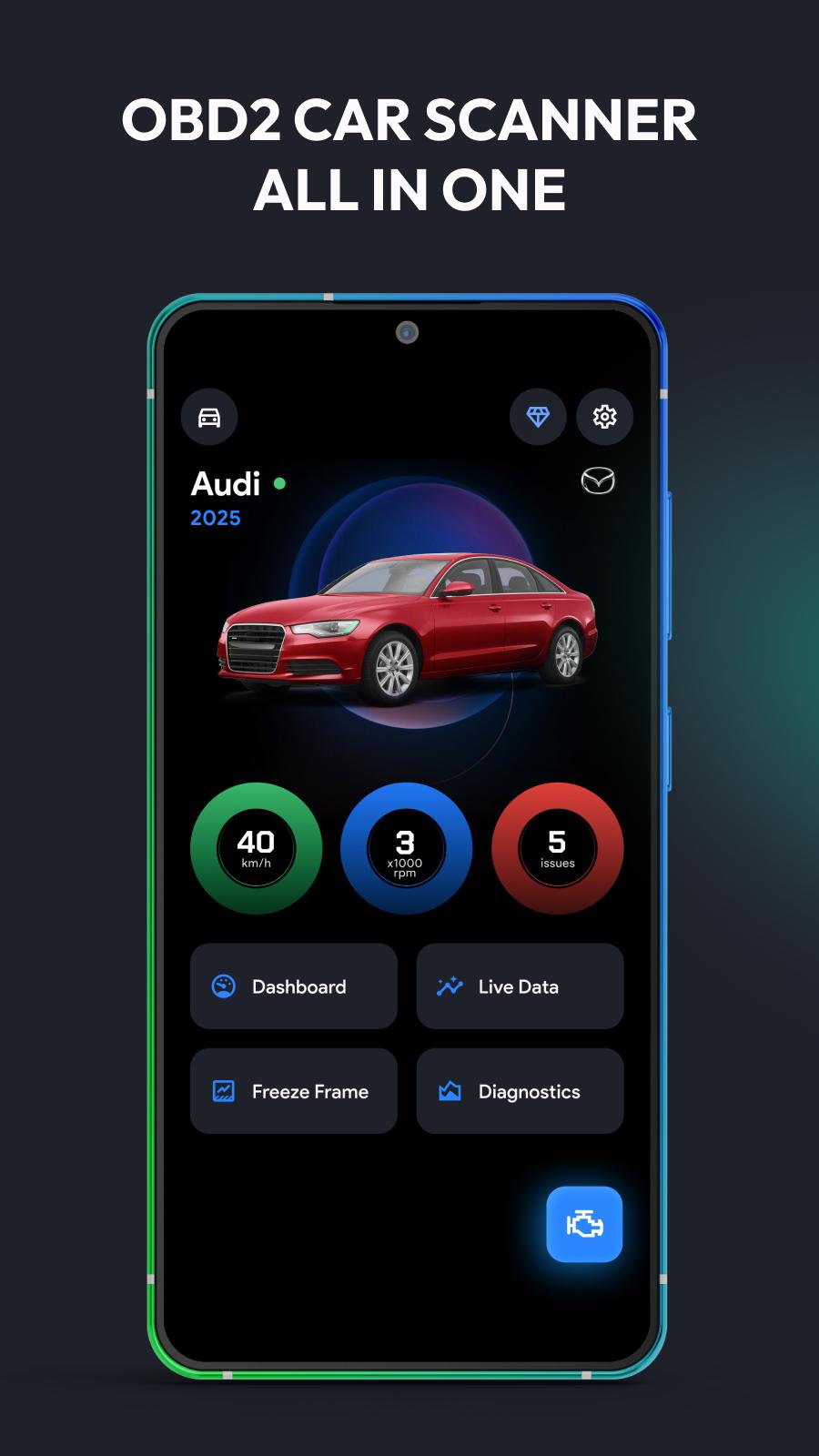
OBD2: Torque Car Scanner FixD turns your Android phone into a powerful car diagnostic and performance monitoring tool.
Compatible with leading OBD2 adapters like FixD, ELM327, Carista, RepairSolutions2, FastLink, and more — it's the all-in-one app to help you scan, monitor, and maintain your vehicle.
Whether you’re a DIYer, professional mechanic, or everyday driver, this app gives you real-time data, error codes, performance metrics, and emissions status—all from your smartphone.
Works with Popular OBD2 Tools:
- FixD
- ELM327 Bluetooth & Wi-Fi
- Carista
- Micro Mechanic
- RepairSolutions2
- FastLink
- Advance Auto Parts tools
- Torque Pro & compatible scanners
Key Features:
Read & clear Check Engine Light (CEL)
Scan diagnostic trouble codes (DTCs) with detailed explanations
Real-time sensor monitoring: RPM, temp, fuel, throttle, boost & more
Emissions readiness check & freeze frame analysis
Build custom dashboards and HUD display for live metrics
Log trips, fuel usage, and driving patterns
Access extended PIDs & manufacturer-specific data
Compatible Vehicles:
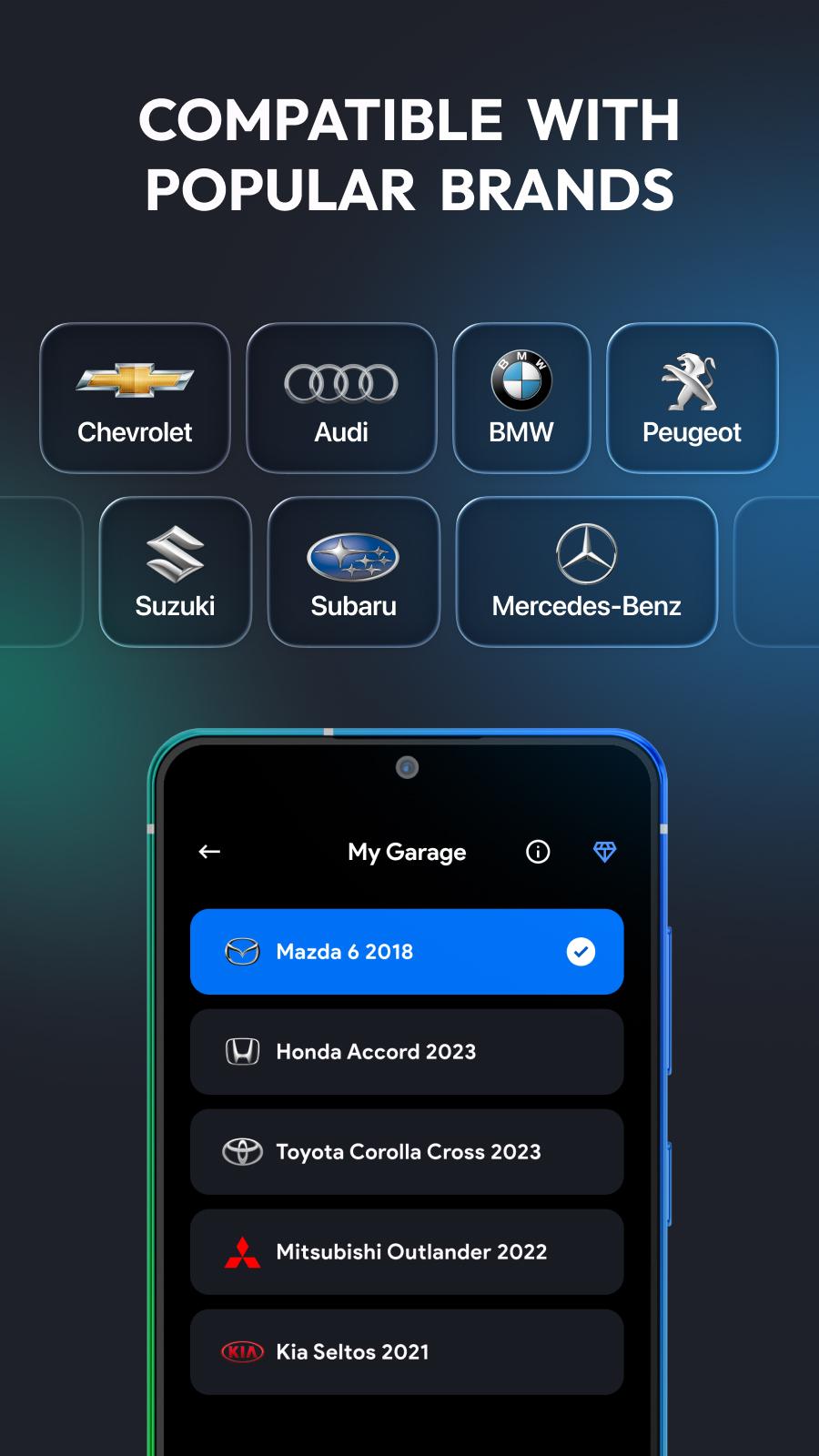
Supports all OBD2-compliant vehicles (1996+), including:
Toyota, Honda, Ford, Chevy, Nissan, BMW, Mercedes, VW, Audi, Subaru, Kia, Hyundai, Jeep, Dodge, Lexus, Mazda, and many more.
Why Choose This App?
- Works with FixD, ELM327, Carista, RepairSolutions2, FastLink
- Trusted by drivers, technicians & auto shops
- Avoid expensive repairs with early detection
- Beginner-friendly interface with pro-level features
- Updated regularly for better performance and support
Whether you're checking engine codes, prepping for emissions, or monitoring fuel efficiency, OBD2: Torque Car Scanner FixD gives you the tools to drive smarter.
Download now and unlock professional-grade car diagnostics straight from your Android device!
Preview
Tags
ToolsInformation
Developer
Metaverse Labs
Latest Version
3.6
Last Updated
2025-09-03
Category
Tools
Available on
Google Play
Show More
How to play OBD2: Torque Car Scanner FixD with GameLoop on PC
1. Download GameLoop from the official website, then run the exe file to install GameLoop
2. Open GameLoop and search for “OBD2: Torque Car Scanner FixD” , find OBD2: Torque Car Scanner FixD in the search results and click “Install”
3. Enjoy playing OBD2: Torque Car Scanner FixD on GameLoop
Minimum requirements
OS
Windows 8.1 64-bit or Windows 10 64-bit
GPU
GTX 1050
CPU
i3-8300
Memory
8GB RAM
Storage
1GB available space
Recommended requirements
OS
Windows 8.1 64-bit or Windows 10 64-bit
GPU
GTX 1050
CPU
i3-9320
Memory
16GB RAM
Storage
1GB available space