
Number Roulette - Random Draw PC
ao-system, Inc.
Download Number Roulette - Random Draw on PC With GameLoop Emulator
Number Roulette - Random Draw sa PC
Ang Number Roulette - Random Draw, na nagmumula sa developer na ao-system, Inc., ay tumatakbo sa Android systerm sa nakaraan.
Ngayon, maaari mong laruin ang Number Roulette - Random Draw sa PC gamit ang GameLoop nang maayos.
I-download ito sa GameLoop library o mga resulta ng paghahanap. Hindi na tumitingin sa baterya o nakakadismaya na mga tawag sa maling oras.
I-enjoy lang ang Number Roulette - Random Draw PC sa malaking screen nang libre!
Number Roulette - Random Draw Panimula
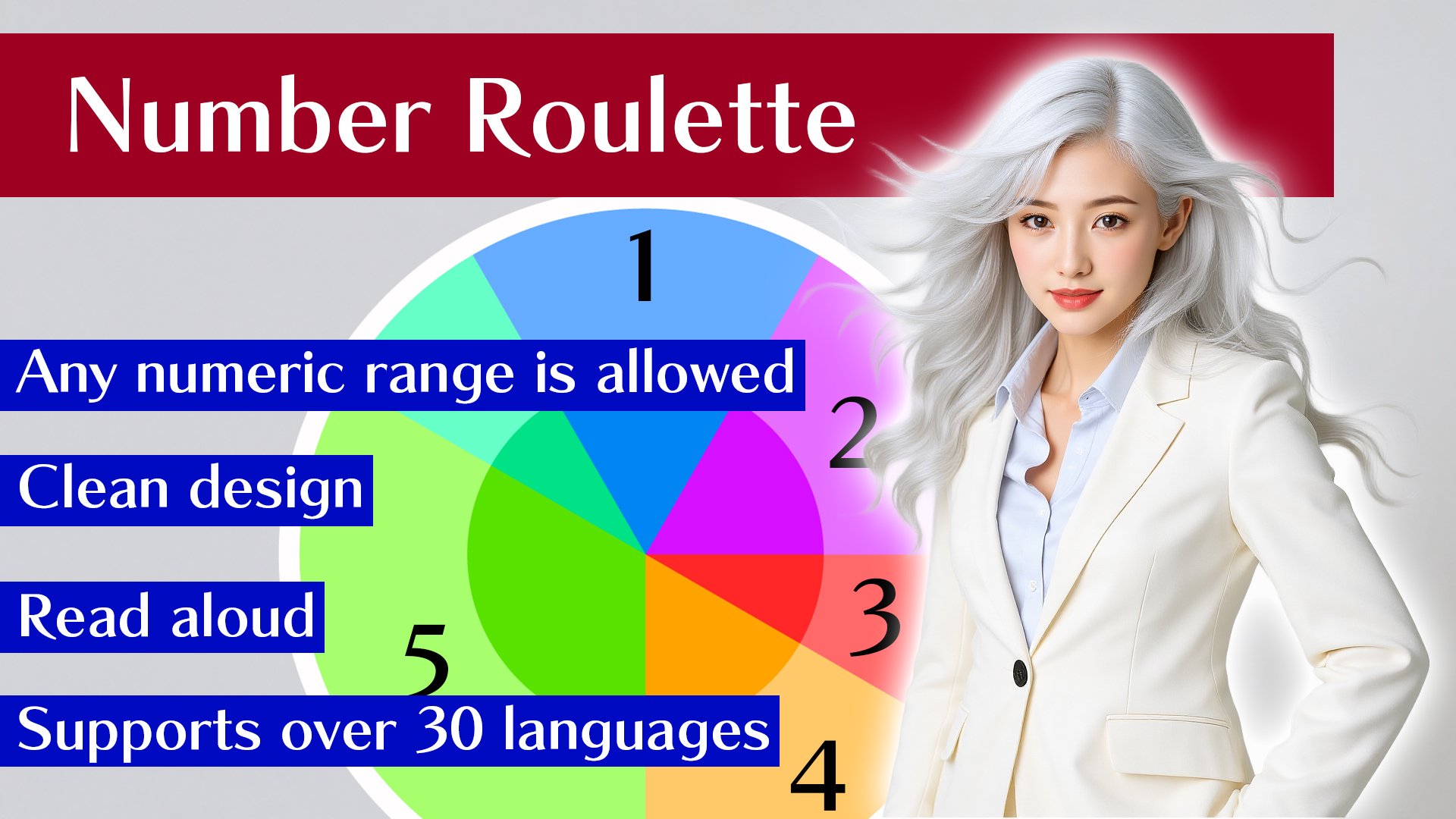
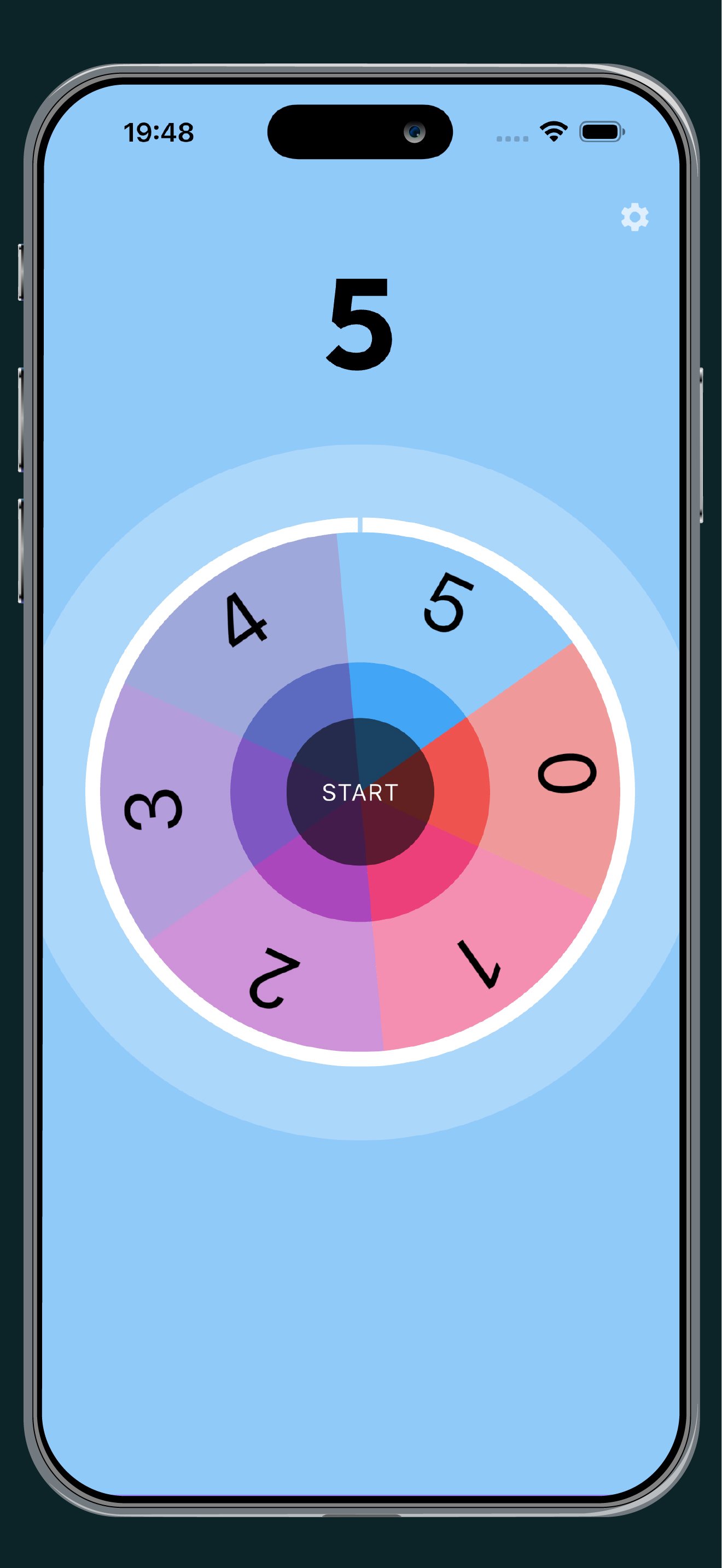
Create your own custom number roulette by specifying a numeric range.
Simply enter the minimum and maximum values (integers 0 or greater) to generate your roulette board. Perfect for raffles, classroom activities, or making quick decisions.
Features:
- Custom Ranges: Set any range (e.g., 0-24 for 25 numbers, 101-150 for 50 numbers).
- Flexible Layout: Numbers can be arranged in ascending, descending (Reverse), or shuffled (Random) order.
- Voice Support: The draw results are read aloud for better engagement.
Quick and easy to set up-your reliable tool for random number selection!
Preview
Tags
ToolsInformation
Developer
ao-system, Inc.
Latest Version
2.16.0
Last Updated
2026-06-27
Category
Tools
Available on
Google Play
Show More
How to play Number Roulette - Random Draw with GameLoop on PC
1. Download GameLoop from the official website, then run the exe file to install GameLoop
2. Open GameLoop and search for “Number Roulette - Random Draw” , find Number Roulette - Random Draw in the search results and click “Install”
3. Enjoy playing Number Roulette - Random Draw on GameLoop
Minimum requirements
OS
Windows 8.1 64-bit or Windows 10 64-bit
GPU
GTX 1050
CPU
i3-8300
Memory
8GB RAM
Storage
1GB available space
Recommended requirements
OS
Windows 8.1 64-bit or Windows 10 64-bit
GPU
GTX 1050
CPU
i3-9320
Memory
16GB RAM
Storage
1GB available space