NFC write and read tags PC
Yalintech
Download NFC write and read tags on PC With GameLoop Emulator
NFC write and read tags sa PC
Ang NFC write and read tags, na nagmumula sa developer na Yalintech, ay tumatakbo sa Android systerm sa nakaraan.
Ngayon, maaari mong laruin ang NFC write and read tags sa PC gamit ang GameLoop nang maayos.
I-download ito sa GameLoop library o mga resulta ng paghahanap. Hindi na tumitingin sa baterya o nakakadismaya na mga tawag sa maling oras.
I-enjoy lang ang NFC write and read tags PC sa malaking screen nang libre!
NFC write and read tags Panimula
A powerful and easy to use app that helps you unlock the full potential of NFC (Near Field Communication) technology. Whether reading existing tags or creating new ones, this app provides a seamless experience to interact with various NFC tag types.
Read All NFC Tag Types
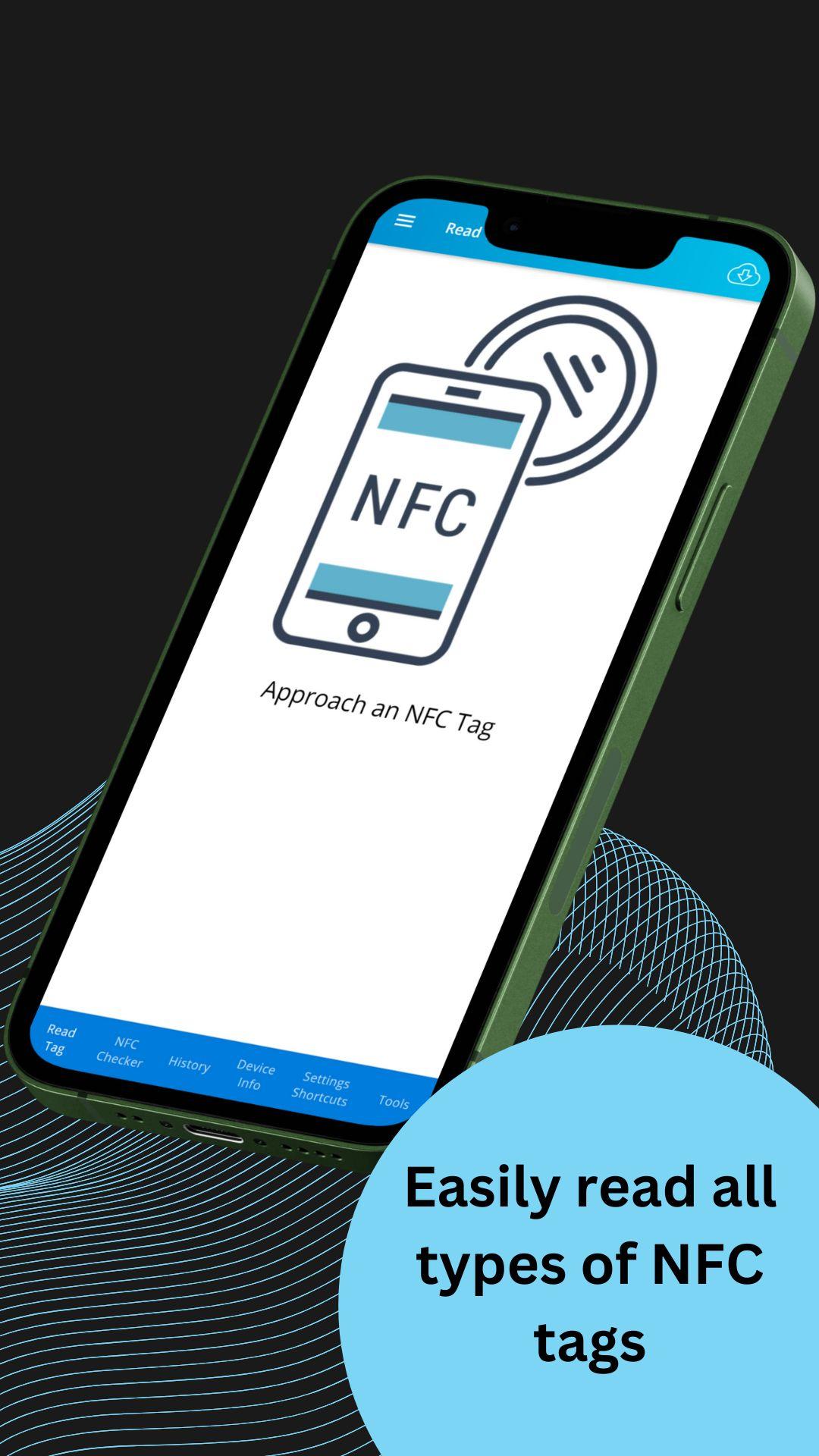
Easily read a range of NFC tags, including
✔️ Text Instantly read text based tags.
✔️ URLs Open web links stored on NFC tags.
✔️ VCARD Access contact information directly from NFC tags.
✔️ Bluetooth & WiFi Automatically connect to Bluetooth devices or WiFi networks.
✔️ Email Trigger emails with pre filled content.
✔️ And much more!
Write Custom NFC Tags
Create your own NFC tags quickly and easily, whether it's a paper tag, sticker, ring, or any other NFC enabled item.
How it works
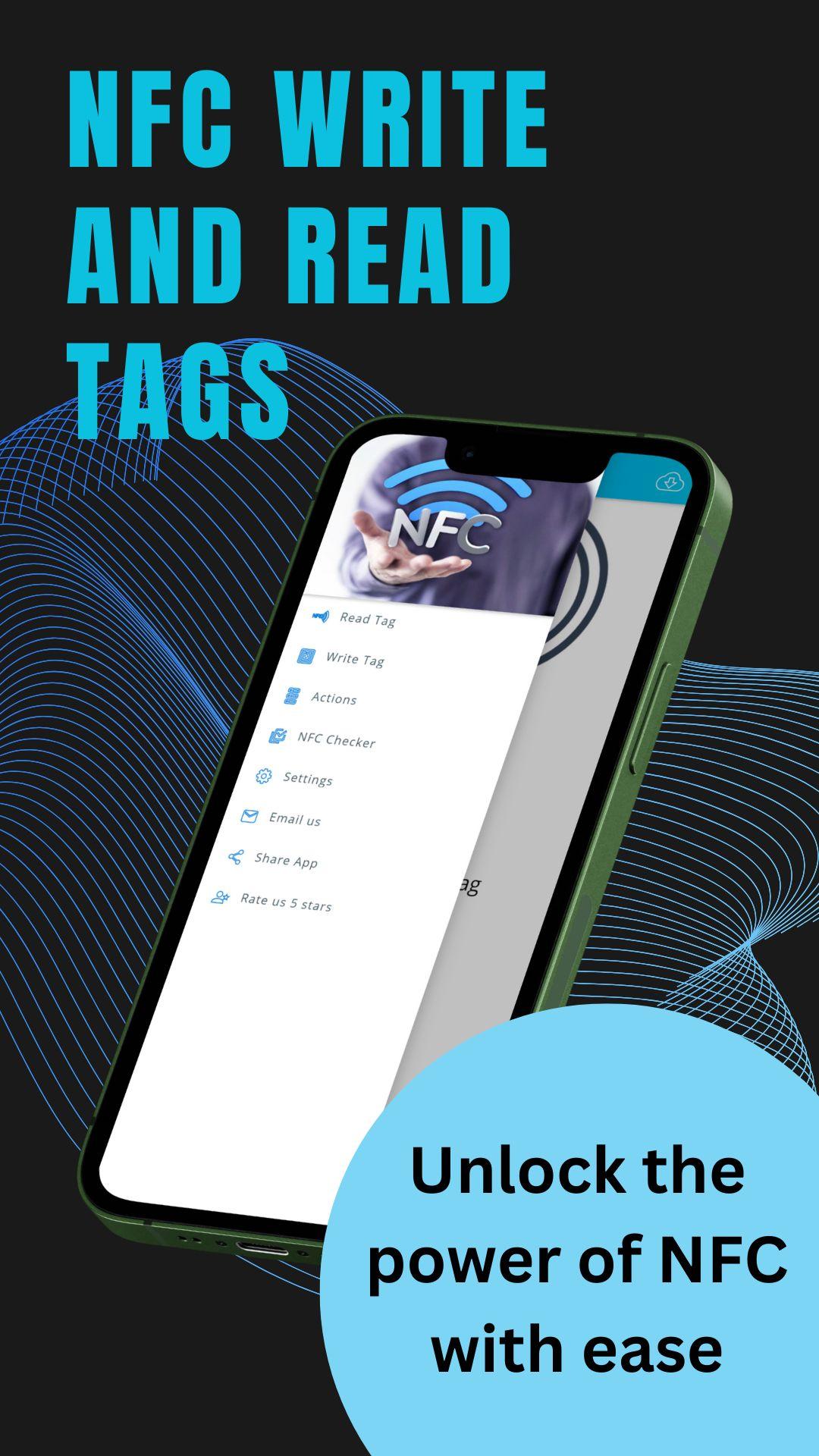
1. Choose the "Write Tag" option from the menu.
2. Add the records you want (text, URL, Bluetooth, etc.).
3. Tap the "Write" button and place your NFC tag near your smartphone.
4. Done! Your new tag is ready to use.
Tag Copying & Erasing
✔️ Tag Copy Easily duplicate any NFC tag, including infinite copies.
✔️ Erase Tag Clear the data on NFC tags for reuse.
NFC Checker
Quickly check your device's NFC compatibility and status with detailed information.
Why Use NFC Write and Read Tags?
Comprehensive Tag Support
Supports a wide range of tag types and formats, ensuring compatibility across various devices.
User Friendly Interface
Designed for users of all levels, whether you’re writing your first NFC tag or managing a collection.
Perform tasks like sharing contact information (VCARD), opening websites, connecting to WiFi, or triggering specific actions (emails, app launches)—all with a tap of your smartphone.
✔️ Smart Home Automation Use NFC tags to control lights, connect to WiFi, or activate smart devices.
✔️ Business Cards Share your contact info instantly with a VCARD NFC tag.
✔️ Travel & Navigation Program NFC tags to access maps, directions, or transport schedules.
✔️ Event Management Create NFC✔️enabled badges for quick access to attendee info or event schedules.
NFC Write and Read Tags is the perfect solution for anyone looking to make the most of their NFC enabled device. Whether reading simple tags or creating complex tasks, this app gives you the power and flexibility to handle all your NFC needs.
This layout highlights key information and breaks up text for easy reading. Let me know if this works for you!
NFC Write and Read Tags is a powerful NFC app designed to read and write a wide range of NFC tags with ease.
Whether you're using an NFC reader on Android, this app acts as your ultimate NFC scanner and NFC tag reader.
With advanced NFC tools, you can easily write NFC tags, copy NFC tags, or use the NFC writer for custom tasks.
It even supports NFC tag writer functionality, ensuring compatibility with tools like NXP TagWriter.
If you're looking for an all-in-one solution for NFC reader and writer functionalities, NFC Write and Read Tags is the go-to NFC tool to explore the full funcionalidad NFC.
Whether you're reading simple tags or performing more complex actions, you'll find it fun and easy with NFC yay!
Preview
Tags
ToolsInformation
Developer
Yalintech
Latest Version
2.6.26
Last Updated
2024-10-22
Category
Tools
Available on
Google Play
Show More
How to play NFC write and read tags with GameLoop on PC
1. Download GameLoop from the official website, then run the exe file to install GameLoop
2. Open GameLoop and search for “NFC write and read tags” , find NFC write and read tags in the search results and click “Install”
3. Enjoy playing NFC write and read tags on GameLoop
Minimum requirements
OS
Windows 8.1 64-bit or Windows 10 64-bit
GPU
GTX 1050
CPU
i3-8300
Memory
8GB RAM
Storage
1GB available space
Recommended requirements
OS
Windows 8.1 64-bit or Windows 10 64-bit
GPU
GTX 1050
CPU
i3-9320
Memory
16GB RAM
Storage
1GB available space