NFC Tools - NFC Tag Reader PC
Smart Nextgen Studio
Download NFC Tools - NFC Tag Reader on PC With GameLoop Emulator
NFC Tools - NFC Tag Reader sa PC
Ang NFC Tools - NFC Tag Reader, na nagmumula sa developer na Smart Nextgen Studio, ay tumatakbo sa Android systerm sa nakaraan.
Ngayon, maaari mong laruin ang NFC Tools - NFC Tag Reader sa PC gamit ang GameLoop nang maayos.
I-download ito sa GameLoop library o mga resulta ng paghahanap. Hindi na tumitingin sa baterya o nakakadismaya na mga tawag sa maling oras.
I-enjoy lang ang NFC Tools - NFC Tag Reader PC sa malaking screen nang libre!
NFC Tools - NFC Tag Reader Panimula
NFC Tools - NFC Tag Reader & Writer | QR Code Scanner
Unlock the power of contactless technology with NFC Tools - NFC Tag Reader, the ultimate app to read, write, erase, and program NFC tags and RFID cards. Whether you're a tech enthusiast or a professional, this smart NFC tool is your go-to solution for managing NDEF records, automating tasks, or securely transferring data.
🔹 All-in-One NFC Tag Reader & Writer
Easily read and write NFC tags in seconds! Compatible with a wide range of chipsets, including:
NDEF
Mifare Classic 1K / Ultralight / DESFire
NTAG, NXP, FeliCa, ISO 14443
Hi-Band RFID cards and more!
📲 Simply hold your NFC-enabled phone near any compatible NFC card, tag, or device to begin.
✨ Powerful Features for Smart Usage
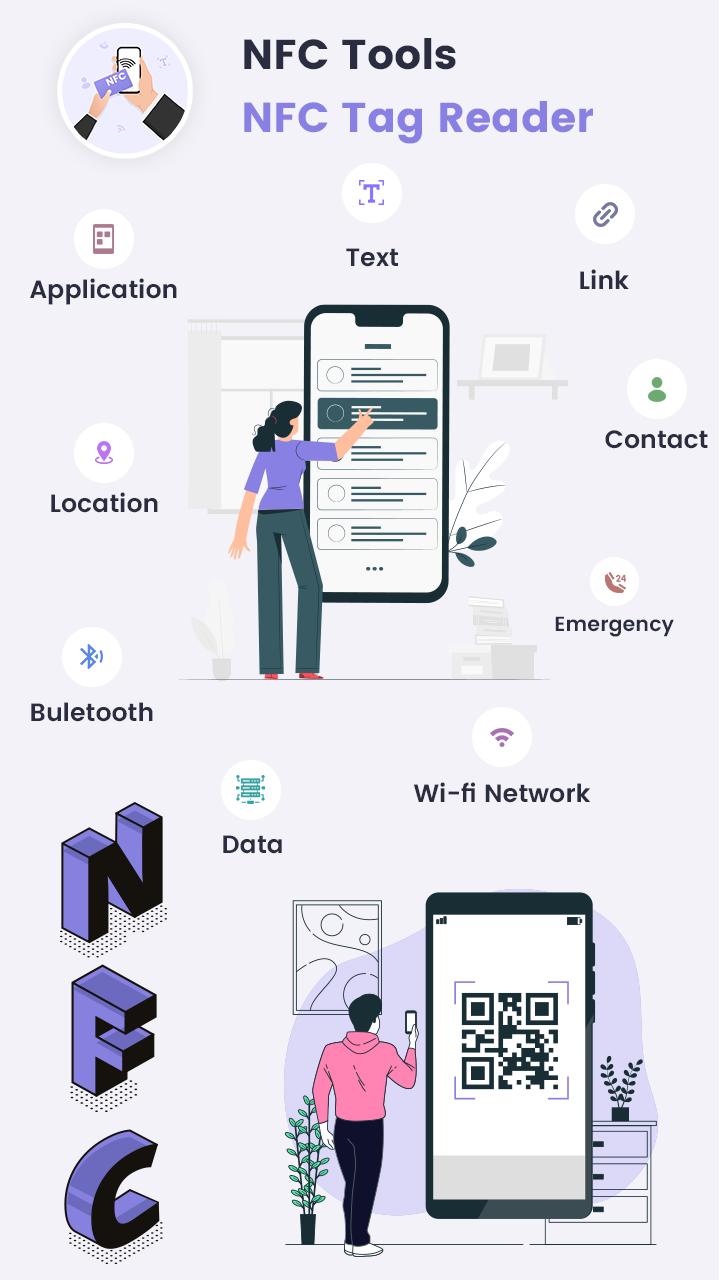
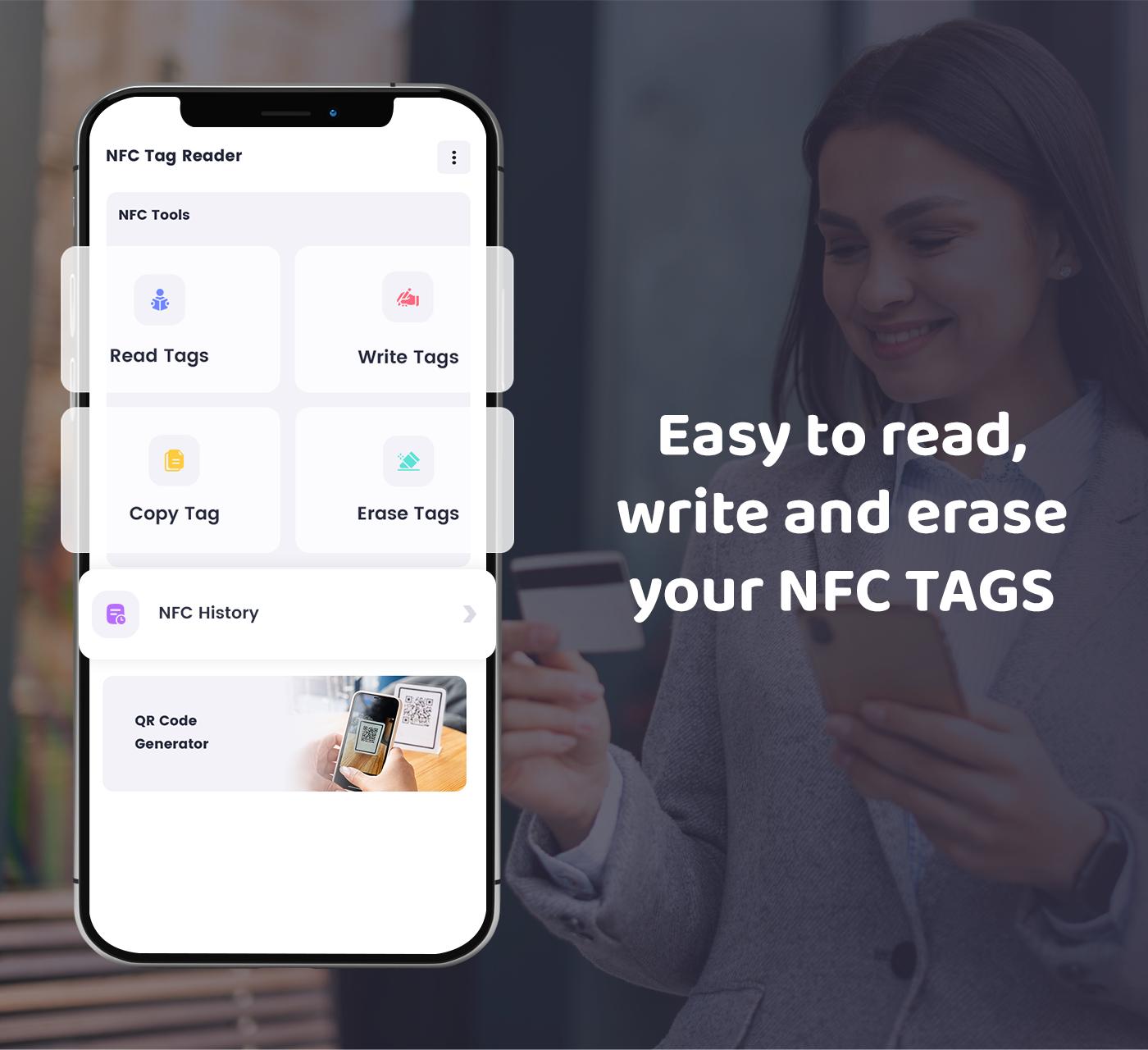
Read NFC tags and view contents instantly
Write custom records (text, URL, contact, SMS, email, Bluetooth, WiFi, app launch, and more)
Erase tag data or format to default
Copy tag to multiple NFC tags (clone NFC tag)
Save tag scan history for quick reference
📲 NFC Automation Made Easy
Program tasks using NFC tags for everyday automation. Launch apps, connect WiFi, send messages, and share contact info — all with a simple tap.
🔍 QR Code Scanner & Generator
Integrated QR and barcode scanner with fast performance:
Scan QR codes: URLs, WiFi, contacts, events, text, and more
Generate your own QR codes from links, texts, and other data
Save scan history
Flashlight support for low-light scanning
📌 Use Cases for Everyone
Business cards with contactless vCards
Automate phone tasks via NFC
Set up WiFi sharing via tag
Access control or digital keycards
Marketing & event promotions using smart posters
✅ Requirements
NFC-compatible Android phone
NFC enabled in device settings
🚀 Download NFC Tools - NFC Tag Reader now to explore the limitless possibilities of NFC and QR technology. Whether you're looking to automate tasks, manage NFC tags, or scan QR codes, this all-in-one utility app is your ultimate solution in 2025.
Preview
Tags
ToolsInformation
Developer
Smart Nextgen Studio
Latest Version
1.8
Last Updated
2025-09-05
Category
Tools
Available on
Google Play
Show More
How to play NFC Tools - NFC Tag Reader with GameLoop on PC
1. Download GameLoop from the official website, then run the exe file to install GameLoop
2. Open GameLoop and search for “NFC Tools - NFC Tag Reader” , find NFC Tools - NFC Tag Reader in the search results and click “Install”
3. Enjoy playing NFC Tools - NFC Tag Reader on GameLoop
Minimum requirements
OS
Windows 8.1 64-bit or Windows 10 64-bit
GPU
GTX 1050
CPU
i3-8300
Memory
8GB RAM
Storage
1GB available space
Recommended requirements
OS
Windows 8.1 64-bit or Windows 10 64-bit
GPU
GTX 1050
CPU
i3-9320
Memory
16GB RAM
Storage
1GB available space