NFC NDEF Tag Emulator PC
MaxSoft Ltd
Download NFC NDEF Tag Emulator on PC With GameLoop Emulator
NFC NDEF Tag Emulator sa PC
Ang NFC NDEF Tag Emulator, na nagmumula sa developer na MaxSoft Ltd, ay tumatakbo sa Android systerm sa nakaraan.
Ngayon, maaari mong laruin ang NFC NDEF Tag Emulator sa PC gamit ang GameLoop nang maayos.
I-download ito sa GameLoop library o mga resulta ng paghahanap. Hindi na tumitingin sa baterya o nakakadismaya na mga tawag sa maling oras.
I-enjoy lang ang NFC NDEF Tag Emulator PC sa malaking screen nang libre!
NFC NDEF Tag Emulator Panimula
NFC NDEF Tag Emulator transforms your NFC-enabled Android phone into a fully-functional NFC tag emulator. No additional hardware needed – simply activate your phone’s NFC, choose your tag content, and start emulating instantly. Perfect for developers, testers, NFC enthusiasts and anyone who wants to emulate NFC tags quickly and easily.
🔧 Key Features
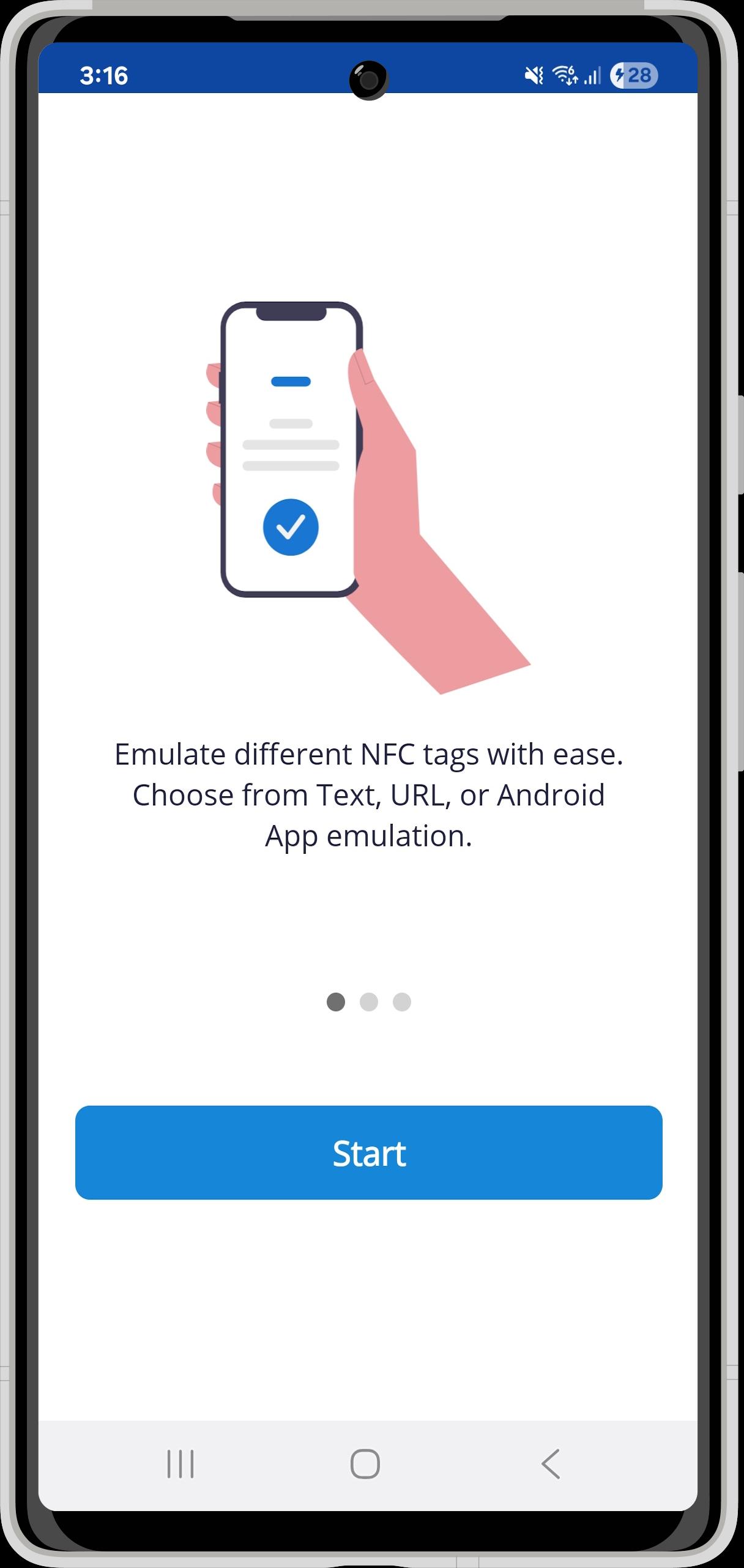
✔ Emulate NFC tags with NDEF-formatted data: text records, URL records, or Android application launch records.
✔ “Text mode” – easily type a text message and emulate it as a tag.
✔ “URL mode” – embed a web link and use your phone as a clickable NFC tag.
✔ “App mode” – emulate a tag that launches another Android app on tap.
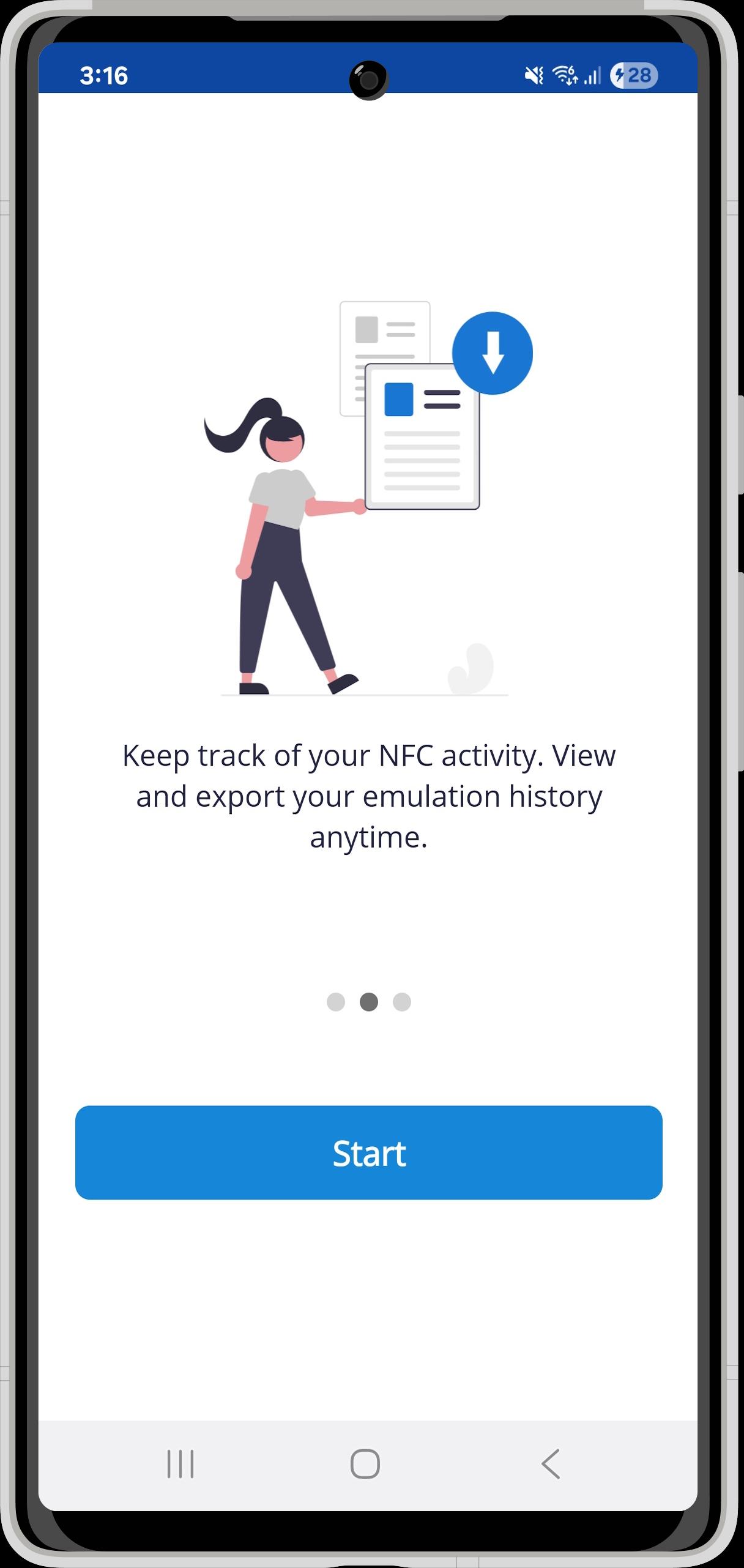
✔ Full history log of emulated tags with export option – track all your tag “writes” and emulations.
✔ Editable user-defined NFC tags – create your own custom tag content and reuse it.
✔ Zero extra hardware – if your phone supports NFC and Host Card Emulation (HCE), this app works out of the box.
🧭 Why choose this NFC tag emulator?
✔ Simple and fast: From installation to emulation in a few taps.
✔ Flexible tag types: Text, URL, Android app – covers the most common NDEF tag use-cases.
✔ Compact workflow: Use your phone instead of buying NFC cards or chips.
✔ Ideal for developers & testers: Emulate different tag types in the field or lab without extra hardware.
✔ Power for enthusiasts: Turn your phone into a programmable NFC tag – great for smart scenarios, demos, NFC workshops.
📲 How to use
✔ Ensure your phone’s NFC is turned ON and supports card emulation (HCE).
✔ Open the app and select the mode (Text / URL / App).
✔ Enter or select the content (for App mode, pick the target application).
✔ Tap the “Emulate” button – your phone now acts as an NFC tag.
✔ To stop emulation, simply exit or tap “Cancel”.
⚠️ Notes & compatibility
Works only on NFC-enabled Android devices that support HCE (Host Card Emulation).
Some NFC readers/readers or older devices may not support all tag types or may have limitations.
Not all NFC tag standards (e.g., certain MIFARE classic secure tags) can be fully emulated by phone hardware.
Always test with your reader/target device to ensure compatibility.
Preview
Tags
ToolsInformation
Developer
MaxSoft Ltd
Latest Version
2.0.3
Last Updated
2025-10-28
Category
Tools
Available on
Google Play
Show More
How to play NFC NDEF Tag Emulator with GameLoop on PC
1. Download GameLoop from the official website, then run the exe file to install GameLoop
2. Open GameLoop and search for “NFC NDEF Tag Emulator” , find NFC NDEF Tag Emulator in the search results and click “Install”
3. Enjoy playing NFC NDEF Tag Emulator on GameLoop
Minimum requirements
OS
Windows 8.1 64-bit or Windows 10 64-bit
GPU
GTX 1050
CPU
i3-8300
Memory
8GB RAM
Storage
1GB available space
Recommended requirements
OS
Windows 8.1 64-bit or Windows 10 64-bit
GPU
GTX 1050
CPU
i3-9320
Memory
16GB RAM
Storage
1GB available space