NetGo PC
ROG3R
Download NetGo on PC With GameLoop Emulator
NetGo sa PC
Ang NetGo, na nagmumula sa developer na ROG3R, ay tumatakbo sa Android systerm sa nakaraan.
Ngayon, maaari mong laruin ang NetGo sa PC gamit ang GameLoop nang maayos.
I-download ito sa GameLoop library o mga resulta ng paghahanap. Hindi na tumitingin sa baterya o nakakadismaya na mga tawag sa maling oras.
I-enjoy lang ang NetGo PC sa malaking screen nang libre!
NetGo Panimula
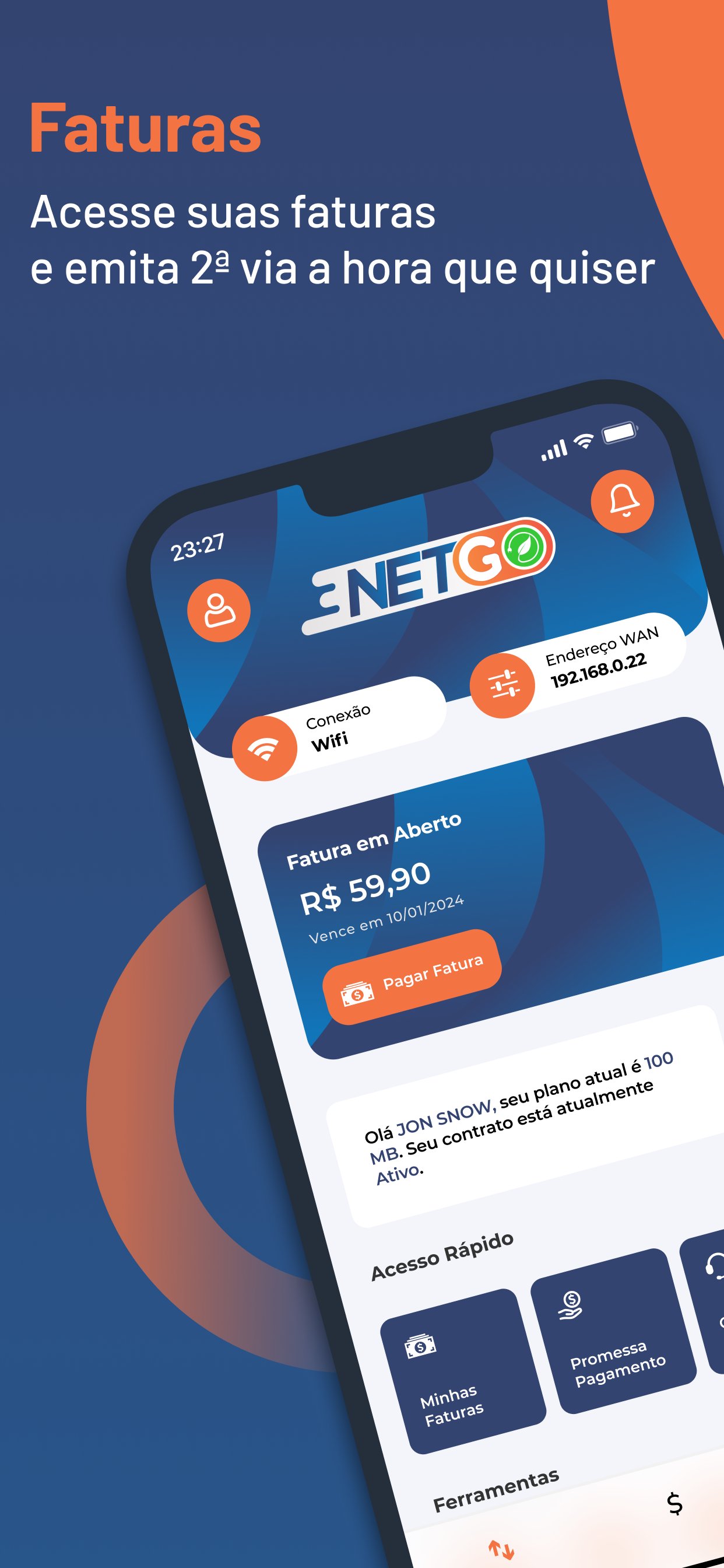
Designed to provide you with a safer, more efficient and convenient experience. Now, you can manage every aspect of your account with us right from your smartphone. Access our services from anywhere and at any time.
Services Available in the Application:
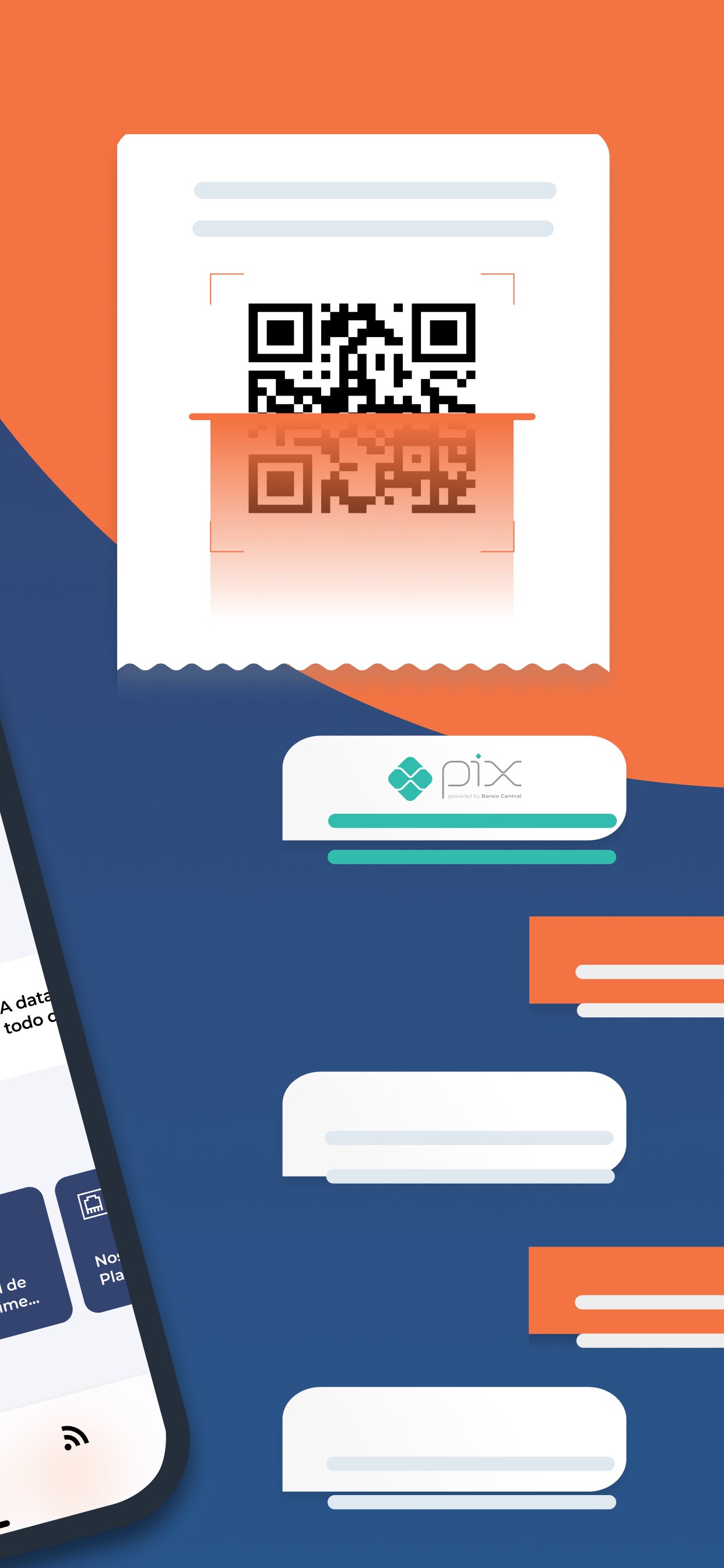
- Payments Via PIX: Make payments quickly and securely.
- Consult Debts and Invoices: Keep your accounts up to date in an easy and practical way.
- Second copy of bill: Access and print bills with just a few clicks.
- Invoice History: Track your payment history in a simplified way.
- Speed Test: Evaluate your connection speed in real time.
- Support Center: Get immediate support through your favorite messaging app.
- Plan Subscription: Choose and subscribe to the plan that best meets your needs.
- Network Settings: Manage and view your connection settings in a practical way.
- Opening Tickets: Report and track technical problems easily.
- Payment Promise: Request more time to pay your invoices, if necessary.
- Wifi Scanner: Check Wi-Fi networks around you to optimize your connection.
- Internet consumption: Monitor the use of your internet data in real time.
Download our new app now and discover a new level of convenience and control.
Preview
Tags
ToolsInformation
Developer
ROG3R
Latest Version
2.1
Last Updated
2025-06-02
Category
Tools
Available on
Google Play
Show More
How to play NetGo with GameLoop on PC
1. Download GameLoop from the official website, then run the exe file to install GameLoop
2. Open GameLoop and search for “NetGo” , find NetGo in the search results and click “Install”
3. Enjoy playing NetGo on GameLoop
Minimum requirements
OS
Windows 8.1 64-bit or Windows 10 64-bit
GPU
GTX 1050
CPU
i3-8300
Memory
8GB RAM
Storage
1GB available space
Recommended requirements
OS
Windows 8.1 64-bit or Windows 10 64-bit
GPU
GTX 1050
CPU
i3-9320
Memory
16GB RAM
Storage
1GB available space