
My Zipato PC
Zipato@3plus
Download My Zipato on PC With GameLoop Emulator
My Zipato sa PC
Ang My Zipato, na nagmumula sa developer na Zipato@3plus, ay tumatakbo sa Android systerm sa nakaraan.
Ngayon, maaari mong laruin ang My Zipato sa PC gamit ang GameLoop nang maayos.
I-download ito sa GameLoop library o mga resulta ng paghahanap. Hindi na tumitingin sa baterya o nakakadismaya na mga tawag sa maling oras.
I-enjoy lang ang My Zipato PC sa malaking screen nang libre!
My Zipato Panimula
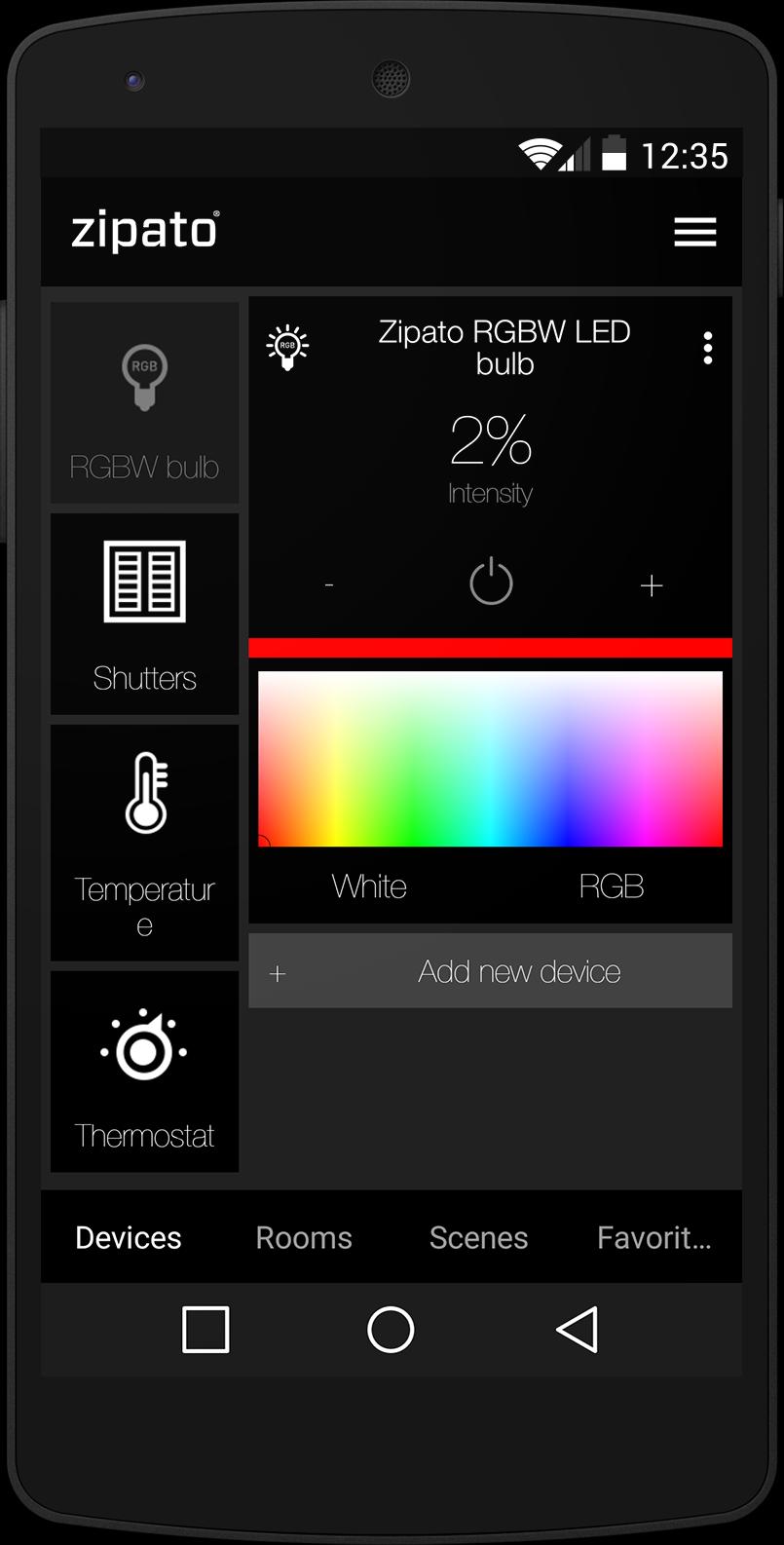
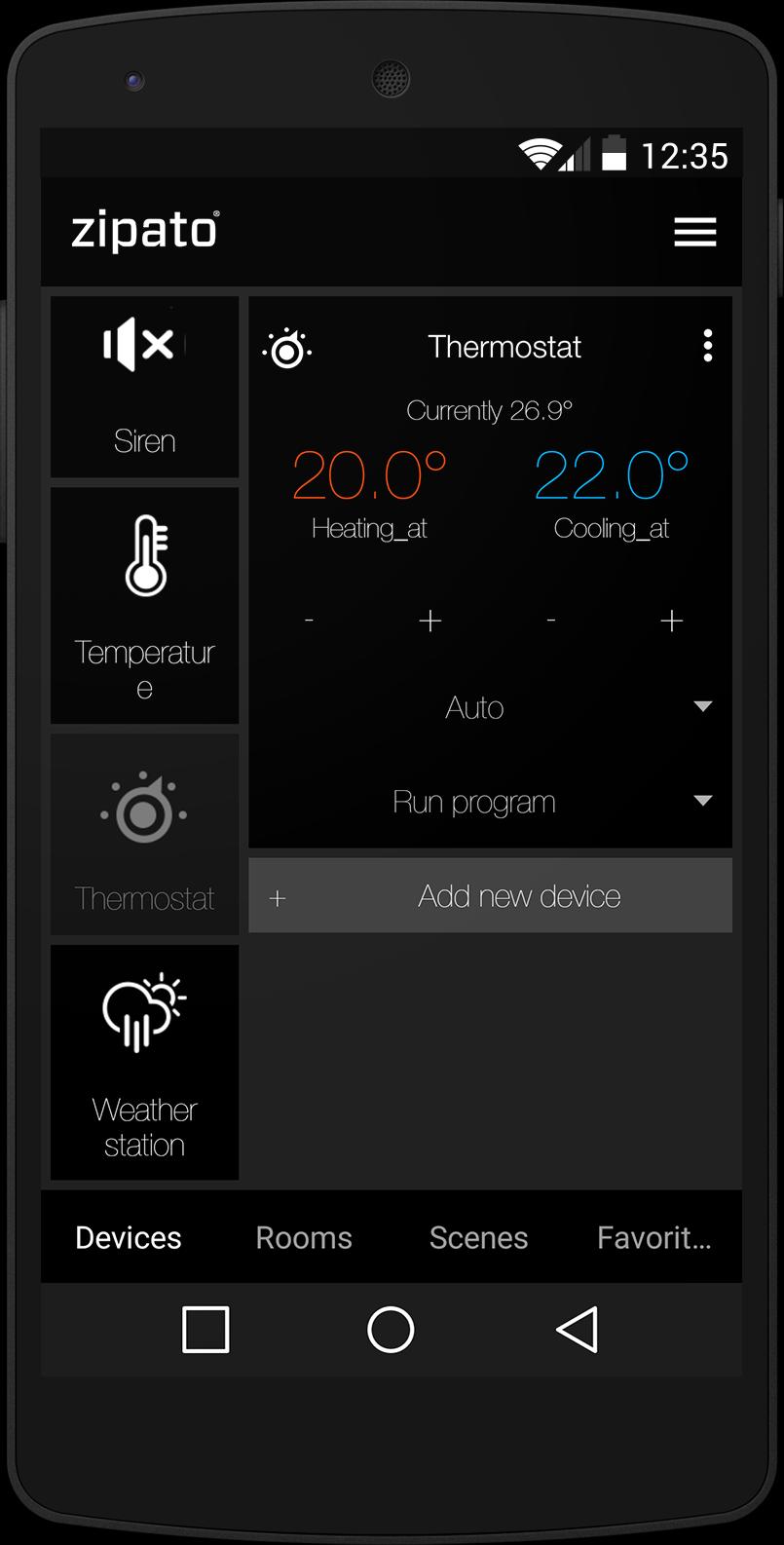
Remotely control your lights, security system, heating, cooling, shades or irrigation.
Monitor your energy consumption and save by conserving energy.
ALL IN ONE:
* HOME SECURITY: protect your home from burglary, fire, flood and more...
* ENERGY MANAGEMENT: save money by monitoring and managing energy usage
* HEALTH CARE: get emergency alerts in case of fall or other incident
* HOME AUTOMATION: automate your lights, thermostats, shades, irrigation and more...
SECURITY
• unlimited number of virtual alarms (partitions)
• trigger alarms in case of:
o intruder (motion sensors and door/window sensors),
o fire (smoke sensors),
o flood (water leakage sensors),
o gas (CO sensors)
o panic button,
o duress (if someone force you to disarm your system)
o health care (in case of missing actions during particular time e.g. motion, door opening, laying on bed...)
• remote arm/disarm and status-info with any smartphone
• vandal proof - Zipabox is 24/7 monitored by central station which triggers alarm in case of connection loss
• easy integration with existing alarm systems (DSC, Honeywell...)
• easy online setup and configuration through web based interface
• use of same sensors for security and automation purposes
ENERGY MONITORING
• real-time monitoring energy consumption with your smartphone
• automatically turn on/off your appliances in accordance with electricity prices
• see detailed analysis of your energy consumption
• save energy by automating lights, thermostats, sun shades...
LIGHTING
• easy installation of wireless modules
• Z-Wave and ZigBee lighting modules support
• support remote dimming and on/off switching with any smartphone
• unlimited number of scenes supported
• turn lights on during emergencies
• advanced event based rules configuration
• auto-pilot lighting programs to discourage intruders while home is empty
CLIMATE
• multi room heating and cooling control with your smartphone
• advanced programming scheduler online, accessible over web browser
• easily create unlimited number of custom zones (thermostats)
• multi zone humidity control by using standard humidifiers and dehumidifiers
• advanced event based rules to automate home climate based on other environmental and home events
• include climate control in automation scenes together with alarm, lighting, shades, etc
• notification and automated actions in case of over-temperature events, power outages, and other incidents…
IRRIGATION
• control unlimited number of irrigation zones
• use advanced programming options online to setup perfect irrigation process
• automate irrigation system based on Internet weather forecast
• integrate your irrigation scheme together with your complete home automation scenarios
SUN SHADING
• control blinds, roller-shutters, curtains and pergolas using your smartphone
• automate motors by using fun and easy programming tool online
• add your sun shading commands into home scenarios together with lights, climate, alarms...
• automate your shades to react to outside weather conditions
• easy installation using pre-configured wireless modules
But also: : Energy Metering, Video monitoring and more ...
Preview
Tags
ToolsInformation
Developer
Zipato@3plus
Latest Version
4.3.2
Last Updated
2018-04-10
Category
Tools
Available on
Google Play
Show More
How to play My Zipato with GameLoop on PC
1. Download GameLoop from the official website, then run the exe file to install GameLoop
2. Open GameLoop and search for “My Zipato” , find My Zipato in the search results and click “Install”
3. Enjoy playing My Zipato on GameLoop
Minimum requirements
OS
Windows 8.1 64-bit or Windows 10 64-bit
GPU
GTX 1050
CPU
i3-8300
Memory
8GB RAM
Storage
1GB available space
Recommended requirements
OS
Windows 8.1 64-bit or Windows 10 64-bit
GPU
GTX 1050
CPU
i3-9320
Memory
16GB RAM
Storage
1GB available space