My Files PC
My Files
Download My Files on PC With GameLoop Emulator
My Files sa PC
Ang My Files, na nagmumula sa developer na My Files, ay tumatakbo sa Android systerm sa nakaraan.
Ngayon, maaari mong laruin ang My Files sa PC gamit ang GameLoop nang maayos.
I-download ito sa GameLoop library o mga resulta ng paghahanap. Hindi na tumitingin sa baterya o nakakadismaya na mga tawag sa maling oras.
I-enjoy lang ang My Files PC sa malaking screen nang libre!
My Files Panimula
My Files manages all the files on your smartphone, just like a file expert on your computer.
You can also manage files stored on SD cards, USB drives and files in the cloud storage connected with your smartphone at the same time.
Download and experience "My Files" now.
Android File Manager is a powerful, free local and network file manager, overwrite files, file browser and Application Manager, File Manager, Network Manager, Media Manager. ES File Explorer, All files are no longer hidden in the mobile system. You can find how many google files & file app you have on your device at a glance immediately after opening files manager :File Commander Manager & Cloud.
File Manager : free and easily is a file browser, filemaster that helps you find file faster, manage clean easily using File Cleaner, and share them offline with others by using file browser! My File Manager is a file master tools. Easy to open files and filebrowser. My Files Archiver update with My Files Samsung J2.
[New features in My Files storage]
1. Free up storage space easily by tapping the "Storage Analysis" button on the main screen.
2. You can hide any unused storage space from the main screen via the "Edit My Files home".
3. You can view long file names without ellipses using the "Listview" button.
4. Internal music player / Internal image viewer/ Internal text editor.
5. Main Storage / SD card / USB OTG : You can manage all files and folders on both your internal storage and external storage.
[Key features]
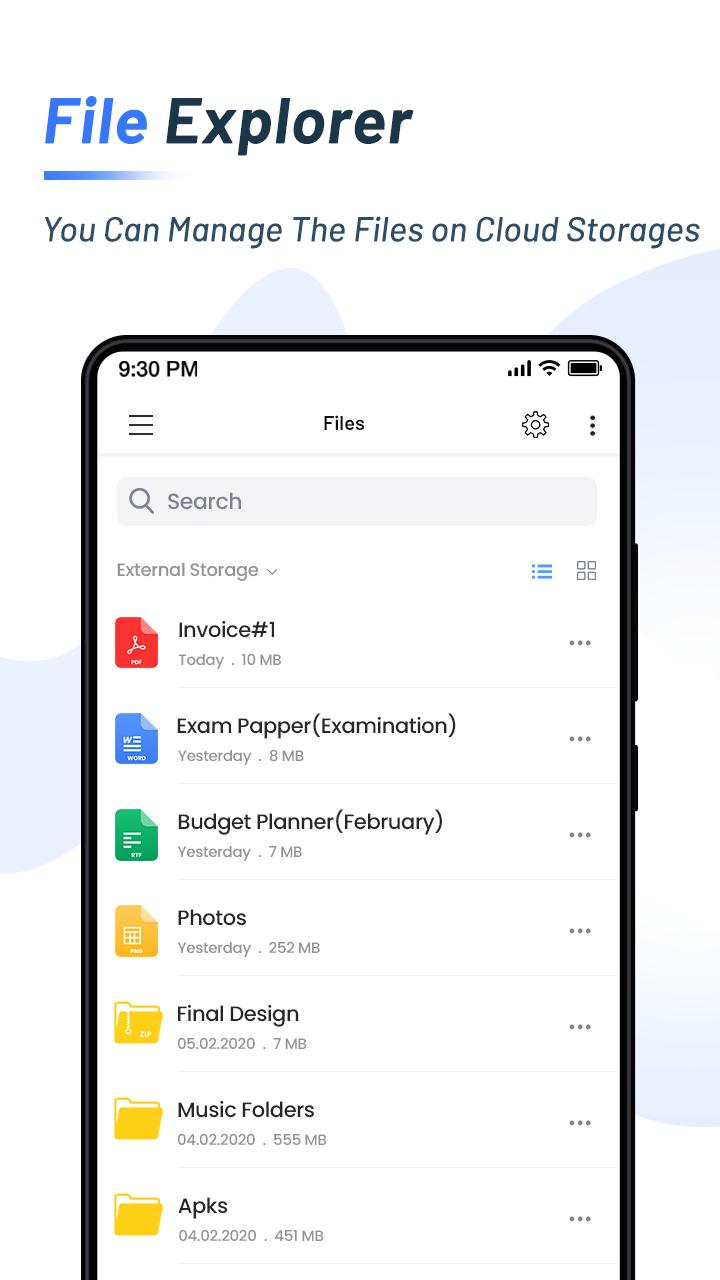
- Browse and manage General manager files stored on your smartphone, SD card, or USB drive conveniently
- Users can create folders; move, copy, share, and view file details on Moto file organizer
- My Files Archiver SD Card General Manager.
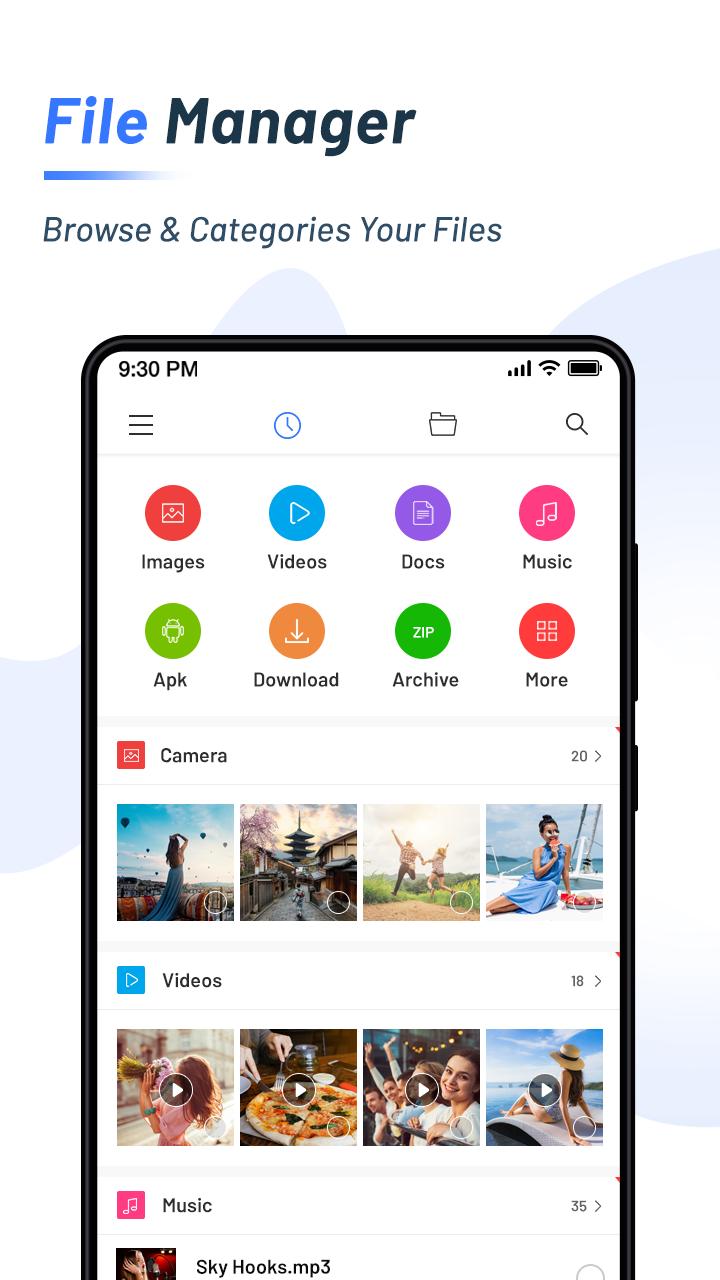
- The Recent storage Files list: Files the user has downloaded, run, and/or opened
- The Categories list: Types of files Archiver, including downloaded, document, image, audio, video, and installation files (.APK)
- File App support compress and decompress
- Basic Manager file features like cut, copy, delete, compress, extract etc. easily accessible
- Folder and file shortcuts: Show on the device home screen and the My Files main screen
- File Storage provides a function used to analyze and free up storage space
- File Management App : Search and share files, Storage cleaner
File Explorer supports tons of cool features: file transfer, quick search, moving, deleting, opening, and sharing files, as well as renaming, unzipping, and copy-paste,my file manager. Filemanager and Moto File Manager supports tons of cool features: Localised file manager, Network Manager, Media Manager, cloud manager, Remote files. With Motorola File Manager, you can easily manage my file, zen file, pro file and folders on your device and cloud storages my Moto files download.
File Manager expert Android is one of the most complete and efficient file manajer you can find for Android. Mi File Manager also recognizes multiple file formats, including music, videos, images, documents, APKs, and zip-files. ES File Browser is lightweight and Moto File Manager storage will make your life easy with es. file browser app for samsung galaxy j2, you can easily Moto File managers your es file from phone memory!
My files is a the best My File apps for Android Samsung for managing files and programs file manage. Files manager will help you find hidden file, folder, categorize file easily. From es file manager, you can access to frequently used esfile quickly. file manager for android has additional features, such as the option to use samsung my files as a browser, photo viewer, video player, and es file exploror, File Security and file protection.
With File Manager App and clear UI, file management becomes easier than ever before!
Preview
Tags
ToolsInformation
Developer
My Files
Latest Version
4.4
Last Updated
2022-10-16
Category
Tools
Available on
Google Play
Show More
How to play My Files with GameLoop on PC
1. Download GameLoop from the official website, then run the exe file to install GameLoop
2. Open GameLoop and search for “My Files” , find My Files in the search results and click “Install”
3. Enjoy playing My Files on GameLoop
Minimum requirements
OS
Windows 8.1 64-bit or Windows 10 64-bit
GPU
GTX 1050
CPU
i3-8300
Memory
8GB RAM
Storage
1GB available space
Recommended requirements
OS
Windows 8.1 64-bit or Windows 10 64-bit
GPU
GTX 1050
CPU
i3-9320
Memory
16GB RAM
Storage
1GB available space