
Move To Android 9 Theme PC
Ma 2 Yo
Download Move To Android 9 Theme on PC With GameLoop Emulator
Move To Android 9 Theme sa PC
Ang Move To Android 9 Theme, na nagmumula sa developer na Ma 2 Yo, ay tumatakbo sa Android systerm sa nakaraan.
Ngayon, maaari mong laruin ang Move To Android 9 Theme sa PC gamit ang GameLoop nang maayos.
I-download ito sa GameLoop library o mga resulta ng paghahanap. Hindi na tumitingin sa baterya o nakakadismaya na mga tawag sa maling oras.
I-enjoy lang ang Move To Android 9 Theme PC sa malaking screen nang libre!
Move To Android 9 Theme Panimula
Did you hear about Android™ 9 ? Did you hear about Android™ Pie ? Do you want to have the latest theme of Android™ 9 but unfortunately your device is old or does not support this version of Android™ Pie?
Now it is possible for most devices.
A custom Android theme refers to a phone’s (icons, pictures, logos, songs....), based on Google’s Android platform. Android is open source and therefore any developer can edit the code, and re-release for a wide variety of devices.
And as many phones no longer receive updates to the latest version of Android™. We decided to help users with older phones to have the chance to have the latest theme of Android™ on their old device.
We have developed a custom theme based on the latest version of Android™ 9 - Android™ Pie. Our custom theme aims to bring the Android™ 9.0 Pie user experience (UX) and user interface (UI) while using a minimum of resources. Our custom theme is supported and tested by the most used phones in the market.
To install the latest custom theme of Android™ 9, this application will download all the necessary files to upgrade your old theme of Android™ to the latest theme of Android™ 9 - Android™ Pie.
Install steps
“Move To Android 9 Theme” app is simply a tool or a bridge to download as a first step our custom theme based on the latest version of Android™ 9 - Android™ Pie. After that, as a second step, this tool will configure your launcher.
The steps are:
1) Download custom theme based on the latest version of Android™ 9.
2) Unzip downloaded files.
3) Registration in our platform to ensure that you are a real user and not a robot.
4) Configure the launcher
5) Restart the phone
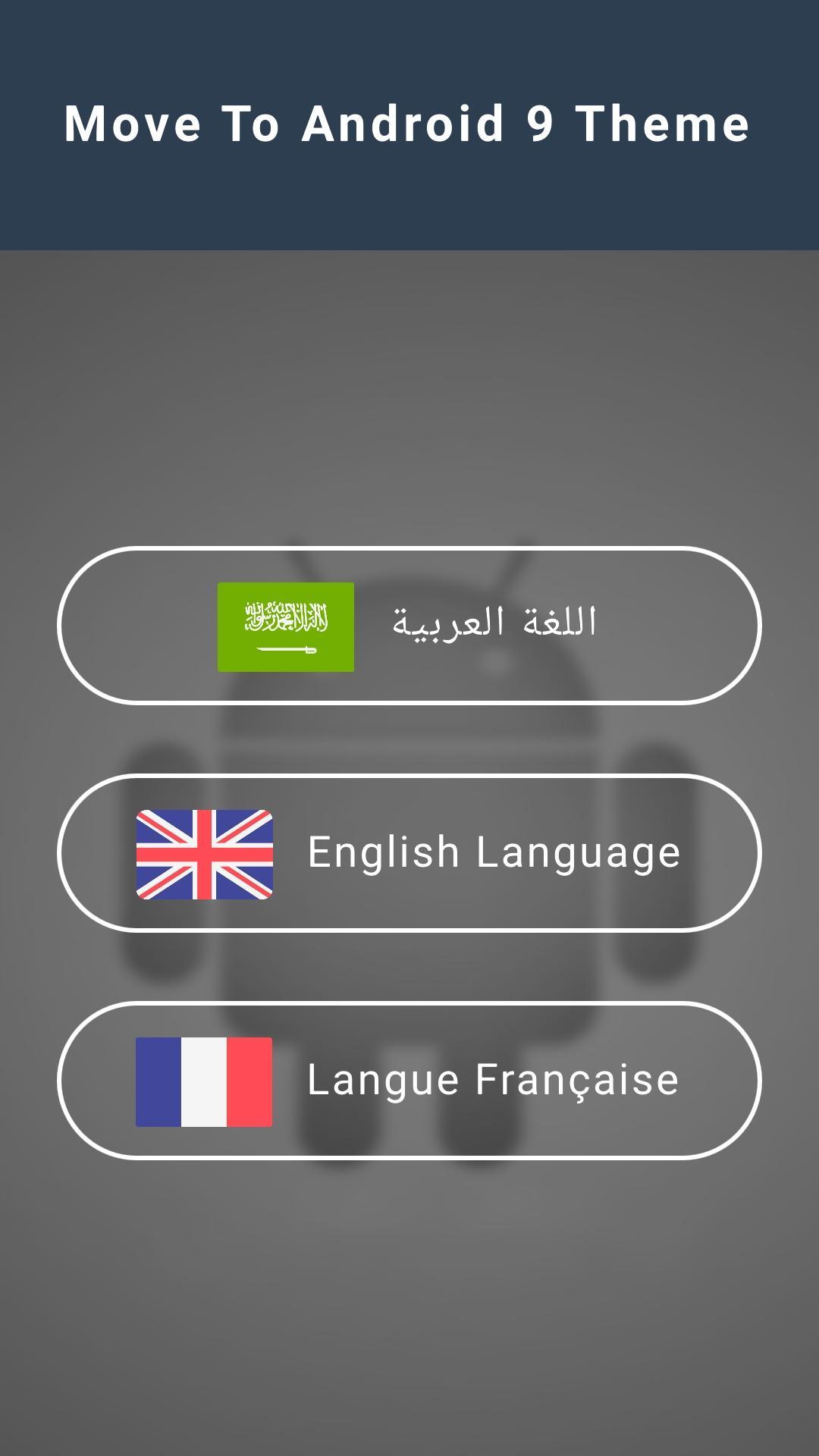
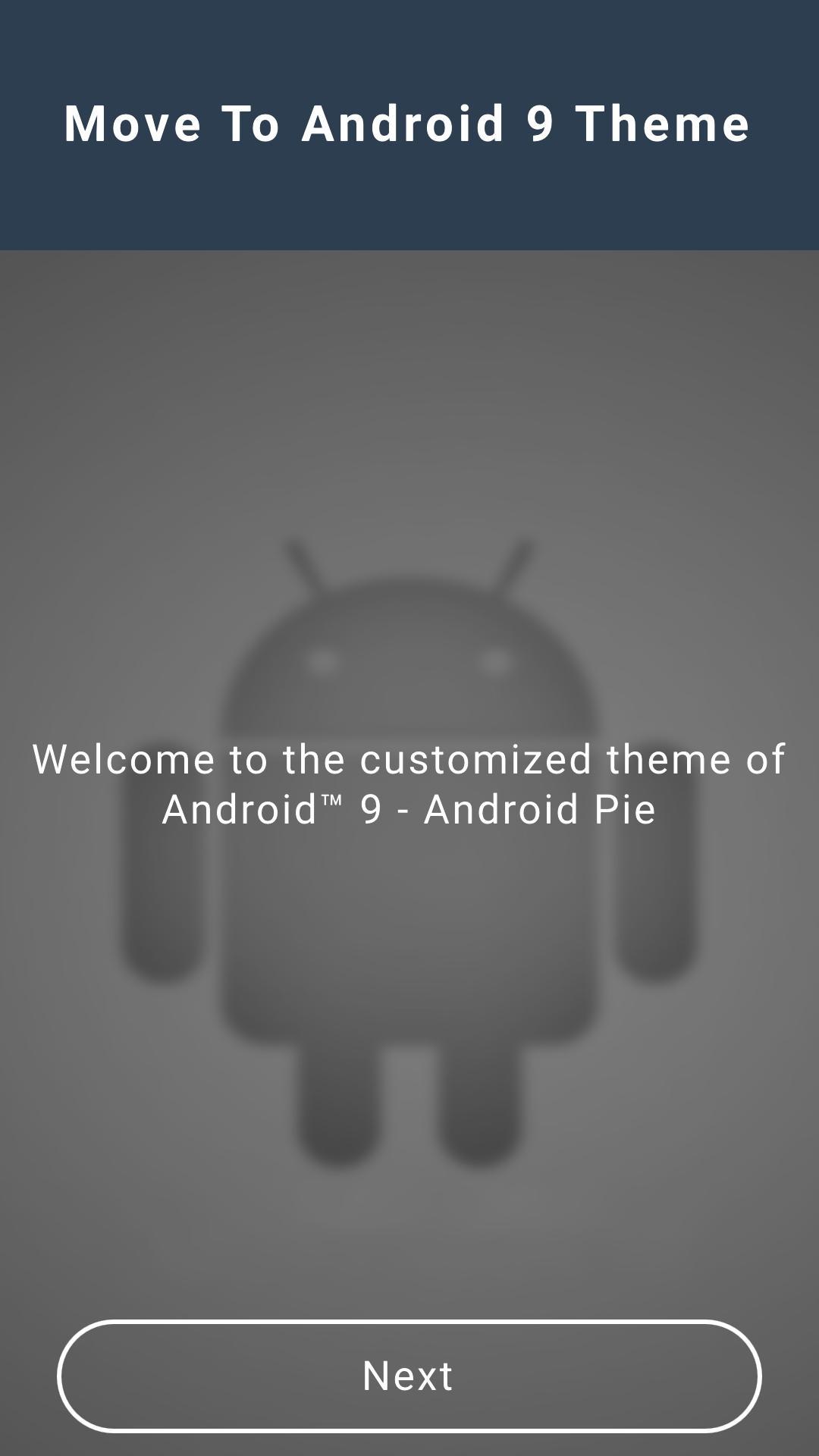
Preview
Information
Developer
Ma 2 Yo
Latest Version
2.0
Last Updated
2019-04-26
Category
Tools
Available on
Google Play
Show More
How to play Move To Android 9 Theme with GameLoop on PC
1. Download GameLoop from the official website, then run the exe file to install GameLoop
2. Open GameLoop and search for “Move To Android 9 Theme” , find Move To Android 9 Theme in the search results and click “Install”
3. Enjoy playing Move To Android 9 Theme on GameLoop
Minimum requirements
OS
Windows 8.1 64-bit or Windows 10 64-bit
GPU
GTX 1050
CPU
i3-8300
Memory
8GB RAM
Storage
1GB available space
Recommended requirements
OS
Windows 8.1 64-bit or Windows 10 64-bit
GPU
GTX 1050
CPU
i3-9320
Memory
16GB RAM
Storage
1GB available space