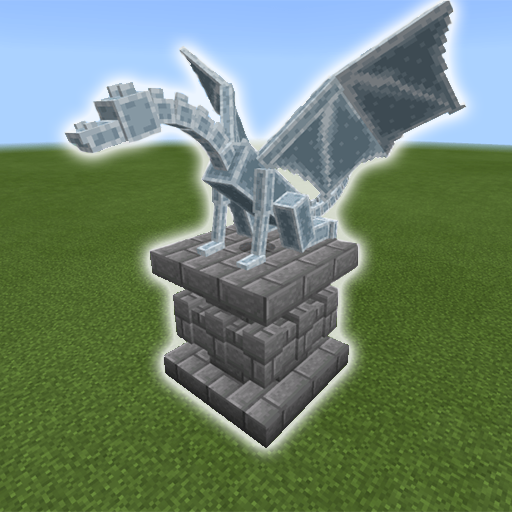
Mob Statues Addon PC
VC Gaming Studio
Download Mob Statues Addon on PC With GameLoop Emulator
Mob Statues Addon sa PC
Ang Mob Statues Addon, na nagmumula sa developer na VC Gaming Studio, ay tumatakbo sa Android systerm sa nakaraan.
Ngayon, maaari mong laruin ang Mob Statues Addon sa PC gamit ang GameLoop nang maayos.
I-download ito sa GameLoop library o mga resulta ng paghahanap. Hindi na tumitingin sa baterya o nakakadismaya na mga tawag sa maling oras.
I-enjoy lang ang Mob Statues Addon PC sa malaking screen nang libre!
Mob Statues Addon Panimula
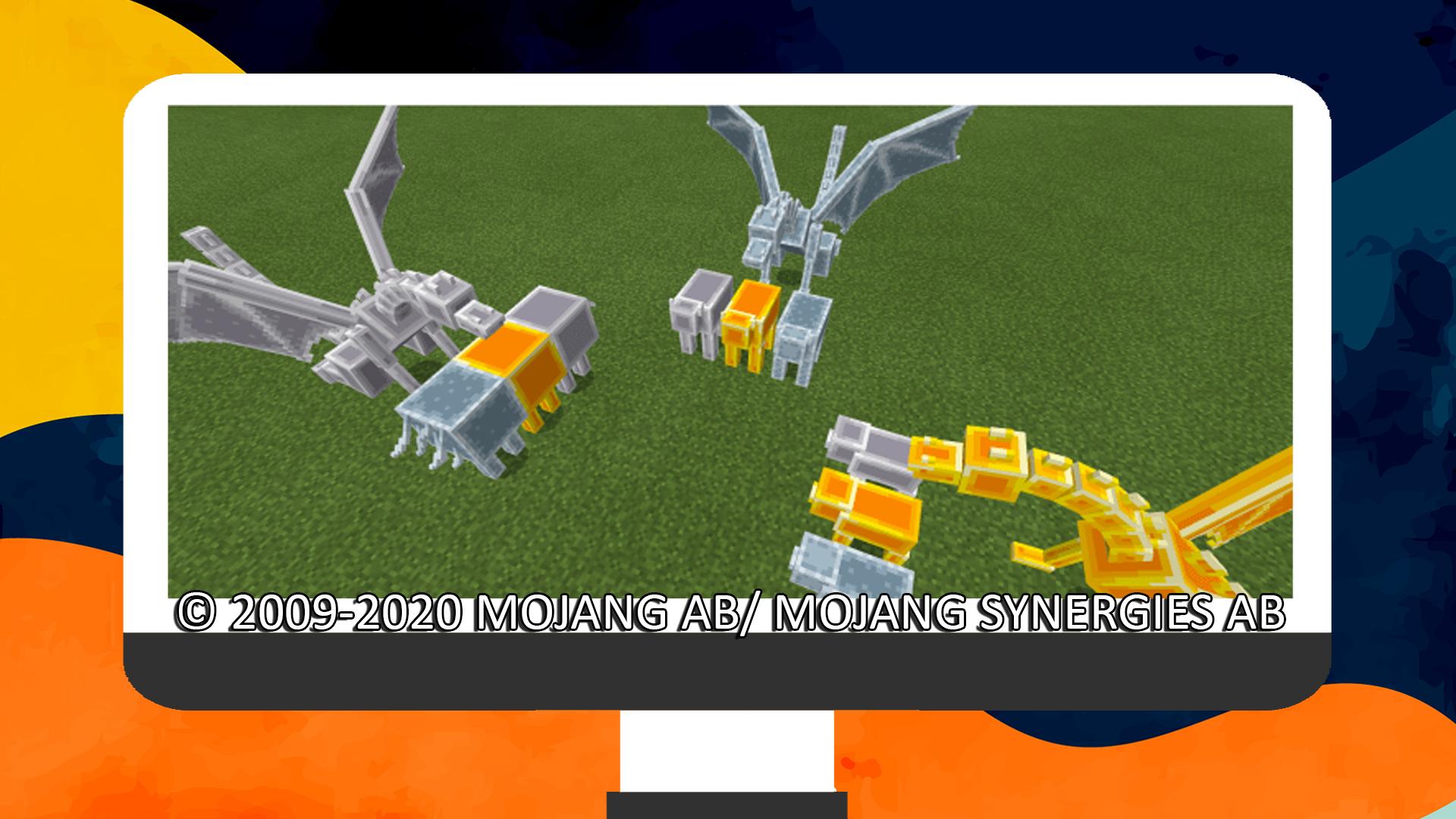
This add-on adds 53 statues that are based on the vanilla world mobs! You can use a chisel to rotate them and a pickaxe to remove them. They’re great for decorations, especially entrances, rooftops, rooms, and wherever you want them to be!
These are not craftable in survival and are only used for decorations. They use the shulker’s behavior which makes them teleport if they don’t have a block that supports them, so make sure to place them somewhere convenient.
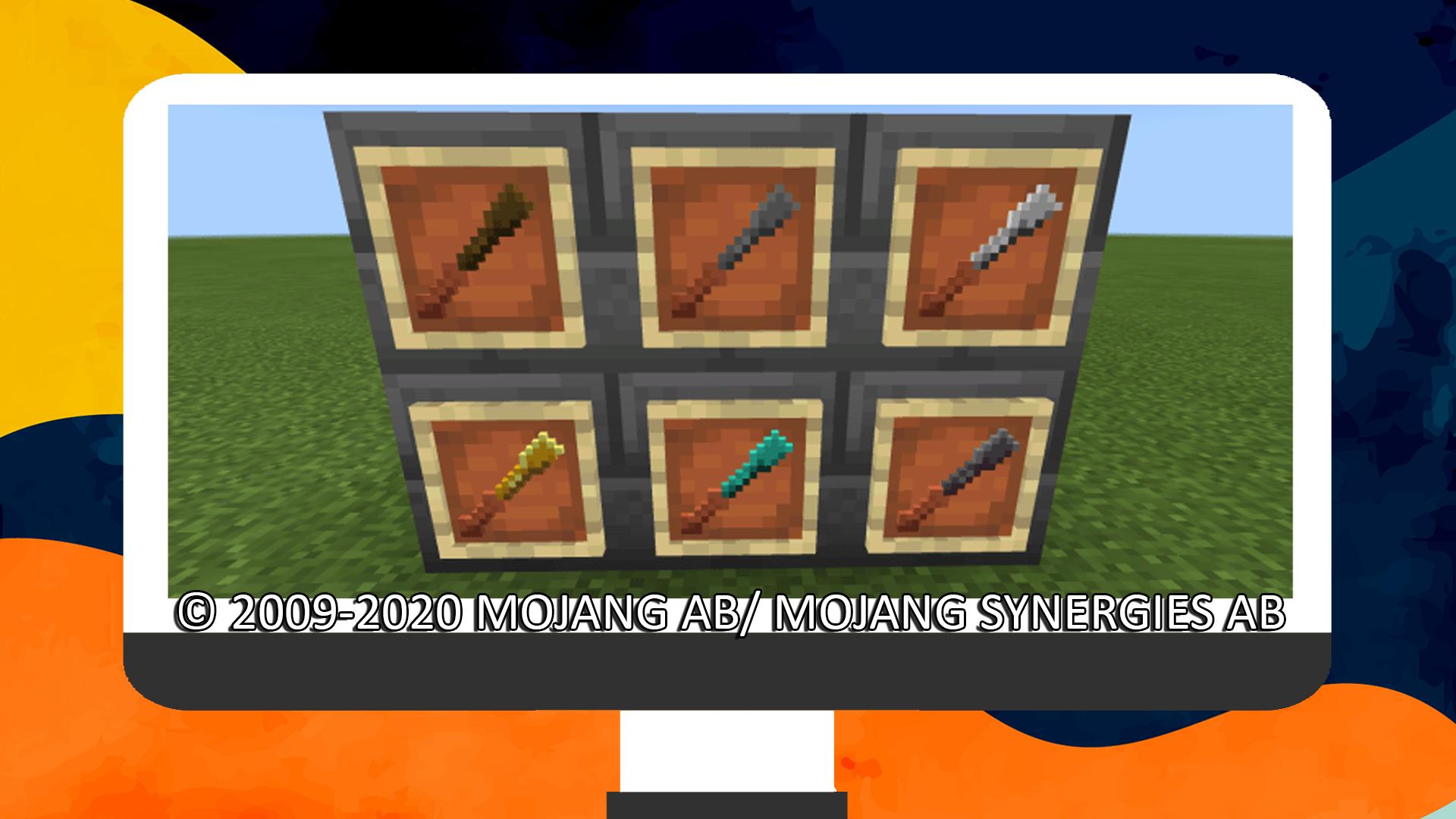
You can use a chisel to rotate statues by 45 degrees, this will wear down the chisel.
You can use a pickaxe to remove statues, make sure to crouch/sneak while interacting with it to do so.
This application was not developed by Mojang AB, and we are not affiliated with this company in any way! The Minecraft game and all related assets are the property of Mojang AB.
All rights reserved as follows from http://account.mojang.com/documents/brand_guidelines
Preview
Tags
ToolsInformation
Developer
VC Gaming Studio
Latest Version
1.0
Last Updated
2020-10-28
Category
Tools
Available on
Google Play
Show More
How to play Mob Statues Addon with GameLoop on PC
1. Download GameLoop from the official website, then run the exe file to install GameLoop
2. Open GameLoop and search for “Mob Statues Addon” , find Mob Statues Addon in the search results and click “Install”
3. Enjoy playing Mob Statues Addon on GameLoop
Minimum requirements
OS
Windows 8.1 64-bit or Windows 10 64-bit
GPU
GTX 1050
CPU
i3-8300
Memory
8GB RAM
Storage
1GB available space
Recommended requirements
OS
Windows 8.1 64-bit or Windows 10 64-bit
GPU
GTX 1050
CPU
i3-9320
Memory
16GB RAM
Storage
1GB available space