
ML Manager: APK Extractor PC
Javier Santos V.
Download ML Manager: APK Extractor on PC With GameLoop Emulator
ML Manager: APK Extractor sa PC
Ang ML Manager: APK Extractor, na nagmumula sa developer na Javier Santos V., ay tumatakbo sa Android systerm sa nakaraan.
Ngayon, maaari mong laruin ang ML Manager: APK Extractor sa PC gamit ang GameLoop nang maayos.
I-download ito sa GameLoop library o mga resulta ng paghahanap. Hindi na tumitingin sa baterya o nakakadismaya na mga tawag sa maling oras.
I-enjoy lang ang ML Manager: APK Extractor PC sa malaking screen nang libre!
ML Manager: APK Extractor Panimula
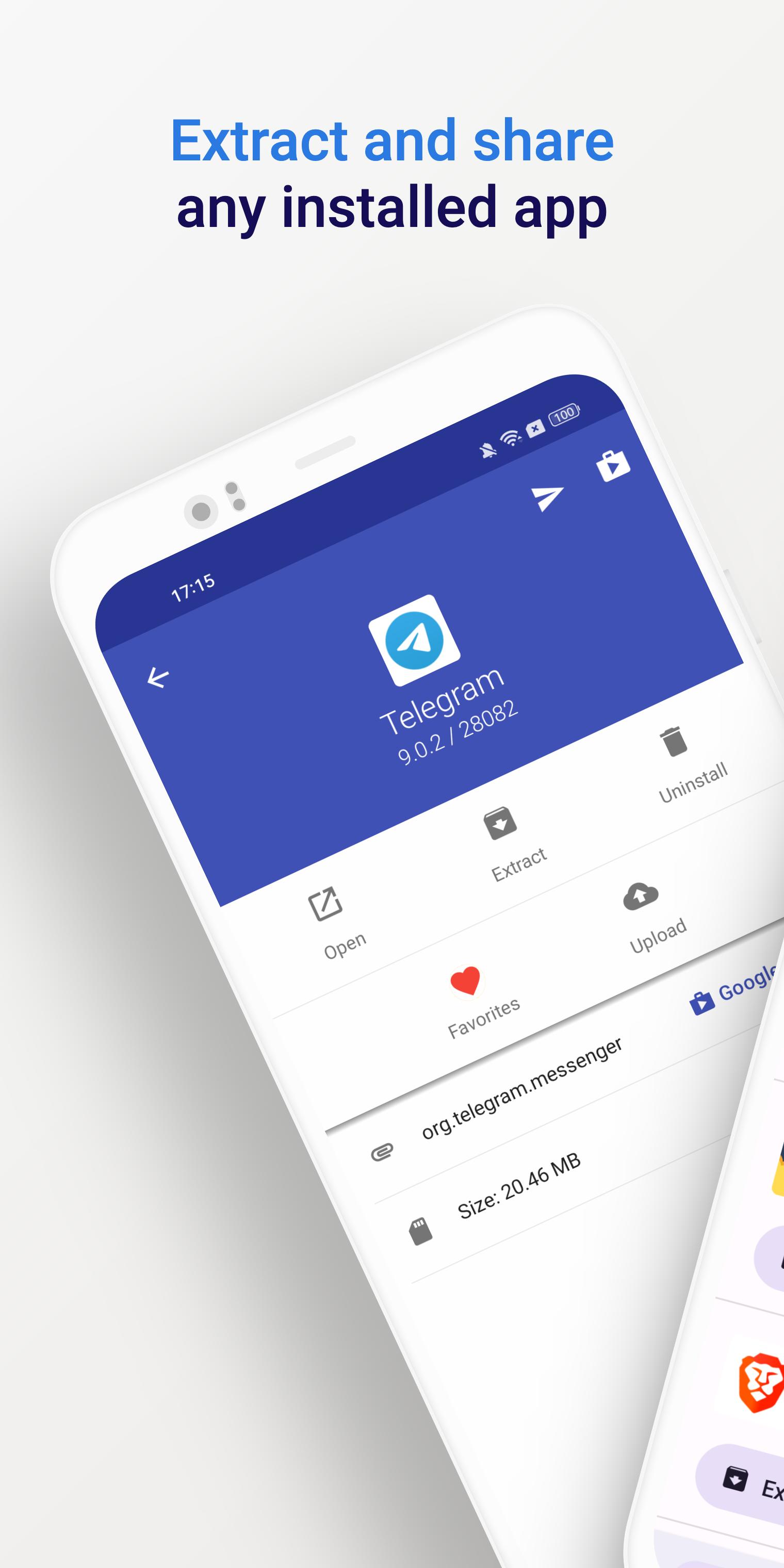
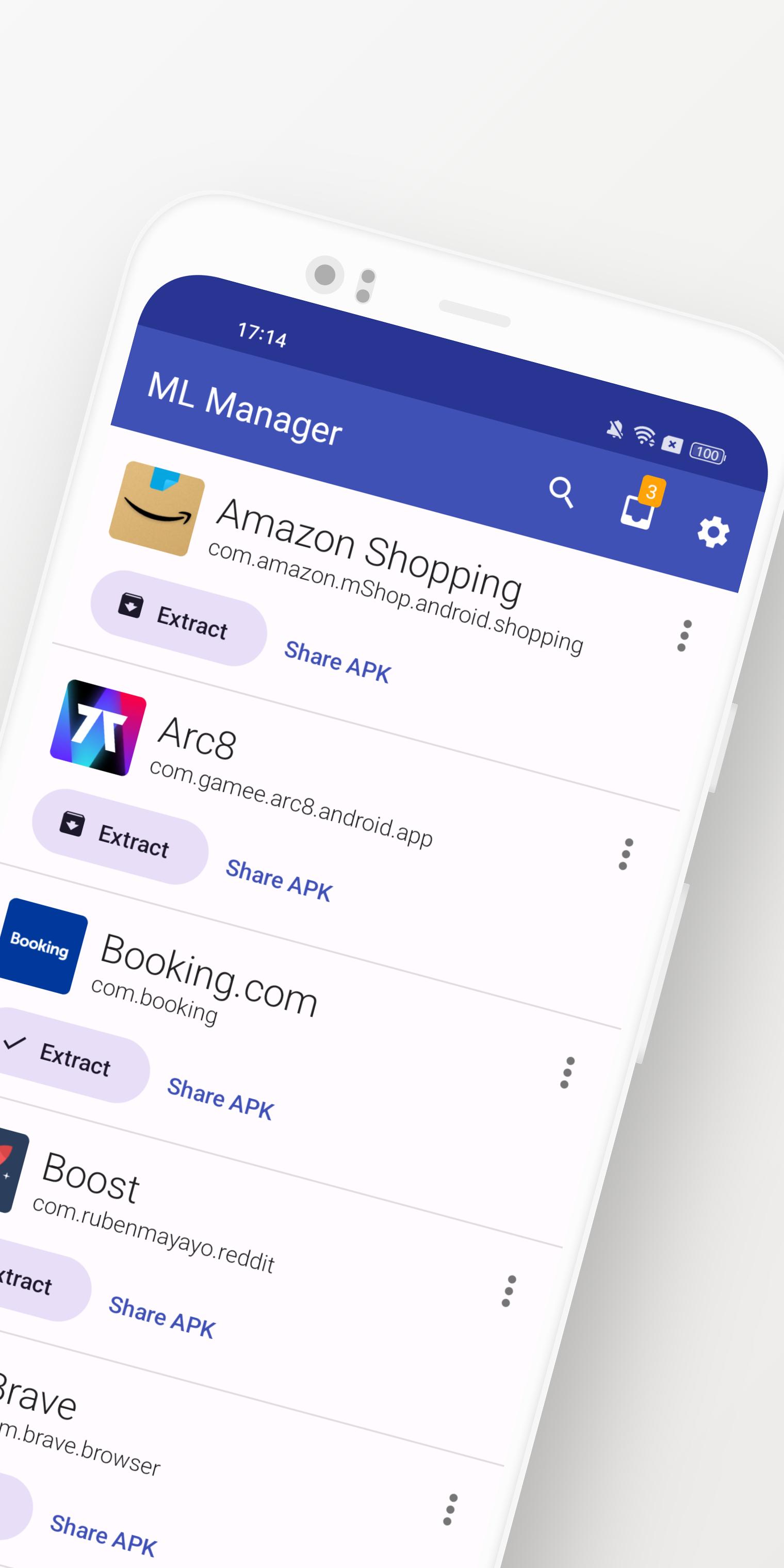
ML Manager is a customizable APK manager for Android: extract any installed app, mark them as favorites, easily share .apk files and much more.
Meet the easiest app manager and extractor with Material Design on Android.
Features:
• Extract any installed & system apps and save them as APK.
• Batch mode to extract multiple APKs at the same time.
• Share any APK with other apps: Telegram, Dropbox, Email, etc.
• Organize your apps by marking them as favorites for easier access.
• Upload your latest APKs to APKMirror.
• Uninstall any installed app.
• Customizations available in settings, including a dark mode, custom main colors and more.
• No root access required.
Need more features? Check out the Pro version with root access:
• Uninstall system apps. - Requires Root -
• Hide apps from the device launcher so only you can see them. - Requires Root -
• Clear cache & data for any app. - Requires Root -
• Enable the new and elegant compact mode.
• Always extract APKs in the background while you continue to extract other apps.
What is the media saying about ML Manager?
• AndroidPolice (EN): "ML Manager makes extracting APKs from your device easy."
• PhoneArena (EN): "With a combination of basic, essential features and a Material-inspired user interface, the app is definitely something to look out for."
• Xataka Android (ES): "ML Manager is the easiest way to extract and share APKs."
• HDBlog (IT): "If you need a simple, beautiful and optimized application, without losing basic and essential features, ML Manager is a good choice."
Preview
Tags
ToolsInformation
Developer
Javier Santos V.
Latest Version
5.0
Last Updated
2025-01-10
Category
Tools
Available on
Google Play
Show More
How to play ML Manager: APK Extractor with GameLoop on PC
1. Download GameLoop from the official website, then run the exe file to install GameLoop
2. Open GameLoop and search for “ML Manager: APK Extractor” , find ML Manager: APK Extractor in the search results and click “Install”
3. Enjoy playing ML Manager: APK Extractor on GameLoop
Minimum requirements
OS
Windows 8.1 64-bit or Windows 10 64-bit
GPU
GTX 1050
CPU
i3-8300
Memory
8GB RAM
Storage
1GB available space
Recommended requirements
OS
Windows 8.1 64-bit or Windows 10 64-bit
GPU
GTX 1050
CPU
i3-9320
Memory
16GB RAM
Storage
1GB available space