Metal Detector Tool PC
RRM Jokes, Pranks and fun apps
Download Metal Detector Tool on PC With GameLoop Emulator
Metal Detector Tool sa PC
Ang Metal Detector Tool, na nagmumula sa developer na RRM Jokes, Pranks and fun apps, ay tumatakbo sa Android systerm sa nakaraan.
Ngayon, maaari mong laruin ang Metal Detector Tool sa PC gamit ang GameLoop nang maayos.
I-download ito sa GameLoop library o mga resulta ng paghahanap. Hindi na tumitingin sa baterya o nakakadismaya na mga tawag sa maling oras.
I-enjoy lang ang Metal Detector Tool PC sa malaking screen nang libre!
Metal Detector Tool Panimula
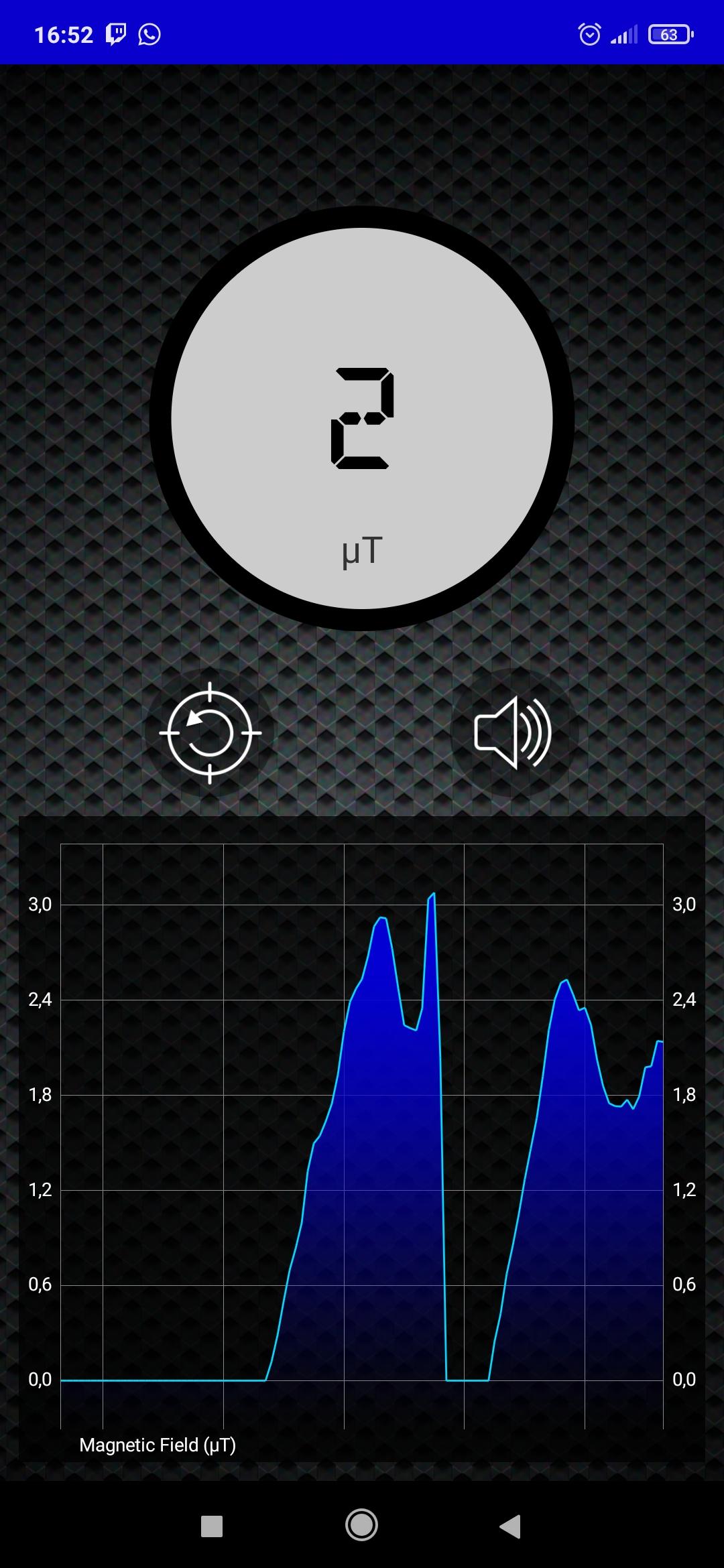
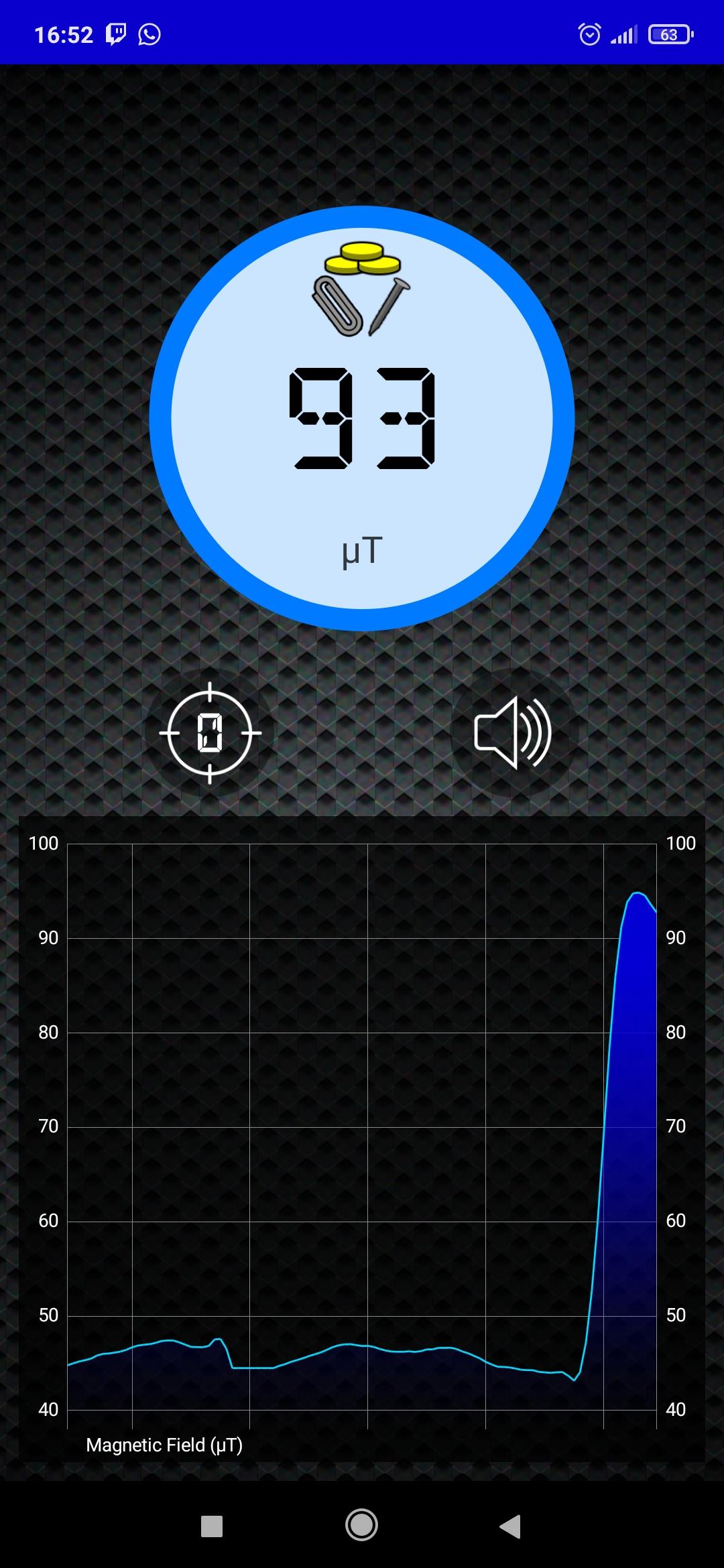
Metal Detector Tool uses the magnetic field sensor (magnetometer) of your device to detect the variation in the magnetic field that metals produce.
This variation is stronger in ferromagnetic metals like iron, nickel, or steel, and they will be easily detected by Metal Detector. On the other hand, paramagnetic metals like aluminum will not be detected and diamagnetic ones like silver and gold will barely be detected.
There is also a community of ghost hunters that use magnetic field detectors like this app to try to find ghosts, as they are said to produce magnetic disturbances. Let us know if you encounter some spot of unusual magnetic activity.
Depending on your location and surrounding environment, the natural magnetic field can vary between 20 and 60 μT (micro Tesla). You can use the calibrate button on the app to set the current value as 0, and then get the raw variation of the magnetic field to be able to detect metals more accurately in your area.
There is also an acoustic signal that changes its tone and speed depending on the value of the magnetic field detected. It can be easily turned on and off.
How to use this app:
• Open the app and move your device describing an 8 shape to calibrate the magnetometer.
• Find a spot where magnetic field value is constant and there are no metal sor magnets nearby.
• Press the calibrate button to set current magnetic field value as your reference. Press it again to reset the calibration value
• Enable/disable the acoustic beep as you need.
• You are now ready to find metals around!
Preview
Tags
ToolsInformation
Developer
RRM Jokes, Pranks and fun apps
Latest Version
1.0.1
Last Updated
2021-06-16
Category
Tools
Available on
Google Play
Show More
How to play Metal Detector Tool with GameLoop on PC
1. Download GameLoop from the official website, then run the exe file to install GameLoop
2. Open GameLoop and search for “Metal Detector Tool” , find Metal Detector Tool in the search results and click “Install”
3. Enjoy playing Metal Detector Tool on GameLoop
Minimum requirements
OS
Windows 8.1 64-bit or Windows 10 64-bit
GPU
GTX 1050
CPU
i3-8300
Memory
8GB RAM
Storage
1GB available space
Recommended requirements
OS
Windows 8.1 64-bit or Windows 10 64-bit
GPU
GTX 1050
CPU
i3-9320
Memory
16GB RAM
Storage
1GB available space