Merge PDF: Combine PDF Files PC
Bazzigate corp
Download Merge PDF: Combine PDF Files on PC With GameLoop Emulator
Merge PDF: Combine PDF Files sa PC
Ang Merge PDF: Combine PDF Files, na nagmumula sa developer na Bazzigate corp, ay tumatakbo sa Android systerm sa nakaraan.
Ngayon, maaari mong laruin ang Merge PDF: Combine PDF Files sa PC gamit ang GameLoop nang maayos.
I-download ito sa GameLoop library o mga resulta ng paghahanap. Hindi na tumitingin sa baterya o nakakadismaya na mga tawag sa maling oras.
I-enjoy lang ang Merge PDF: Combine PDF Files PC sa malaking screen nang libre!
Merge PDF: Combine PDF Files Panimula
All-in-One PDF Tools – Merge, Split, Edit, and Manage PDFs Offline & Free!
Looking for a fast way to combine PDF files offline? Merge PDF: Combine PDF Files is a powerful and free PDF combiner app that lets you merge PDF files, split PDF pages, compress documents, convert images to PDF, and much more. Whether you’re a student, professional, or anyone dealing with digital documents, this all-in-one PDF tools app is designed to make PDF management simple and fast.
---
📌 Top Features You’ll Love:
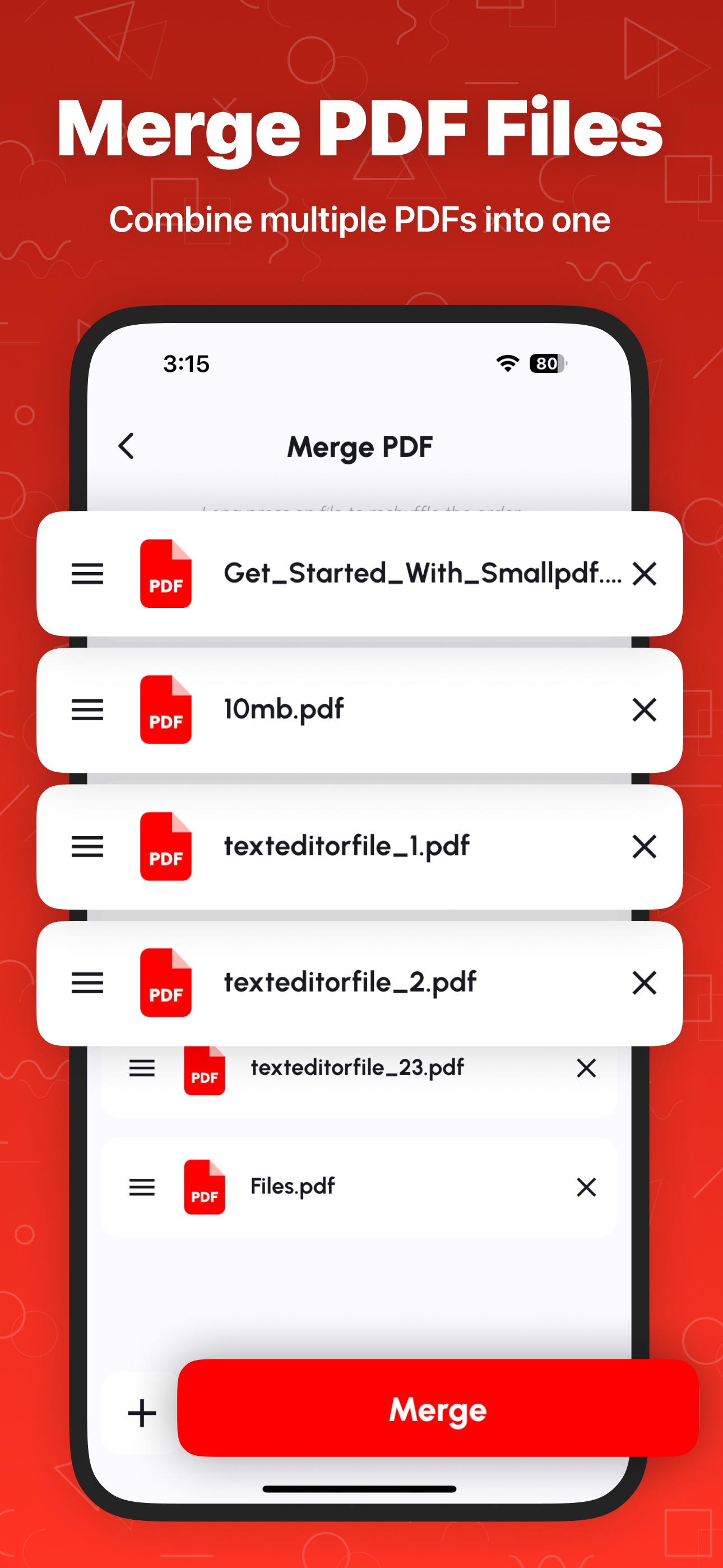
⭐ Combine PDF Files
Combine scanned files, notes, or documents into one complete PDF file using our smart PDF combiner tool.
⭐ Split PDF & Extract Pages
Use the built-in PDF splitter to cut large documents into smaller sections or extract specific pages. Manage content effortlessly with precise page selection.
⭐ View & Read PDFs
Enjoy a smooth experience with our built-in PDF viewer and PDF reader. Zoom, scroll, and flip through files with ease.
⭐ Scan to PDF
Turn paper documents into PDFs using your device camera. Our PDF scanner captures clear, high-quality images and converts them instantly into digital format.
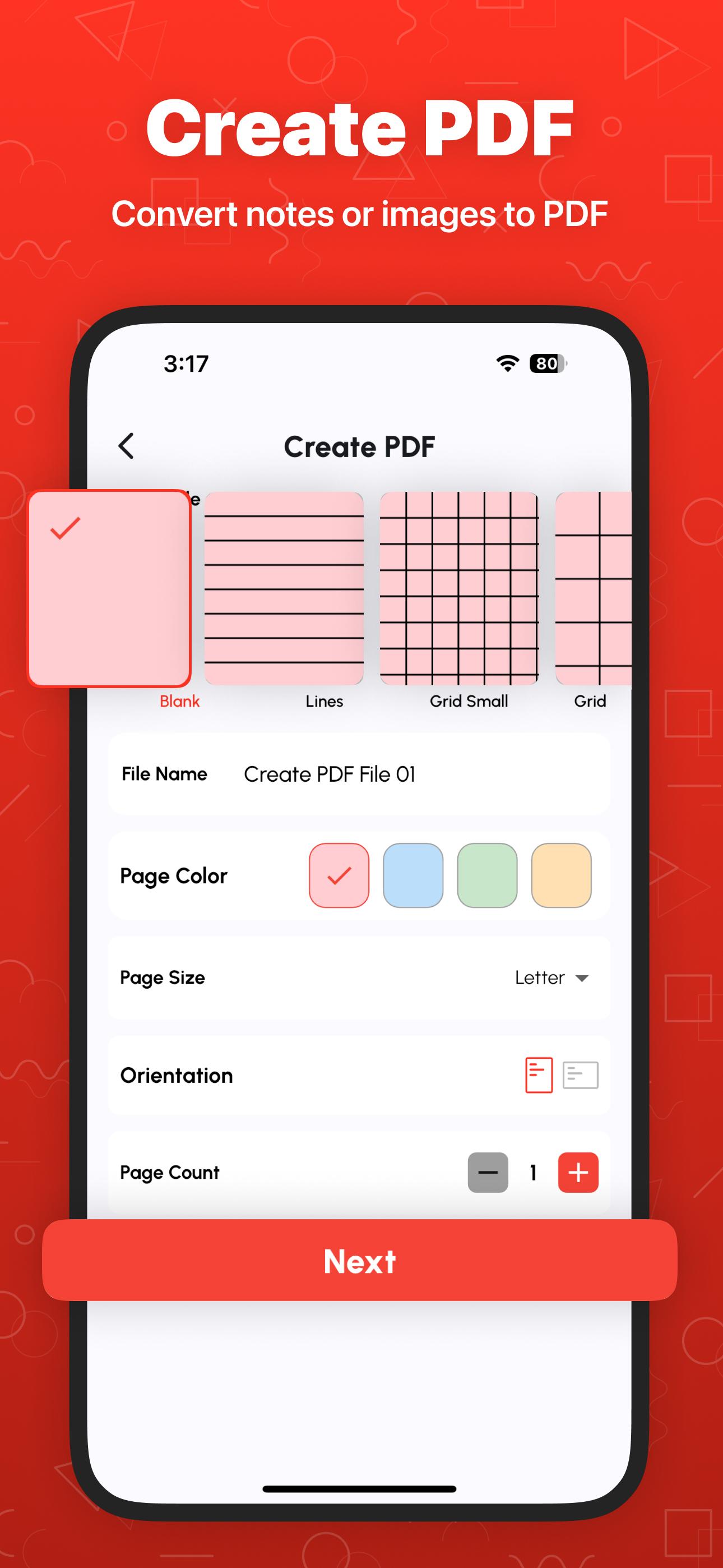
⭐ Create & Print PDF Files
Make new PDFs from scratch or print documents directly from the app. It's a complete PDF creator and print-ready solution in your pocket.
⭐ Image to PDF & PDF to JPG/PNG
Convert images to PDF or turn PDF pages into image formats like JPG and PNG with just one tap.
⭐ Compress PDF
Reduce PDF size without losing quality. This tool helps you save space and upload files faster.
⭐ Lock & Unlock PDF
Protect PDF files with passwords or decrypt locked files. Secure confidential documents or open encrypted ones with ease.
⭐ Add Signature & Text
Digitally sign PDFs or insert text anywhere in your document. Ideal for filling forms or signing contracts on the go.
⭐ Add Watermark, Page Numbers & Stamps
Brand your documents with watermark PDF tool, apply official stamps, or insert page numbers for professional formatting.
⭐ Rotate, Rearrange & Delete PDF Pages
Organize your PDFs the way you want. Reorder pages, rotate them to the correct angle, or remove unwanted pages in a few taps.
⭐ OCR (Image to Text)
Extract text from images using built-in OCR support. Turn scanned content into editable digital text instantly.
⭐ Recent Files History
Access your recently used documents from history anytime, making it easy to continue where you left off.
---
🔐 Why Choose Our PDF Combiner App?
✔️ Completely Free – No hidden charges, no subscriptions.
✔️ Offline Support – Use all tools without internet.
✔️ Unlimited Merging – Join as many PDF files as you want.
✔️ Fast & Lightweight – Small app size, high-speed performance.
✔️ All-in-One PDF Editor – Merge, split, edit, convert, scan, protect, and more.
---
🎯 Ideal For:
* Students compiling class notes, scanned assignments, or past papers
* Professionals managing contracts, invoices, and project files
* Freelancers organizing client submissions
* Anyone who wants a free, offline PDF toolkit with no limitations
---
Download Merge PDF: Combine PDF Files now and experience the easiest way to manage all your PDF needs in one secure, fast, and offline app.
---
Disclaimer: All files are processed locally on your device. We never store your documents or personal data. Your privacy is 100% safe with us.
Preview
Tags
ToolsProductivityInformation
Developer
Bazzigate corp
Latest Version
2.4.2
Last Updated
2025-11-12
Category
Tools
Available on
Google Play
Show More
How to play Merge PDF: Combine PDF Files with GameLoop on PC
1. Download GameLoop from the official website, then run the exe file to install GameLoop
2. Open GameLoop and search for “Merge PDF: Combine PDF Files” , find Merge PDF: Combine PDF Files in the search results and click “Install”
3. Enjoy playing Merge PDF: Combine PDF Files on GameLoop
Minimum requirements
OS
Windows 8.1 64-bit or Windows 10 64-bit
GPU
GTX 1050
CPU
i3-8300
Memory
8GB RAM
Storage
1GB available space
Recommended requirements
OS
Windows 8.1 64-bit or Windows 10 64-bit
GPU
GTX 1050
CPU
i3-9320
Memory
16GB RAM
Storage
1GB available space