Mega3DS Plus Emulator PC
MT Gaming
Download Mega3DS Plus Emulator on PC With GameLoop Emulator
Mega3DS Plus Emulator sa PC
Ang Mega3DS Plus Emulator, na nagmumula sa developer na MT Gaming, ay tumatakbo sa Android systerm sa nakaraan.
Ngayon, maaari mong laruin ang Mega3DS Plus Emulator sa PC gamit ang GameLoop nang maayos.
I-download ito sa GameLoop library o mga resulta ng paghahanap. Hindi na tumitingin sa baterya o nakakadismaya na mga tawag sa maling oras.
I-enjoy lang ang Mega3DS Plus Emulator PC sa malaking screen nang libre!
Mega3DS Plus Emulator Panimula
* A game file (ROM file) is necessary to play a game.
* Copy your own game files to SD card or Internal Memory. (e.g. /sdcard/ROM/)
* Unzip/unrar ROM (game file) to play faster.
* Please Rescan again after copy new game files.
Features:
* Support android 8.0+ (suitable for android 11+).
* Save state and load state.
* Auto save.
* Auto Screen orientation
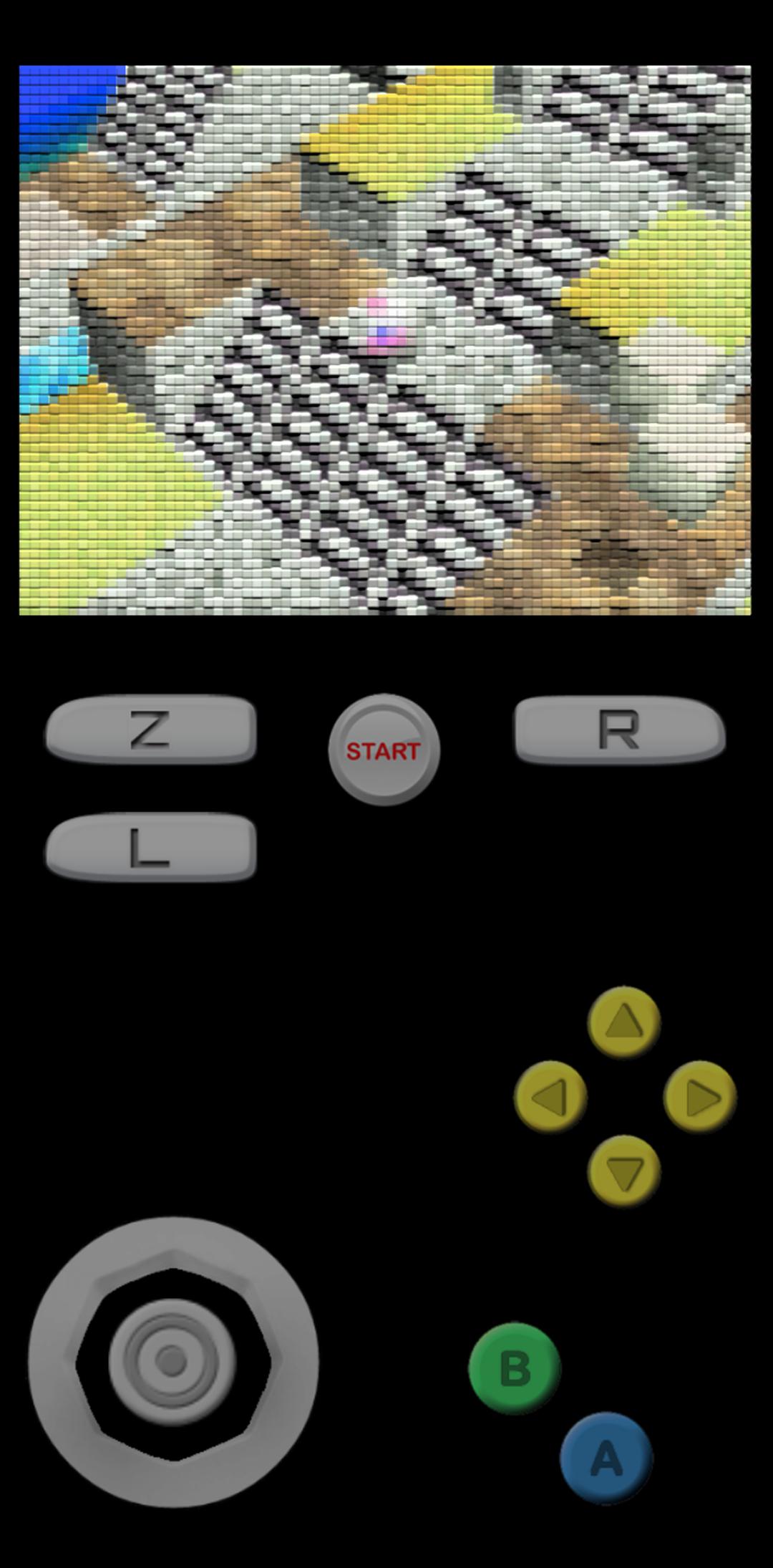
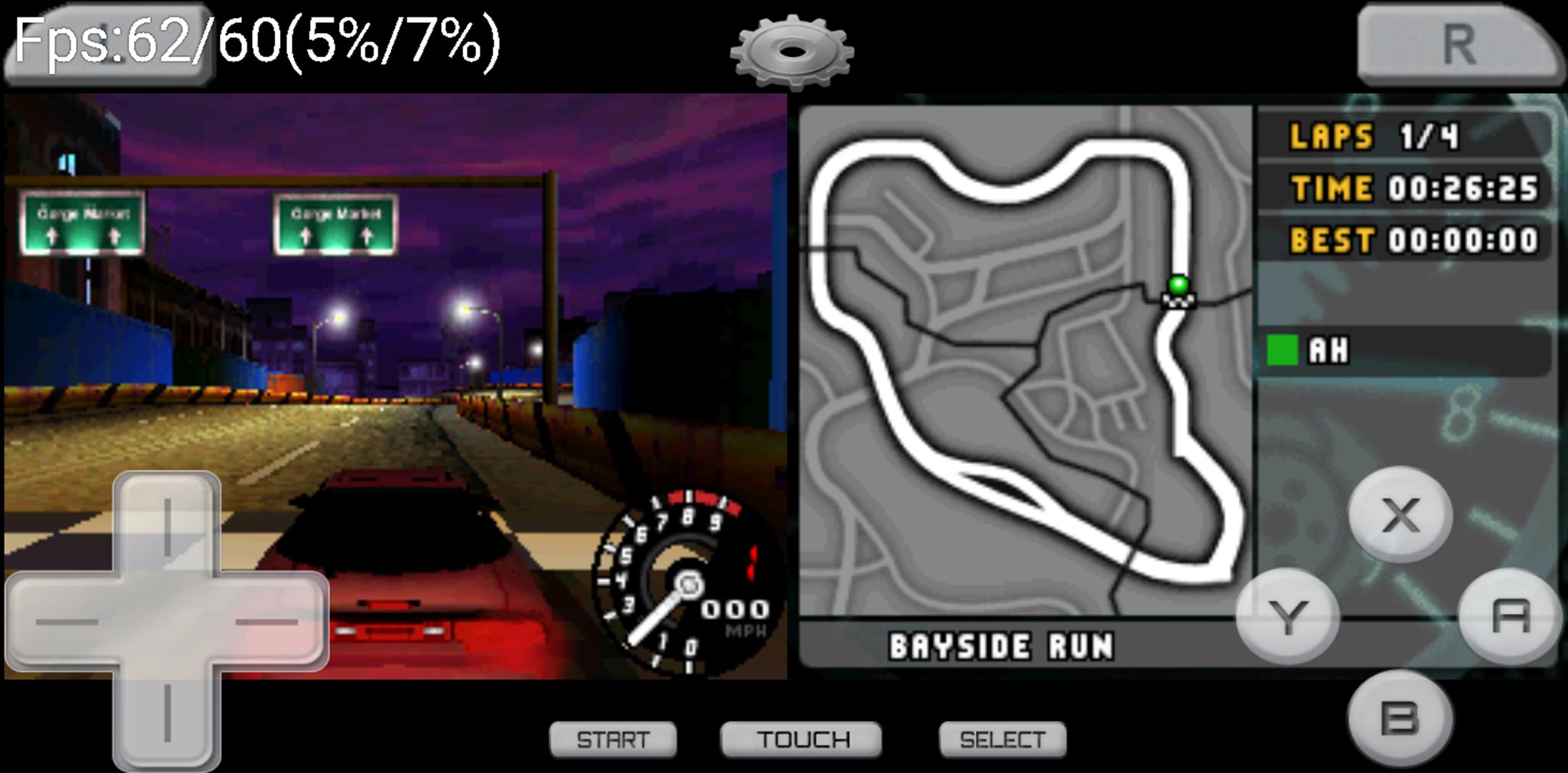
* All Controls: Analog & D pad & L + R + Z Button
* Edit & Resize Touch Control
* Support Multi-touch & A+B button in a same time.
* Support Fast Forward (x2 speed)
Important:
* Support 16 Retro game files. There are more than sixteen emulation cores are supported which includes PCSX-ReARMed, Mupen64Plus, VBA-M/mGBA, MelondS, Snes9x, FCEUmm, Genplus, Stella, etc.
* For unplayable ROMs, try unzipping the ROM first or trying a different version of the ROM.
* For touchscreen control issues, try using landscape mode or reduce the resolution.
This app is based on the Open Source project, which is licensed by GNU GPLv3.
Preview
Tags
ToolsInformation
Developer
MT Gaming
Latest Version
3.0.7-DS
Last Updated
2025-05-13
Category
Tools
Available on
Google Play
Show More
How to play Mega3DS Plus Emulator with GameLoop on PC
1. Download GameLoop from the official website, then run the exe file to install GameLoop
2. Open GameLoop and search for “Mega3DS Plus Emulator” , find Mega3DS Plus Emulator in the search results and click “Install”
3. Enjoy playing Mega3DS Plus Emulator on GameLoop
Minimum requirements
OS
Windows 8.1 64-bit or Windows 10 64-bit
GPU
GTX 1050
CPU
i3-8300
Memory
8GB RAM
Storage
1GB available space
Recommended requirements
OS
Windows 8.1 64-bit or Windows 10 64-bit
GPU
GTX 1050
CPU
i3-9320
Memory
16GB RAM
Storage
1GB available space