
MaxiTools PC
MaxiECU
Download MaxiTools on PC With GameLoop Emulator
MaxiTools sa PC
Ang MaxiTools, na nagmumula sa developer na MaxiECU, ay tumatakbo sa Android systerm sa nakaraan.
Ngayon, maaari mong laruin ang MaxiTools sa PC gamit ang GameLoop nang maayos.
I-download ito sa GameLoop library o mga resulta ng paghahanap. Hindi na tumitingin sa baterya o nakakadismaya na mga tawag sa maling oras.
I-enjoy lang ang MaxiTools PC sa malaking screen nang libre!
MaxiTools Panimula
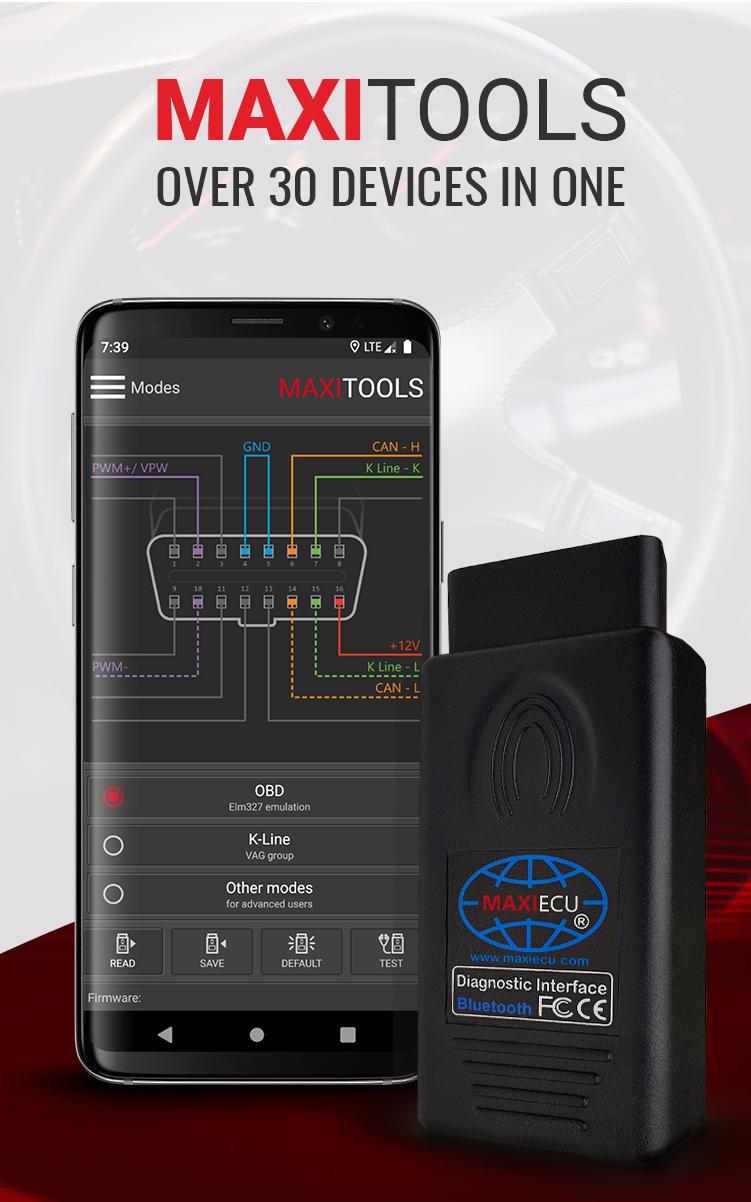
The MaxiTools application allows you to change the MaxiEcu (MPM) interface mode. Thanks to MaxiTools you can use all popular diagnostic programs available on the market - without necessary to buy a new interface to each one.
With MaxiTools you are able to modify the settings in the interface multiplexer and to run other modes, e.g.
✅ELM 327 operating mode
✅VAG-KKL mode
✅K-Line advanced mode.
Correctly set in advanced mode removes the need for using adapters. In addition, MaxiTools also has a test function with which you can check whether the multiplexer is working properly.
Simple operation, quick start
★ Connect the MaxiEcu (MPM) interface with the MaxiTool application
★ Choose the operating mode in the application
★ Run the selected diagnostic program and use its capabilities with the MaxiEcu (MPM) interface.
After work, the interface automatically returns to the original operating mode.
The application is intended only for MaxiEcu (MPM) interfaces. More information about interfaces you will find in our online store: www.maxiecu.eu/shop
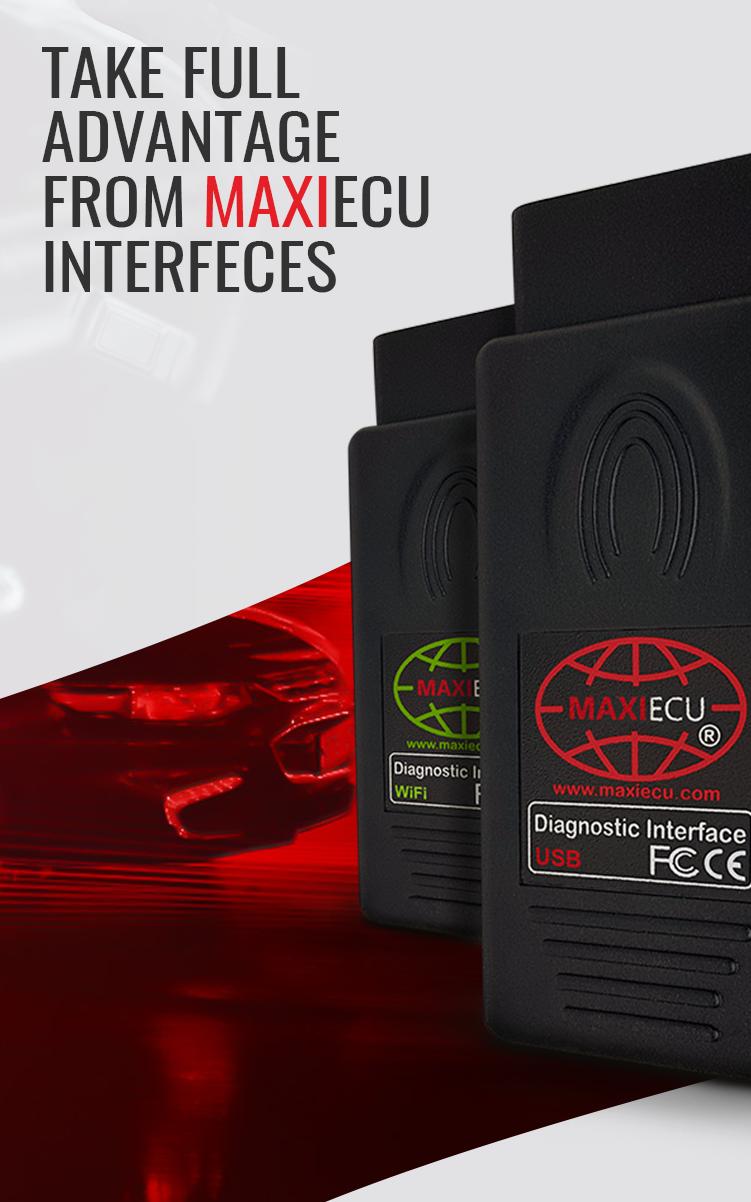
Supported connections: USB, WiFi, Bluetooth
Language: Polish, English, German, French, Russian
Application designed by MaxiEcu - producent of diagnostic sets for computer car diagnostics.
We'd love to hear your opinions and impressions about MaxiTools. Send us your assessment or suggestions via the application form on your User account or by email: team@maxiecu.com
Preview
Tags
ToolsInformation
Developer
MaxiECU
Latest Version
1.1.6
Last Updated
2020-10-29
Category
Tools
Available on
Google Play
Show More
How to play MaxiTools with GameLoop on PC
1. Download GameLoop from the official website, then run the exe file to install GameLoop
2. Open GameLoop and search for “MaxiTools” , find MaxiTools in the search results and click “Install”
3. Enjoy playing MaxiTools on GameLoop
Minimum requirements
OS
Windows 8.1 64-bit or Windows 10 64-bit
GPU
GTX 1050
CPU
i3-8300
Memory
8GB RAM
Storage
1GB available space
Recommended requirements
OS
Windows 8.1 64-bit or Windows 10 64-bit
GPU
GTX 1050
CPU
i3-9320
Memory
16GB RAM
Storage
1GB available space