Screen Cast : Easy Screen Mirr PC
Stylish Photo Apps
Download Screen Cast : Easy Screen Mirr on PC With GameLoop Emulator
Screen Cast : Easy Screen Mirr sa PC
Ang Screen Cast : Easy Screen Mirr, na nagmumula sa developer na Stylish Photo Apps, ay tumatakbo sa Android systerm sa nakaraan.
Ngayon, maaari mong laruin ang Screen Cast : Easy Screen Mirr sa PC gamit ang GameLoop nang maayos.
I-download ito sa GameLoop library o mga resulta ng paghahanap. Hindi na tumitingin sa baterya o nakakadismaya na mga tawag sa maling oras.
I-enjoy lang ang Screen Cast : Easy Screen Mirr PC sa malaking screen nang libre!
Screen Cast : Easy Screen Mirr Panimula
❃Screen Cast : Easy Screen Mirroring/Sharing App is one of the best screen mirroring apps for android users. App allows you to easily connect your device and your TV. Mirror Screen to TV is simple, easy to use and free app.
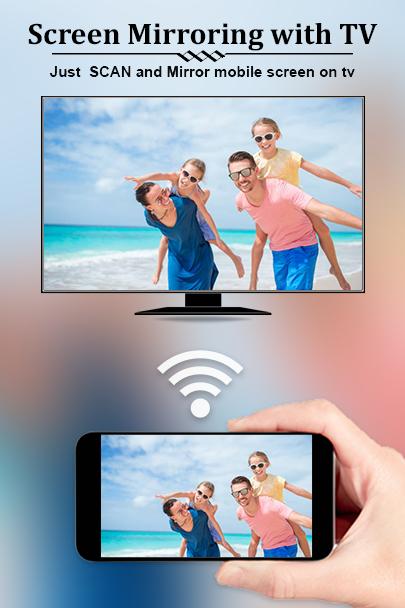
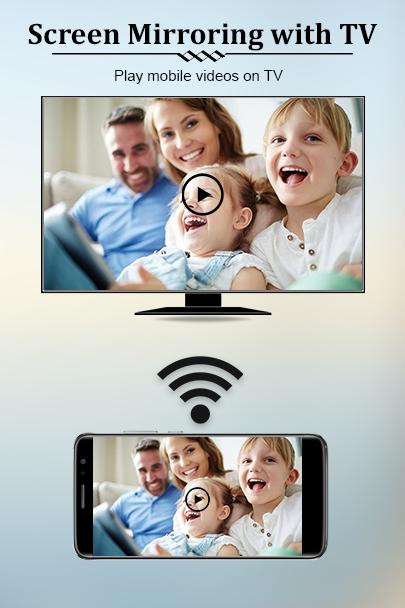
❃This App will assist you to scan and mirror your android phone or tab's screen on smart TV/Display (mira cast enabled ) or Wireless dongles or adapters. Also app able to play videos, music, photos, etc in my smartphone with any devices like; smartphone, smartTV, laptop, tablet at anywhere.
❃If your eyes are drained from looking at your small cellular phone, you will get a great big screen phone experience by connecting your phone to a TV screen via This Screen Cast : Easy Screen Mirroring/Sharing App.
❃Screen Cast : Easy Screen Mirroring/Sharing App is the most powerful app for mirroring and broadcasting your Android screen and audio in real time.
: STEPS TO CONNECT MOBILE WITH TV :
✔ Make sure your TV and your Phone are Connected to the same wifi network
✔ Miracast Display on your TV
✔ Enable Wireless Dispaly option on your phone
✔ Click Select button and choose your TV
✔ Enjoy…………..
: KEY FEATURE OF APP :
✔ All your media in one place: music, photos, videos, movies, tv shows etc.
✔ Easily change resolution and density
✔ Manually change the speed of the slideshow
✔ Supports casting of most videos for Social media
✔ Cast videos to tv
✔ Screen sharing – Display sharing
✔ To allow the pausing of videos on incoming phone calls
✔ Automatically enable Bluetooth and Wi-Fi
✔ Full integration with Tasker
✔ Stream local files from phone to tv
✔ Pause/Resume the slideshow anytime
✔ Lock screen orientation to landscape
: DISCLAIMER :
✔ For perfect working of the app connected android device are in same network.
✔ We cannot do anything to fix issues that arise on the server side (media content provider) such as failure to play or buffering, which is especially common during heavy load times and weekends.
Preview
Tags
ToolsInformation
Developer
Stylish Photo Apps
Latest Version
2.5
Last Updated
2023-10-11
Category
Tools
Available on
Google Play
Show More
How to play Screen Cast : Easy Screen Mirr with GameLoop on PC
1. Download GameLoop from the official website, then run the exe file to install GameLoop
2. Open GameLoop and search for “Screen Cast : Easy Screen Mirr” , find Screen Cast : Easy Screen Mirr in the search results and click “Install”
3. Enjoy playing Screen Cast : Easy Screen Mirr on GameLoop
Minimum requirements
OS
Windows 8.1 64-bit or Windows 10 64-bit
GPU
GTX 1050
CPU
i3-8300
Memory
8GB RAM
Storage
1GB available space
Recommended requirements
OS
Windows 8.1 64-bit or Windows 10 64-bit
GPU
GTX 1050
CPU
i3-9320
Memory
16GB RAM
Storage
1GB available space