Magnifier Zoom Binoculars HD PC
Droidrec
Download Magnifier Zoom Binoculars HD on PC With GameLoop Emulator
Magnifier Zoom Binoculars HD sa PC
Ang Magnifier Zoom Binoculars HD, na nagmumula sa developer na Droidrec, ay tumatakbo sa Android systerm sa nakaraan.
Ngayon, maaari mong laruin ang Magnifier Zoom Binoculars HD sa PC gamit ang GameLoop nang maayos.
I-download ito sa GameLoop library o mga resulta ng paghahanap. Hindi na tumitingin sa baterya o nakakadismaya na mga tawag sa maling oras.
I-enjoy lang ang Magnifier Zoom Binoculars HD PC sa malaking screen nang libre!
Magnifier Zoom Binoculars HD Panimula
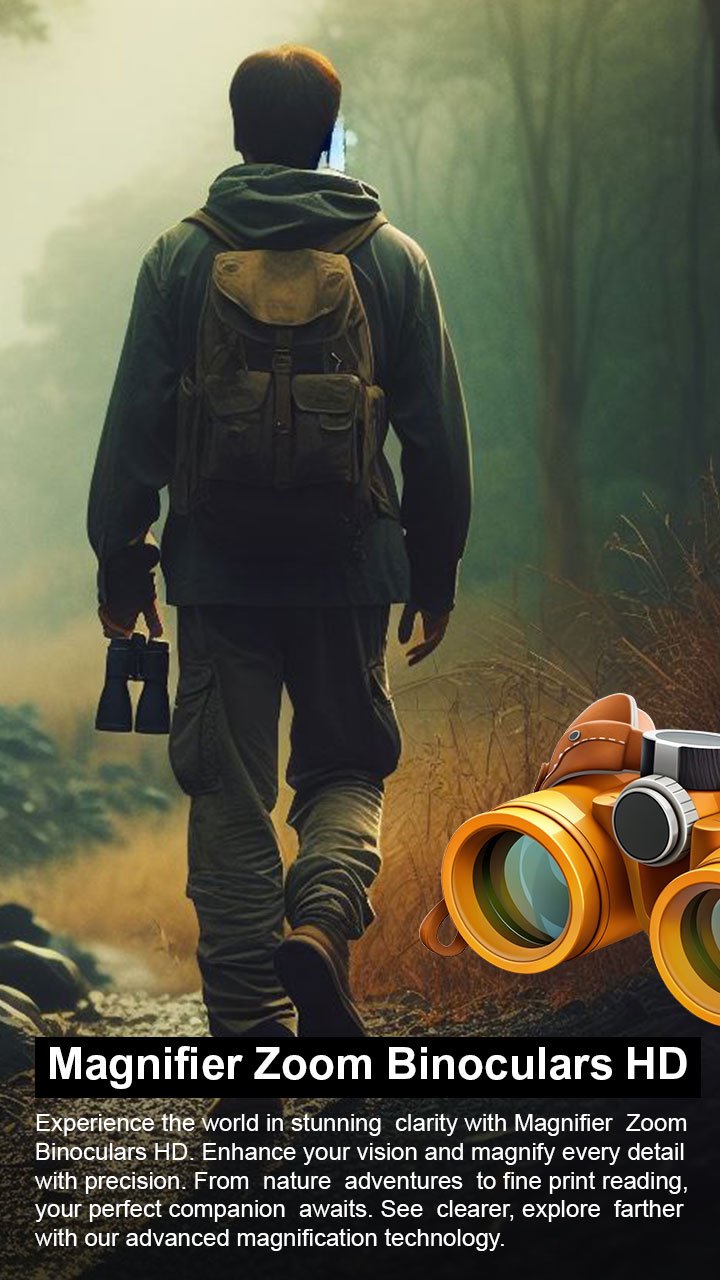
Experience the power of your smartphone camera with the Magnifier Zoom Binoculars HD App. Built with specially developed algorithms, this app enhances zoom quality, stabilizes images, and reduces blur, allowing you to capture faraway objects more clearly. Whether you need a magnifier camera, binocular effect, monocular view, or night camera style, this all-in-one tool makes photography easier and sharper.
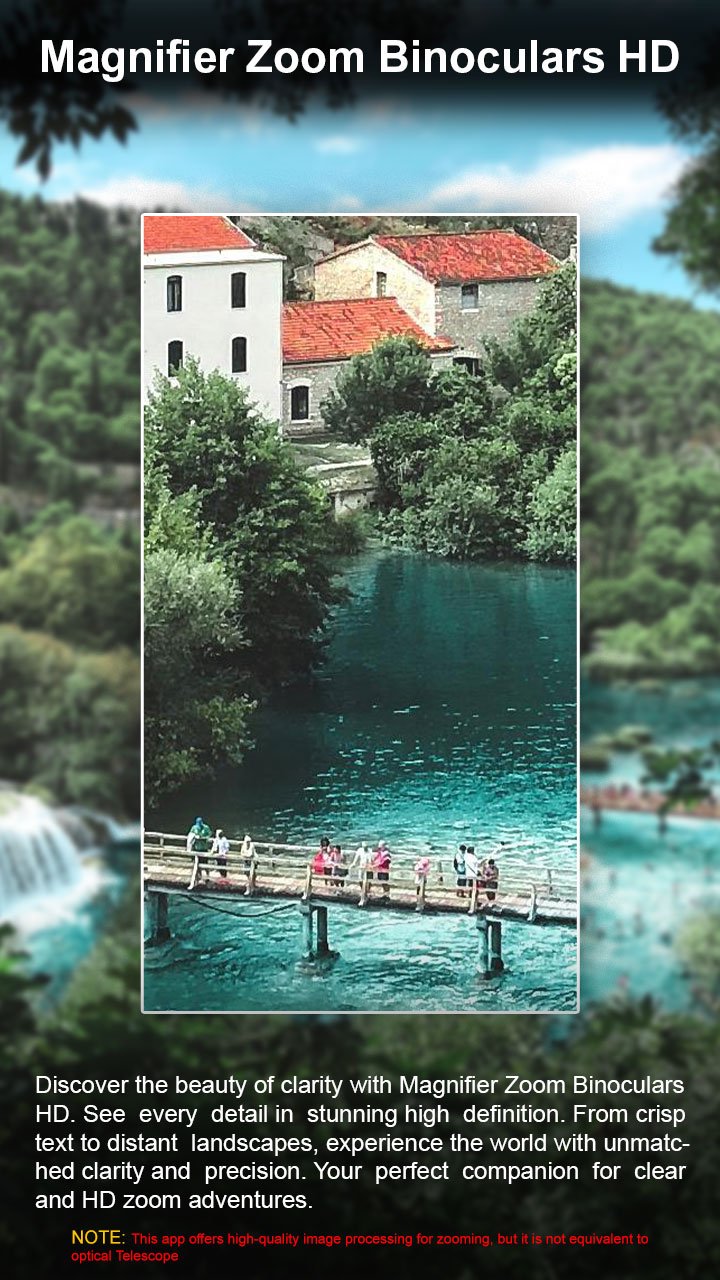
The advanced zooming feature allows you to view distant objects even in low-light conditions, while options like brightness control, contrast adjustment, autofocus, and manual focus give you complete control over your shots. With HD photo capture and high-quality video recording, this app helps you make the most of your device’s camera.
✨ Key Features
✅ Easy to Use – Simple, user-friendly design for quick access.
✅ HD Photos & Video – Capture sharp, high-quality images and recordings.
✅ Advanced Zoom & Magnifier – View distant objects with enhanced clarity.
✅ Image Stabilization – Reduce blur and improve photo quality.
✅ Brightness & Contrast Control – Adjust lighting for better results.
✅ Autofocus & Manual Focus – Choose precision focus for any situation.
✅ Front & Rear Camera Support – Switch easily between both cameras.
✅ Extra Tools – Amplifier, saturation, light modes, and flashlight options.
🔎 Where You Can Use This Tool
🏞 Outdoor & Travel – Zoom in on landscapes, wildlife, or distant views.
📖 Reading Aid – Use as a magnifier to read small text and labels.
🎤 Events & Concerts – Capture photos and videos from far away.
🌃 Low-Light Photography – Enhance images in dark environments.
🔭 Telescope-Style Use – Experience binocular or monocular effects through your phone.
📌 Disclaimer
This is not a real telescope, binocular, or microscope camera. All zoom, magnifier, and image enhancements are achieved using advanced camera algorithms and filters that maximize your device’s camera potential. Performance depends on your phone’s hardware.
📲 Download Magnifier Zoom Binoculars HD – Photo & Video Recorder now and take your mobile photography to the next level!
Preview
Tags
ToolsInformation
Developer
Droidrec
Latest Version
1.0.14
Last Updated
2026-02-12
Category
Tools
Available on
Google Play
Show More
How to play Magnifier Zoom Binoculars HD with GameLoop on PC
1. Download GameLoop from the official website, then run the exe file to install GameLoop
2. Open GameLoop and search for “Magnifier Zoom Binoculars HD” , find Magnifier Zoom Binoculars HD in the search results and click “Install”
3. Enjoy playing Magnifier Zoom Binoculars HD on GameLoop
Minimum requirements
OS
Windows 8.1 64-bit or Windows 10 64-bit
GPU
GTX 1050
CPU
i3-8300
Memory
8GB RAM
Storage
1GB available space
Recommended requirements
OS
Windows 8.1 64-bit or Windows 10 64-bit
GPU
GTX 1050
CPU
i3-9320
Memory
16GB RAM
Storage
1GB available space