Magnifier Glasses Pocket Eyes PC
Droidrec
Download Magnifier Glasses Pocket Eyes on PC With GameLoop Emulator
Magnifier Glasses Pocket Eyes sa PC
Ang Magnifier Glasses Pocket Eyes , na nagmumula sa developer na Droidrec, ay tumatakbo sa Android systerm sa nakaraan.
Ngayon, maaari mong laruin ang Magnifier Glasses Pocket Eyes sa PC gamit ang GameLoop nang maayos.
I-download ito sa GameLoop library o mga resulta ng paghahanap. Hindi na tumitingin sa baterya o nakakadismaya na mga tawag sa maling oras.
I-enjoy lang ang Magnifier Glasses Pocket Eyes PC sa malaking screen nang libre!
Magnifier Glasses Pocket Eyes Panimula
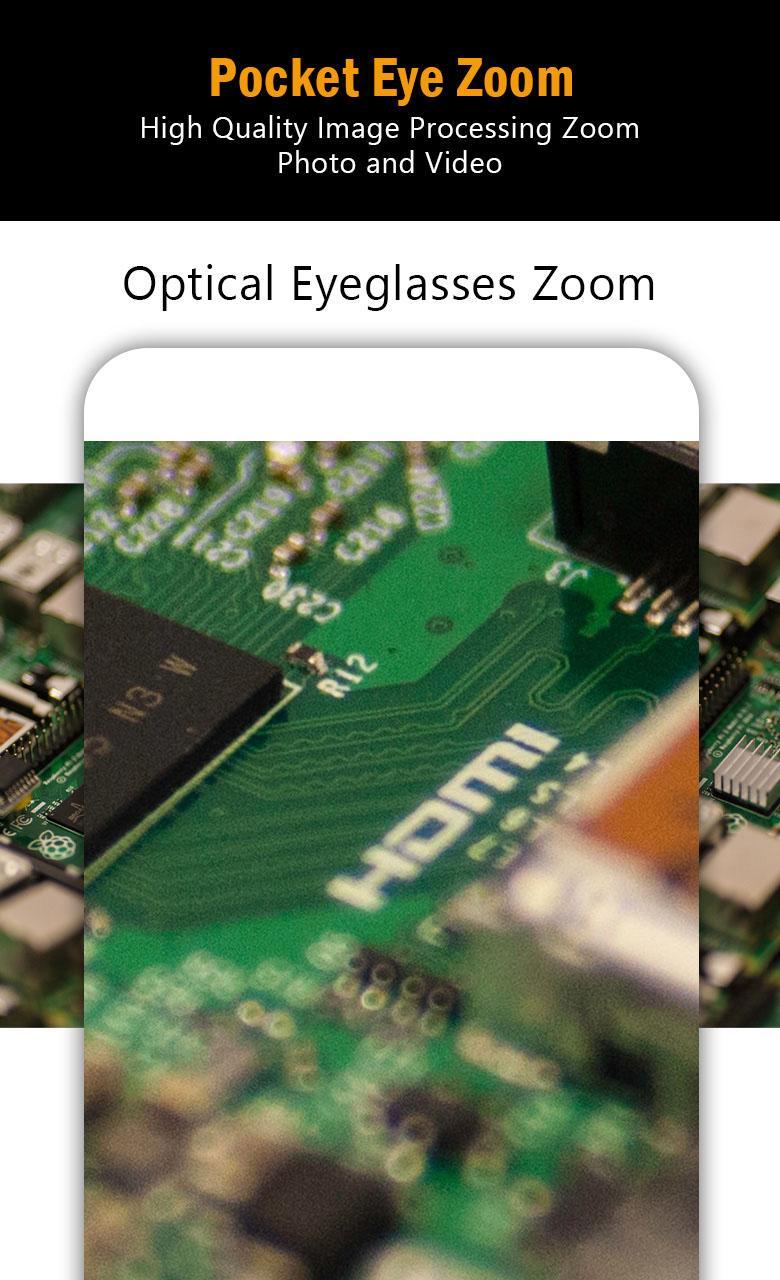
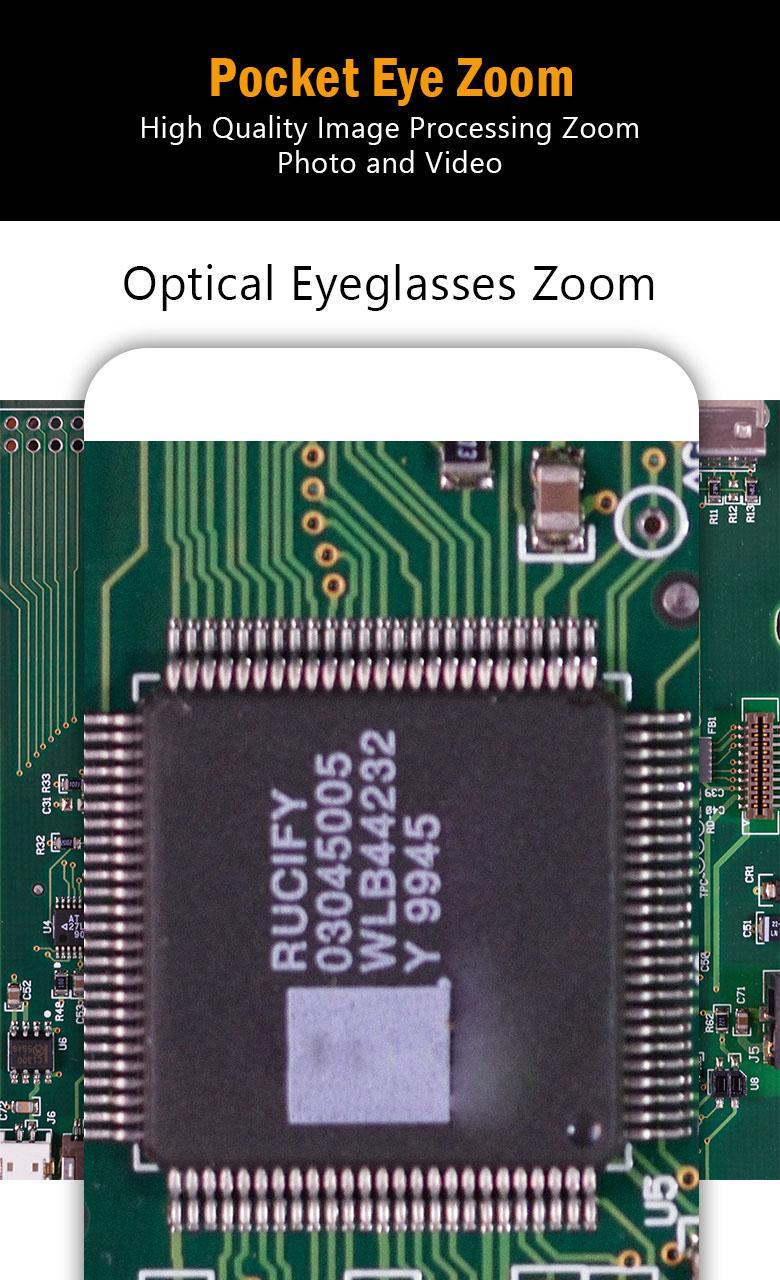
Turn your smartphone or tablet into a convenient zooming magnifier glass to see distant objects, read things without glasses, and keep a flashlight camera to take pictures or record videos.
Best for every day use and the app leverages the characteristics of the smartphone to give you the best result.
There are no complex functions, just open the application, focus on things you want to capture, zoom in with the zoom scroller and press the shutter button. It gets as simple as it can.
Best for focusing on things when your eye sight is getting weaker. People with presbyopia will find it very easy to focus on small characters and use it to see enlarged small objects.
Magnifier Glasses Pocket Eyes Reading Glasses is a digital magnifying glass your smartphone can become and can be used as a close-up photography camera.
Features:
* Take zoomed in pictures with shutter button or volume button
* Use the zoom scroller or pinch-in gesture to zoom
* Flashlight support and Nighttime illumination function
* Shoot and save function
* Horizontal / vertical rotation function for portrait and landscape photography
* Auto-focus adjustment function
* Battery discharge protection function for longer use
* Powerful image software to give crispy shots after shooting
Preview
Tags
ToolsInformation
Developer
Droidrec
Latest Version
1.0.2
Last Updated
2020-11-07
Category
Tools
Available on
Google Play
Show More
How to play Magnifier Glasses Pocket Eyes with GameLoop on PC
1. Download GameLoop from the official website, then run the exe file to install GameLoop
2. Open GameLoop and search for “Magnifier Glasses Pocket Eyes ” , find Magnifier Glasses Pocket Eyes in the search results and click “Install”
3. Enjoy playing Magnifier Glasses Pocket Eyes on GameLoop
Minimum requirements
OS
Windows 8.1 64-bit or Windows 10 64-bit
GPU
GTX 1050
CPU
i3-8300
Memory
8GB RAM
Storage
1GB available space
Recommended requirements
OS
Windows 8.1 64-bit or Windows 10 64-bit
GPU
GTX 1050
CPU
i3-9320
Memory
16GB RAM
Storage
1GB available space