Magnifier ( magnifying glass) PC
Zia App Studio
Download Magnifier ( magnifying glass) on PC With GameLoop Emulator
Magnifier ( magnifying glass) sa PC
Ang Magnifier ( magnifying glass), na nagmumula sa developer na Zia App Studio, ay tumatakbo sa Android systerm sa nakaraan.
Ngayon, maaari mong laruin ang Magnifier ( magnifying glass) sa PC gamit ang GameLoop nang maayos.
I-download ito sa GameLoop library o mga resulta ng paghahanap. Hindi na tumitingin sa baterya o nakakadismaya na mga tawag sa maling oras.
I-enjoy lang ang Magnifier ( magnifying glass) PC sa malaking screen nang libre!
Magnifier ( magnifying glass) Panimula
Technology has been evolving day by day and there are a lot of things that are transformed into small compact size and one of the things are compact size digital magnifying glass.
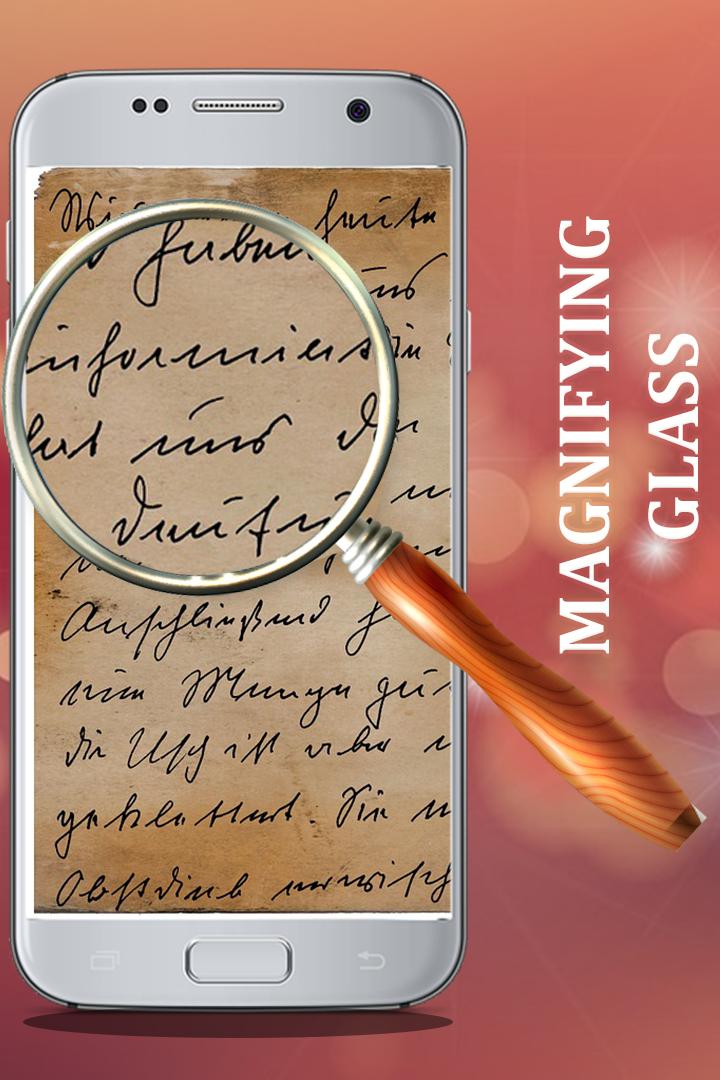
This digital magnifier can be used in alot of different ways and can be utilized in many different ways like magnifying tiny little things that cant be able to be read through normal eyes.
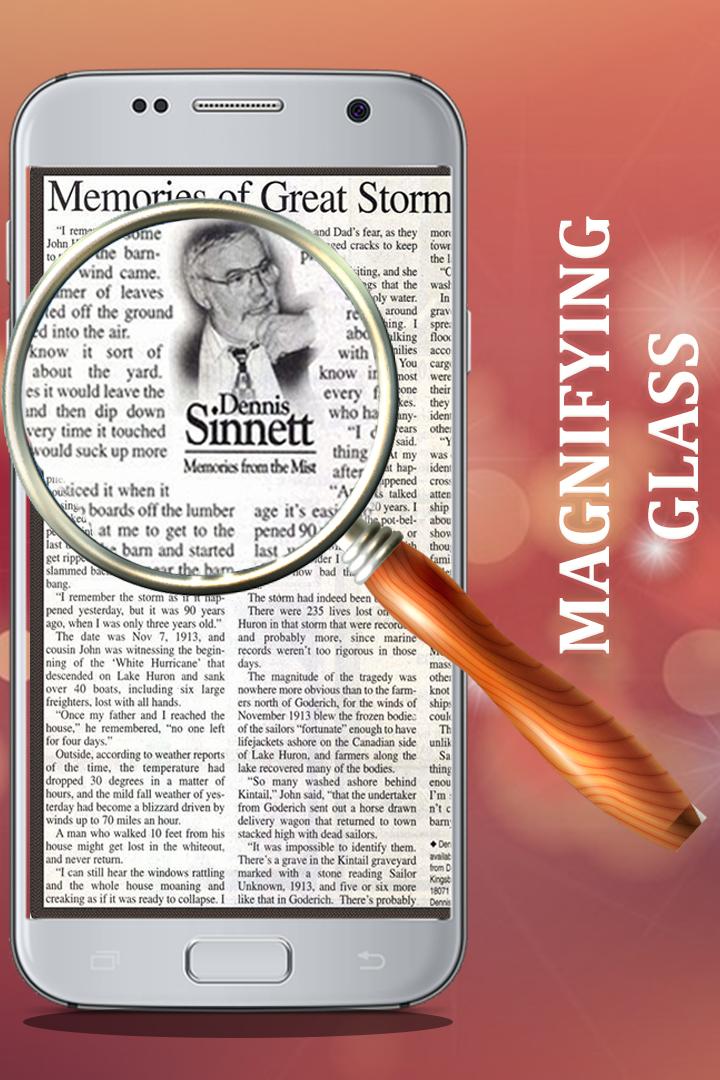
Using the magnifier with flashlight helps you to focus on the objects more clearly to make it visible.while reading novels or reading the newspaper this can be quite helpful.
Then while you read out newspaper,novel or any document or any other things you can use magnifying lens to magnify the objects to have a clear view.
Magnifier for android is really nice app for students and people from all the communities and from all the ages having difficulties in reading the images or paper so this is digital magnifying glass
that helps everyone in reading out weather its a paper,image,barcode or any other thing that you cannot see clearly or having issues with reading out .
Having magnifier lens with digital magnifier it helps to magnify everything that people wants to read out clearly or watch out clearly.
.... Features....
1. High magnifying control: from 1x to12.50x
2. zoom View photos with this magnified
3. Limit view and zoom Feature
4. Rotate and zoom feature
5. Easy to use User approachable GUI
6. Squeeze to Zoom In and zoom Out
7. Save shorts and then view and wide
8. Flash light view with gray scale and brightness control setting
Preview
Tags
ToolsInformation
Developer
Zia App Studio
Latest Version
2.0
Last Updated
2022-12-20
Category
Tools
Available on
Google Play
Show More
How to play Magnifier ( magnifying glass) with GameLoop on PC
1. Download GameLoop from the official website, then run the exe file to install GameLoop
2. Open GameLoop and search for “Magnifier ( magnifying glass)” , find Magnifier ( magnifying glass) in the search results and click “Install”
3. Enjoy playing Magnifier ( magnifying glass) on GameLoop
Minimum requirements
OS
Windows 8.1 64-bit or Windows 10 64-bit
GPU
GTX 1050
CPU
i3-8300
Memory
8GB RAM
Storage
1GB available space
Recommended requirements
OS
Windows 8.1 64-bit or Windows 10 64-bit
GPU
GTX 1050
CPU
i3-9320
Memory
16GB RAM
Storage
1GB available space