Light Net- proxy Tool PC
lightqrtech
Download Light Net- proxy Tool on PC With GameLoop Emulator
Light Net- proxy Tool sa PC
Ang Light Net- proxy Tool, na nagmumula sa developer na lightqrtech, ay tumatakbo sa Android systerm sa nakaraan.
Ngayon, maaari mong laruin ang Light Net- proxy Tool sa PC gamit ang GameLoop nang maayos.
I-download ito sa GameLoop library o mga resulta ng paghahanap. Hindi na tumitingin sa baterya o nakakadismaya na mga tawag sa maling oras.
I-enjoy lang ang Light Net- proxy Tool PC sa malaking screen nang libre!
Light Net- proxy Tool Panimula
■ Light Proxy Unlimited Proxy - free VPN for Android
100% free Proxy! Totally unlimited bandwidth! Super fast and high VPN speed! The best unlimited free Proxy clients for android.
Light Proxy - Free Proxy VPN, super fast VPN to proxy sites, watch videos and movies, protect WiFi security and protect privacy.
■ Why choose Light Proxy?
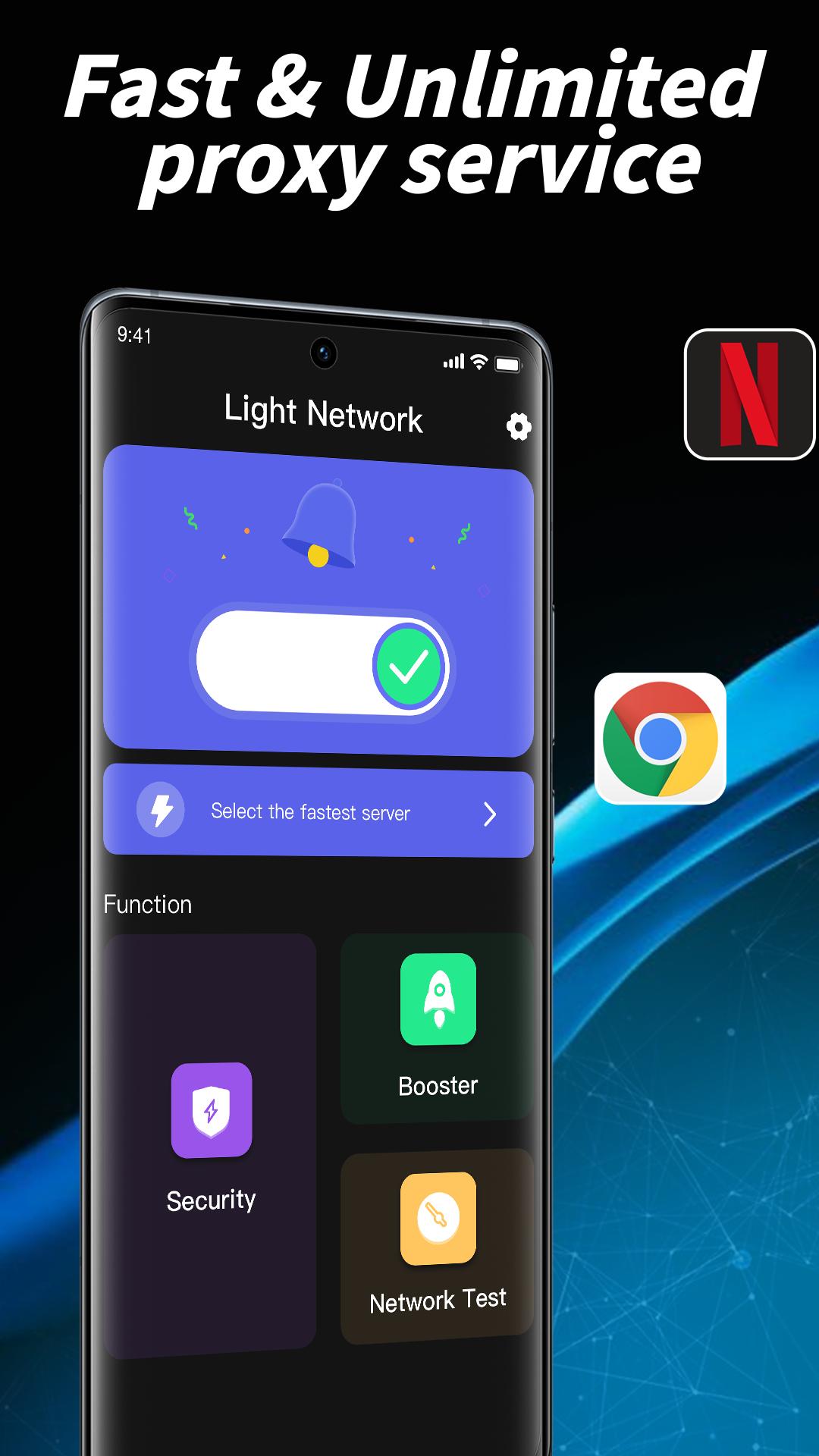
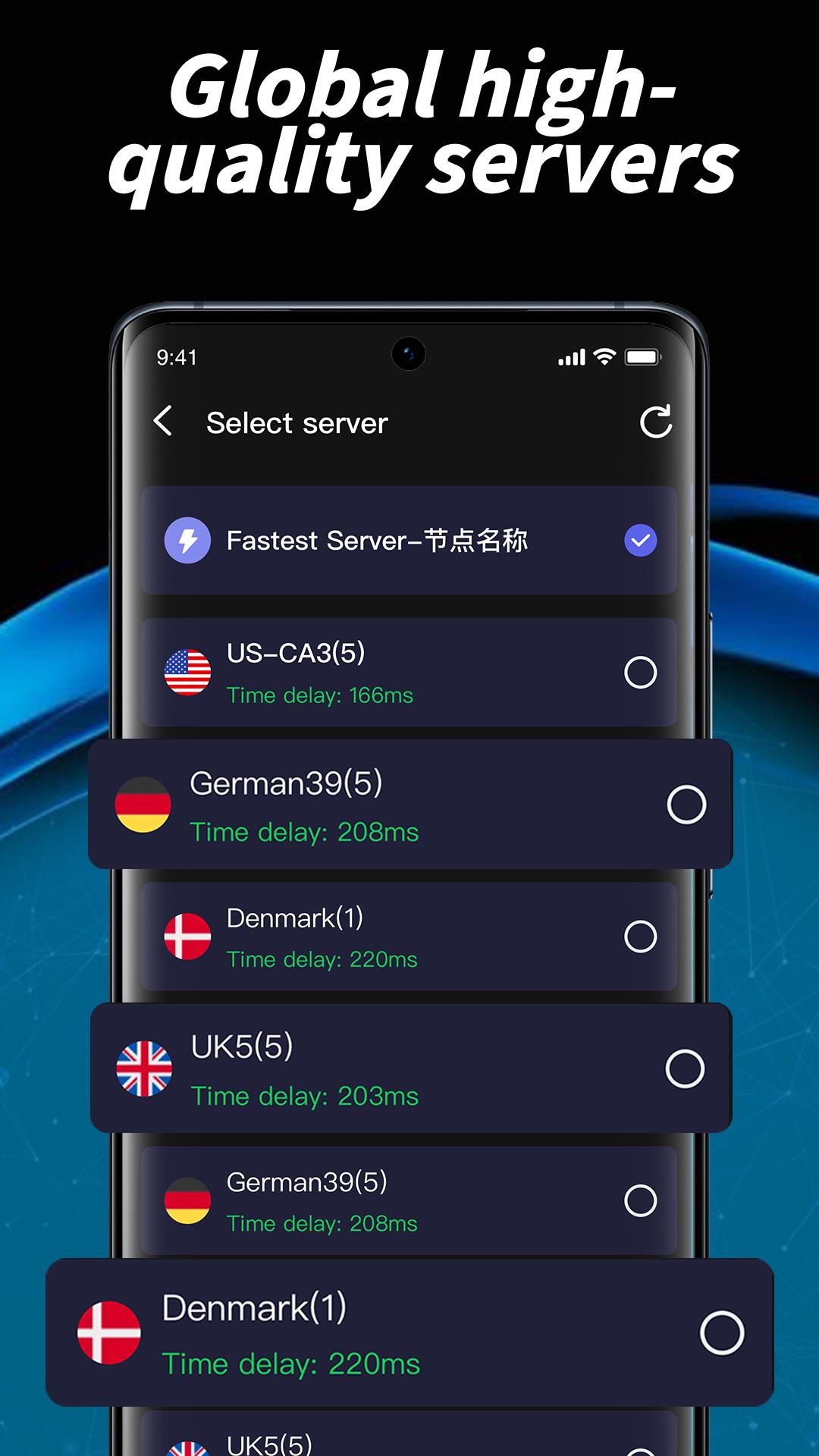
- Large number of servers, high-speed bandwidth
- Choose apps which using VPN (Android 5.0+ required)
- Unlimited time, Unlimited data, Unlimited bandwidth
- No registration or login required
- No Log is saved from any users
- Simple, one tap connect to VPN
- Protect your security and privacy
- No additional permissions required
■ What can I do with a VPN?
- Enhance your online privacy and enable you to safely and anonymously browse the Internet
- Protect you when using a public WiFi hotspot
- Allows you to create a secure connection to another network over the Internet
■ Suggest:
* In most countries, it is recommended to use the IKEv2 protocol first, for better stability and connection speed.
* When the connection fails, please switch to OpenVPN UDP and OpenVPN TCP protocol in turn.
* Switching to different countries may also increase access speed or connection success rate
■ Privacy Policy:
*When the user is in normal use, we will not log any logs related to the user.
* Only when the user actively fails to connect the connection (requires the user to click the feedback button), we will collect the necessary user connection failure log.
*The connection failure log collected is limited to the success rate of our engineers to improve the VPN connection, and will not be shared with any individual or organization.
Download Light Proxy, the world's fastest secure virtual private network, and enjoy it all!
Use this application as an easy one tap solution to check your internet performance, validate if you are getting your ISP committed speed …
so to avoid any suffering i.e. buffering while watching your favorite show, don’t forget to run Internet Speed Test.
Preview
Tags
ToolsInformation
Developer
lightqrtech
Latest Version
2.0.1
Last Updated
2023-05-16
Category
Tools
Available on
Google Play
Show More
How to play Light Net- proxy Tool with GameLoop on PC
1. Download GameLoop from the official website, then run the exe file to install GameLoop
2. Open GameLoop and search for “Light Net- proxy Tool” , find Light Net- proxy Tool in the search results and click “Install”
3. Enjoy playing Light Net- proxy Tool on GameLoop
Minimum requirements
OS
Windows 8.1 64-bit or Windows 10 64-bit
GPU
GTX 1050
CPU
i3-8300
Memory
8GB RAM
Storage
1GB available space
Recommended requirements
OS
Windows 8.1 64-bit or Windows 10 64-bit
GPU
GTX 1050
CPU
i3-9320
Memory
16GB RAM
Storage
1GB available space