
KingFisherPro PC
fenzhi
Download KingFisherPro on PC With GameLoop Emulator
KingFisherPro sa PC
Ang KingFisherPro, na nagmumula sa developer na fenzhi, ay tumatakbo sa Android systerm sa nakaraan.
Ngayon, maaari mong laruin ang KingFisherPro sa PC gamit ang GameLoop nang maayos.
I-download ito sa GameLoop library o mga resulta ng paghahanap. Hindi na tumitingin sa baterya o nakakadismaya na mga tawag sa maling oras.
I-enjoy lang ang KingFisherPro PC sa malaking screen nang libre!
KingFisherPro Panimula
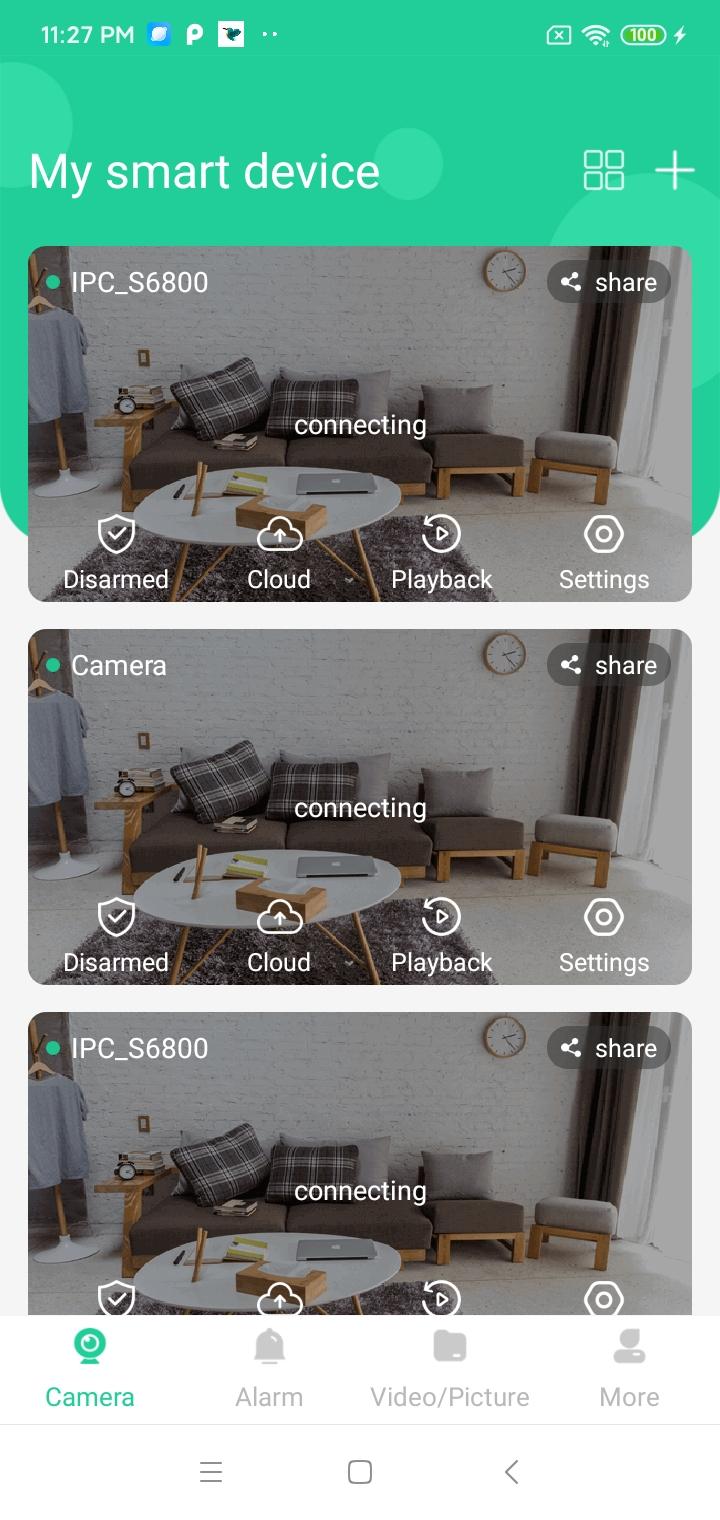
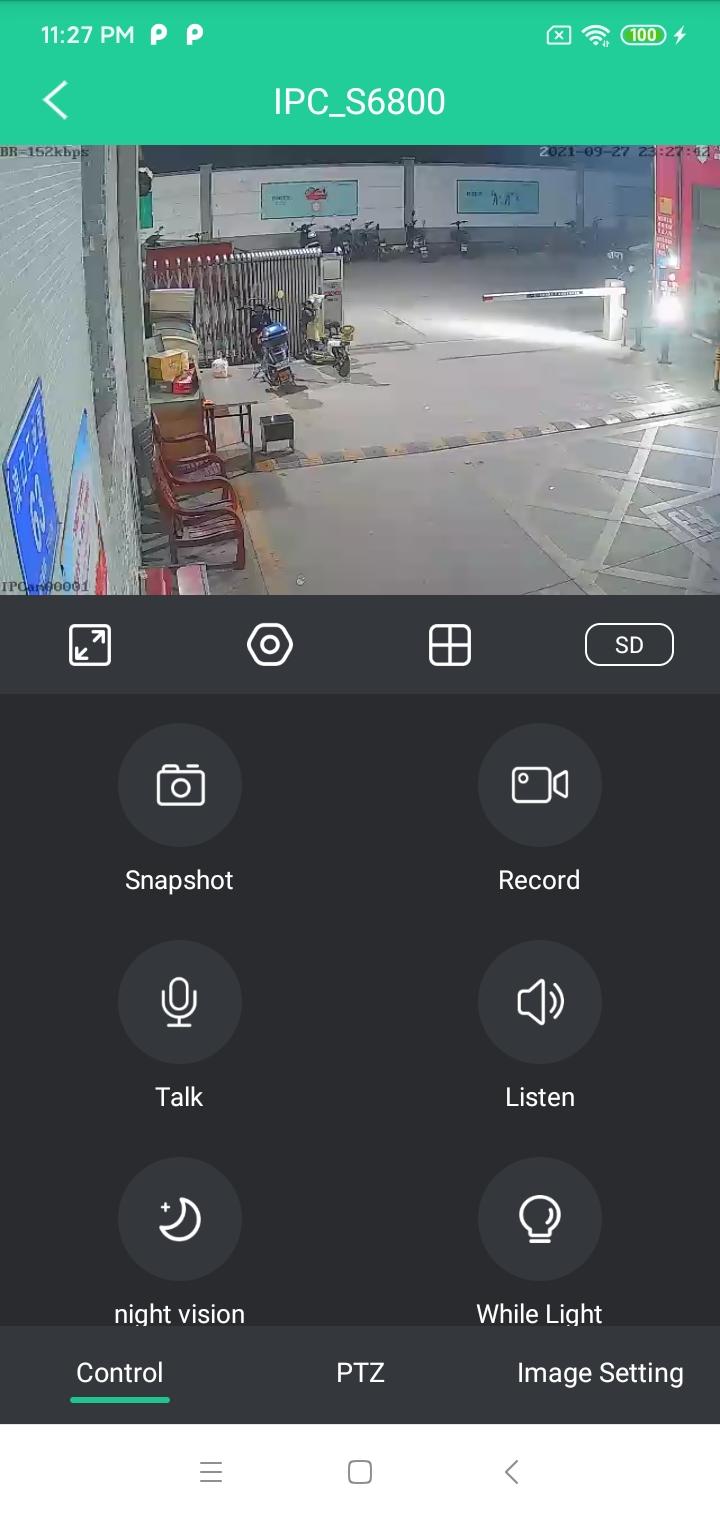
KingFisherPro can be used in multiple scenes, such as cat eye video monitoring, indoor video monitoring, vehicle video monitoring, visual underwater monitoring, pipeline video monitoring, UAV video acquisition, etc.
This APP supports H264 / h265 video decoding, high-definition and smooth picture, less storage space, and can monitor and replay video in real time under Wi Fi network or mobile network;
1. Support the equipment with digital lens, UVC and CVBS/AHD/TVI/CVI camera;
2. Support D1/720P/1080P/4M/5M/12M and other different resolution devices;
3. Two way intercom function, supporting the setting of audio parameters;
4. Adopt high-level video encryption technology and set independent password to ensure the security of monitoring data;
5. It supports setting device network configuration, setting device working in bridge function, and setting 4G routing function;
6. Remote playback of h264/h265 video file, supporting remote file download;
7. Support automatic calibration of mobile time and manual setting of time;
8. Support image coding parameter settings;
9. Support remote recovery control equipment.
Preview
Tags
ToolsInformation
Developer
fenzhi
Latest Version
202211031
Last Updated
2022-11-03
Category
Tools
Available on
Google Play
Show More
How to play KingFisherPro with GameLoop on PC
1. Download GameLoop from the official website, then run the exe file to install GameLoop
2. Open GameLoop and search for “KingFisherPro” , find KingFisherPro in the search results and click “Install”
3. Enjoy playing KingFisherPro on GameLoop
Minimum requirements
OS
Windows 8.1 64-bit or Windows 10 64-bit
GPU
GTX 1050
CPU
i3-8300
Memory
8GB RAM
Storage
1GB available space
Recommended requirements
OS
Windows 8.1 64-bit or Windows 10 64-bit
GPU
GTX 1050
CPU
i3-9320
Memory
16GB RAM
Storage
1GB available space