
KHelpDesk - Acesso Remoto PC
KHelpDesk Technology
Download KHelpDesk - Acesso Remoto on PC With GameLoop Emulator
KHelpDesk - Acesso Remoto sa PC
Ang KHelpDesk - Acesso Remoto, na nagmumula sa developer na KHelpDesk Technology, ay tumatakbo sa Android systerm sa nakaraan.
Ngayon, maaari mong laruin ang KHelpDesk - Acesso Remoto sa PC gamit ang GameLoop nang maayos.
I-download ito sa GameLoop library o mga resulta ng paghahanap. Hindi na tumitingin sa baterya o nakakadismaya na mga tawag sa maling oras.
I-enjoy lang ang KHelpDesk - Acesso Remoto PC sa malaking screen nang libre!
KHelpDesk - Acesso Remoto Panimula
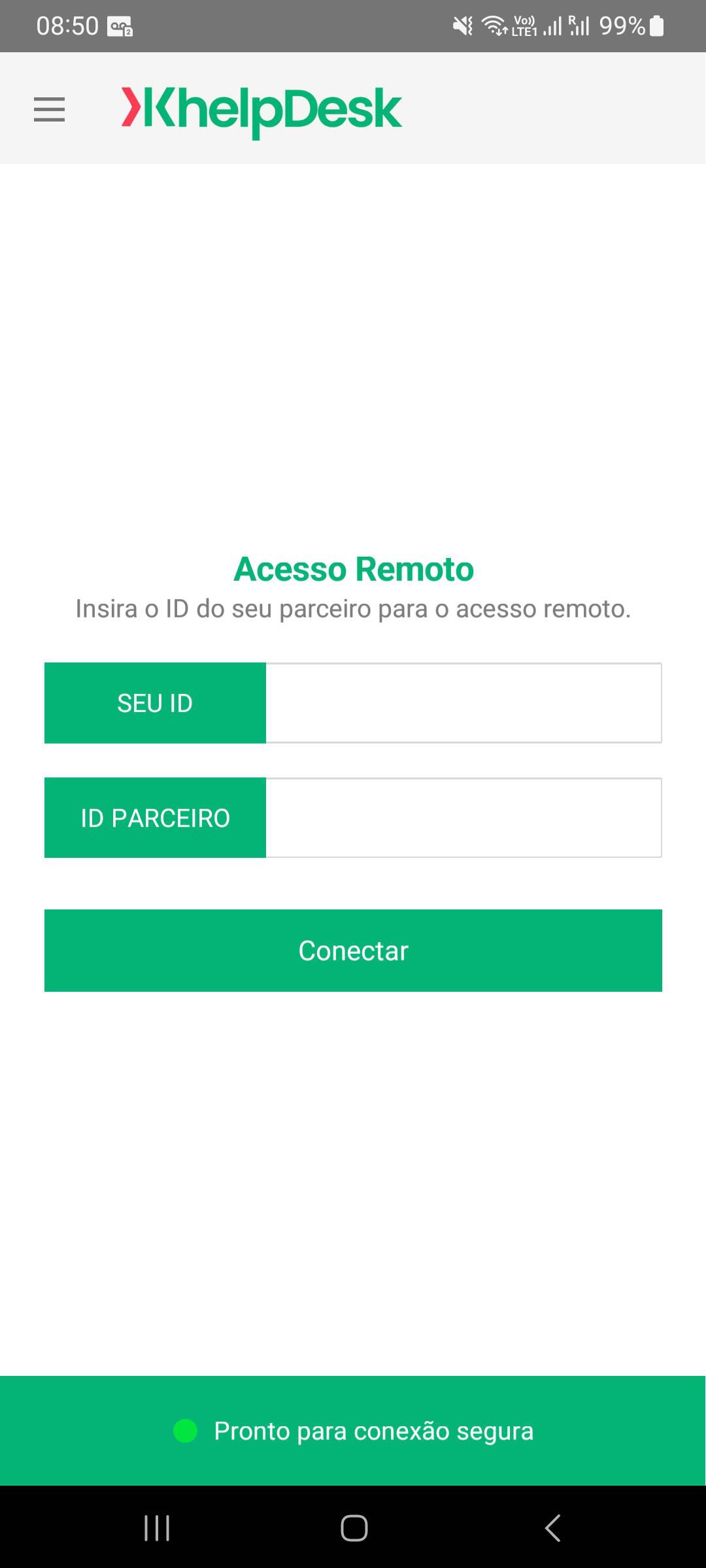
KHelpDesk provides easy, fast, and secure remote access for Windows, Mac, and Android systems.
You can use this application to:
- Remotely control computers as if you were sitting in front of them.
- Support your clients, colleagues, and friends.
- Access your office desktop with all documents and installed applications.
- Remotely manage unattended computers (e.g., servers).
- Remotely connect and control Android devices:
To allow a remote device to control your Android device via mouse or touch, you need to allow KHelpDesk to use the "Accessibility" service. KHelpDesk uses the AccessibilityService API to implement Android remote control.
Features:
- Easily access computers behind firewalls and proxy servers.
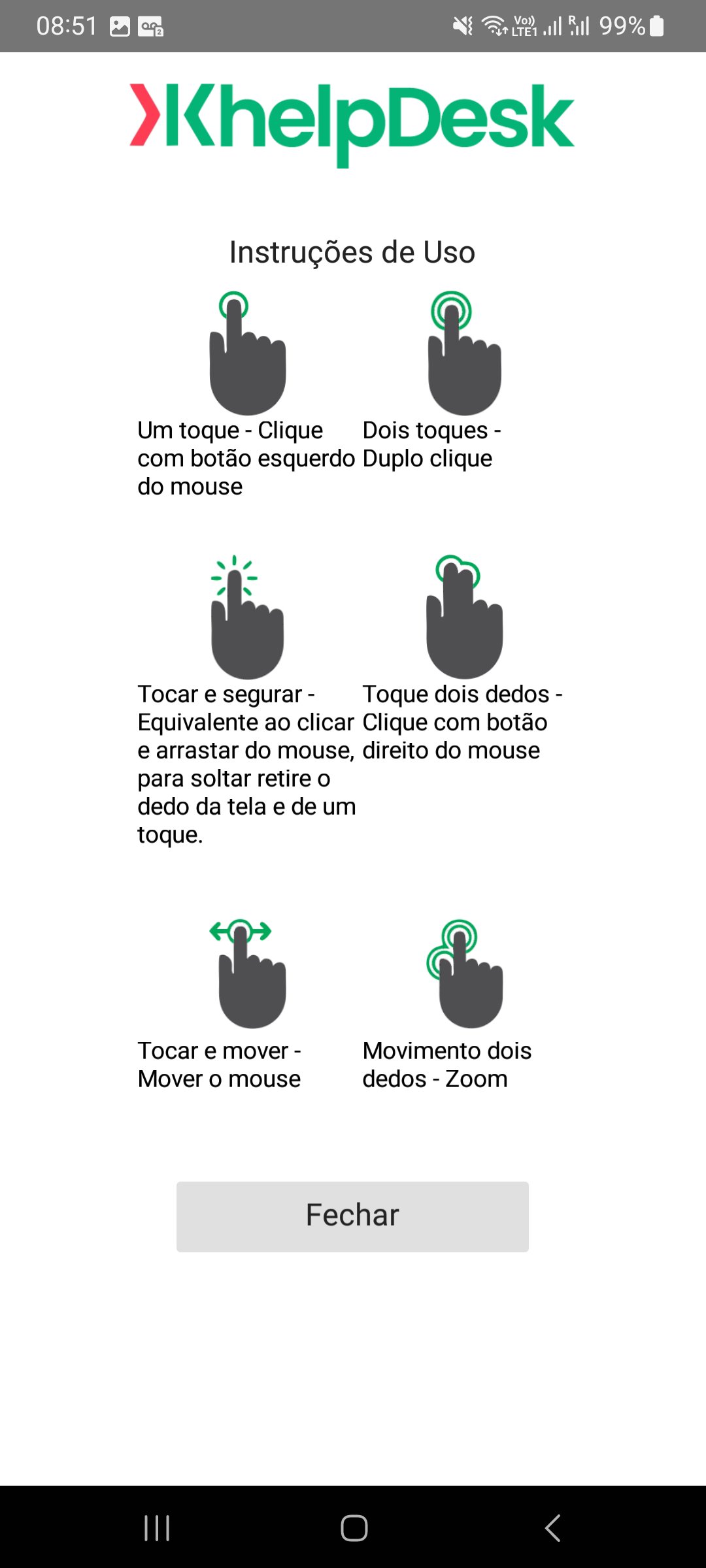
- Intuitive touch and control gestures. - Full keyboard functionality (including special keys like Windows®, Ctrl+Alt+Del)
- Multi-monitor compatibility
- Highest security standards: 256-bit AES session encryption, 2048-bit RSA keystroke
Quick Guide:
1. Install KHelpDesk
2. Install or launch KHelpDesk on your computer from our website
3. Enter your computer's KHelpDesk ID and password
Preview
Tags
ToolsInformation
Developer
KHelpDesk Technology
Latest Version
2.3.13
Last Updated
2025-12-10
Category
Tools
Available on
Google Play
Show More
How to play KHelpDesk - Acesso Remoto with GameLoop on PC
1. Download GameLoop from the official website, then run the exe file to install GameLoop
2. Open GameLoop and search for “KHelpDesk - Acesso Remoto” , find KHelpDesk - Acesso Remoto in the search results and click “Install”
3. Enjoy playing KHelpDesk - Acesso Remoto on GameLoop
Minimum requirements
OS
Windows 8.1 64-bit or Windows 10 64-bit
GPU
GTX 1050
CPU
i3-8300
Memory
8GB RAM
Storage
1GB available space
Recommended requirements
OS
Windows 8.1 64-bit or Windows 10 64-bit
GPU
GTX 1050
CPU
i3-9320
Memory
16GB RAM
Storage
1GB available space