Jellyfish Pattern Lock Screen PC
Androsoul
Download Jellyfish Pattern Lock Screen on PC With GameLoop Emulator
Jellyfish Pattern Lock Screen sa PC
Ang Jellyfish Pattern Lock Screen, na nagmumula sa developer na Androsoul, ay tumatakbo sa Android systerm sa nakaraan.
Ngayon, maaari mong laruin ang Jellyfish Pattern Lock Screen sa PC gamit ang GameLoop nang maayos.
I-download ito sa GameLoop library o mga resulta ng paghahanap. Hindi na tumitingin sa baterya o nakakadismaya na mga tawag sa maling oras.
I-enjoy lang ang Jellyfish Pattern Lock Screen PC sa malaking screen nang libre!
Jellyfish Pattern Lock Screen Panimula
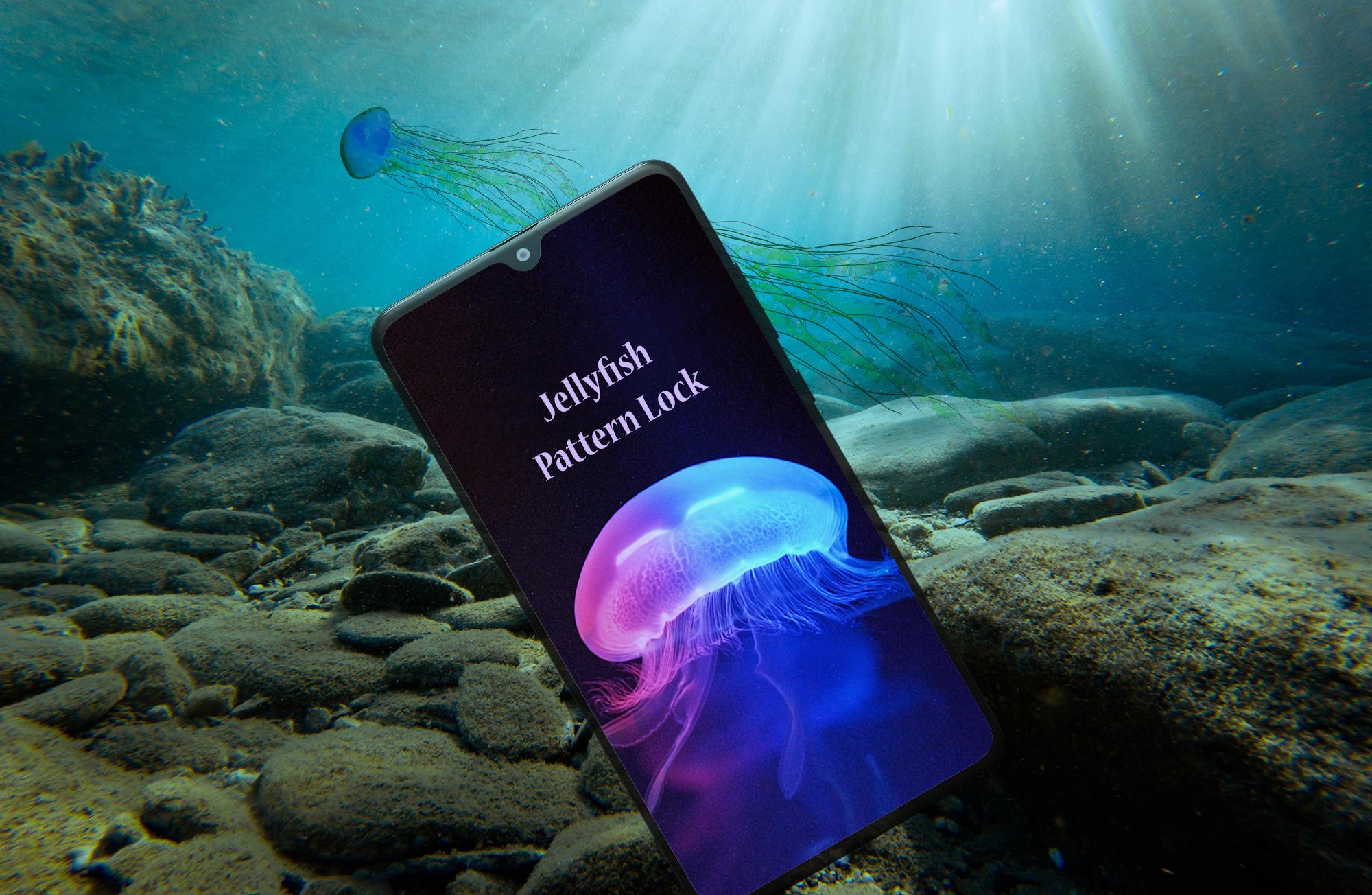
Customize your phone's screen with beautiful and secure Jellyfish Pattern Lock Screen. Beautiful jellyfishes glow on your screen while it's locked and you have to draw a pattern to unlock it. If you're a jellyfish lover or you find this app interesting then you should try it out. This all new pattern lock app is here to give your phone a new beautiful look and make it secure at the same time.
Designed with beautiful high definition graphics this app is made for the people who love underwater marine life and jellyfishes specially. Jellyfish Pattern Lock is a free to use android application. No amount will be charged while downloading and no in-app purchases. Just tap install and start using this app.
NOTE:
For best experience disable your phone's default lock screen before using this app.
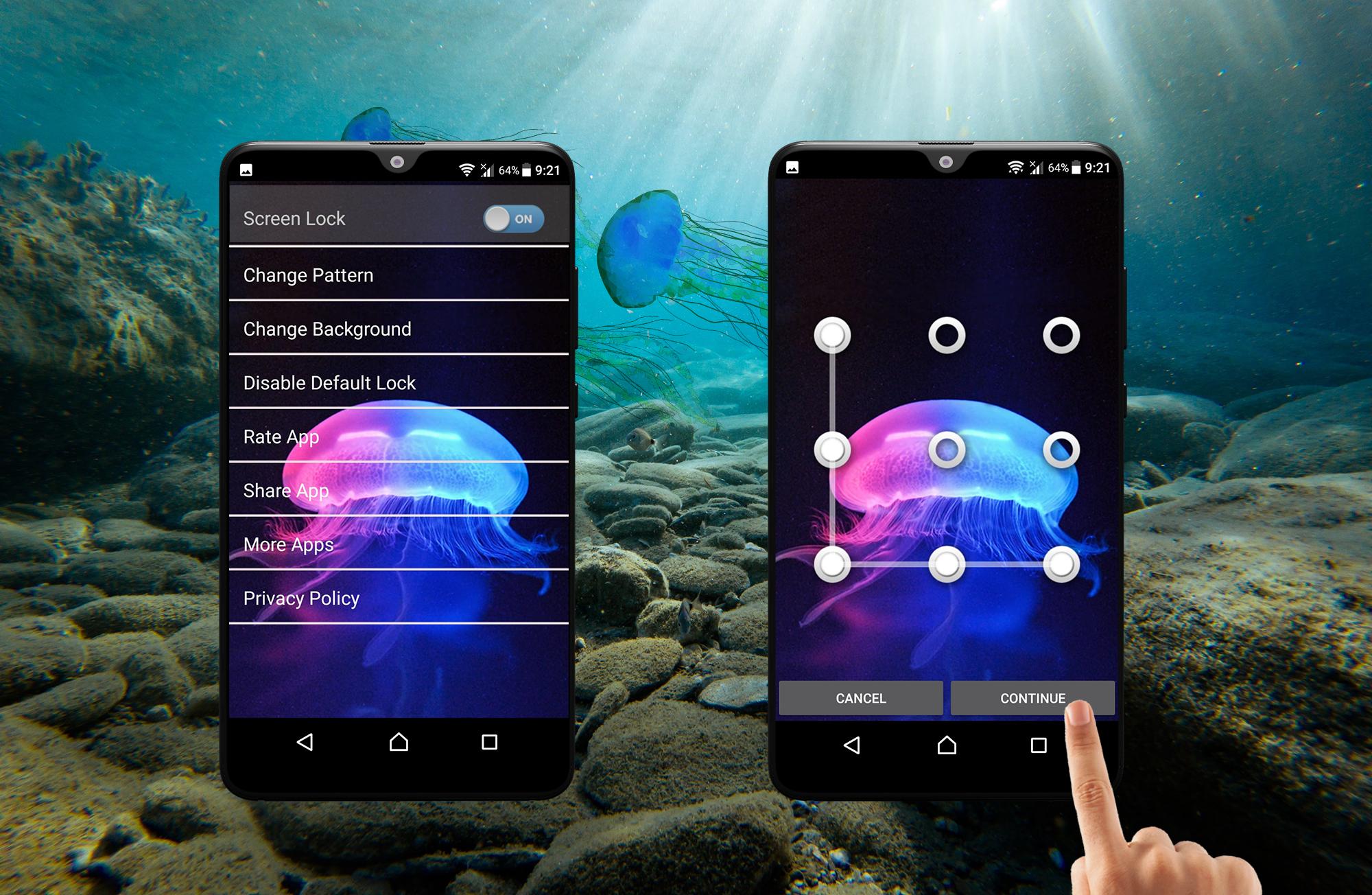
Open Jellyfish Pattern Lock and tap on "Disable default lock".
This will direct you to your phone's default lock settings where you can disable it.
HOW TO USE:
- Download and install the application.
- Open the app and turn on "Screen Lock" toggle button.
- Now set your desired pattern.
- Repeat the pattern and tap confirm.
- Exit the app using back button and lock your phone.
- Unlock the app by drawing the set pattern.
- Good to go, Enjoy!
This app does not collect user's personal data or any information. All your data is completely secure and this app protects your phone with efficient pattern lock. Easy to use app with convenient layout, Jellyfish Pattern Screen Lock is a user friendly app. It is compatible with all android versions and has been tried and tested on various android devices with different android versions. High quality graphics and handy layout.
If you like our Jellyfish Pattern locker app or if you think that there's room for improvement kindly give us your precious feedback. If you are facing any problem while using our app kindly inform us via email, we will get back to you as soon as we can.
Kindly rate our app and write a review if possible, take time to share it with your friends if you like it.
Thanks from team Androsoul.
Preview
Tags
ToolsInformation
Developer
Androsoul
Latest Version
1.2
Last Updated
2021-11-22
Category
Tools
Available on
Google Play
Show More
How to play Jellyfish Pattern Lock Screen with GameLoop on PC
1. Download GameLoop from the official website, then run the exe file to install GameLoop
2. Open GameLoop and search for “Jellyfish Pattern Lock Screen” , find Jellyfish Pattern Lock Screen in the search results and click “Install”
3. Enjoy playing Jellyfish Pattern Lock Screen on GameLoop
Minimum requirements
OS
Windows 8.1 64-bit or Windows 10 64-bit
GPU
GTX 1050
CPU
i3-8300
Memory
8GB RAM
Storage
1GB available space
Recommended requirements
OS
Windows 8.1 64-bit or Windows 10 64-bit
GPU
GTX 1050
CPU
i3-9320
Memory
16GB RAM
Storage
1GB available space