Japanese Keyboard PC
Easy Keyboard
Download Japanese Keyboard on PC With GameLoop Emulator
Japanese Keyboard sa PC
Ang Japanese Keyboard, na nagmumula sa developer na Easy Keyboard, ay tumatakbo sa Android systerm sa nakaraan.
Ngayon, maaari mong laruin ang Japanese Keyboard sa PC gamit ang GameLoop nang maayos.
I-download ito sa GameLoop library o mga resulta ng paghahanap. Hindi na tumitingin sa baterya o nakakadismaya na mga tawag sa maling oras.
I-enjoy lang ang Japanese Keyboard PC sa malaking screen nang libre!
Japanese Keyboard Panimula
★ Japanese Voice Typing Keyboard – Free Japanese Keyboard ★
Quick Japanese Voice Typing Keyboard designed to empower your ideas for easy typing keyboard.
Japanese Voice Typing Keyboard with Photo Background is best android typing app to write English language and Japanese language messages for japenese Language Fast Japanese Keyboard.
Japanese Voice Typing Keyboard with Japanese Keypad the typing system got a new version of best English keyboard with Japanese keys in Japanese Voice Typing Keyboard.
Japanese Voice Typing Keyboard is to write all the lettering in Japanese Language when you typing in any social app in your mobile.
Japanese Voice Typing Keyboard helps you to write in your native language. Japanese Voice Typing Keyboard app is useful for Japanese speaking peoples around the world.
Japanese speech to Japanese text. Also Japanese speech to English text translation. Now you can write Japanese in any application easily. And yes, it is very easy.
Fast Japanese Voice Typing Keyboard makes it easy to write in japanese without any hesitation or freezing your japanese typing.
Japanese Voice Typing Keyboard you can write all Japanese Alphabets, letters and words. Japanese Voice Typing keyboard is the easiest and faster keyboard to write in Japanese language. Japanese Voice Typing Keyboard for all of us who love Japanese language.
Japanese Voice Typing Keyboard with Beautiful fonts and latest themes. The best android typing app Japanese Keyboard with Photo Background gives you a best experience to write English and Japanese messages.
★ Easy to use and setup Japanese Voice Typing Keyboard :-
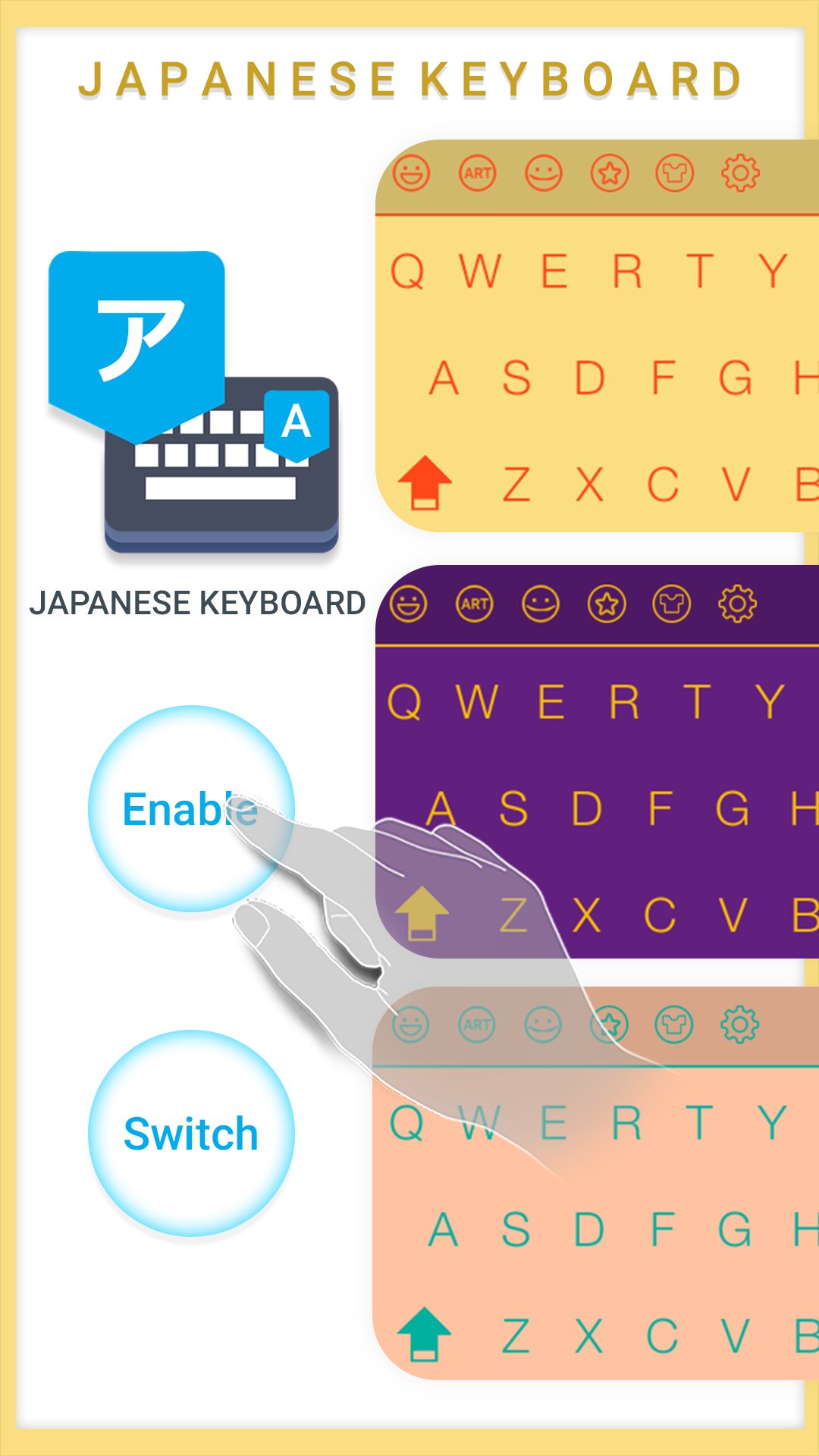
1. Open Japanese Voice Typing Keyboard application.
2. Select "Enable" Button to Enable Japanese Keyboard.
3. Select "Switch" Button to Switch Japanese Keyboard.
❤ Easy Japanese Voice Typing Keyboard - English to Japanese typing ❤
★ Easily type Japanese from English.
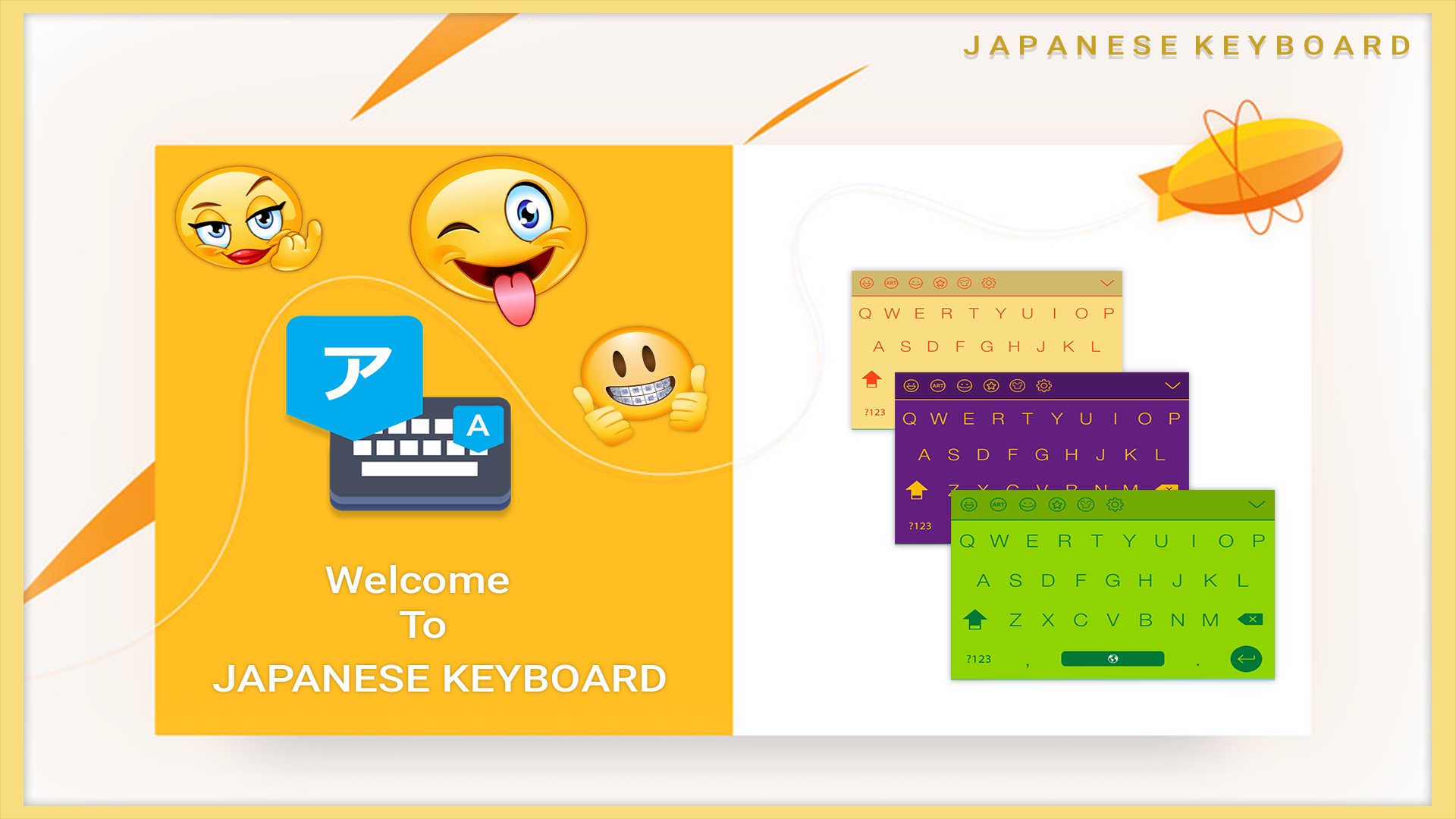
★ 100+ Colorful themes.
★ Provide 1500+ cool emojis.
★ This is the easiest app for English to Japanese typing.
★ A phonetic Japanese transliteration keyboard that works on Android phones and tablets.
★ No need to learn Japanese keypad and layout.
★ Toggle Japanese or English.
★ The best rated Japanese typing app that works as Japanese English keyboard.
★ This English to Japanese keyboard is easier to use than any other keyboard.
★ Use default keyboard and type in Japanese.
★ Convert English into Japanese.
★ Convert roman (native language) japanese English into Japanese
★ Correct words suggestion.
★ Friendly interface with different themes which you like.
★ Type japanese from English keyboard. type word and press on space to convert into Japanese language.
★ Easy to use.
★ Privacy and Security
- We will never collect your personal info. We only use the words typed by you to make the predictions more accurate.
If you enjoy the app, please share it with your friends and leave a review. We appreciate your feedback.
Thanks for download Free Keyboard .....! Enjoyed.
Preview
Tags
ToolsInformation
Developer
Easy Keyboard
Latest Version
70.0
Last Updated
2025-12-01
Category
Tools
Available on
Google Play
Show More
How to play Japanese Keyboard with GameLoop on PC
1. Download GameLoop from the official website, then run the exe file to install GameLoop
2. Open GameLoop and search for “Japanese Keyboard” , find Japanese Keyboard in the search results and click “Install”
3. Enjoy playing Japanese Keyboard on GameLoop
Minimum requirements
OS
Windows 8.1 64-bit or Windows 10 64-bit
GPU
GTX 1050
CPU
i3-8300
Memory
8GB RAM
Storage
1GB available space
Recommended requirements
OS
Windows 8.1 64-bit or Windows 10 64-bit
GPU
GTX 1050
CPU
i3-9320
Memory
16GB RAM
Storage
1GB available space