
iParent App PC
iSAMS Limited
Download iParent App on PC With GameLoop Emulator
iParent App sa PC
Ang iParent App, na nagmumula sa developer na iSAMS Limited, ay tumatakbo sa Android systerm sa nakaraan.
Ngayon, maaari mong laruin ang iParent App sa PC gamit ang GameLoop nang maayos.
I-download ito sa GameLoop library o mga resulta ng paghahanap. Hindi na tumitingin sa baterya o nakakadismaya na mga tawag sa maling oras.
I-enjoy lang ang iParent App PC sa malaking screen nang libre!
iParent App Panimula
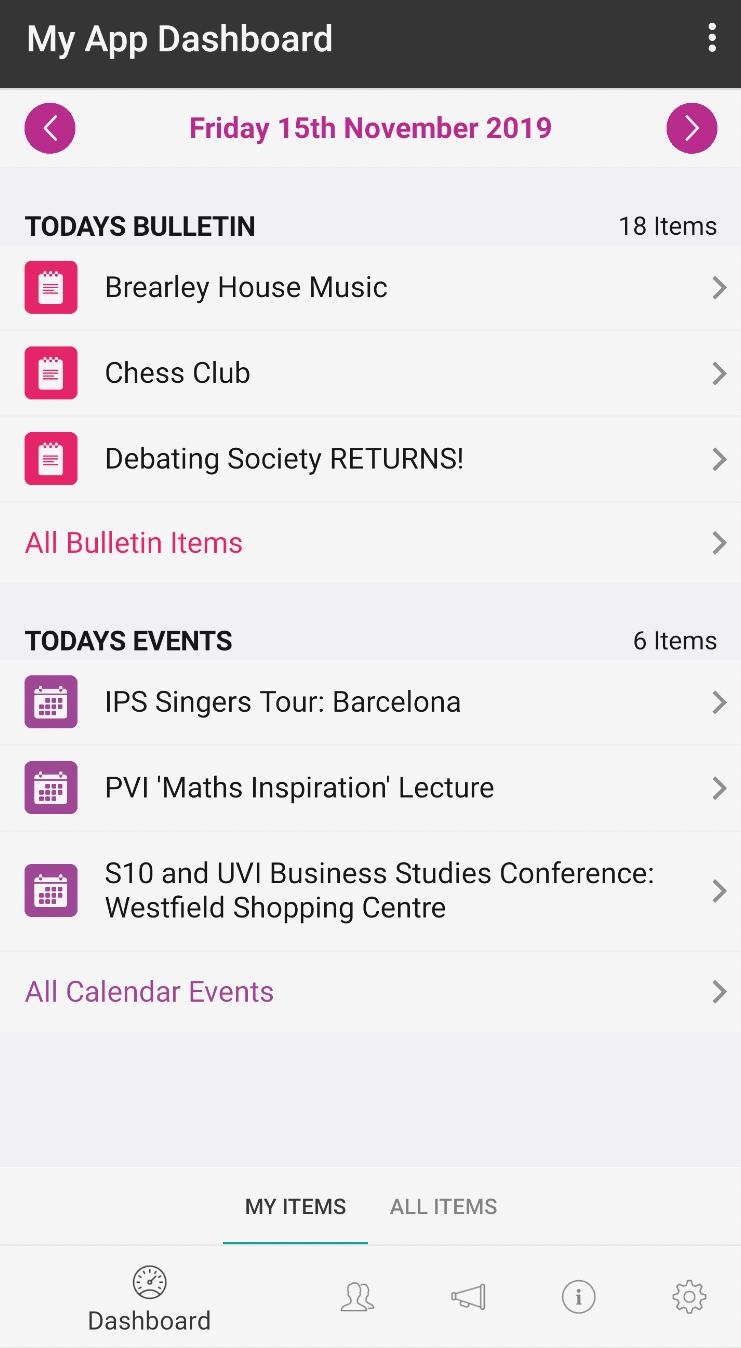
Similar in nature to the iStudent app, the iParent app offers parents quick access to real-time school information about their child. This includes everything from attendance records to exam results, reward and detention notifications, access to reports and assessments, teaching groups, timetables and more.
The official iSAMS Parent app links directly with the iSAMS Parent Portal. It has been designed to offer parents a quick and easy channel for keeping up-to-date with their son or daughter's performance and any relevant school information, including last minute calendar notifications or event invites. It is aimed at enhancing the information flow from your school/teachers to parents ensuring greater engagement between all parties.
The iParent app offers parents a useful and configurable dashboard where they are able to view information and activities about all children at the school. Quick links are provided for:
The timetable of each child
Information about any sanctions and rewards
School news and bulletins
The school calendar
The photo galleries
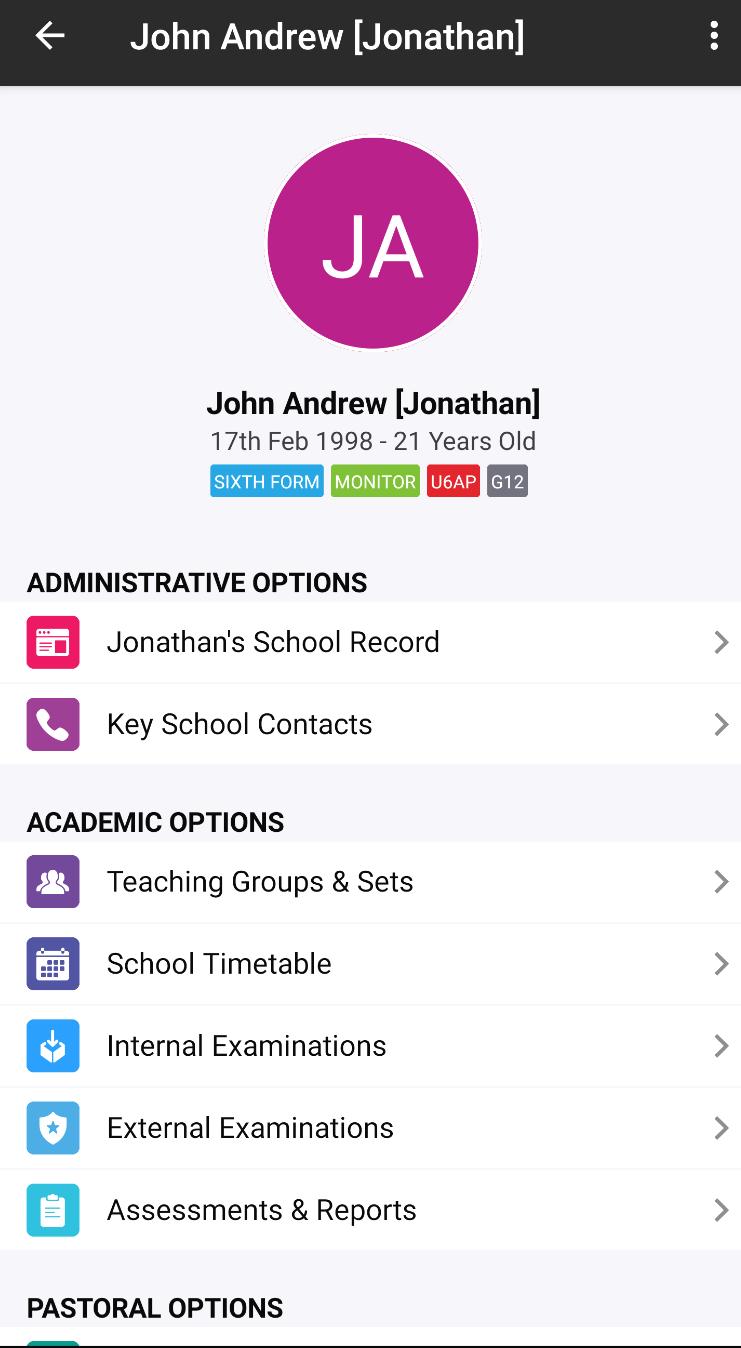
More detailed information can then be located about the following:
Teaching groups
The school timetable
Internal exam details (entries, timetables, results)
External exam details (entries, timetables, arrangements, candidate details, results)
School reports and assessments
Attendance
Activities
Detentions
Reward and conduct details
Parents can use the app to view and subscribe to your school communications including emails, SMS messages and push notifications to the app. Push notifications will advise parents about any timely updates for each child, including information such as recently released reports or exam results, any rewards or detentions and pastoral records.
They can also view the contacts linked with their child and request changes to any contact details, thereby ensuring the data is accurate and up-to-date.
As with the iStudent app, there is full access to all school news and bulletins (both current and archived news), the school calendar and the school directory.
The data used by the iSAMS Parent app is encrypted to ensure that confidential information cannot be accessed by unauthorised personnel. Your school also controls the level of visibility of information and communication subscriptions offered to parents.
Please note: The iSAMS Parent app must be installed by your school in order for it to be accessible to parents. It will only work as part of the iSAMS management informations system and Parent Portal.
Preview
Tags
ToolsInformation
Developer
iSAMS Limited
Latest Version
2.1.42
Last Updated
2024-10-14
Category
Tools
Available on
Google Play
Show More
How to play iParent App with GameLoop on PC
1. Download GameLoop from the official website, then run the exe file to install GameLoop
2. Open GameLoop and search for “iParent App” , find iParent App in the search results and click “Install”
3. Enjoy playing iParent App on GameLoop
Minimum requirements
OS
Windows 8.1 64-bit or Windows 10 64-bit
GPU
GTX 1050
CPU
i3-8300
Memory
8GB RAM
Storage
1GB available space
Recommended requirements
OS
Windows 8.1 64-bit or Windows 10 64-bit
GPU
GTX 1050
CPU
i3-9320
Memory
16GB RAM
Storage
1GB available space