Ios Caller Screen and Dialer PC
Prompt App inc
Download Ios Caller Screen and Dialer on PC With GameLoop Emulator
Ios Caller Screen and Dialer sa PC
Ang Ios Caller Screen and Dialer, na nagmumula sa developer na Prompt App inc, ay tumatakbo sa Android systerm sa nakaraan.
Ngayon, maaari mong laruin ang Ios Caller Screen and Dialer sa PC gamit ang GameLoop nang maayos.
I-download ito sa GameLoop library o mga resulta ng paghahanap. Hindi na tumitingin sa baterya o nakakadismaya na mga tawag sa maling oras.
I-enjoy lang ang Ios Caller Screen and Dialer PC sa malaking screen nang libre!
Ios Caller Screen and Dialer Panimula
Feel the ios caller, iOS Phone Dialpad/Dialer. Experience iPhone iOS 15 & iOS 16 ios calling app features on your Android device.
Are you feel bored with your default dialer and call screen? ios caller screen for android has arrived to replace your stock phone & contacts app and offers visual Caller ID with full screen video!
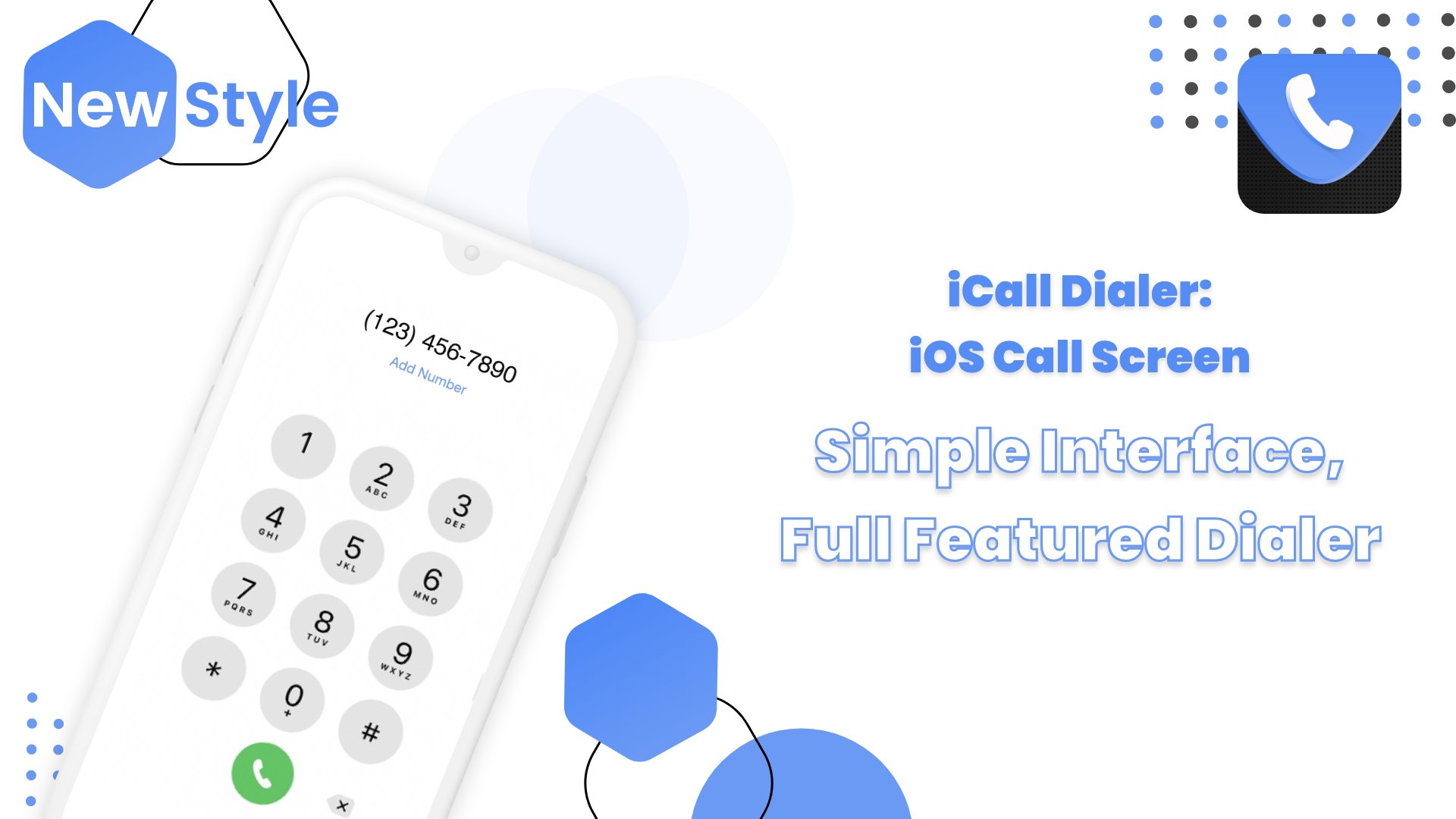
You get the same full-screen caller id as in iPhone X, XI, XII, XIII, or OS15 or OS16 devices. This caller screen app has a contacts list, recent list, favourite list, and dialer search keypad.
Fastest dialer for your android phone, powered with many features like see, search or manage contacts,block contact, see recent call history, add and remove contacts from favourite/ block list.
Never miss an important call with caller name announcer feature that announces the caller's name or number. So, that's why it makes you feel like you are an iOS 14 or iOS 15 users.
in this small size Ios Caller Screen and Dialer app you can get CallScreen app, users can add calls, see contacts, add a reminder for the call, send a message when you are not able to take calls, merge calls with the conference call, swap call, and split from the conference.
☎ ios caller Feature highlights ☎
You can personalize your Phone Dialer / Dialpad easily!
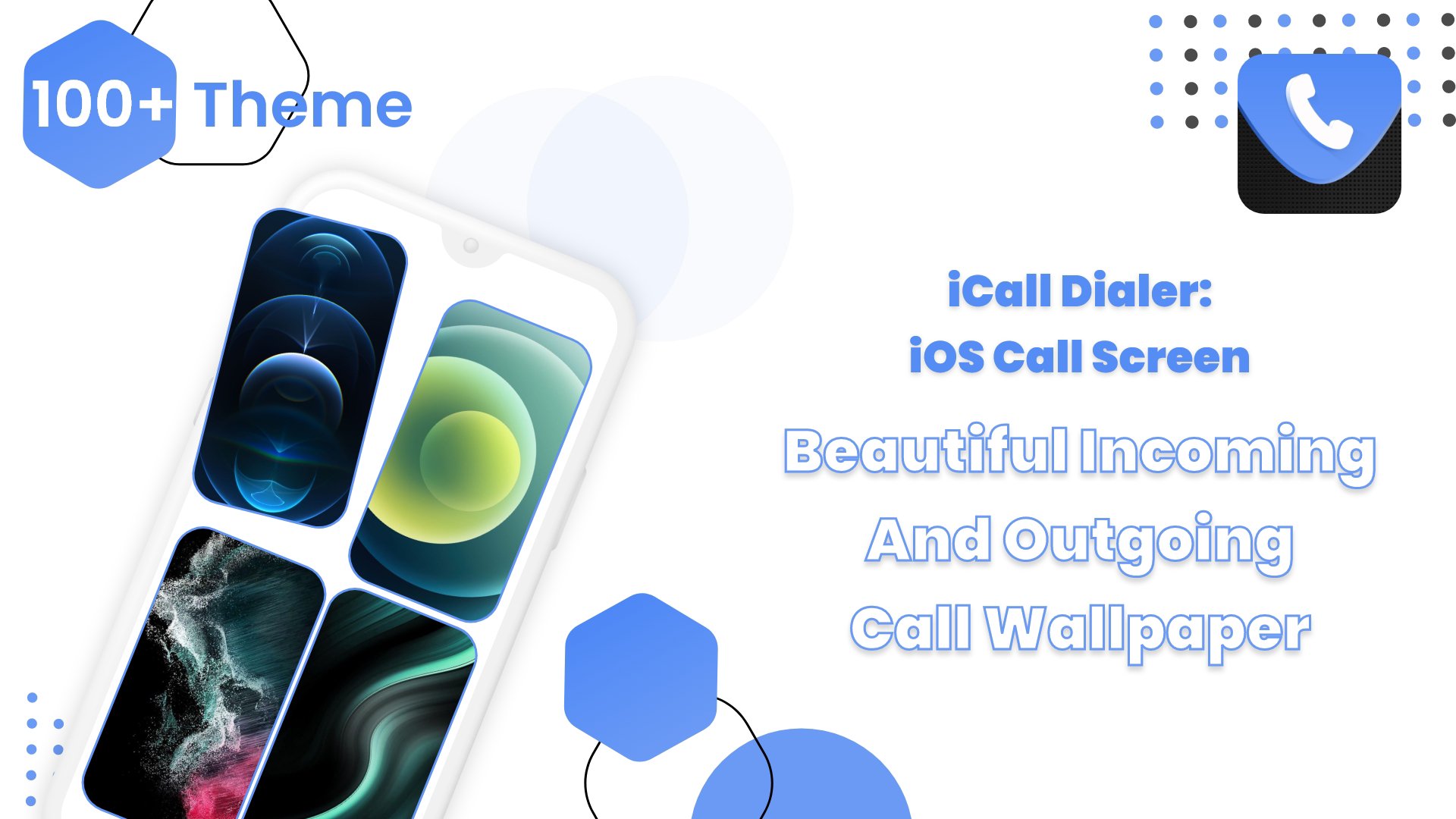
🔧 change Call Screen backgrounds
💖 Slide to answer button
🎵 Set iOS15, iOS16 ringtones
🚫 block - unblock users
✌ set sim card preference
👫 Post Call Screen to recall, send a message or, block
🔉 Caller Name Announcer
🎭 Schedule Fake call
💥 Flash on Call
🔧 In case of Ios Caller Screen and Dialer stopped working. What can you do?
Whitelist the Ios Caller Screen and Dialer and allow it to work in the background.
Let's start ios caller screen and discover Ios Caller Screen and Dialer today!
Preview
Tags
ToolsInformation
Developer
Prompt App inc
Latest Version
1.2
Last Updated
2023-06-06
Category
Tools
Available on
Google Play
Show More
How to play Ios Caller Screen and Dialer with GameLoop on PC
1. Download GameLoop from the official website, then run the exe file to install GameLoop
2. Open GameLoop and search for “Ios Caller Screen and Dialer” , find Ios Caller Screen and Dialer in the search results and click “Install”
3. Enjoy playing Ios Caller Screen and Dialer on GameLoop
Minimum requirements
OS
Windows 8.1 64-bit or Windows 10 64-bit
GPU
GTX 1050
CPU
i3-8300
Memory
8GB RAM
Storage
1GB available space
Recommended requirements
OS
Windows 8.1 64-bit or Windows 10 64-bit
GPU
GTX 1050
CPU
i3-9320
Memory
16GB RAM
Storage
1GB available space