
Internet Blocker - No Root PC
chargingwatts
Download Internet Blocker - No Root on PC With GameLoop Emulator
Internet Blocker - No Root sa PC
Ang Internet Blocker - No Root, na nagmumula sa developer na chargingwatts, ay tumatakbo sa Android systerm sa nakaraan.
Ngayon, maaari mong laruin ang Internet Blocker - No Root sa PC gamit ang GameLoop nang maayos.
I-download ito sa GameLoop library o mga resulta ng paghahanap. Hindi na tumitingin sa baterya o nakakadismaya na mga tawag sa maling oras.
I-enjoy lang ang Internet Blocker - No Root PC sa malaking screen nang libre!
Internet Blocker - No Root Panimula
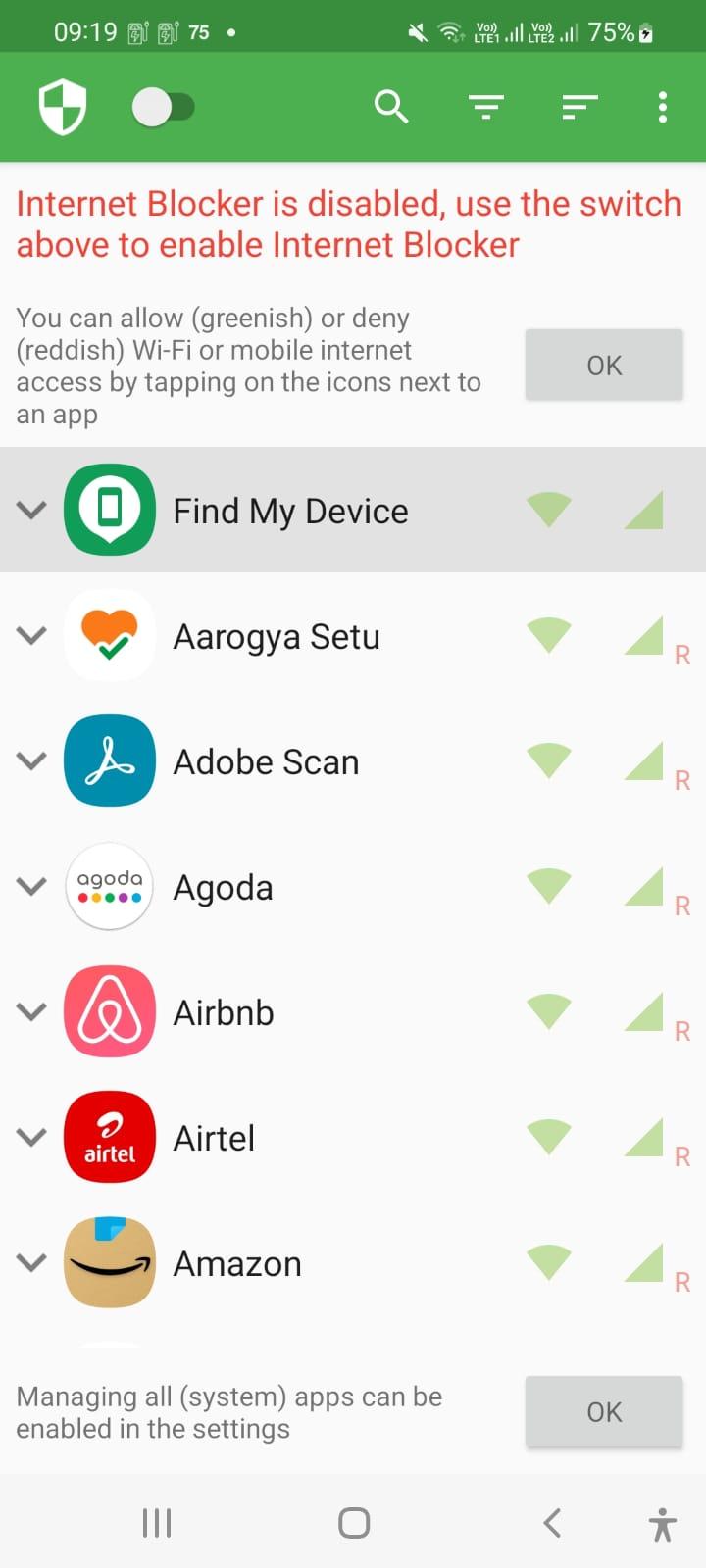
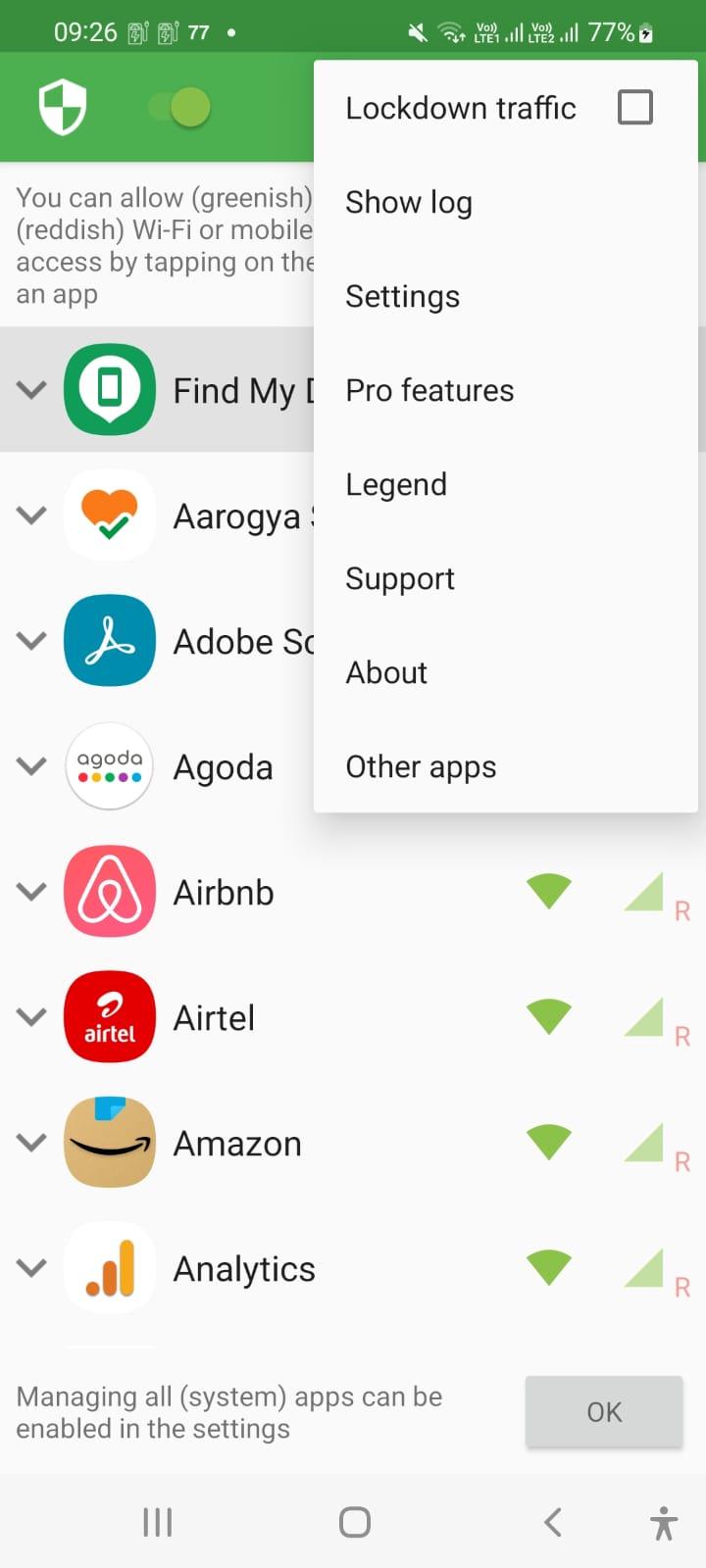
Internet Blocker provides simple and advanced ways to block access to the internet - no root required.
Applications and addresses can individually be allowed or denied access to your Wi-Fi and/or mobile connection.
Blocking access to the internet can help:
• reduce your data usage
• increase your privacy
Features:
• Simple to use
• 100% open source
• No root required
• No advertisements
• No calling home
• Actively developed and supported
• Android 5.1 and later supported
• IPv4/IPv6 TCP/UDP supported
• Tethering supported
• Optionally allow when screen on
• Optionally block when roaming
• Optionally block system applications
• Optionally notify when an application accesses the internet
• Optionally record network usage per application per address
There is no other no-root firewall offering all these features.
If you have a question or problem, you can send an e-mail to er.abhishek.luthra@gmail.com
All required permissions are described here: https://github.com/M66B/NetGuard/blob/master/FAQ.md#user-content-faq42
The source code is available here: https://github.com/M66B/NetGuard
Preview
Tags
ToolsInformation
Developer
chargingwatts
Latest Version
1.8
Last Updated
2022-07-06
Category
Tools
Available on
Google Play
Show More
How to play Internet Blocker - No Root with GameLoop on PC
1. Download GameLoop from the official website, then run the exe file to install GameLoop
2. Open GameLoop and search for “Internet Blocker - No Root” , find Internet Blocker - No Root in the search results and click “Install”
3. Enjoy playing Internet Blocker - No Root on GameLoop
Minimum requirements
OS
Windows 8.1 64-bit or Windows 10 64-bit
GPU
GTX 1050
CPU
i3-8300
Memory
8GB RAM
Storage
1GB available space
Recommended requirements
OS
Windows 8.1 64-bit or Windows 10 64-bit
GPU
GTX 1050
CPU
i3-9320
Memory
16GB RAM
Storage
1GB available space