Internet & Ping Optimizer Fast PC
TBOOST
Download Internet & Ping Optimizer Fast on PC With GameLoop Emulator
Internet & Ping Optimizer Fast sa PC
Ang Internet & Ping Optimizer Fast, na nagmumula sa developer na TBOOST, ay tumatakbo sa Android systerm sa nakaraan.
Ngayon, maaari mong laruin ang Internet & Ping Optimizer Fast sa PC gamit ang GameLoop nang maayos.
I-download ito sa GameLoop library o mga resulta ng paghahanap. Hindi na tumitingin sa baterya o nakakadismaya na mga tawag sa maling oras.
I-enjoy lang ang Internet & Ping Optimizer Fast PC sa malaking screen nang libre!
Internet & Ping Optimizer Fast Panimula
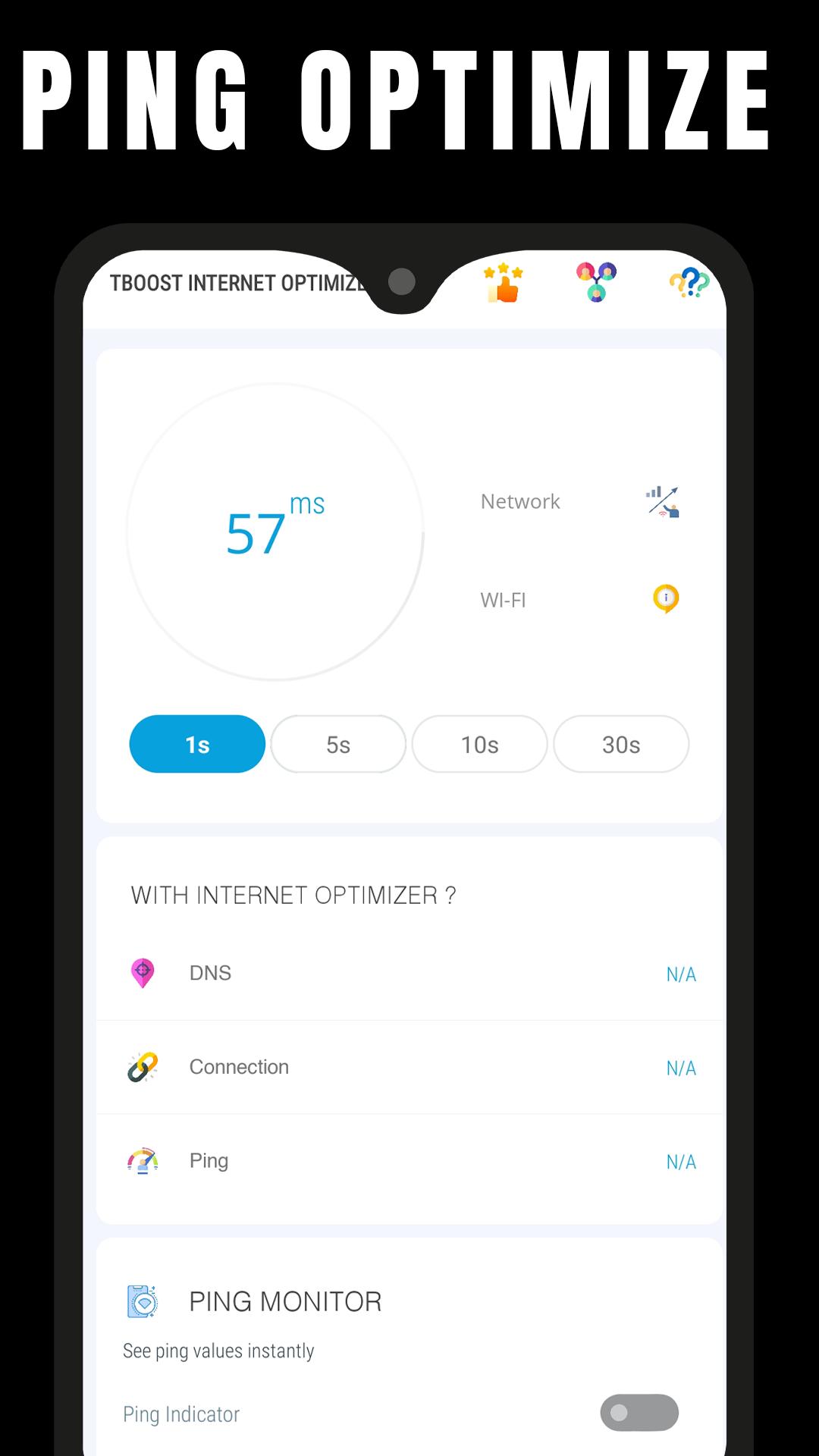
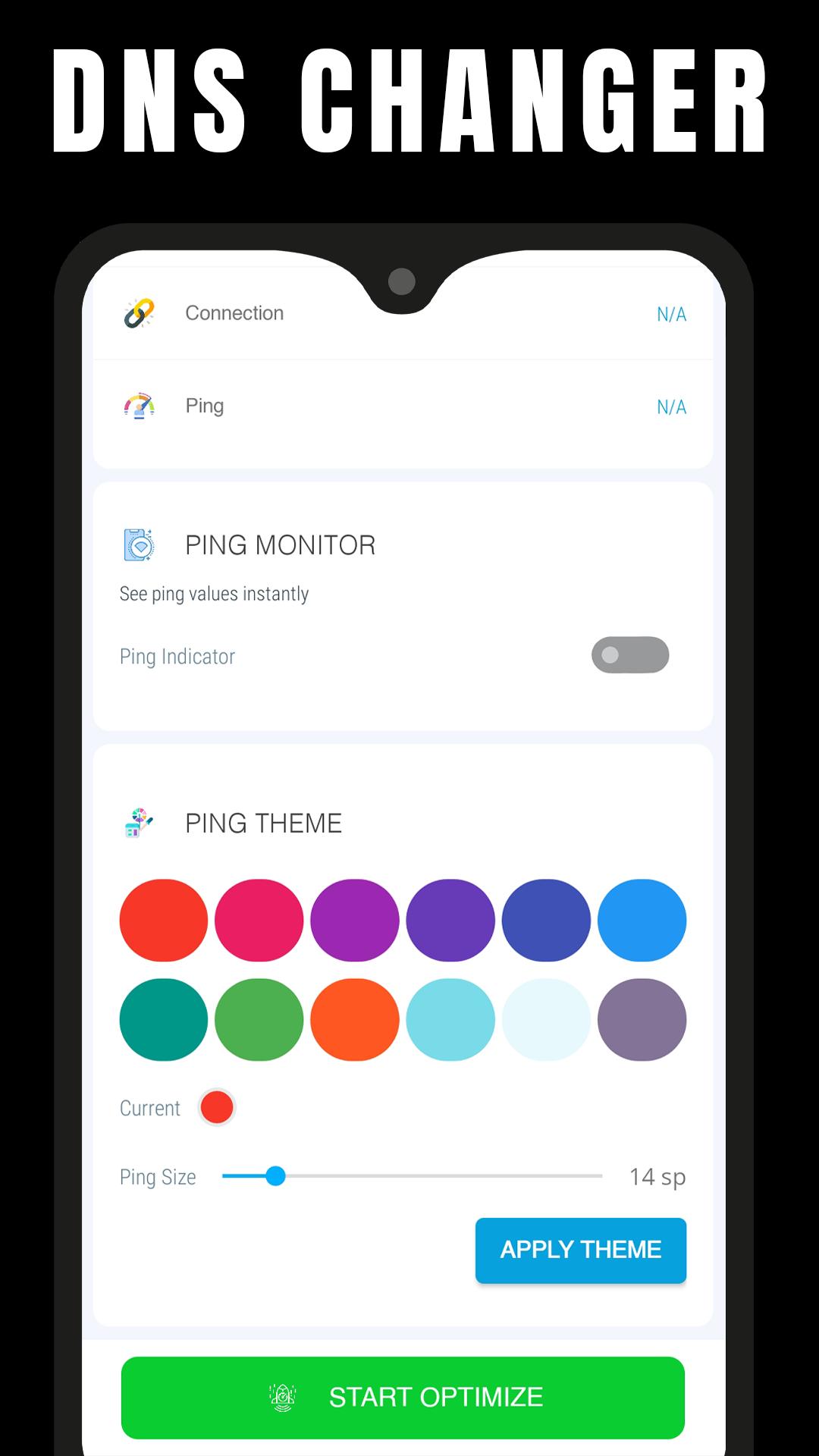
Ping & Net Optimize - Fast DNS is a mobile tool app that allows you to optimize your internet connection by changing your Android DNS server.
When you change the default DNS servers, you are changing the servers that your ISP has assigned to your device to convert hostnames to IP addresses.
You can have the following features with this app:
- Reduced Ping in Multiplayer Games (Online Games)
- Reduced Lag
- Decrease Video Buffering
- Quick browsing
Changing DNS servers can help with certain Internet connection issues. It may make your web browsing more secure and private, and it may even allow you to access websites that your ISP has blocked. some users have reported improved online gaming performance (lower ping) after changing DNS servers.
If you feel that we have violated your intellectual property rights or any other agreement, please contact us by e-mail gfxtoolapp@tboost.xyz, we will immediately take the necessary measures.
Preview
Tags
ToolsInformation
Developer
TBOOST
Latest Version
0.6
Last Updated
2022-09-02
Category
Tools
Available on
Google Play
Show More
How to play Internet & Ping Optimizer Fast with GameLoop on PC
1. Download GameLoop from the official website, then run the exe file to install GameLoop
2. Open GameLoop and search for “Internet & Ping Optimizer Fast” , find Internet & Ping Optimizer Fast in the search results and click “Install”
3. Enjoy playing Internet & Ping Optimizer Fast on GameLoop
Minimum requirements
OS
Windows 8.1 64-bit or Windows 10 64-bit
GPU
GTX 1050
CPU
i3-8300
Memory
8GB RAM
Storage
1GB available space
Recommended requirements
OS
Windows 8.1 64-bit or Windows 10 64-bit
GPU
GTX 1050
CPU
i3-9320
Memory
16GB RAM
Storage
1GB available space