
ImageChat: Create and Chat PC
Chooch
Download ImageChat: Create and Chat on PC With GameLoop Emulator
ImageChat: Create and Chat sa PC
Ang ImageChat: Create and Chat, na nagmumula sa developer na Chooch, ay tumatakbo sa Android systerm sa nakaraan.
Ngayon, maaari mong laruin ang ImageChat: Create and Chat sa PC gamit ang GameLoop nang maayos.
I-download ito sa GameLoop library o mga resulta ng paghahanap. Hindi na tumitingin sa baterya o nakakadismaya na mga tawag sa maling oras.
I-enjoy lang ang ImageChat: Create and Chat PC sa malaking screen nang libre!
ImageChat: Create and Chat Panimula
ImageChat brings the power of Generative Vision AI to your fingertips. This innovative technology is revolutionizing the way we interact with images and documents. It combines the power of computer vision and large language models to enable you to interact with your image and documents in an entirely new way.
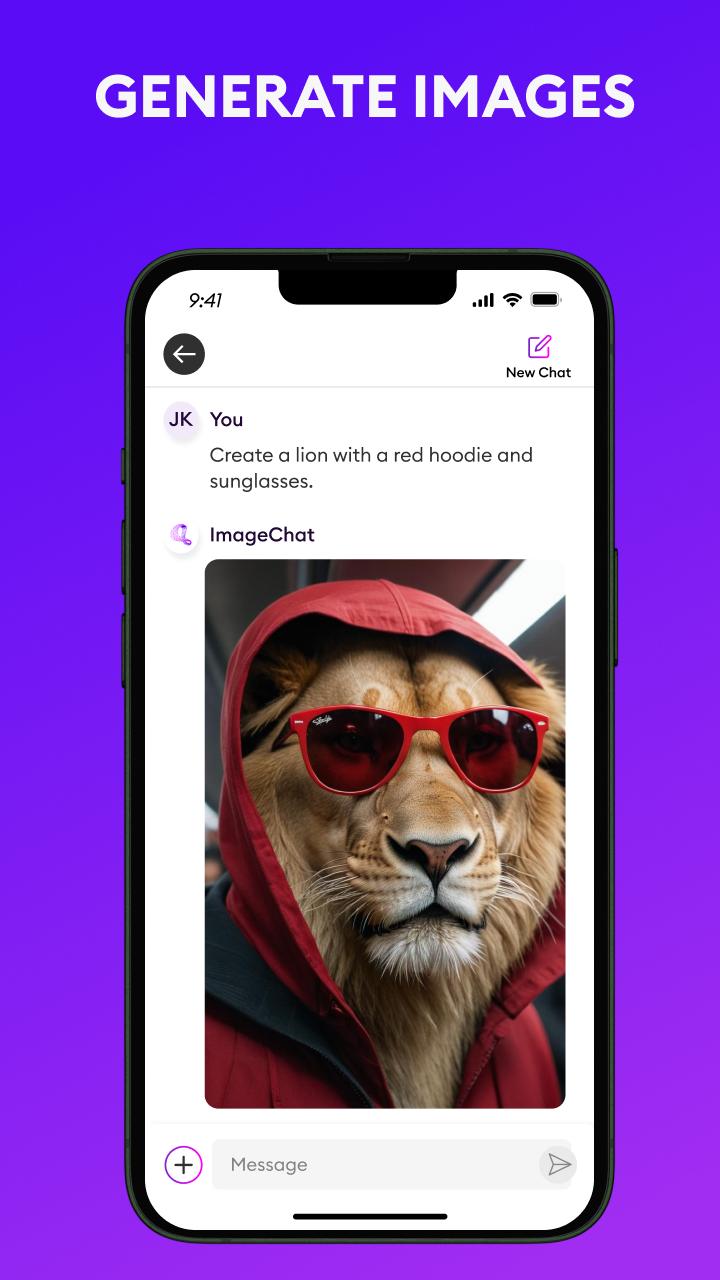
ImageChat delivers in chat image generation like never seen before. You can prompt ImageChat to create images in the style you want, ask it to restore or recreate the same image in a unique style, and it does not stop there. ImageChat delivers image to text capability. ImageChat can create text descriptions of your images, write social posts, metadata, and more. The utility of ImageChat extends beyond just images. ImageChat can interact with documents. Ask ImageChat to summarize them, create bullets of the key points, search for certain topics within the content, and more. The possibilities are only limited by your imagination.
Not only is ImageChat available as a mobile application, but it is accessible through an API and available to download to host in your own environment. You can integrate ImageChat’s powerful features into your own workflows for building Generative Multimodal Vision AI applications. Visit chooch.com to create a free account. It’s easy to get started.
Preview

Tags
ToolsInformation
Developer
Chooch
Latest Version
1.54
Last Updated
2024-05-01
Category
Tools
Available on
Google Play
Show More
How to play ImageChat: Create and Chat with GameLoop on PC
1. Download GameLoop from the official website, then run the exe file to install GameLoop
2. Open GameLoop and search for “ImageChat: Create and Chat” , find ImageChat: Create and Chat in the search results and click “Install”
3. Enjoy playing ImageChat: Create and Chat on GameLoop
Minimum requirements
OS
Windows 8.1 64-bit or Windows 10 64-bit
GPU
GTX 1050
CPU
i3-8300
Memory
8GB RAM
Storage
1GB available space
Recommended requirements
OS
Windows 8.1 64-bit or Windows 10 64-bit
GPU
GTX 1050
CPU
i3-9320
Memory
16GB RAM
Storage
1GB available space