
HitVPN PC
HitVPN
Download HitVPN on PC With GameLoop Emulator
HitVPN sa PC
Ang HitVPN, na nagmumula sa developer na HitVPN, ay tumatakbo sa Android systerm sa nakaraan.
Ngayon, maaari mong laruin ang HitVPN sa PC gamit ang GameLoop nang maayos.
I-download ito sa GameLoop library o mga resulta ng paghahanap. Hindi na tumitingin sa baterya o nakakadismaya na mga tawag sa maling oras.
I-enjoy lang ang HitVPN PC sa malaking screen nang libre!
HitVPN Panimula
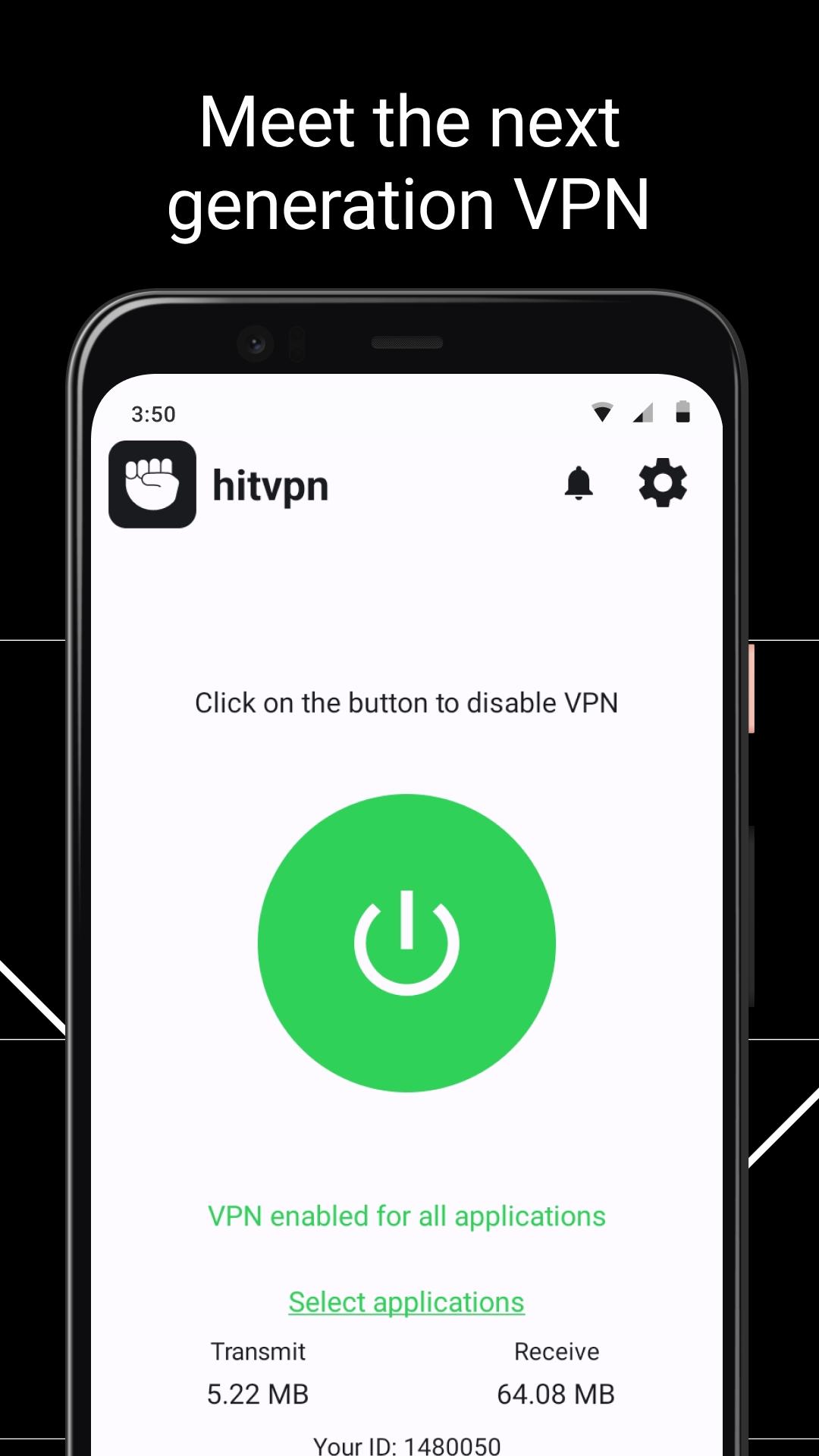
HitVPN is a next-generation universal multi-protocol VPN client.
HitVPN is an independent VPN utility compatible with configurations from any VPN provider. You choose which server to connect to — HitVPN simply gives you a secure, reliable, and flexible tool to access the internet safely.
* Security & Privacy
HitVPN supports modern protocols like WireGuard and VLESS, offering a high level of data protection, especially on public Wi-Fi networks. The app collects no personal information — your online activity remains private and anonymous.
* Flexibility & Stability
By supporting both WireGuard and VLESS, HitVPN ensures freedom of choice and a stable, high-speed connection. You can connect to any server — just import the configuration as a HitVPN link.
* Ease of Use
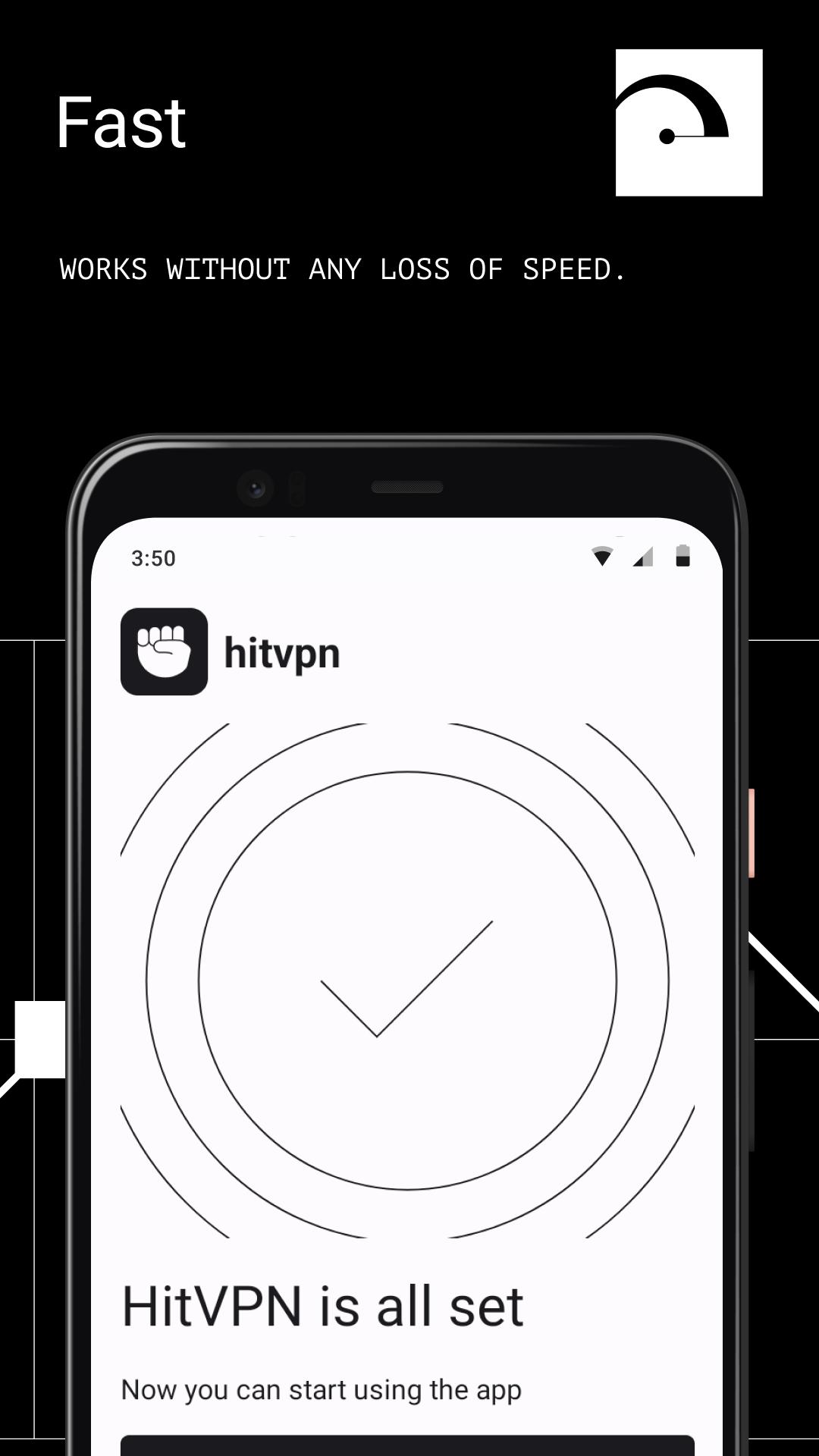
The interface is clean and user-friendly. Setup takes only a couple of minutes — fast, simple, and effective.
* How It Works
HitVPN works with configuration files from any VPN provider.
Supported formats:
- VLESS links
- WireGuard configurations (convertible to HitVPN format)
Conversion tools are available at:
https://hitvpn.to/converter
https://github.com/hvpdev/hvpnlink
* User Support
Our support team is available to help at any time.
Contact page: https://hitvpn.to/contacts
* Privacy & Terms
Privacy Policy: https://hitvpn.to/privacy
Terms of Use: https://hitvpn.to/rules
* Licensing
Includes code from:
WireGuard by Jason A. Donenfeld (Apache License 2.0)
Xray-core by Project-X (Mozilla Public License 2.0)
Preview
Tags
ToolsInformation
Developer
HitVPN
Latest Version
1.1.124
Last Updated
2025-06-16
Category
Tools
Available on
Google Play
Show More
How to play HitVPN with GameLoop on PC
1. Download GameLoop from the official website, then run the exe file to install GameLoop
2. Open GameLoop and search for “HitVPN” , find HitVPN in the search results and click “Install”
3. Enjoy playing HitVPN on GameLoop
Minimum requirements
OS
Windows 8.1 64-bit or Windows 10 64-bit
GPU
GTX 1050
CPU
i3-8300
Memory
8GB RAM
Storage
1GB available space
Recommended requirements
OS
Windows 8.1 64-bit or Windows 10 64-bit
GPU
GTX 1050
CPU
i3-9320
Memory
16GB RAM
Storage
1GB available space