
HideU - Vault Calculator Lock PC
MeVideo Status
Download HideU - Vault Calculator Lock on PC With GameLoop Emulator
HideU - Vault Calculator Lock sa PC
Ang HideU - Vault Calculator Lock, na nagmumula sa developer na MeVideo Status, ay tumatakbo sa Android systerm sa nakaraan.
Ngayon, maaari mong laruin ang HideU - Vault Calculator Lock sa PC gamit ang GameLoop nang maayos.
I-download ito sa GameLoop library o mga resulta ng paghahanap. Hindi na tumitingin sa baterya o nakakadismaya na mga tawag sa maling oras.
I-enjoy lang ang HideU - Vault Calculator Lock PC sa malaking screen nang libre!
HideU - Vault Calculator Lock Panimula
Calculator lock is a calculator hide app for Lock, Hide Files. Calculator locker.
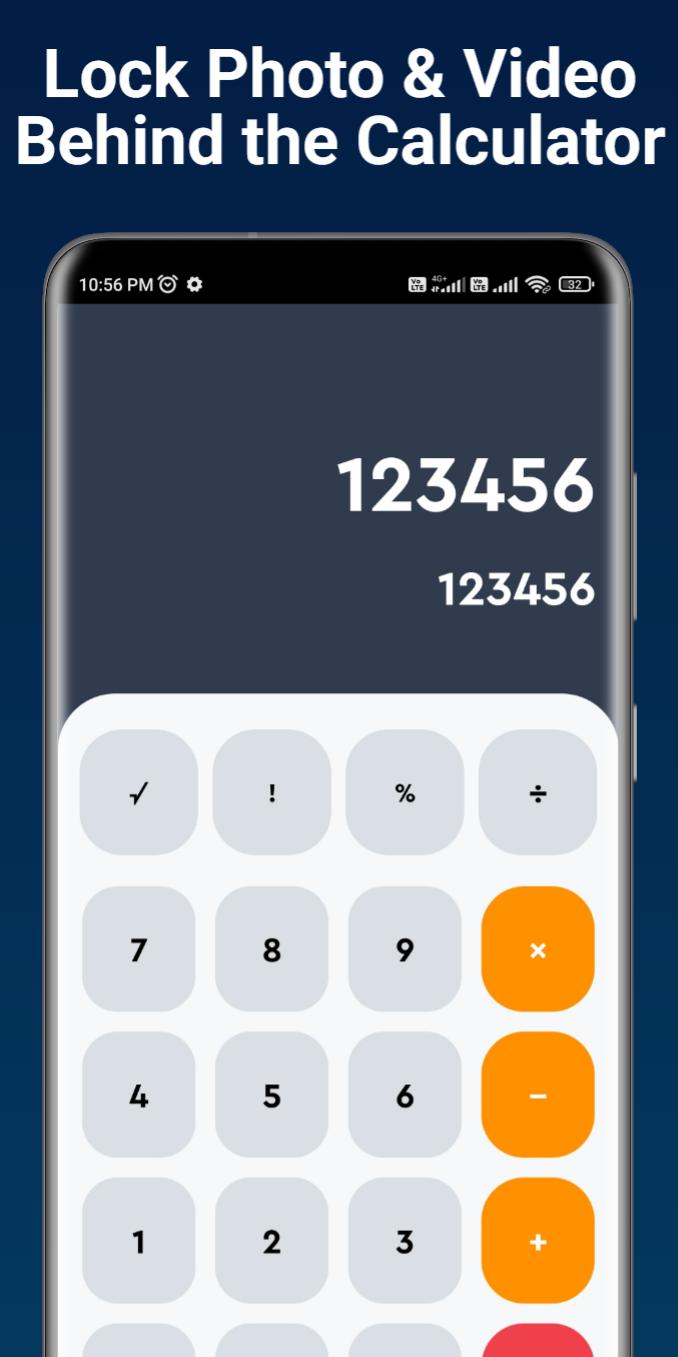
Calculator Photo Vault is the Vault app can secretly Hide Photos, Hide Videos and other files without anyone knowing as gallery lock installed in your phone looks as just a beautiful calculator, and works very well. Your files will be secretly stored in vault and can only be viewed after a Numeric PIN is entered on calculator panel of this app.
Main Features:
📷 Hide photos & videos
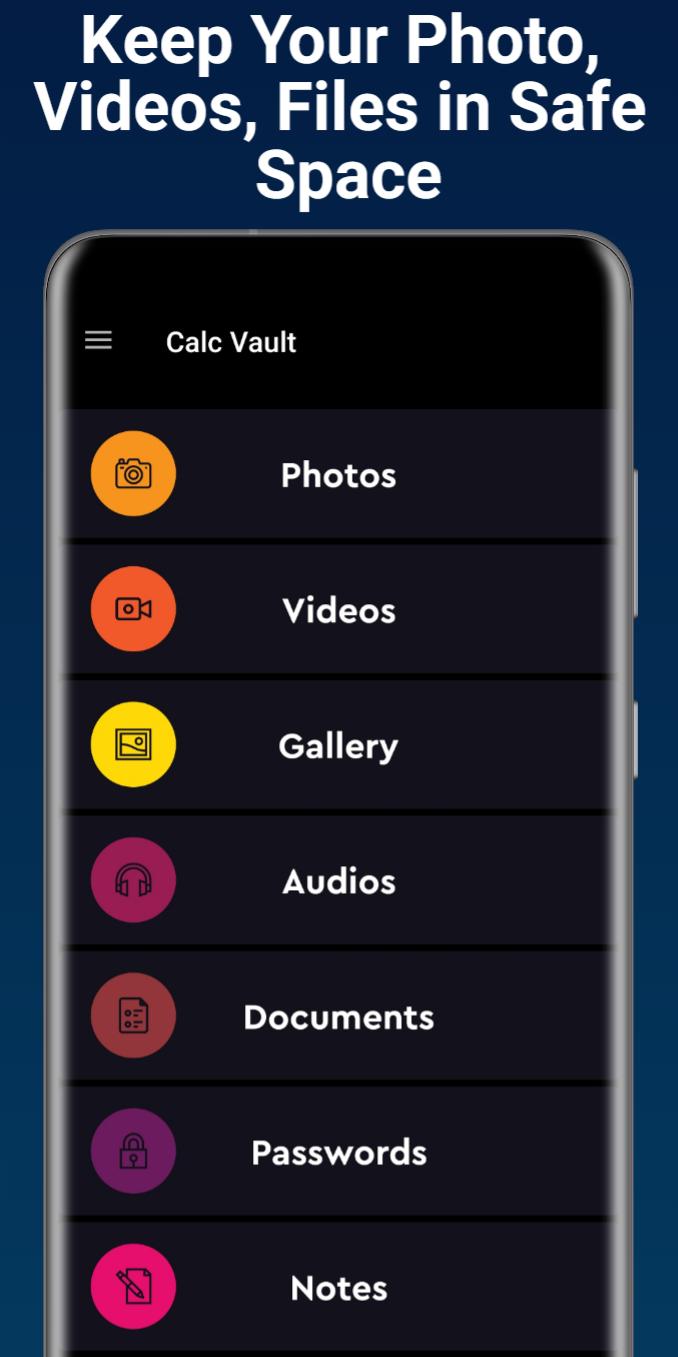
Secret media files will be stored in HideU and will not be shown in any other photo album, gallery or file manager. Keep others away from your private photos, videos, movies in safe media files vault.
Top Features:
☆Vault: Through the AES encryption algorithm, encrypt the content that you do not want to share with others, and the file format, size without any restrictions, but also support taking pictures and recording videos.
☆Intruder Selfie: Automatically takes Intruder selfie when someone tries to break in your privacy by entering wrong password.
☆Shake Close: Shake the phone can quickly close the app, so that everything in your control.
☆Colorful Theme: A variety of fashionable colors, any match, to create your exclusive theme.
Useful FAQ:
Q). My hidden files are stored online?
A. No, your hidden files are stored inside phone locally.
Q). Got new phone or phone stolen or broken. Can i recover hidden files from old phone?
A. No, currently we do not support online backup of your hidden files so that you can not recover any of files from old phone.
Q). How do I change my password?
A. Open your secret vault first and Go to settings of calculator gallery vault app and click on Change password option.
Q). Forgot my password and how to recover?
A. Enter 0000 = on our smart calculator. This will open password recovery screen to recover your password in your registered email id with an app.
contact us:
fearflix11@gmail.com
Preview
Tags
ToolsInformation
Developer
MeVideo Status
Latest Version
3.0
Last Updated
2022-11-06
Category
Tools
Available on
Google Play
Show More
How to play HideU - Vault Calculator Lock with GameLoop on PC
1. Download GameLoop from the official website, then run the exe file to install GameLoop
2. Open GameLoop and search for “HideU - Vault Calculator Lock” , find HideU - Vault Calculator Lock in the search results and click “Install”
3. Enjoy playing HideU - Vault Calculator Lock on GameLoop
Minimum requirements
OS
Windows 8.1 64-bit or Windows 10 64-bit
GPU
GTX 1050
CPU
i3-8300
Memory
8GB RAM
Storage
1GB available space
Recommended requirements
OS
Windows 8.1 64-bit or Windows 10 64-bit
GPU
GTX 1050
CPU
i3-9320
Memory
16GB RAM
Storage
1GB available space