
Chinese Pinyin-Zhuyin Convert PC
Wateryan Studio
Download Chinese Pinyin-Zhuyin Convert on PC With GameLoop Emulator
Chinese Pinyin-Zhuyin Convert sa PC
Ang Chinese Pinyin-Zhuyin Convert, na nagmumula sa developer na Wateryan Studio, ay tumatakbo sa Android systerm sa nakaraan.
Ngayon, maaari mong laruin ang Chinese Pinyin-Zhuyin Convert sa PC gamit ang GameLoop nang maayos.
I-download ito sa GameLoop library o mga resulta ng paghahanap. Hindi na tumitingin sa baterya o nakakadismaya na mga tawag sa maling oras.
I-enjoy lang ang Chinese Pinyin-Zhuyin Convert PC sa malaking screen nang libre!
Chinese Pinyin-Zhuyin Convert Panimula
📘 Convert Chinese Between Pinyin and Bopomofo (Zhuyin) – Now with AI Sentence Generation
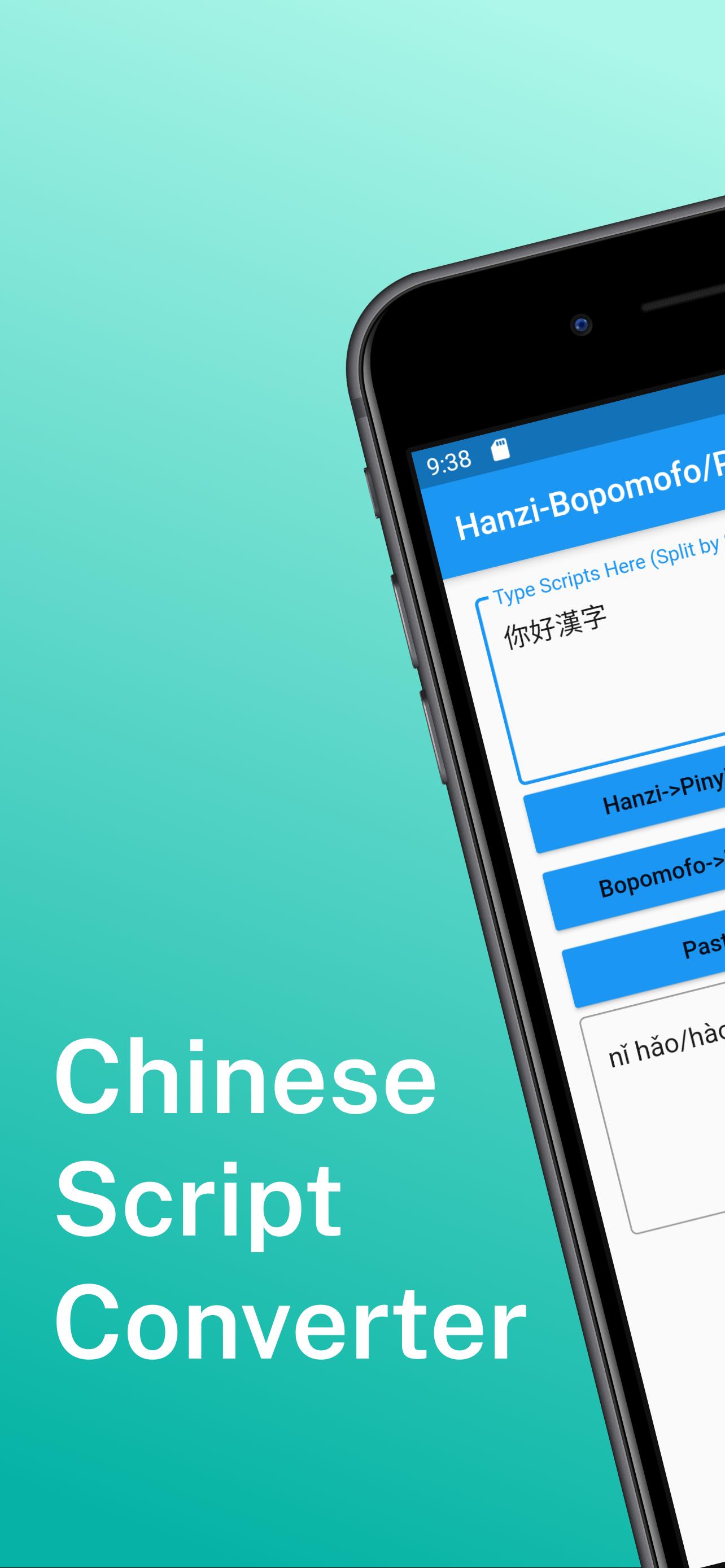
This app is designed for learners, educators, and everyday users who need a fast and intuitive way to convert Chinese text between Pinyin and Bopomofo (Zhuyin).
📌 Key Features:
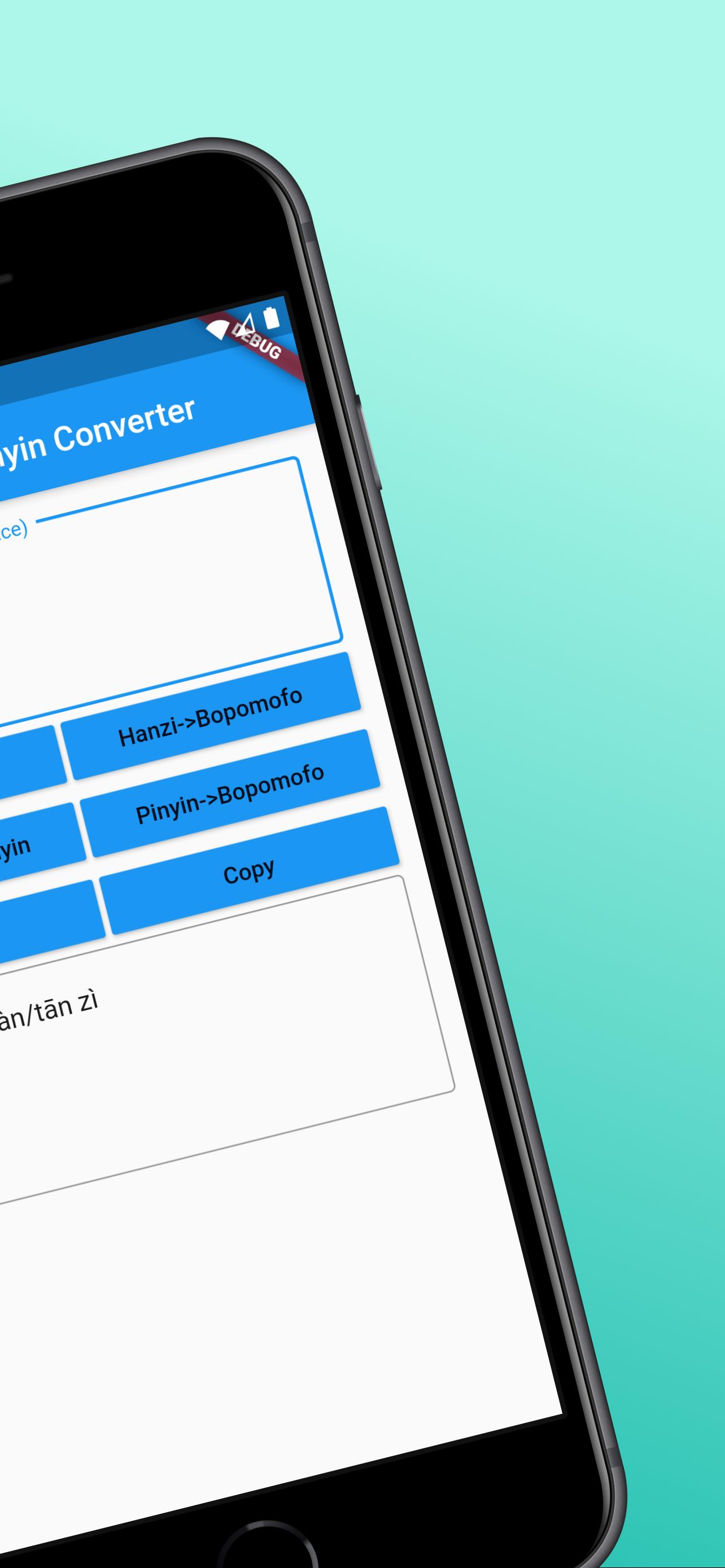
Convert Hanzi to Pinyin (with tone and auto-segmentation)
Convert Hanzi to Bopomofo (Zhuyin) (with tone and auto-segmentation)
Bidirectional conversion between Pinyin and Bopomofo (Zhuyin)
One-tap copy for easy sharing
No account required, clean and user-friendly interface
Pinyin and Bopomofo conversion works offline; AI sentence generation requires internet access
🧠 New: AI-Powered Sentence Generator
Just enter a word or phrase and get natural example sentences in Chinese – great for learning real-world usage.
🌟 Upgrade to Pro to unlock more:
Remove all ads for a distraction-free experience
Generate up to 200 AI sentences per day
Save your last 100 conversion results
Have feedback or questions? Leave a review on Google Play or contact us via the email listed on our store page.
Design support by hotpot.ai
Preview
Tags
ToolsInformation
Developer
Wateryan Studio
Latest Version
3.0.2
Last Updated
2025-06-20
Category
Tools
Available on
Google Play
Show More
How to play Chinese Pinyin-Zhuyin Convert with GameLoop on PC
1. Download GameLoop from the official website, then run the exe file to install GameLoop
2. Open GameLoop and search for “Chinese Pinyin-Zhuyin Convert” , find Chinese Pinyin-Zhuyin Convert in the search results and click “Install”
3. Enjoy playing Chinese Pinyin-Zhuyin Convert on GameLoop
Minimum requirements
OS
Windows 8.1 64-bit or Windows 10 64-bit
GPU
GTX 1050
CPU
i3-8300
Memory
8GB RAM
Storage
1GB available space
Recommended requirements
OS
Windows 8.1 64-bit or Windows 10 64-bit
GPU
GTX 1050
CPU
i3-9320
Memory
16GB RAM
Storage
1GB available space