
HandWriter - Сonverter to Hand PC
AqulaSoft
Download HandWriter - Сonverter to Hand on PC With GameLoop Emulator
HandWriter - Сonverter to Hand sa PC
Ang HandWriter - Сonverter to Hand, na nagmumula sa developer na AqulaSoft, ay tumatakbo sa Android systerm sa nakaraan.
Ngayon, maaari mong laruin ang HandWriter - Сonverter to Hand sa PC gamit ang GameLoop nang maayos.
I-download ito sa GameLoop library o mga resulta ng paghahanap. Hindi na tumitingin sa baterya o nakakadismaya na mga tawag sa maling oras.
I-enjoy lang ang HandWriter - Сonverter to Hand PC sa malaking screen nang libre!
HandWriter - Сonverter to Hand Panimula
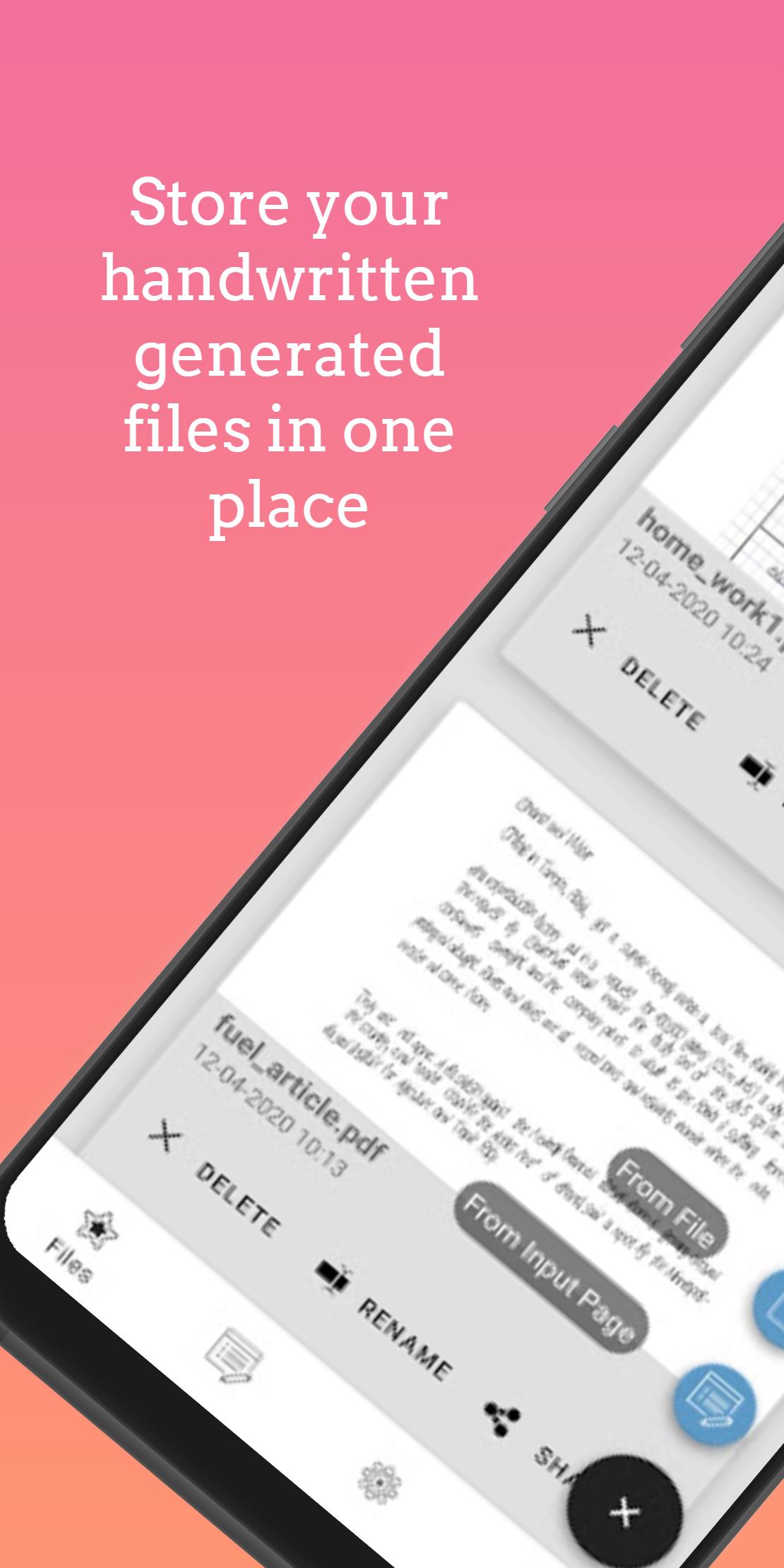
Tired of writing endless texts by hand? Then this app is definitely for you!
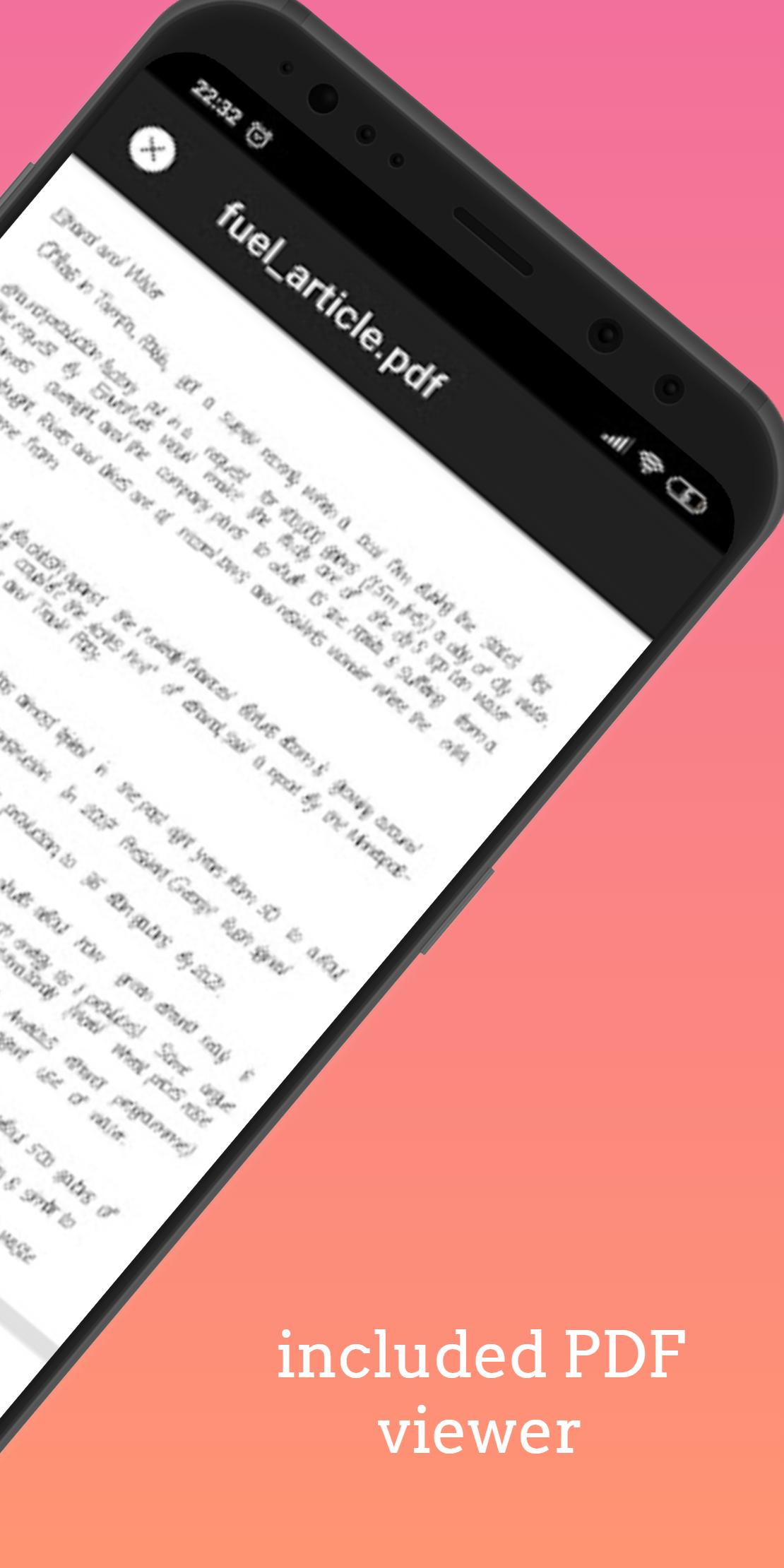
HandWriter will help you to create a high-quality translation of digital text and convert it into a handwritten view.
By combining fonts and settings, you can easily create a unique work and achieve the maximum result.
What else can you do with our application?
- Easily convert your .txt and .docx files into handwritten text in a convenient PDF format;
- Not just text! Create tables in Word, transfer images, and we will make their handwritten copy for any paper sizes! Yes, yes, we could do it too!
- Customize the handwriting and create your own individual style, or use the preset options;
- Combine fonts to achieve the best result;
- Share your work with friends or save them in the cloud.
Any questions? Write to forandwoicorp@gmail.com
We're always looking for ways to improve. Share your unique online experience with our team and help us keep you connected.
VK: vk.com/hand_writer
Telegram: t.me/hand_writer
Preview
Tags
ToolsInformation
Developer
AqulaSoft
Latest Version
1.4.10
Last Updated
2021-01-28
Category
Tools
Available on
Google Play
Show More
How to play HandWriter - Сonverter to Hand with GameLoop on PC
1. Download GameLoop from the official website, then run the exe file to install GameLoop
2. Open GameLoop and search for “HandWriter - Сonverter to Hand” , find HandWriter - Сonverter to Hand in the search results and click “Install”
3. Enjoy playing HandWriter - Сonverter to Hand on GameLoop
Minimum requirements
OS
Windows 8.1 64-bit or Windows 10 64-bit
GPU
GTX 1050
CPU
i3-8300
Memory
8GB RAM
Storage
1GB available space
Recommended requirements
OS
Windows 8.1 64-bit or Windows 10 64-bit
GPU
GTX 1050
CPU
i3-9320
Memory
16GB RAM
Storage
1GB available space