Grapher - Equation Plotter PC
Basile Van Hoorick
Download Grapher - Equation Plotter on PC With GameLoop Emulator
Grapher - Equation Plotter sa PC
Ang Grapher - Equation Plotter, na nagmumula sa developer na Basile Van Hoorick, ay tumatakbo sa Android systerm sa nakaraan.
Ngayon, maaari mong laruin ang Grapher - Equation Plotter sa PC gamit ang GameLoop nang maayos.
I-download ito sa GameLoop library o mga resulta ng paghahanap. Hindi na tumitingin sa baterya o nakakadismaya na mga tawag sa maling oras.
I-enjoy lang ang Grapher - Equation Plotter PC sa malaking screen nang libre!
Grapher - Equation Plotter Panimula
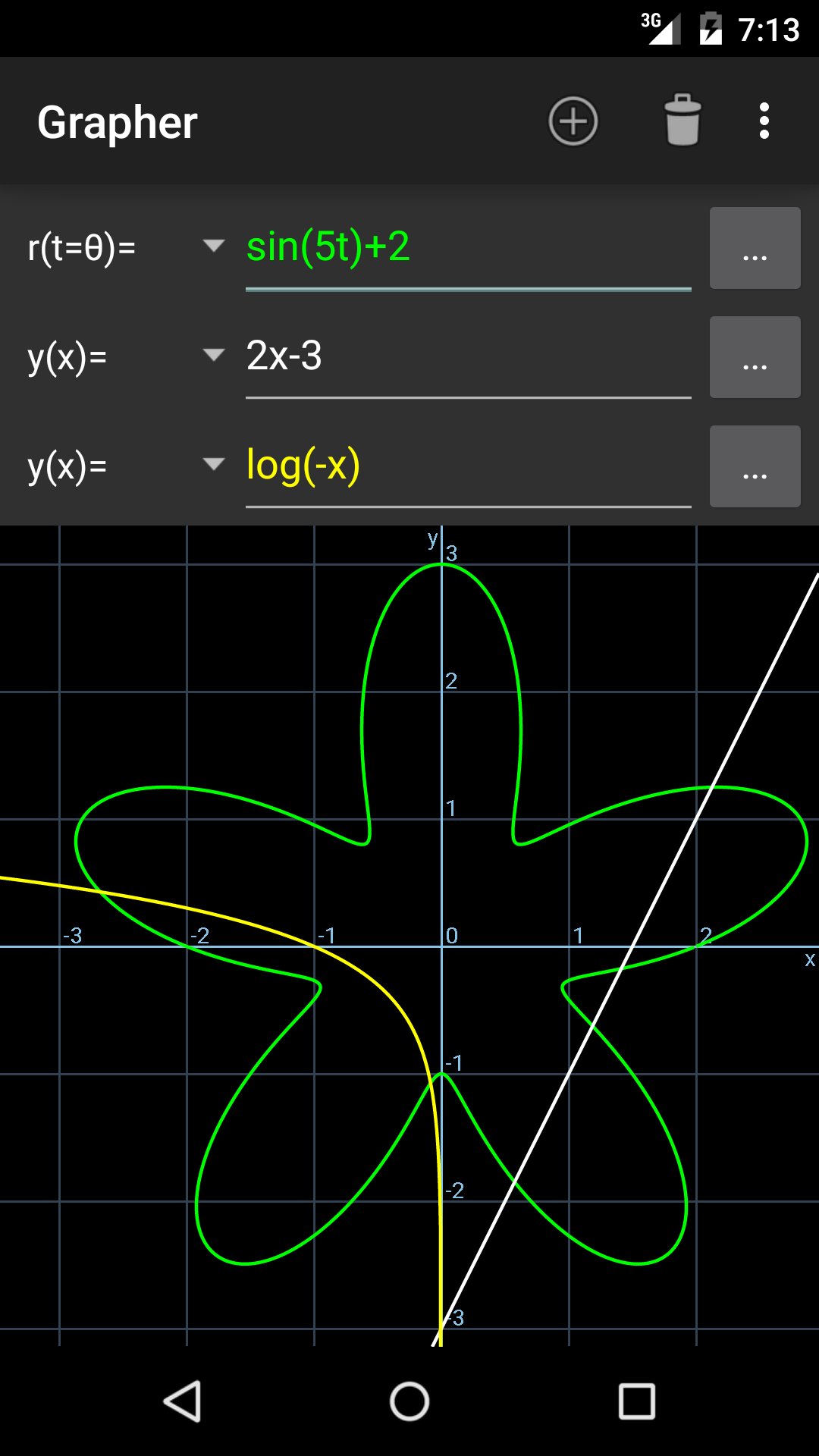
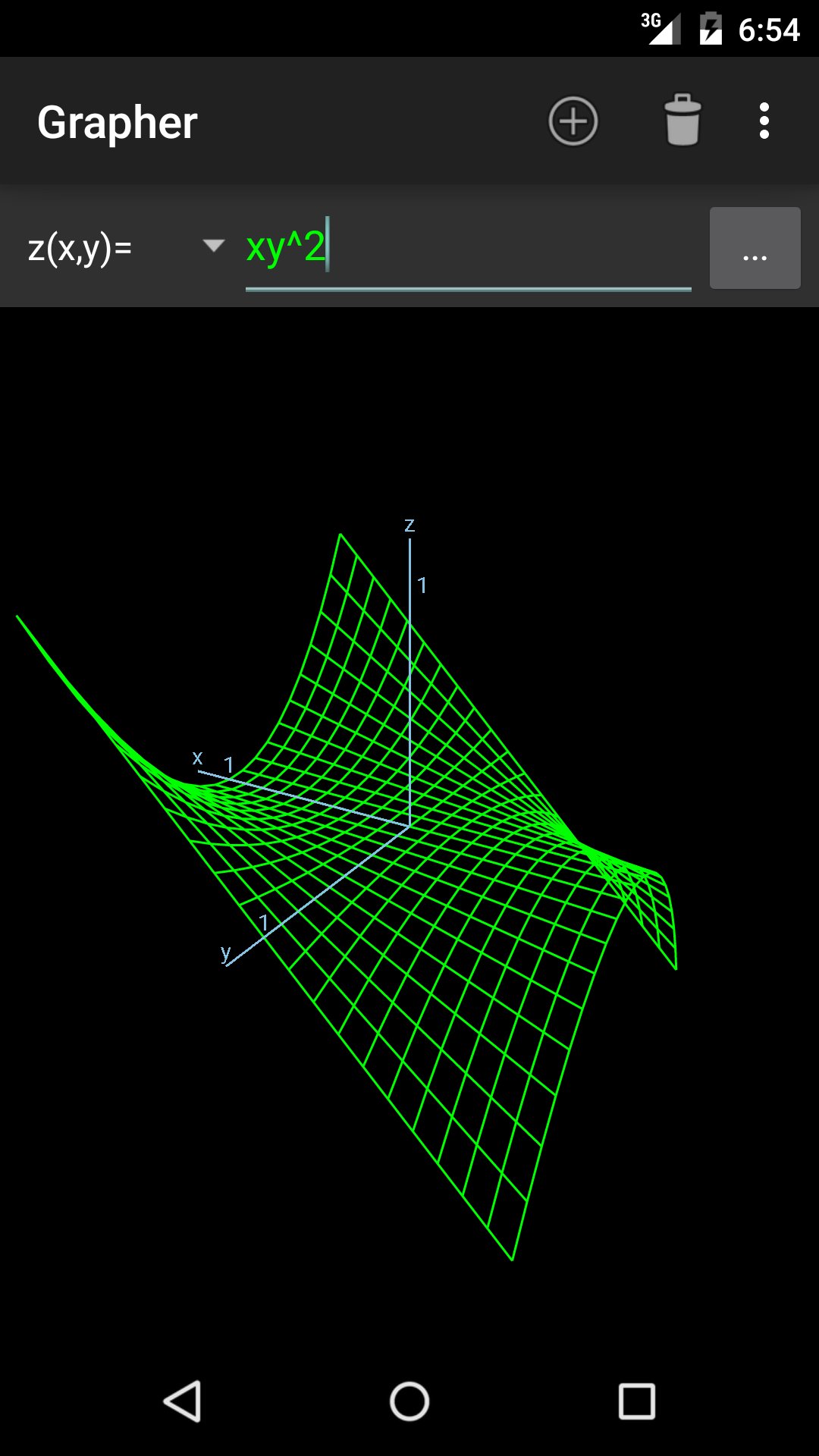
Grapher is a fast and effective equation plotter, capable of drawing any function, solving equations and calculating expressions. Especially if you're a student, teacher or engineer, this app is made with you in mind! A wide range of predefined functions is available, including trigonometric & hyperbolic functions, polar coordinates, differentiation and more. Anything you type will be processed and displayed instantly by a powerful math engine, in both 2D and 3D modes. Furthermore, functions can reference each other by their name.
As I strive to make Grapher fit your needs, any feedback and bug-reports are greatly appreciated. This free version has most but not all features; please consider buying Grapher Pro to enjoy awesome extensions such as parameter sliders and complex plotting!
Curve types
• Function (e.g. parabola, sine wave)
• Polar (e.g. rose, spiral)
• Parametric (e.g. ellipse, Lissajous) on the xy-plane or rθ-plane
• Implicit equation (e.g. conic sections)
• Implicit inequality (e.g. half-plane)
• 3D function (e.g. paraboloid)
• 3D parametric curve (e.g. helix)
• 3D parametric surface (e.g. sphere, hyperboloid)
More features
• Equation solver (numerical)
• Find roots, extrema and intersections with other functions
• Functions can reference each other, e.g. g(x)=2*f(x+1)
• Custom math keyboard
• Auto-detect input type
• User variable support for both numbers and functions
• Adjustable parameter range (for cartesian, polar & parametric curves)
• Input history
• Plot up to 28 graphs at once
• Differentiation (numerical)
• Trace graph
• Capture screenshots
Note: Mathematical functions should be typed by their names, for example sqrt(x) means √x. Hold a key to see all function names starting with that letter. If something is unclear, be sure to check out the 'Help' page as all details are summarized there.
Preview
Tags
ToolsInformation
Developer
Basile Van Hoorick
Latest Version
1.4.4b
Last Updated
2020-10-05
Category
Tools
Available on
Google Play
Show More
How to play Grapher - Equation Plotter with GameLoop on PC
1. Download GameLoop from the official website, then run the exe file to install GameLoop
2. Open GameLoop and search for “Grapher - Equation Plotter” , find Grapher - Equation Plotter in the search results and click “Install”
3. Enjoy playing Grapher - Equation Plotter on GameLoop
Minimum requirements
OS
Windows 8.1 64-bit or Windows 10 64-bit
GPU
GTX 1050
CPU
i3-8300
Memory
8GB RAM
Storage
1GB available space
Recommended requirements
OS
Windows 8.1 64-bit or Windows 10 64-bit
GPU
GTX 1050
CPU
i3-9320
Memory
16GB RAM
Storage
1GB available space