
G4S ZeroWire PC
UHS Pty Ltd
Download G4S ZeroWire on PC With GameLoop Emulator
G4S ZeroWire sa PC
Ang G4S ZeroWire, na nagmumula sa developer na UHS Pty Ltd, ay tumatakbo sa Android systerm sa nakaraan.
Ngayon, maaari mong laruin ang G4S ZeroWire sa PC gamit ang GameLoop nang maayos.
I-download ito sa GameLoop library o mga resulta ng paghahanap. Hindi na tumitingin sa baterya o nakakadismaya na mga tawag sa maling oras.
I-enjoy lang ang G4S ZeroWire PC sa malaking screen nang libre!
G4S ZeroWire Panimula
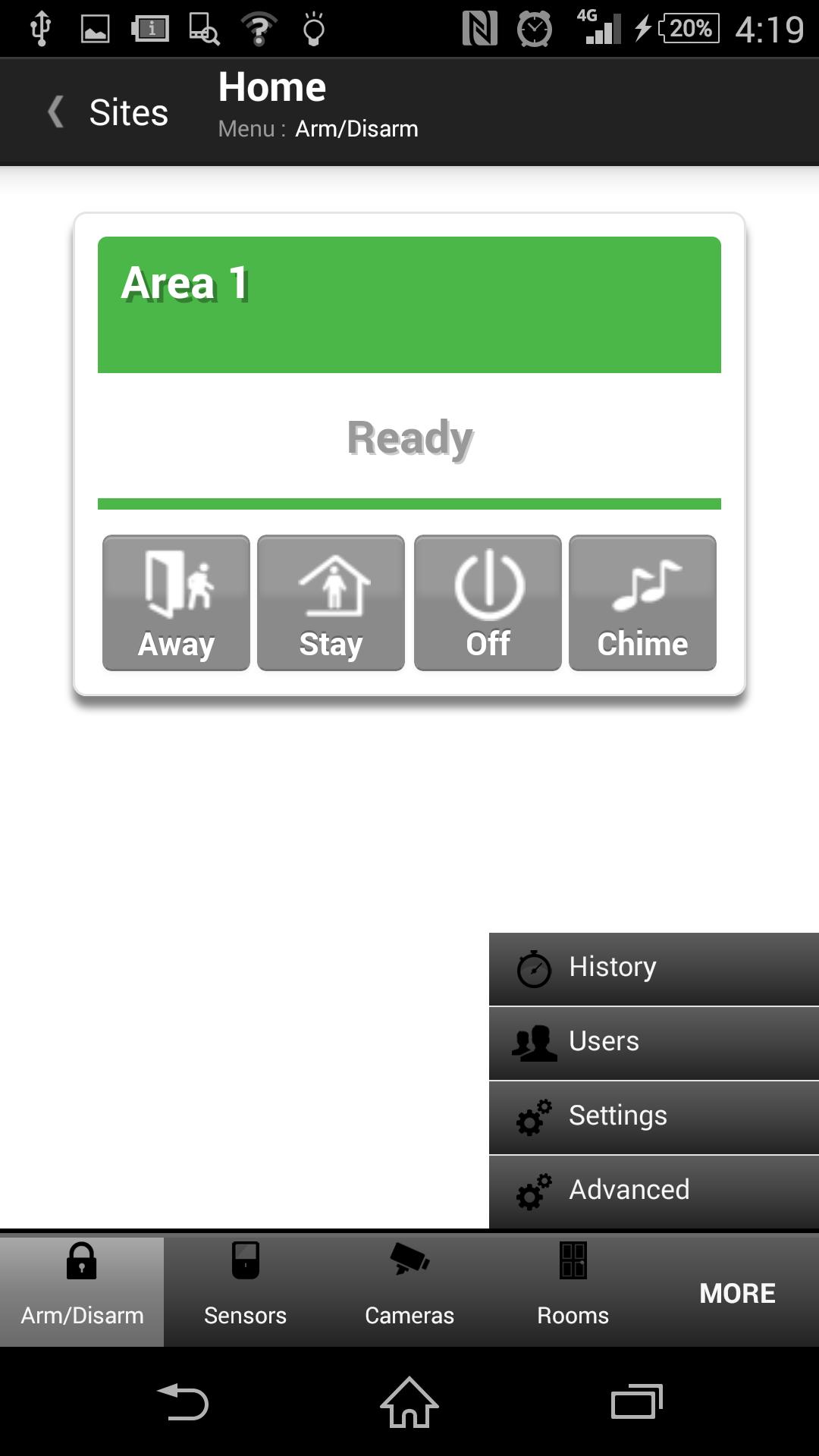
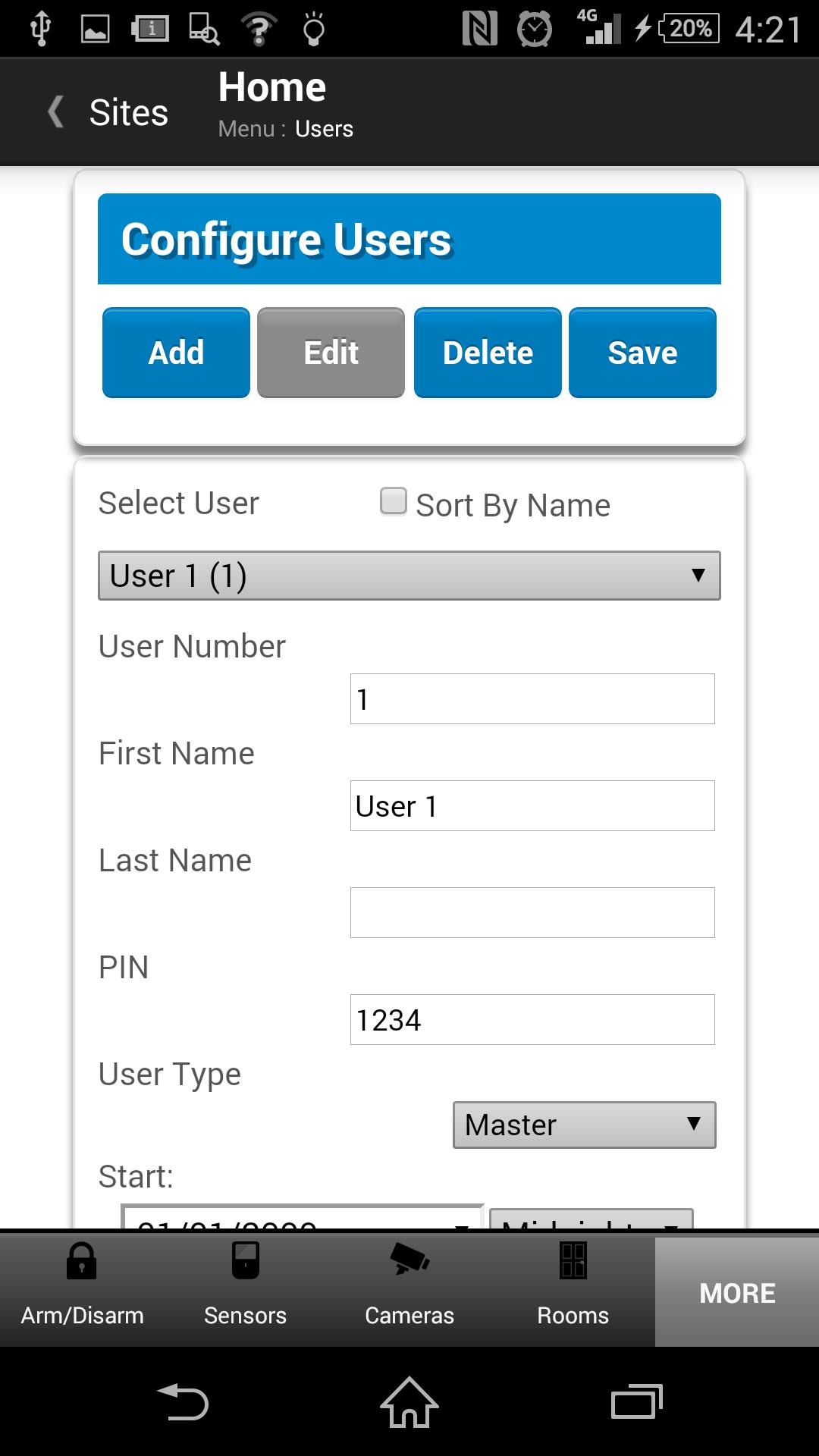
The G4S ZeroWire app gives you the same features that are available when accessing your security system locally.
These include (depending on your authorisation level):
* Arming and disarming the system
* Checking the arm status
* Checking the history of events
* Configuring the system
In addition the app allows remote access to any configured cameras.
The look and feel and features are the same as when connecting to the system's web pages locally via a LAN connection, but with the ability to do it anywhere with a connection to the internet.
The G4S ZeroWire app supports multiple remote sites for customers with more than one system.
Each site must be initially setup with a name and description that is shown on the main site list, as well as some credential information.
Once setup, the main page will show the list of sites.
For example, if you have systems at home and in the office, the main sites list will show two sites.
Accessing each site is then as simple as clicking on the site name.
The app will then automatically login to the system using the credentials that are saved for that site.
The required credentials are typically provided by your security company representative.
The connection to the security system is made via a remote communication server, avoiding the complication of setting up port forwarding.
Preview
Tags
ToolsInformation
Developer
UHS Pty Ltd
Latest Version
1.12.13
Last Updated
2016-07-12
Category
Tools
Available on
Google Play
Show More
How to play G4S ZeroWire with GameLoop on PC
1. Download GameLoop from the official website, then run the exe file to install GameLoop
2. Open GameLoop and search for “G4S ZeroWire” , find G4S ZeroWire in the search results and click “Install”
3. Enjoy playing G4S ZeroWire on GameLoop
Minimum requirements
OS
Windows 8.1 64-bit or Windows 10 64-bit
GPU
GTX 1050
CPU
i3-8300
Memory
8GB RAM
Storage
1GB available space
Recommended requirements
OS
Windows 8.1 64-bit or Windows 10 64-bit
GPU
GTX 1050
CPU
i3-9320
Memory
16GB RAM
Storage
1GB available space