
FreeFax - Send faxes smarter PC
Pigeon Tech Team
Download FreeFax - Send faxes smarter on PC With GameLoop Emulator
FreeFax - Send faxes smarter sa PC
Ang FreeFax - Send faxes smarter, na nagmumula sa developer na Pigeon Tech Team, ay tumatakbo sa Android systerm sa nakaraan.
Ngayon, maaari mong laruin ang FreeFax - Send faxes smarter sa PC gamit ang GameLoop nang maayos.
I-download ito sa GameLoop library o mga resulta ng paghahanap. Hindi na tumitingin sa baterya o nakakadismaya na mga tawag sa maling oras.
I-enjoy lang ang FreeFax - Send faxes smarter PC sa malaking screen nang libre!
FreeFax - Send faxes smarter Panimula
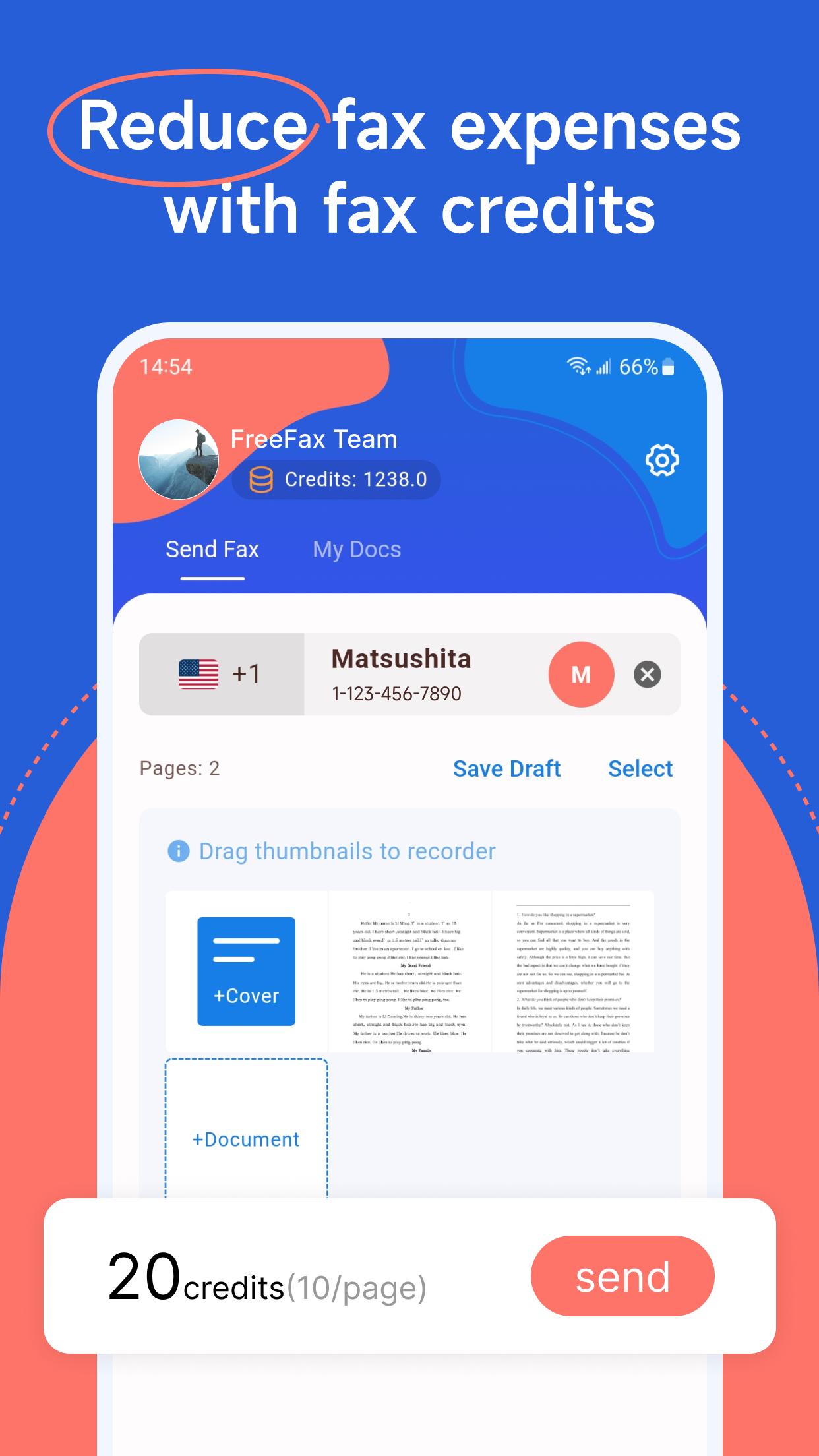
FreeFax is a mobile application that provides a convenient way to send faxes from your smartphone. With FreeFax, you can scan texts and images, process documents such as images or PDFs stored on your phone, and send faxes to destinations globally. The app allows users to send faxes using fax credits, which can be obtained through various methods, making it a cost-effective option for sending faxes. With a simple and user-friendly interface, FreeFax streamlines the faxing process and eliminates the need for a traditional fax machine. Whether you need to send a contract, important documents, or just send a quick fax, FreeFax makes it easy and convenient to do so from anywhere, as long as you have an internet connection.
[Features]
- Support for various document sources including camera scanning, photo album, file management, external app sharing, and cloud storage integration
- Merging functionality for combining multiple documents into a single fax transmission
- Real-time fax status tracking and detailed history records
- Background notification functionality for updated fax status information
- Document drafting functionality for saving and restoring fax transmissions at a later time
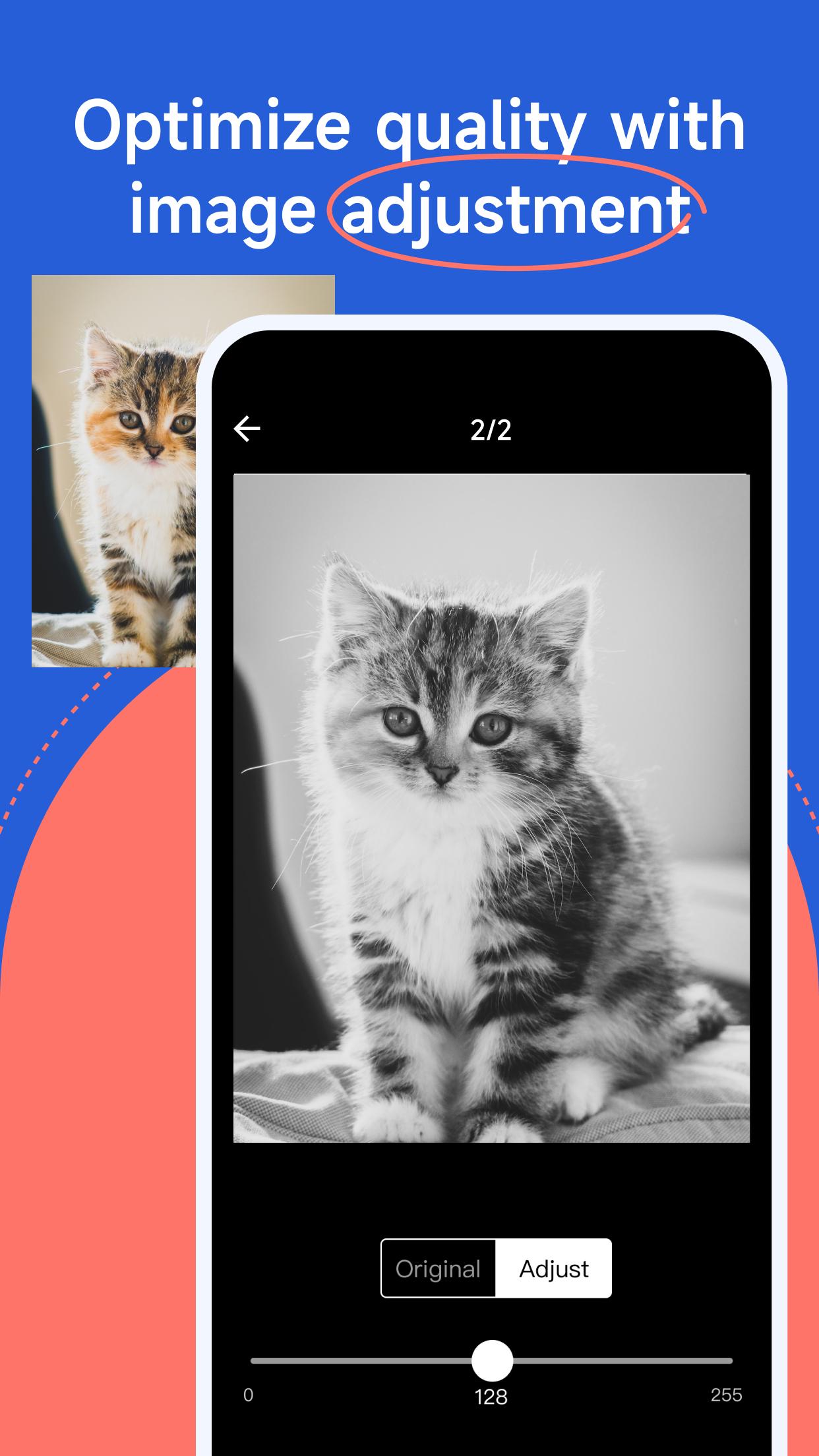
- Image optimization tools for enhancing fax quality
- Fax cover sheet customization support
- Intuitive and user-friendly interface design
- Global fax transmission capabilities via fax credits to multiple destinations
- Multiple options for obtaining fax credits at no cost
[Privacy & Security]
FreeFax is committed to protecting the privacy and security of its users. All fax transmissions made through the app are encrypted to ensure that confidential information is protected during transmission. The app implements robust security measures to safeguard against unauthorized access to user data, and user information is stored securely on protected servers. The privacy and security of our users is a top priority, and we take all necessary measures to ensure that user data remains protected. By using FreeFax, users can be confident that their sensitive information is secure and protected from unauthorized access.
[Credit Return Policy]
FreeFax understands that fax transmissions may not always be successful due to various reasons, including network data connection failure. In these instances, we offer credit returns to our users as a gesture of good faith. Our team is available to assist with any issues and ensure a positive user experience.
[Credit Top-up]
FreeFax offers multiple options for acquiring fax credits, including both free and in-app purchase methods. The in-app purchase system provides an additional, convenient option for obtaining fax credits directly within the app. Credits are added to the user's account immediately after the in-app purchase is confirmed. This flexible approach offers users a range of options to acquire fax credits, meeting their individual faxing needs.
Preview
Tags
ToolsInformation
Developer
Pigeon Tech Team
Latest Version
1.11.0
Last Updated
2025-03-18
Category
Tools
Available on
Google Play
Show More
How to play FreeFax - Send faxes smarter with GameLoop on PC
1. Download GameLoop from the official website, then run the exe file to install GameLoop
2. Open GameLoop and search for “FreeFax - Send faxes smarter” , find FreeFax - Send faxes smarter in the search results and click “Install”
3. Enjoy playing FreeFax - Send faxes smarter on GameLoop
Minimum requirements
OS
Windows 8.1 64-bit or Windows 10 64-bit
GPU
GTX 1050
CPU
i3-8300
Memory
8GB RAM
Storage
1GB available space
Recommended requirements
OS
Windows 8.1 64-bit or Windows 10 64-bit
GPU
GTX 1050
CPU
i3-9320
Memory
16GB RAM
Storage
1GB available space