Fraction Calculator Plus PC
Digitalchemy, LLC
Download Fraction Calculator Plus on PC With GameLoop Emulator
Fraction Calculator Plus sa PC
Ang Fraction Calculator Plus, na nagmumula sa developer na Digitalchemy, LLC, ay tumatakbo sa Android systerm sa nakaraan.
Ngayon, maaari mong laruin ang Fraction Calculator Plus sa PC gamit ang GameLoop nang maayos.
I-download ito sa GameLoop library o mga resulta ng paghahanap. Hindi na tumitingin sa baterya o nakakadismaya na mga tawag sa maling oras.
I-enjoy lang ang Fraction Calculator Plus PC sa malaking screen nang libre!
Fraction Calculator Plus Panimula
Fraction Calculator Plus with step-by-step operations is the easiest way to solve everyday fraction tasks — school assignments, recipe adjustments, and even complex woodworking or construction calculations.
Add, subtract, multiply, divide, simplify, and convert fractions quickly and clearly. Whether you're looking for a fraction calculator with steps, a mixed number calculator, or a fast fraction to decimal converter, fraction calculator app helps you get accurate results in seconds.
Need a calculator for fractional inches, or tape measure calculator?
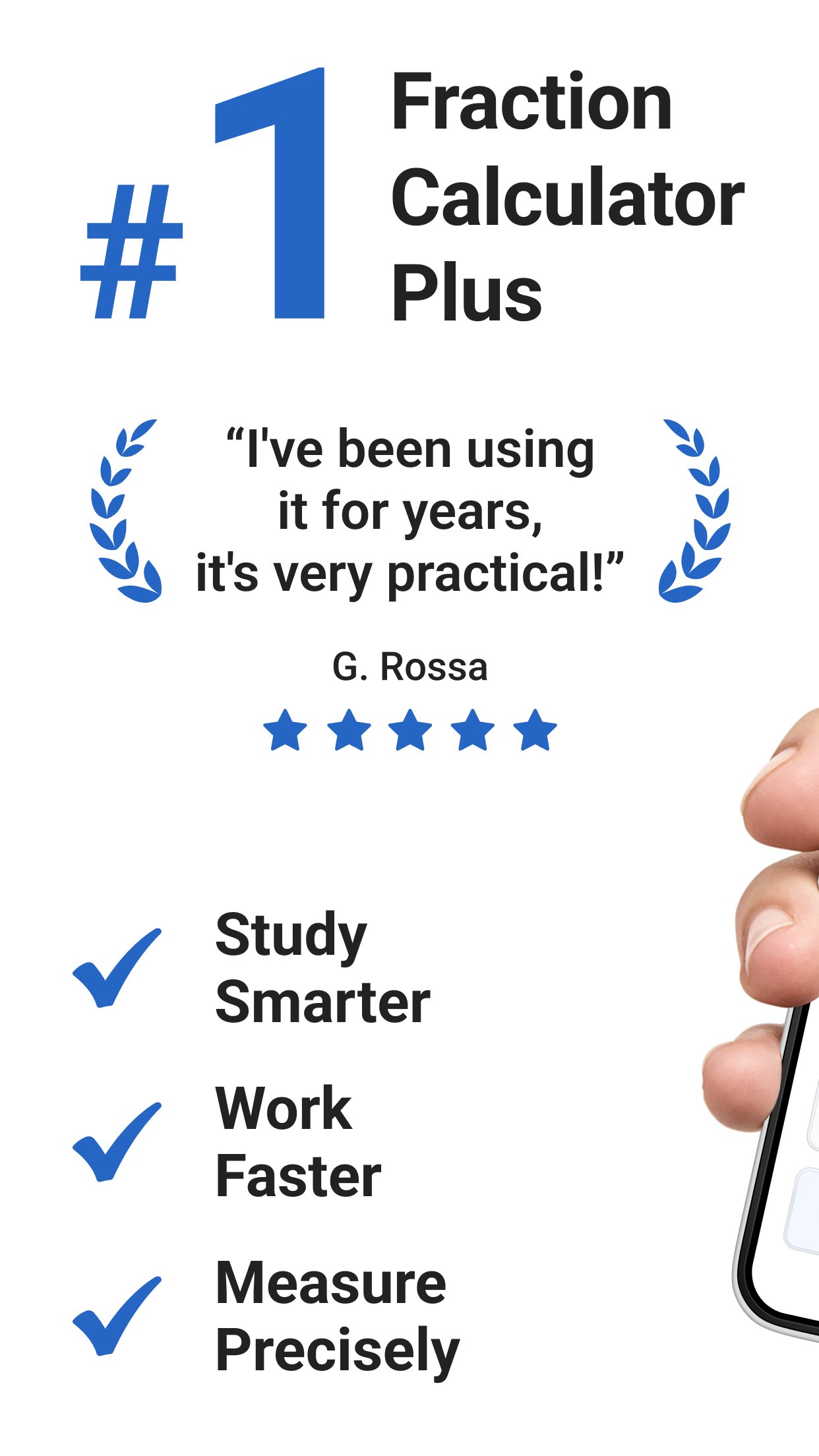
Fraction Calculator Plus is the best solution for:
✔ Helping kids understand fractions and complete math homework.
✔ Checking answers and learning how calculations work step by step.
✔ Adjusting recipe ingredients and serving sizes while cooking or baking.
✔ Working with measurements for woodworking, carpentry, DIY, and construction projects.
✔ Converting fractions to decimals or decimals to fractions quickly and accurately.
✔ Solving mixed number calculations and everyday measurement problems.
Designed to be simple, fast, and easy to use:
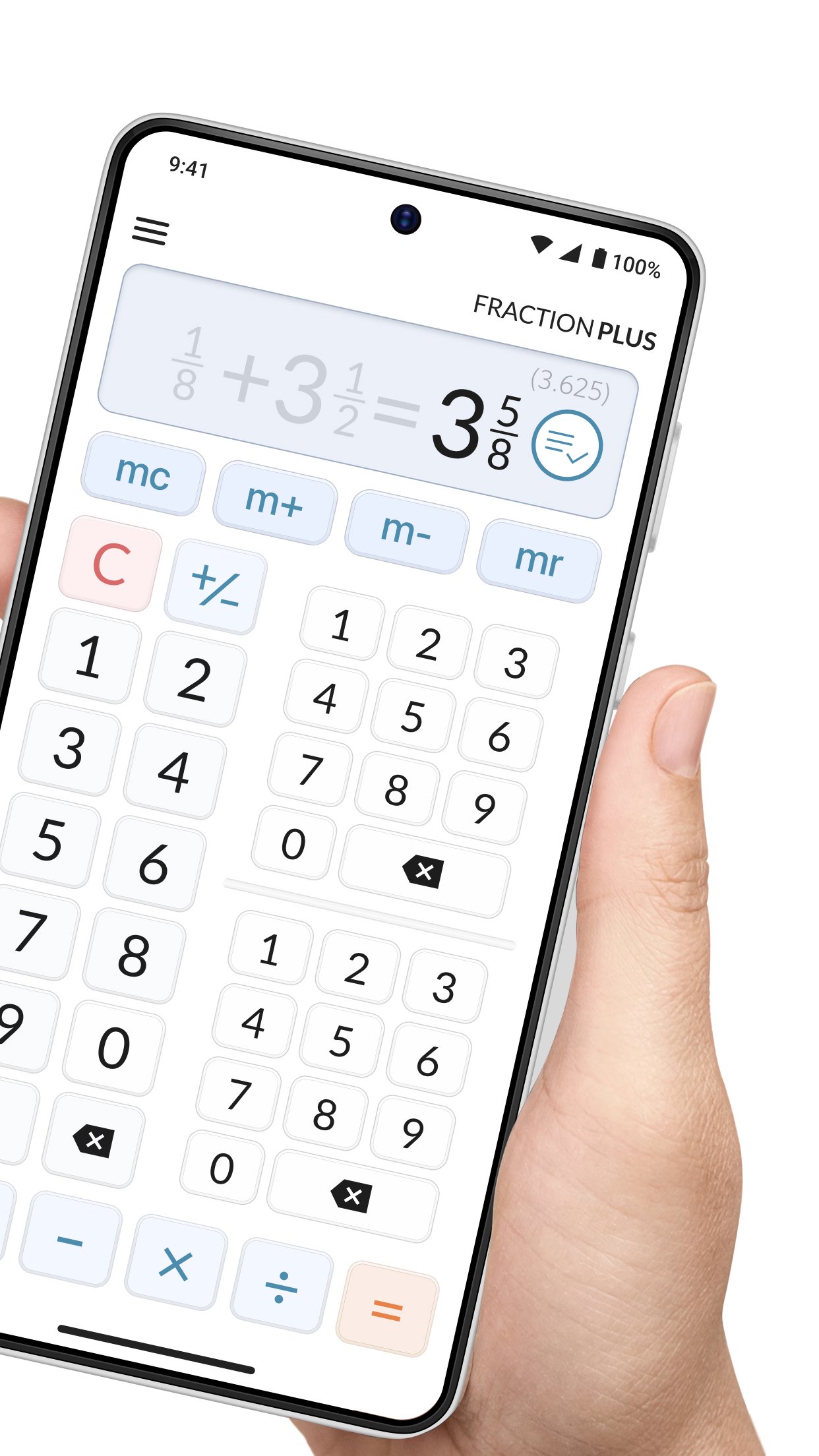
✔ Large, easy-to-read display that looks great on phones and tablets.
✔ The innovative triple keypad makes entering fractions and mixed numbers fast and intuitive.
✔ Enter mixed numbers like 3 3/4 in just a few taps.
✔ Every result is automatically reduced to its simplest form.
✔ Decimal equivalents are displayed automatically, making this a convenient fraction to decimal converter.
✔ Built-in tools also make it easy to convert decimals back into fractions.
✔ Step-by-step explanations help students, parents, and teachers understand every calculation.
✔ Memory functions (M+, M-, MR, MC) make multi-step calculations easier.
✔ Supports proper fractions, improper fractions, mixed numbers, and whole numbers.
Looking for an all-in-one fraction calculator?
Whether you're checking homework, scaling a recipe, estimating materials, or calculating measurements in the workshop, Fraction Calculator Plus gives you reliable answers when you need them.
Students use it as a fraction calculator for homework and learning.
Parents use it to help explain math.
Home cooks use it to adjust recipes and serving sizes.
Carpenters, woodworkers, contractors, and DIY builders use it as a woodworking fraction calculator for fractional inches, measurements, and planning cuts more accurately.
Need to estimate materials or plan a renovation?
Fraction calculator app works as a practical construction calculator for contractors, remodelers, and DIY builders who regularly work with measurements. Quickly calculate inches, convert measurements, and verify dimensions before cutting materials or starting installation.
PRO Features for Woodworkers & Contractors
The PRO version includes advanced tools designed specifically for carpenters, cabinet makers, contractors, and serious DIY enthusiasts:
✔ Round results to 1/2, 1/4, 1/8, 1/16, 1/32, or 1/64 inch.
✔ Choose whether to round up, round down, or round to the nearest value.
✔ Automatically display decimal equivalents.
✔ Calculate fractional inches faster and with greater confidence.
✔ Reduce material waste and measurement errors on the job.
Whether you're in the classroom, kitchen, workshop, or construction site, Fraction Calculator Plus helps make fraction math simple.
Preview
Tags
ToolsInformation
Developer
Digitalchemy, LLC
Latest Version
6.1.13
Last Updated
2026-11-16
Category
Tools
Available on
Google Play
Show More
How to play Fraction Calculator Plus with GameLoop on PC
1. Download GameLoop from the official website, then run the exe file to install GameLoop
2. Open GameLoop and search for “Fraction Calculator Plus” , find Fraction Calculator Plus in the search results and click “Install”
3. Enjoy playing Fraction Calculator Plus on GameLoop
Minimum requirements
OS
Windows 8.1 64-bit or Windows 10 64-bit
GPU
GTX 1050
CPU
i3-8300
Memory
8GB RAM
Storage
1GB available space
Recommended requirements
OS
Windows 8.1 64-bit or Windows 10 64-bit
GPU
GTX 1050
CPU
i3-9320
Memory
16GB RAM
Storage
1GB available space