
File Archiver - Extract, Unzip PC
Fast Video Downloader & Story Saver - DevBay
Download File Archiver - Extract, Unzip on PC With GameLoop Emulator
File Archiver - Extract, Unzip sa PC
Ang File Archiver - Extract, Unzip, na nagmumula sa developer na Fast Video Downloader & Story Saver - DevBay, ay tumatakbo sa Android systerm sa nakaraan.
Ngayon, maaari mong laruin ang File Archiver - Extract, Unzip sa PC gamit ang GameLoop nang maayos.
I-download ito sa GameLoop library o mga resulta ng paghahanap. Hindi na tumitingin sa baterya o nakakadismaya na mga tawag sa maling oras.
I-enjoy lang ang File Archiver - Extract, Unzip PC sa malaking screen nang libre!
File Archiver - Extract, Unzip Panimula
🚀 File Archiver & RAR Extractor: The Ultimate File Compression Tool!
Compress, extract, and manage your files like a pro with File Archiver & RAR File Extractor! This all-in-one app simplifies handling all types of compressed files, whether they’re in ZIP, RAR, 7Z, or many other formats. Whether you need to zip files for sharing, extract important documents, or secure your archives with a password, this app does it all. 📂🔒
📌 Why Choose File Archiver & RAR Extractor?
🔧 Comprehensive File Compression & Extraction
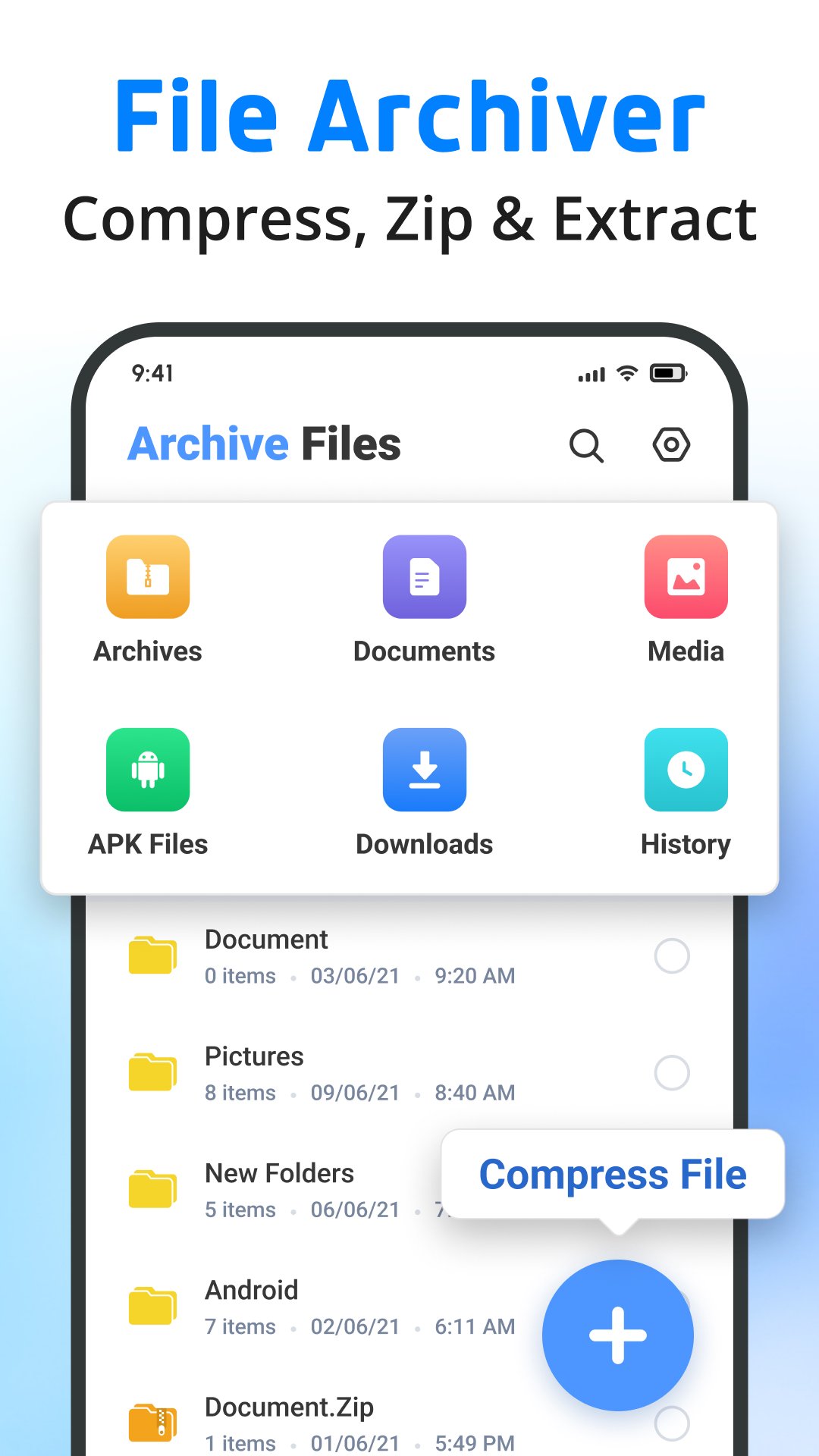
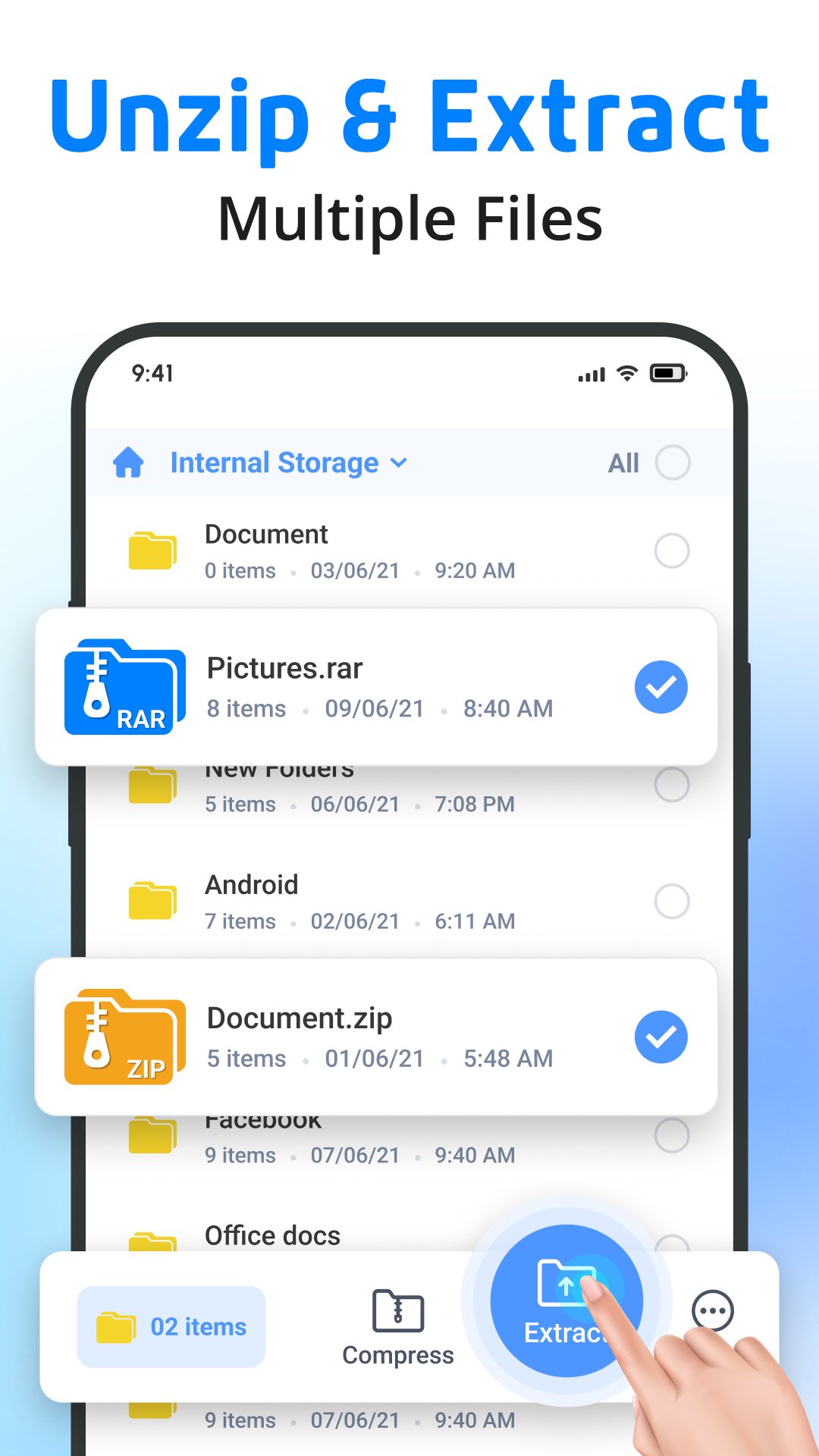
Easily compress files into ZIP or RAR formats or extract them in seconds. Need to handle password-protected files? No problem! Our app supports opening and extracting files with passwords, ensuring you can securely manage your archives.
🗂️ Wide Range of Supported Formats
This app supports almost any format you can imagine! Manage and extract from formats such as ZIP, RAR, 7Z, ISO, TAR, GZIP, BZIP2, and many more. It’s perfect for handling all kinds of compressed files, whether you're working with large archives or individual documents.
⚡ Quick and Easy File Management
With the Quick File Unzipper, you can compress and decompress files instantly. The app supports all popular formats, including ZIP, RAR, 7Z, and TAR. You can even compress photos and videos straight from your gallery! 📷🎥
Plus, extract files in formats like 7z, RAR5, bzip2, gzip, tar, and more without breaking a sweat.
💼 Advanced Features for Power Users
📦 Multiple Compression Formats: Compress your files into ZIP, RAR, 7Z, TAR, and other popular formats.
🔐 Password Protection: Secure your files with password-protected archives, giving you peace of mind when sharing sensitive documents.
📁 Complete File Manager: Manage your files with ease—copy, move, delete, rename, or create new folders directly in the app. You can even install APK files with the unarchiver.
📄 Document Viewer: Open and view different document types like DOC, Excel, PPT, PDF, TXT, JPG, PNG, and more directly from the app. No need to switch between apps!
🌟 One-Stop Solution for All Your File Archiving Needs
With File Archiver & RAR File Extractor, you’re not just getting an unarchiver—you’re getting a full suite of tools to manage, compress, and extract files efficiently and securely. This app supports all types of archive files:
🔸 ZIP, RAR, 7Z, ISO
🔸 RAR5, GZIP, BZIP2
🔸 TAR, XZ, LZMA, CAB, and many more!
You can even extract files in lesser-known formats like RPM, DEB, IMG, CPIO, DMG, and others, making it the most versatile file archiver for Android. 📲
🔥 Built for Speed, Security, and Convenience
The app is designed to be fast and lightweight, so it won’t slow down your device while extracting or compressing files. It’s efficient, secure, and perfect for both casual users and professionals. Plus, our user-friendly interface makes it simple for anyone to use. Whether you’re opening a ZIP file, extracting RAR files, or managing large archives, this app ensures everything runs smoothly. 🛡️⚙️
Key Features:
💾 Compress files into ZIP, RAR, 7Z, and more
🔓 Extract from all popular archive formats: ZIP, RAR, 7Z, ISO, and many more
🔐 Secure your archives with password protection
📂 Manage files: copy, move, delete, rename, and create new folders
📄 View different document types directly from the app (PDF, DOC, Excel, and more)
📲 Install APK files directly
🎨 Simple, clean, and easy-to-use interface
🚀 The Best Archiver App for Android Users
From beginners to experts, File Archiver & RAR File Extractor is perfect for everyone. And with features like password protection, fast compression, and file management, your files are always safe and accessible.
Download File Archiver & RAR File Extractor today and experience the easiest way to zip, unzip, and manage all your files! 📥💼
Preview
Tags
ToolsPersonalizationInformation
Developer
Fast Video Downloader & Story Saver - DevBay
Latest Version
3.4.6
Last Updated
2026-05-19
Category
Tools
Available on
Google Play
Show More
How to play File Archiver - Extract, Unzip with GameLoop on PC
1. Download GameLoop from the official website, then run the exe file to install GameLoop
2. Open GameLoop and search for “File Archiver - Extract, Unzip” , find File Archiver - Extract, Unzip in the search results and click “Install”
3. Enjoy playing File Archiver - Extract, Unzip on GameLoop
Minimum requirements
OS
Windows 8.1 64-bit or Windows 10 64-bit
GPU
GTX 1050
CPU
i3-8300
Memory
8GB RAM
Storage
1GB available space
Recommended requirements
OS
Windows 8.1 64-bit or Windows 10 64-bit
GPU
GTX 1050
CPU
i3-9320
Memory
16GB RAM
Storage
1GB available space