Translate AI - Camera & Voice PC
EVOLLY.APP
Download Translate AI - Camera & Voice on PC With GameLoop Emulator
Translate AI - Camera & Voice sa PC
Ang Translate AI - Camera & Voice, na nagmumula sa developer na EVOLLY.APP, ay tumatakbo sa Android systerm sa nakaraan.
Ngayon, maaari mong laruin ang Translate AI - Camera & Voice sa PC gamit ang GameLoop nang maayos.
I-download ito sa GameLoop library o mga resulta ng paghahanap. Hindi na tumitingin sa baterya o nakakadismaya na mga tawag sa maling oras.
I-enjoy lang ang Translate AI - Camera & Voice PC sa malaking screen nang libre!
Translate AI - Camera & Voice Panimula
Translate AI is the all-in-one translator app: photo translation, voice translation, document & text translation in 100+ languages — all in one place. Choose your favorite AI translation engine: Google Translation, ChatGPT, Gemini or DeepSeek, and get the most accurate result for every sentence. Point your camera to translate signs and menus, speak to translate conversations in real time, or scan entire documents. One translator app does it all, even offline.
📸 PHOTO TRANSLATOR – Translate with your camera
Point your camera at any text and get instant translation on screen
Translate photos and images from your gallery
Auto-detect language from menus, signs, labels, product packaging
Perfect travel translator for restaurants, airports and shopping abroad
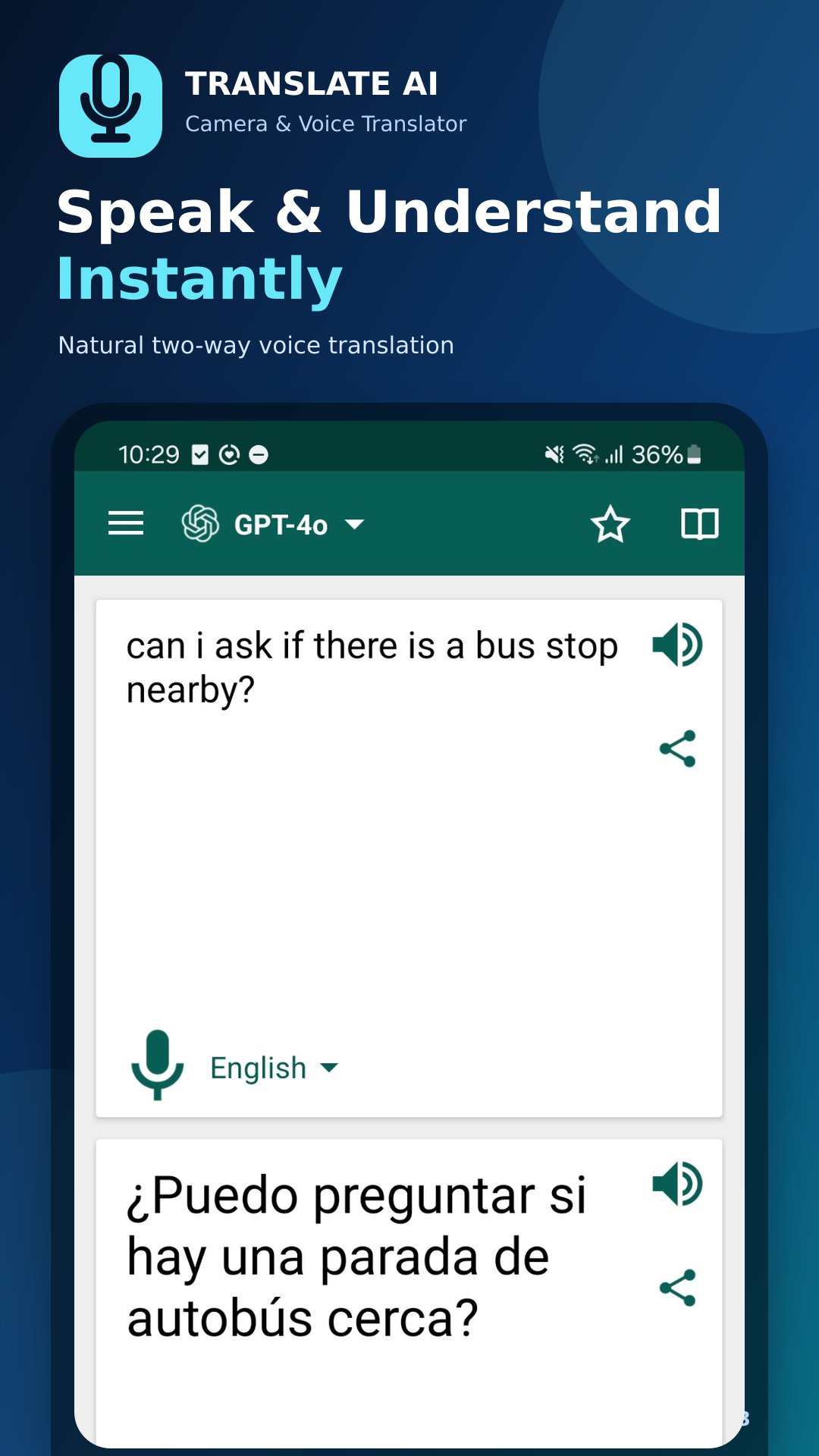
🎙️ VOICE TRANSLATOR – Speak & translate instantly
Speak to your phone and hear the translation out loud
Two-way conversation mode: talk naturally with foreigners in their language
Accurate speech recognition for fast voice-to-voice translation
Great for travel, business meetings and language learning
📄 DOCUMENT TRANSLATOR – Translate files & long text
Scan and translate full documents, letters and contracts
Keep the original layout while reading the translation
Translate PDFs and text-heavy pages in seconds
⌨️ TEXT TRANSLATOR – Type, paste & translate
Type or paste text from clipboard, websites and other apps
Dictionary with meanings, synonyms and example sentences
Copy, share or listen to your translation with one tap
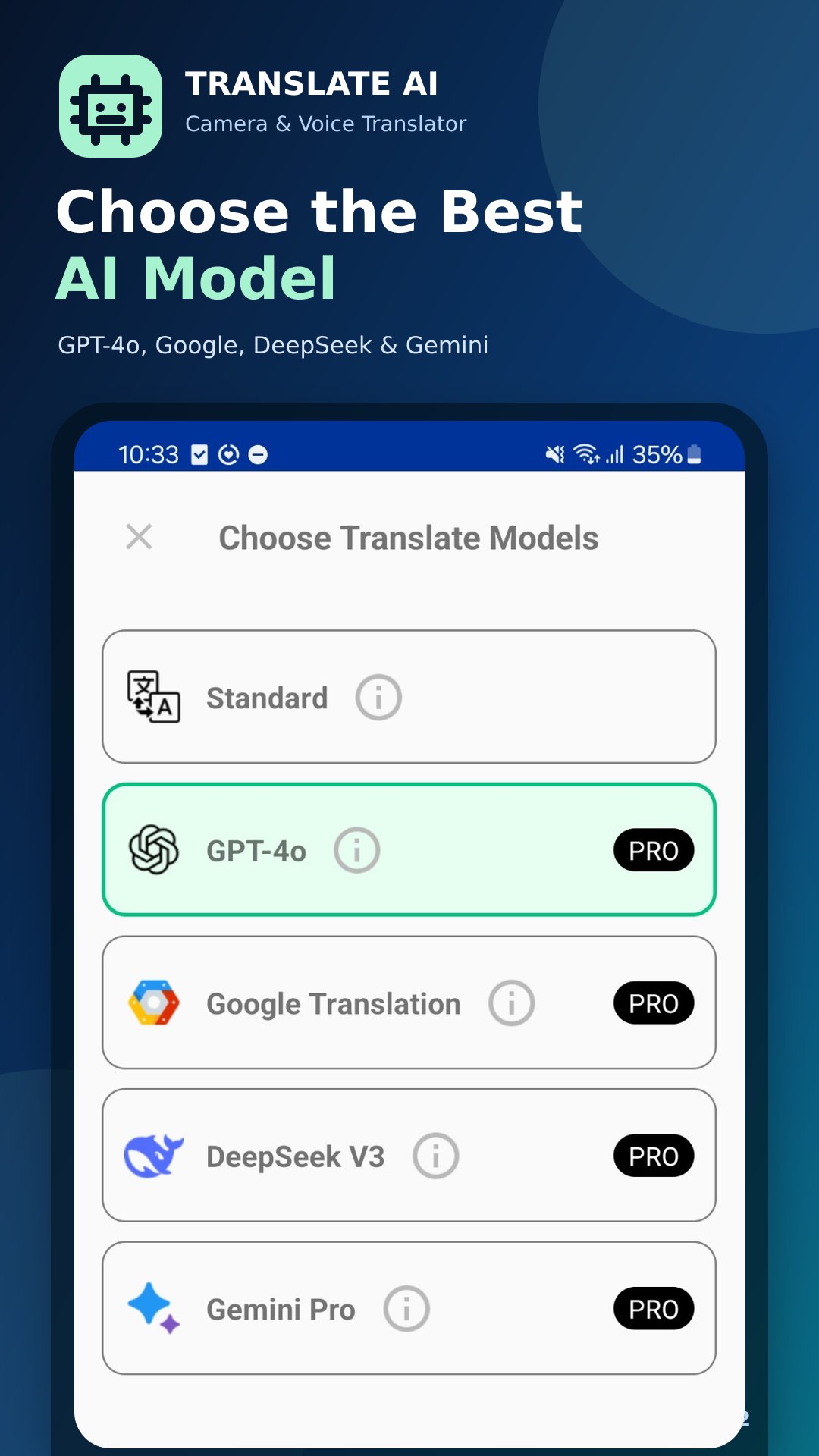
🤖 MULTIPLE AI TRANSLATION ENGINES – You choose the best
Supports 4 translation engines: Google Translation, ChatGPT Translation, Gemini Translation and DeepSeek Translation
Switch engines anytime to compare and pick the most accurate, natural translation
AI-powered engines understand context, idioms and slang — not just word-by-word
If one engine is unavailable, switch to another and keep translating
✈️ OFFLINE TRANSLATOR – No internet needed
Download language packs and translate without Wi-Fi or data
Reliable travel companion anywhere in the world
WHY CHOOSE TRANSLATE AI?
✓ 4 translators in 1 app: camera, voice, document and text
✓ 4 AI engines: Google Translation, ChatGPT, Gemini & DeepSeek
✓ Supports 100+ languages
✓ Fast, accurate AI-powered translation
✓ Simple design, easy for everyone
Supported languages:
Afrikaans, Albanian, Arabic, Armenian, Azerbaijani, Basque, Belarusian, Bengali, Bosnian, Bulgarian, Catalan, Cebuano, Chichewa, Chinese (Simplified), Chinese (Traditional), Croatian, Czech, Danish, Dutch, English, Esperanto, Estonian, Filipino, Finnish, French, Galician, Georgian, German, Greek, Gujarati, Haitian Creole, Hausa, Hebrew, Hindi, Hmong, Hungarian, Icelandic, Igbo, Indonesian, Irish, Italian, Japanese, Javanese, Kannada, Kazakh, Khmer, Korean, Lao, Latin, Latvian, Lithuanian, Macedonian, Malagasy, Malay, Malayalam, Maltese, Maori, Marathi, Mongolian, Myanmar (Burmese), Nepali, Norwegian, Persian, Polish, Portuguese, Punjabi, Romanian, Russian, Serbian, Sesotho, Sinhala, Slovak, Slovenian, Somali, Spanish, Sundanese, Swahili, Swedish, Tajik, Tamil, Telugu, Thai, Turkish, Ukrainian, Urdu, Uzbek, Vietnamese, Welsh, Yiddish, Yoruba, Zulu
Download Translate AI now — your free all-in-one translator for photos, voice, documents and text.
Preview
Tags
ToolsInformation
Developer
EVOLLY.APP
Latest Version
2.1.4
Last Updated
2026-07-20
Category
Tools
Available on
Google Play
Show More
How to play Translate AI - Camera & Voice with GameLoop on PC
1. Download GameLoop from the official website, then run the exe file to install GameLoop
2. Open GameLoop and search for “Translate AI - Camera & Voice” , find Translate AI - Camera & Voice in the search results and click “Install”
3. Enjoy playing Translate AI - Camera & Voice on GameLoop
Minimum requirements
OS
Windows 8.1 64-bit or Windows 10 64-bit
GPU
GTX 1050
CPU
i3-8300
Memory
8GB RAM
Storage
1GB available space
Recommended requirements
OS
Windows 8.1 64-bit or Windows 10 64-bit
GPU
GTX 1050
CPU
i3-9320
Memory
16GB RAM
Storage
1GB available space