
Encrypt Decrypt Text - Scan QR PC
SocPay
Download Encrypt Decrypt Text - Scan QR on PC With GameLoop Emulator
Encrypt Decrypt Text - Scan QR sa PC
Ang Encrypt Decrypt Text - Scan QR, na nagmumula sa developer na SocPay, ay tumatakbo sa Android systerm sa nakaraan.
Ngayon, maaari mong laruin ang Encrypt Decrypt Text - Scan QR sa PC gamit ang GameLoop nang maayos.
I-download ito sa GameLoop library o mga resulta ng paghahanap. Hindi na tumitingin sa baterya o nakakadismaya na mga tawag sa maling oras.
I-enjoy lang ang Encrypt Decrypt Text - Scan QR PC sa malaking screen nang libre!
Encrypt Decrypt Text - Scan QR Panimula
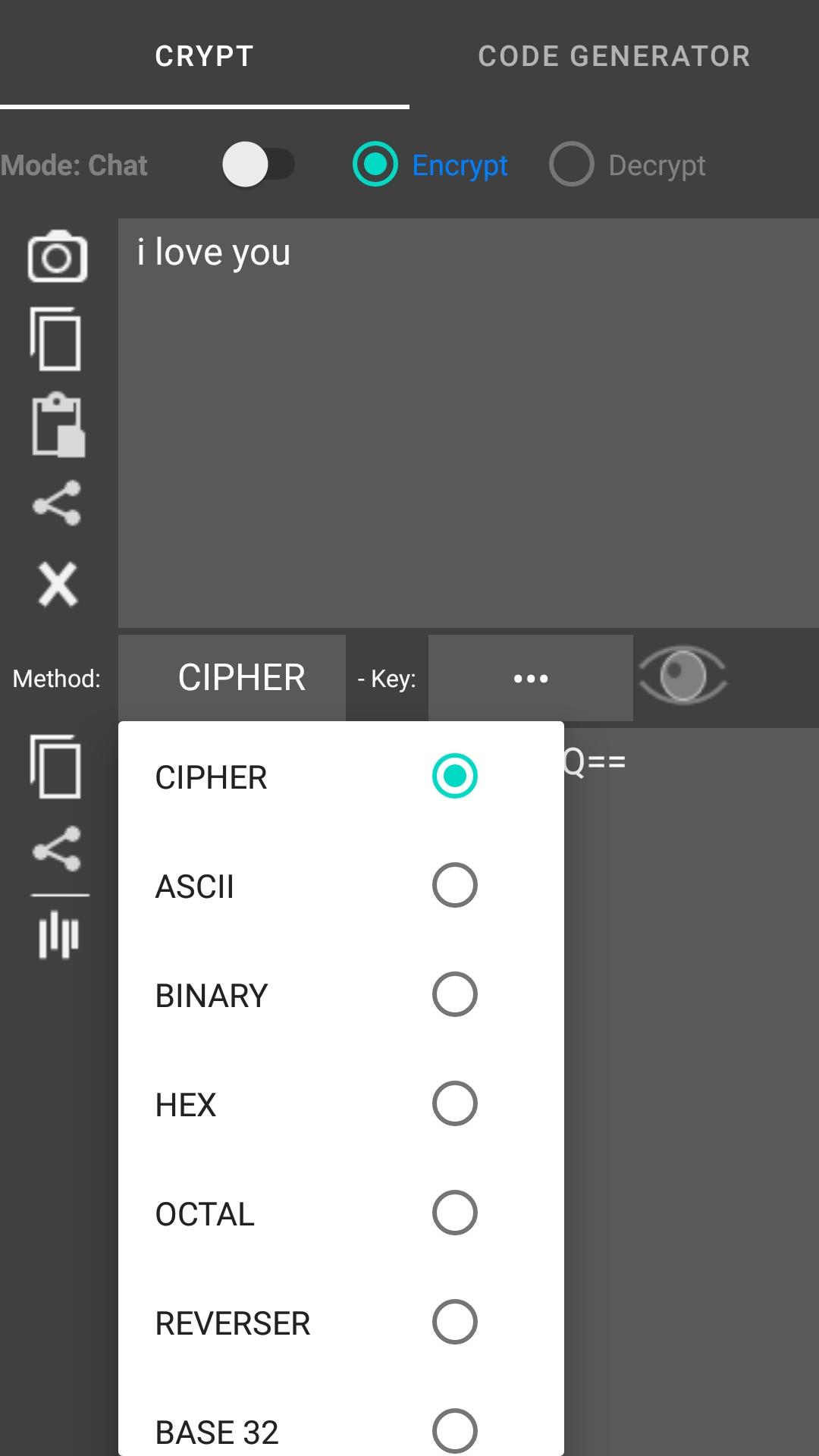
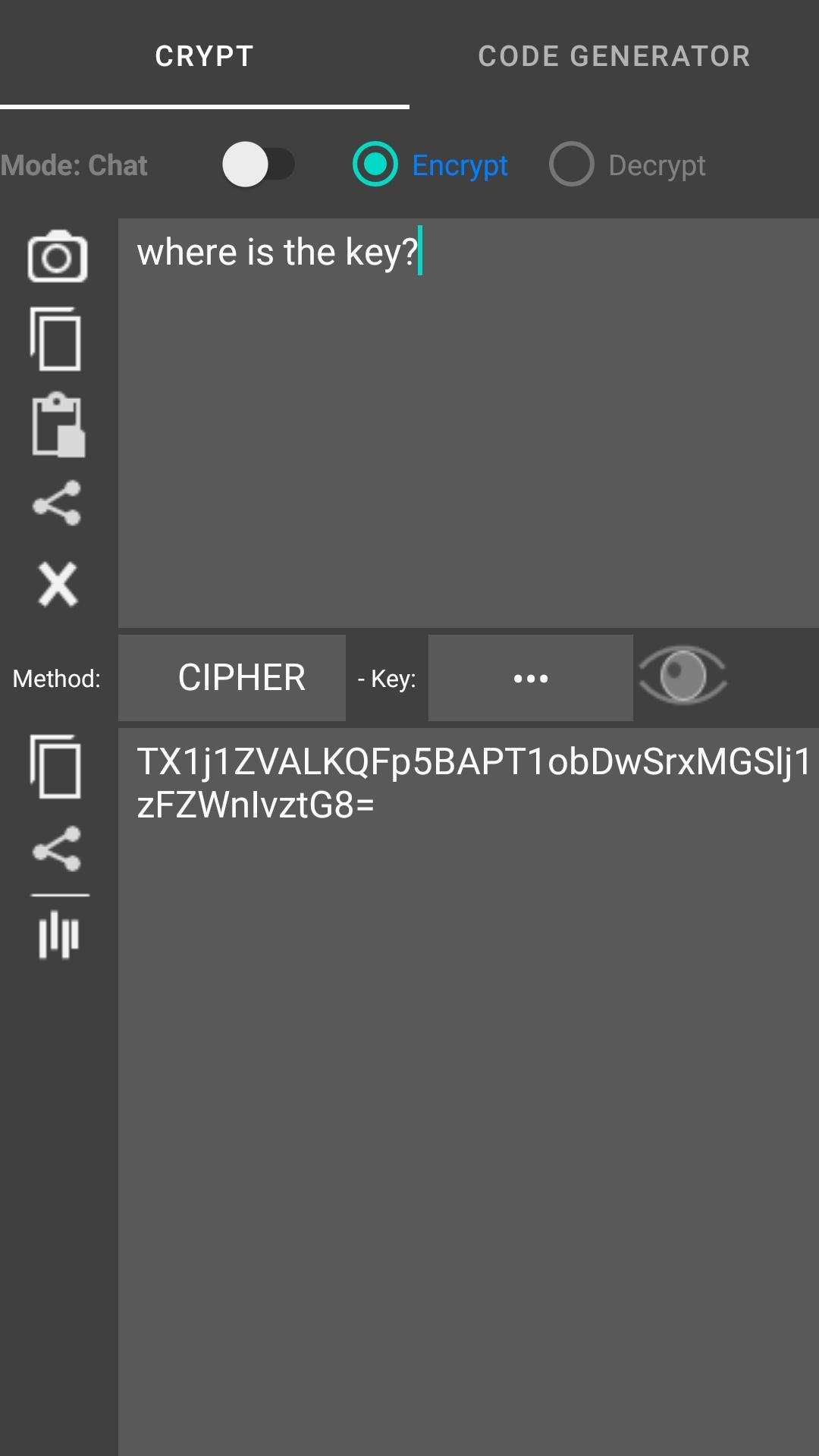
The app encrypts and decrypts your text in several different encryptions. The app when encrypting / decrypting the text you have the option to replace the current text (if you selected it), copy or share the encrypted / decrypted text.
The text converter (type input box for encode, output box for decode):
- Text to ascii (ab -> 97 98)
- Text to binary (abc -> 01100001 01100010)
- Text to hex (ab -> 61 62)
- Text to octal (ab -> 141 142)
- Reverser text (abc def -> fed cba)
- Upper text (abc -> ABC)
- Lower text (AbC -> abc)
Scan and generate code : QR Code, Barcode, Code 39, Code 128, DataMatrix,... and support convert text to rows wizard, delimiters: |,#,; You can encrypts text before generate code
Preview
Tags
ToolsInformation
Developer
SocPay
Latest Version
1.0.49
Last Updated
2024-03-05
Category
Tools
Available on
Google Play
Show More
How to play Encrypt Decrypt Text - Scan QR with GameLoop on PC
1. Download GameLoop from the official website, then run the exe file to install GameLoop
2. Open GameLoop and search for “Encrypt Decrypt Text - Scan QR” , find Encrypt Decrypt Text - Scan QR in the search results and click “Install”
3. Enjoy playing Encrypt Decrypt Text - Scan QR on GameLoop
Minimum requirements
OS
Windows 8.1 64-bit or Windows 10 64-bit
GPU
GTX 1050
CPU
i3-8300
Memory
8GB RAM
Storage
1GB available space
Recommended requirements
OS
Windows 8.1 64-bit or Windows 10 64-bit
GPU
GTX 1050
CPU
i3-9320
Memory
16GB RAM
Storage
1GB available space