
eKuore Vet PC
ekuore
Download eKuore Vet on PC With GameLoop Emulator
eKuore Vet sa PC
Ang eKuore Vet, na nagmumula sa developer na ekuore, ay tumatakbo sa Android systerm sa nakaraan.
Ngayon, maaari mong laruin ang eKuore Vet sa PC gamit ang GameLoop nang maayos.
I-download ito sa GameLoop library o mga resulta ng paghahanap. Hindi na tumitingin sa baterya o nakakadismaya na mga tawag sa maling oras.
I-enjoy lang ang eKuore Vet PC sa malaking screen nang libre!
eKuore Vet Panimula
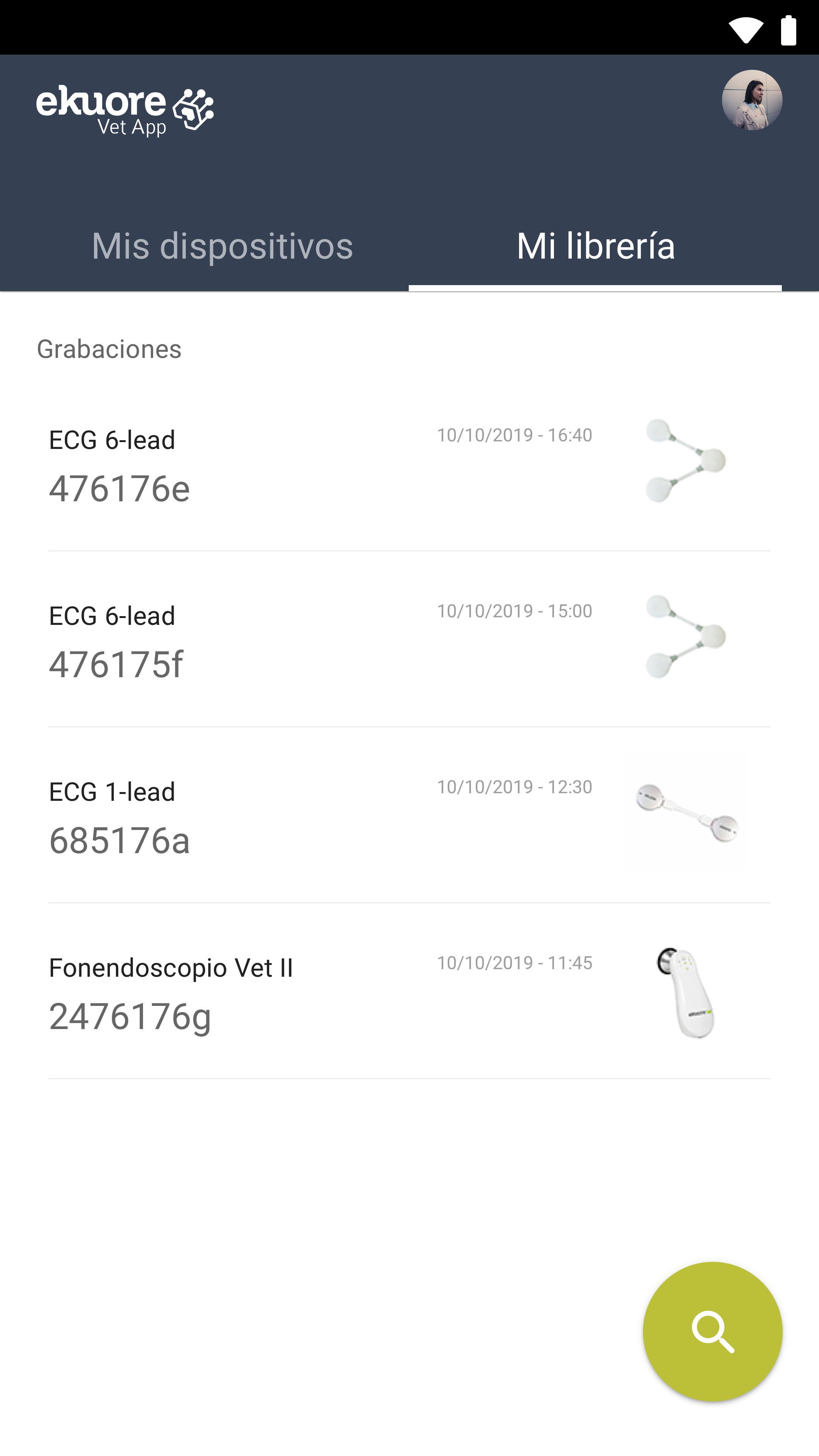
eKuore Vet is the APP for all your eKuore veterinary products. You will have all the products and the information collected in just one application.
What can you do with every device?
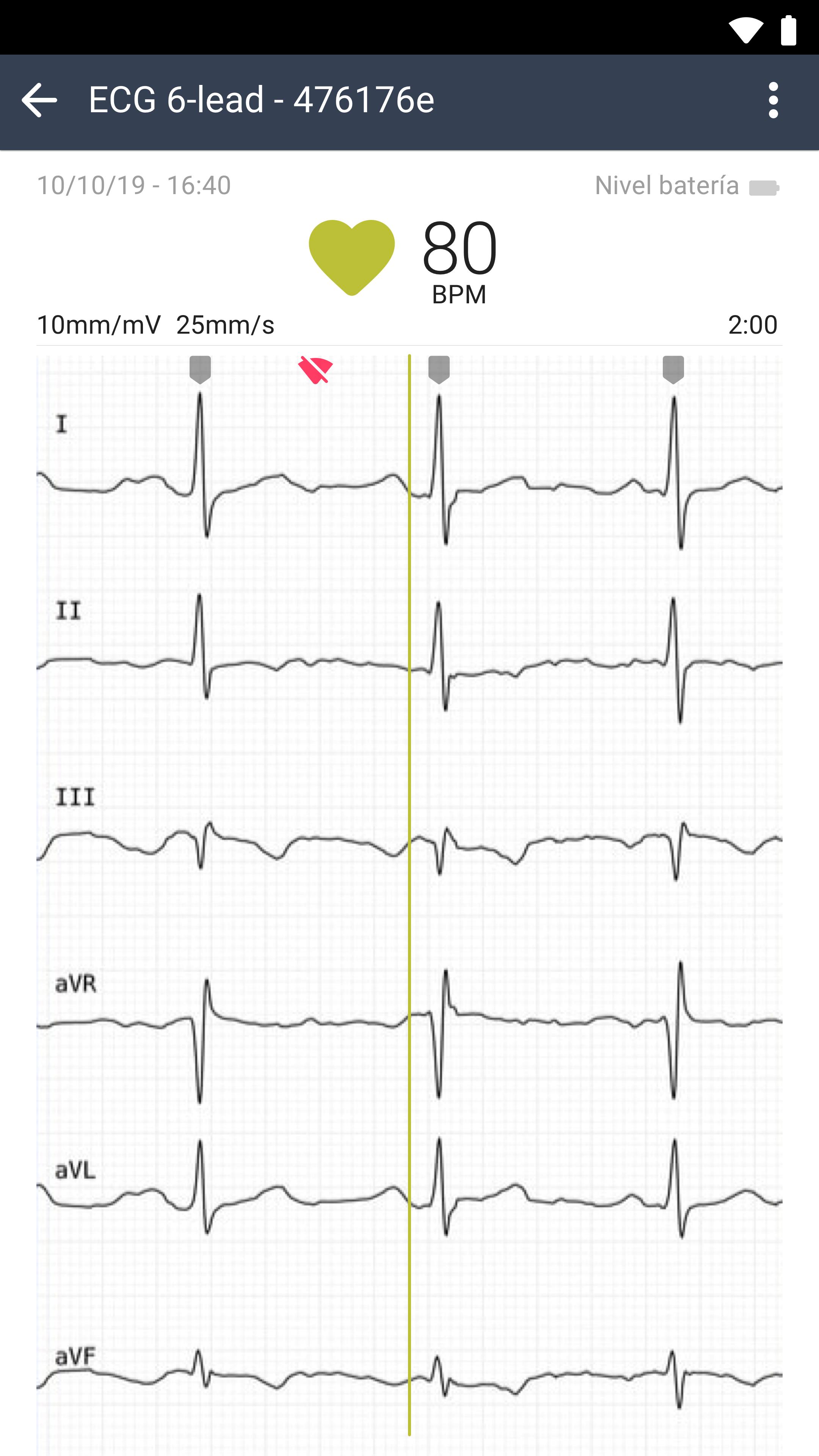
>>ECG 1 Lead & ECG 6 Lead<<
Recording Mode:
Perfect for obtaining a recording that is necessary to analyse, to share with the specialist or to review.
Monitoring Mode:
Useful to make continuous monitoring (Anesthesia, ICUs, Hospitalization)
Features:
- Compatible with eKuore ECG 1 Lead and 6 Leads
- ECG Signal on real-time
- BPM Calculation
- BPM Sound
- Alarm System to Taquicardia and Bradycardia
- PDF Report generator
- Share option
- 10mm/mV 25mm/s or 5mm/mV 50mm/s
- Patient information
- 30sec to 5minutes recordings
>>eKuore Vet Stethoscope<<
Digitalise the auscultation sound and image together with the patient information. An exceptional diagnostic and marketing tool
Perfect also for remote diagnostic porpuses
Features:
- Sounds recordings
- Phonogram recordings
- Lungs & heart filters
- Share the sound
>>Otoscope<<
Share with the pet owner the clinical exploration, thanks to the eKuore's Veterinary Otoscope. Connect the device with eKuore Vet APP and take your picture, write your notes and share in any moment, in any place. Save the information into the patient file
Features:
- Screen monitor in real time
- Library of pictures
- Image editor
- Video (Very Soon!)
>> Pulse Oximeter <<
Pulse Oximeter for veterinary use with small size and two ways to use
Hospitalization:
Visualize BPM and %O2 after any surgeon along all the recovery process and receive advice if anything is going bad.
Operation
Stay tuned along with the operation with image and sound and receive an anaesthesia table after the surgeon
>>Endoscope<<
Very soon... Stay tuned! :)
¿Do you want all of them? Contact us at info@ekuore.com
Note: This APP needs at least one eKuore veterinary device
Preview
Tags
ToolsInformation
Developer
ekuore
Latest Version
1.5.12
Last Updated
2022-03-19
Category
Tools
Available on
Google Play
Show More
How to play eKuore Vet with GameLoop on PC
1. Download GameLoop from the official website, then run the exe file to install GameLoop
2. Open GameLoop and search for “eKuore Vet” , find eKuore Vet in the search results and click “Install”
3. Enjoy playing eKuore Vet on GameLoop
Minimum requirements
OS
Windows 8.1 64-bit or Windows 10 64-bit
GPU
GTX 1050
CPU
i3-8300
Memory
8GB RAM
Storage
1GB available space
Recommended requirements
OS
Windows 8.1 64-bit or Windows 10 64-bit
GPU
GTX 1050
CPU
i3-9320
Memory
16GB RAM
Storage
1GB available space