
Edison Smart エジソンスマート PC
DMA.inc
Download Edison Smart エジソンスマート on PC With GameLoop Emulator
Edison Smart エジソンスマート sa PC
Ang Edison Smart エジソンスマート, na nagmumula sa developer na DMA.inc, ay tumatakbo sa Android systerm sa nakaraan.
Ngayon, maaari mong laruin ang Edison Smart エジソンスマート sa PC gamit ang GameLoop nang maayos.
I-download ito sa GameLoop library o mga resulta ng paghahanap. Hindi na tumitingin sa baterya o nakakadismaya na mga tawag sa maling oras.
I-enjoy lang ang Edison Smart エジソンスマート PC sa malaking screen nang libre!
Edison Smart エジソンスマート Panimula
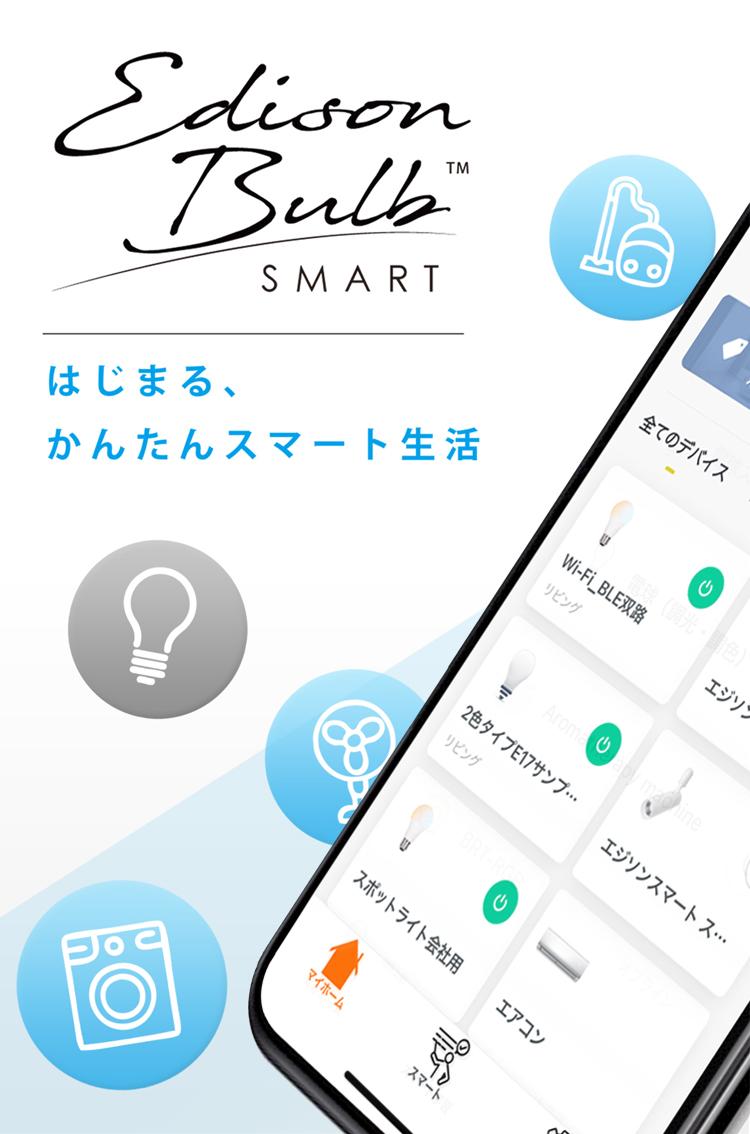
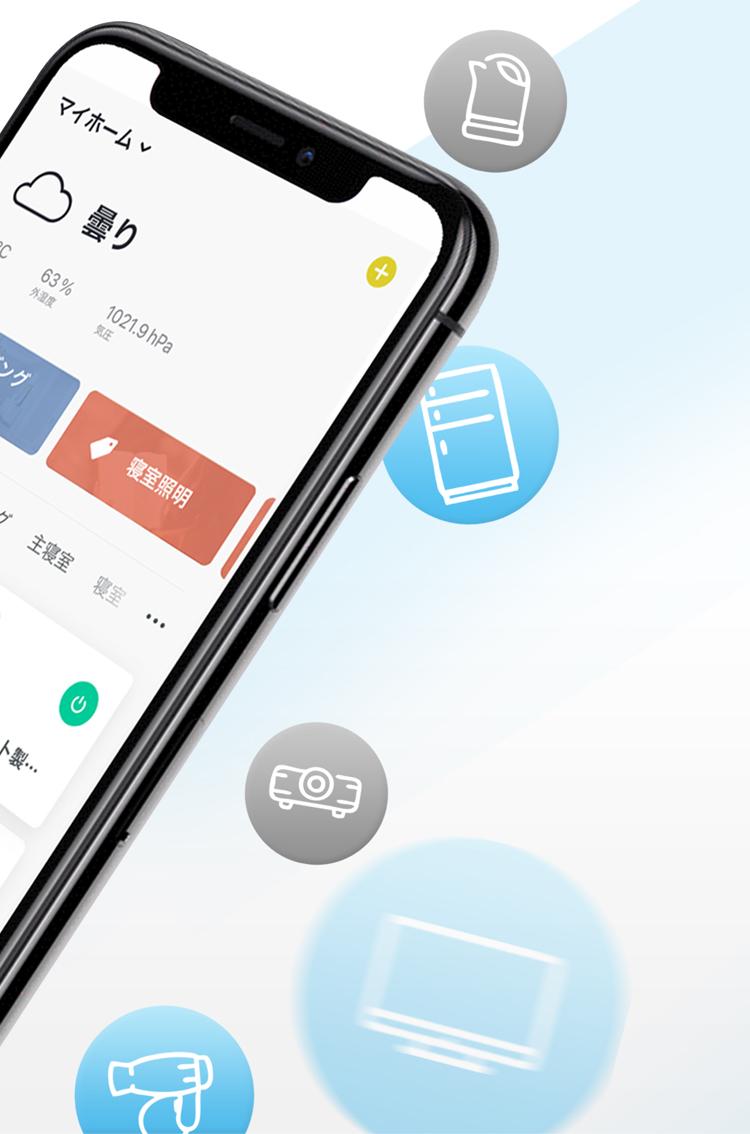
Edison Smart can operate various smart home appliances.
You can operate the device by talking to the smart speaker Amazon Echo or Google Home.
[Features of Edison Smart]
Dimming Edison Bulb LED Smart
Dimming (brightness adjustment) is possible with a dedicated app even at home without a dimmer switch.
■ Remote control
If the light bulb is connected to the Wi-Fi network, you can check the lighting status with the app even when you are away from home, preventing you from forgetting to turn off the lights. Also, when you leave your house for a long time on a business trip or a trip, you can turn on and off the lights as if there were people as a security measure.
■ Scene setting / timer
A timer can be set so that the lights are turned on before returning home, or the lights are automatically turned on / off at the time of waking up and bedtime.
If you register the location information, you can set ON / OFF and dimming according to the conditions such as the weather, temperature, humidity, sunrise / sunset of the area.
■ Voice operation
By connecting to Amazon Echo and Google Home smart speakers, you can operate the lighting with just your voice without using a smartphone.
■ Management by room
You can control multiple light bulbs at once by grouping room units or specified light bulbs such as living room, bedroom, study room, counter, etc.
■ Device sharing
If you register an account with the app, you can share it with your family and operate the light bulb.
Preview
Tags
ToolsInformation
Developer
DMA.inc
Latest Version
1.1.8
Last Updated
2023-09-01
Category
Tools
Available on
Google Play
Show More
How to play Edison Smart エジソンスマート with GameLoop on PC
1. Download GameLoop from the official website, then run the exe file to install GameLoop
2. Open GameLoop and search for “Edison Smart エジソンスマート” , find Edison Smart エジソンスマート in the search results and click “Install”
3. Enjoy playing Edison Smart エジソンスマート on GameLoop
Minimum requirements
OS
Windows 8.1 64-bit or Windows 10 64-bit
GPU
GTX 1050
CPU
i3-8300
Memory
8GB RAM
Storage
1GB available space
Recommended requirements
OS
Windows 8.1 64-bit or Windows 10 64-bit
GPU
GTX 1050
CPU
i3-9320
Memory
16GB RAM
Storage
1GB available space