EdiPlug PC
Edimax Technology Co., Ltd.
Download EdiPlug on PC With GameLoop Emulator
EdiPlug sa PC
Ang EdiPlug, na nagmumula sa developer na Edimax Technology Co., Ltd., ay tumatakbo sa Android systerm sa nakaraan.
Ngayon, maaari mong laruin ang EdiPlug sa PC gamit ang GameLoop nang maayos.
I-download ito sa GameLoop library o mga resulta ng paghahanap. Hindi na tumitingin sa baterya o nakakadismaya na mga tawag sa maling oras.
I-enjoy lang ang EdiPlug PC sa malaking screen nang libre!
EdiPlug Panimula
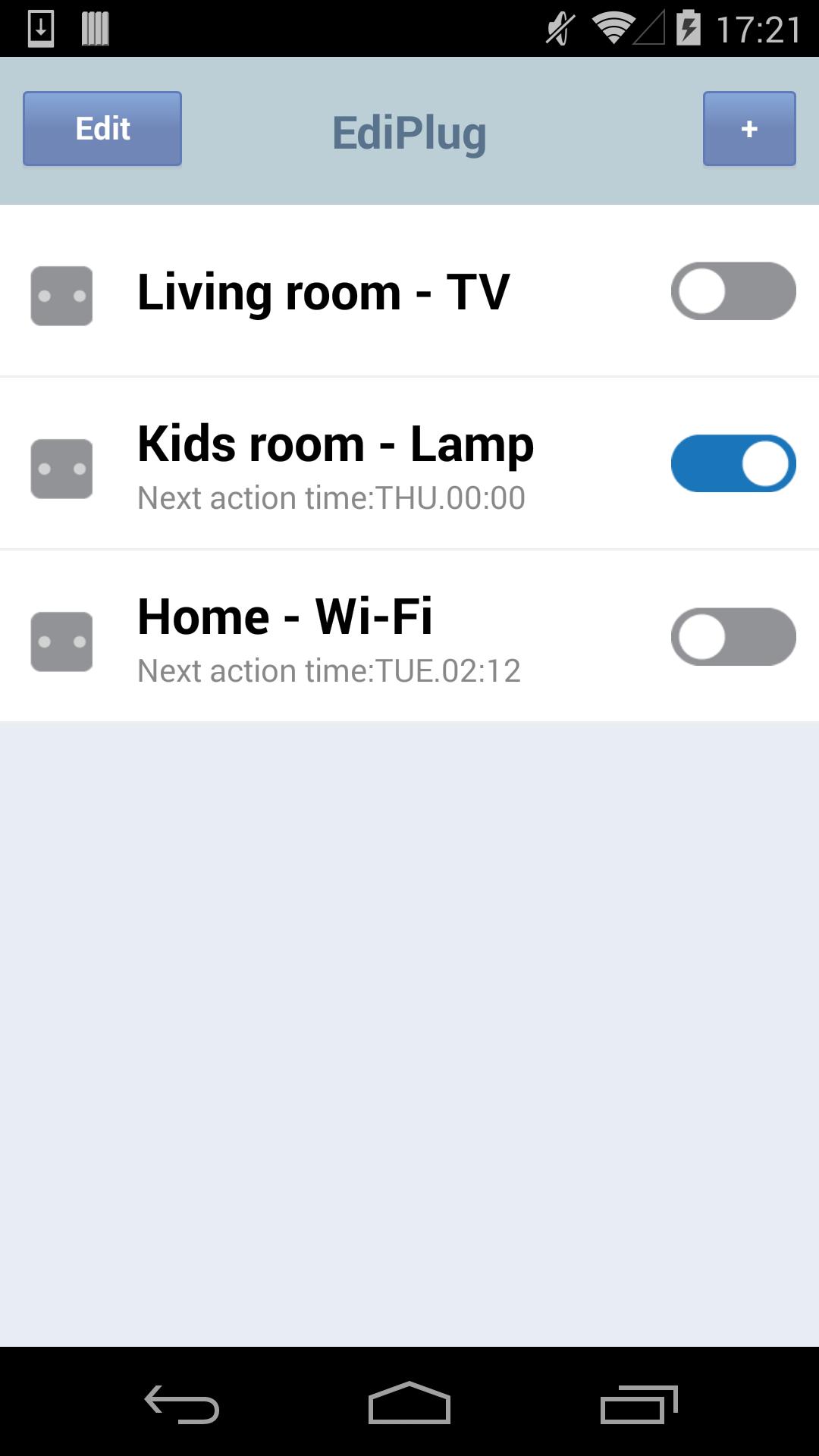
The App connects people to their homes, and the things they use every day. Designed to make homes more dynamic, functional and work better for modern lifestyles, EdiPlug App give users intelligent control over all of their home electronics that plugged in smart plug. The smart plug plugs into any wall socket and enables you to switch a connected electronic device on/off from your smart phone. Just plug the device into the smart plug and see how smart plug can work for you and your home on EdiPLug App.
A smart plug is just the beginning. Add more smart plug and bring your home to life in imaginative, inventive ways – it’s up to you. EdiPlug App can monitor, control all of the electronic devices connected to smart plug around your home.
Switch on the lights, coffee machine, Xbox, or anything you want – from your smartphone. Check the status while you’re out and switch them on or off anywhere, anytime. Never worry about forgetting to turn something off when you go out again. Smart plug is super-fast and stays connected 24/7.
Preview
Information
Developer
Edimax Technology Co., Ltd.
Latest Version
1.9.4
Last Updated
2017-06-30
Category
Tools
Available on
Google Play
Show More
How to play EdiPlug with GameLoop on PC
1. Download GameLoop from the official website, then run the exe file to install GameLoop
2. Open GameLoop and search for “EdiPlug” , find EdiPlug in the search results and click “Install”
3. Enjoy playing EdiPlug on GameLoop
Minimum requirements
OS
Windows 8.1 64-bit or Windows 10 64-bit
GPU
GTX 1050
CPU
i3-8300
Memory
8GB RAM
Storage
1GB available space
Recommended requirements
OS
Windows 8.1 64-bit or Windows 10 64-bit
GPU
GTX 1050
CPU
i3-9320
Memory
16GB RAM
Storage
1GB available space