Screenshot Easy PC
DEV Tool Studio
Download Screenshot Easy on PC With GameLoop Emulator
Screenshot Easy sa PC
Ang Screenshot Easy, na nagmumula sa developer na DEV Tool Studio, ay tumatakbo sa Android systerm sa nakaraan.
Ngayon, maaari mong laruin ang Screenshot Easy sa PC gamit ang GameLoop nang maayos.
I-download ito sa GameLoop library o mga resulta ng paghahanap. Hindi na tumitingin sa baterya o nakakadismaya na mga tawag sa maling oras.
I-enjoy lang ang Screenshot Easy PC sa malaking screen nang libre!
Screenshot Easy Panimula
Screen Capture is the easiest and simplest way to capture. It help you take the screenshot easily with one touch on the overlay icon. Let you easily edit and markup your screenshots and quickly share it with your friends!
✍ Screenshot Easy highlight feature:
☞ Easy and user friendly interface
☞ Image cropper (Crop ratio, rotate)
☞ Notification icon click
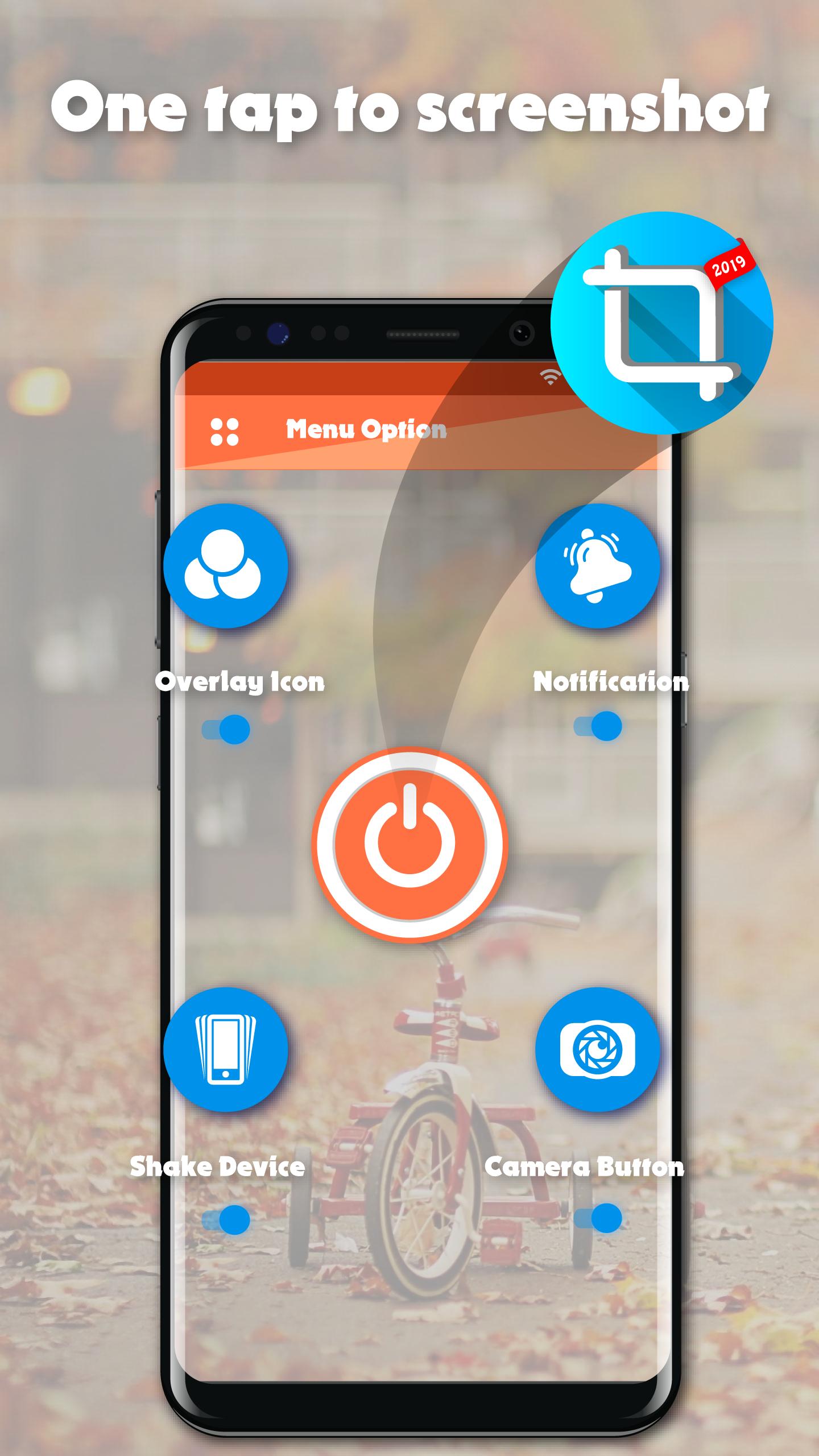
☞ Capture screenshot by one touch (Notification area, overlay icon, shaking).
★Screenshot Easy basic feature:
☞ Capture by touch (Notification area, overlay icon, shaking the device)
☞ Photo viewer
☞ Image cropper (Crop ratio, rotate)
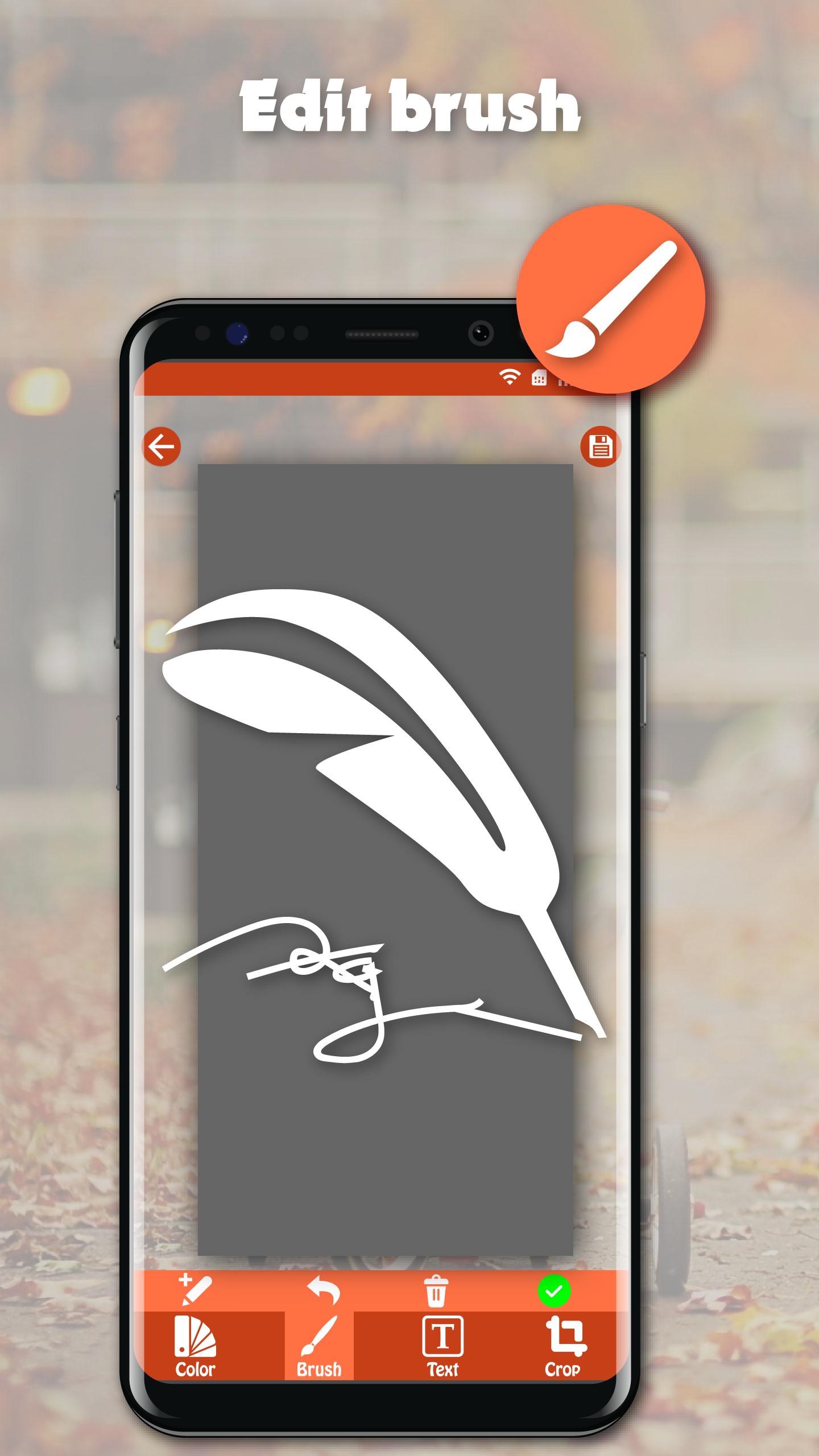
☞ Draw on captured image (Pen, Text, Rectangle, Circle, Stamp, Opacity and so on)
☞ Sharing screenshot images to other installed apps (user controlled)
☞ Persistent notification (optional): This allows the notification to always remain present which cannot be swiped away. It quickens the accessibility of Screenshot touch
★How to take screenshot?
Application provides many easy method to take screenshot without physical button, so you can take screenshot even while physical button is damaged
☞ Floating button: The simple button that is displayed on top of everything, just one-click to take a screenshot
☞ Shaking device: Shaking your device to take a screenshot
☞ Notification: Drag down status bar, then click on notification to take a screenshot.
☞ Camera button: Click on camera button to take a screenshot (if your device have camera button)
★Note: Screenshot Easy – Quick Capture Screen Free is only available for devices running android 5.0 or above.
Preview
Information
Developer
DEV Tool Studio
Latest Version
1.0
Last Updated
2020-03-16
Category
Tools
Available on
Google Play
Show More
How to play Screenshot Easy with GameLoop on PC
1. Download GameLoop from the official website, then run the exe file to install GameLoop
2. Open GameLoop and search for “Screenshot Easy” , find Screenshot Easy in the search results and click “Install”
3. Enjoy playing Screenshot Easy on GameLoop
Minimum requirements
OS
Windows 8.1 64-bit or Windows 10 64-bit
GPU
GTX 1050
CPU
i3-8300
Memory
8GB RAM
Storage
1GB available space
Recommended requirements
OS
Windows 8.1 64-bit or Windows 10 64-bit
GPU
GTX 1050
CPU
i3-9320
Memory
16GB RAM
Storage
1GB available space