Quick 3 Easy Apps PC
HiroStudioshastorga
Download Quick 3 Easy Apps on PC With GameLoop Emulator
Quick 3 Easy Apps sa PC
Ang Quick 3 Easy Apps, na nagmumula sa developer na HiroStudioshastorga, ay tumatakbo sa Android systerm sa nakaraan.
Ngayon, maaari mong laruin ang Quick 3 Easy Apps sa PC gamit ang GameLoop nang maayos.
I-download ito sa GameLoop library o mga resulta ng paghahanap. Hindi na tumitingin sa baterya o nakakadismaya na mga tawag sa maling oras.
I-enjoy lang ang Quick 3 Easy Apps PC sa malaking screen nang libre!
Quick 3 Easy Apps Panimula
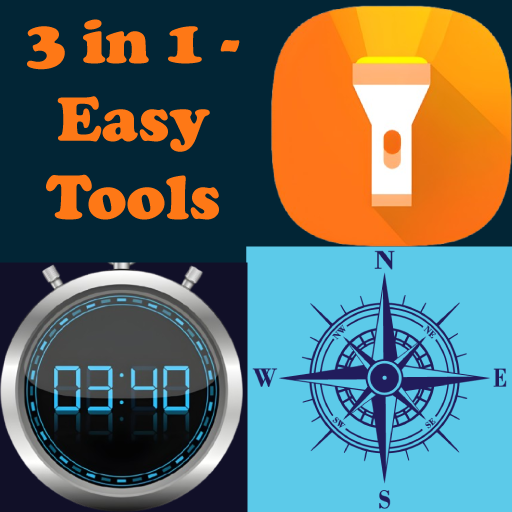
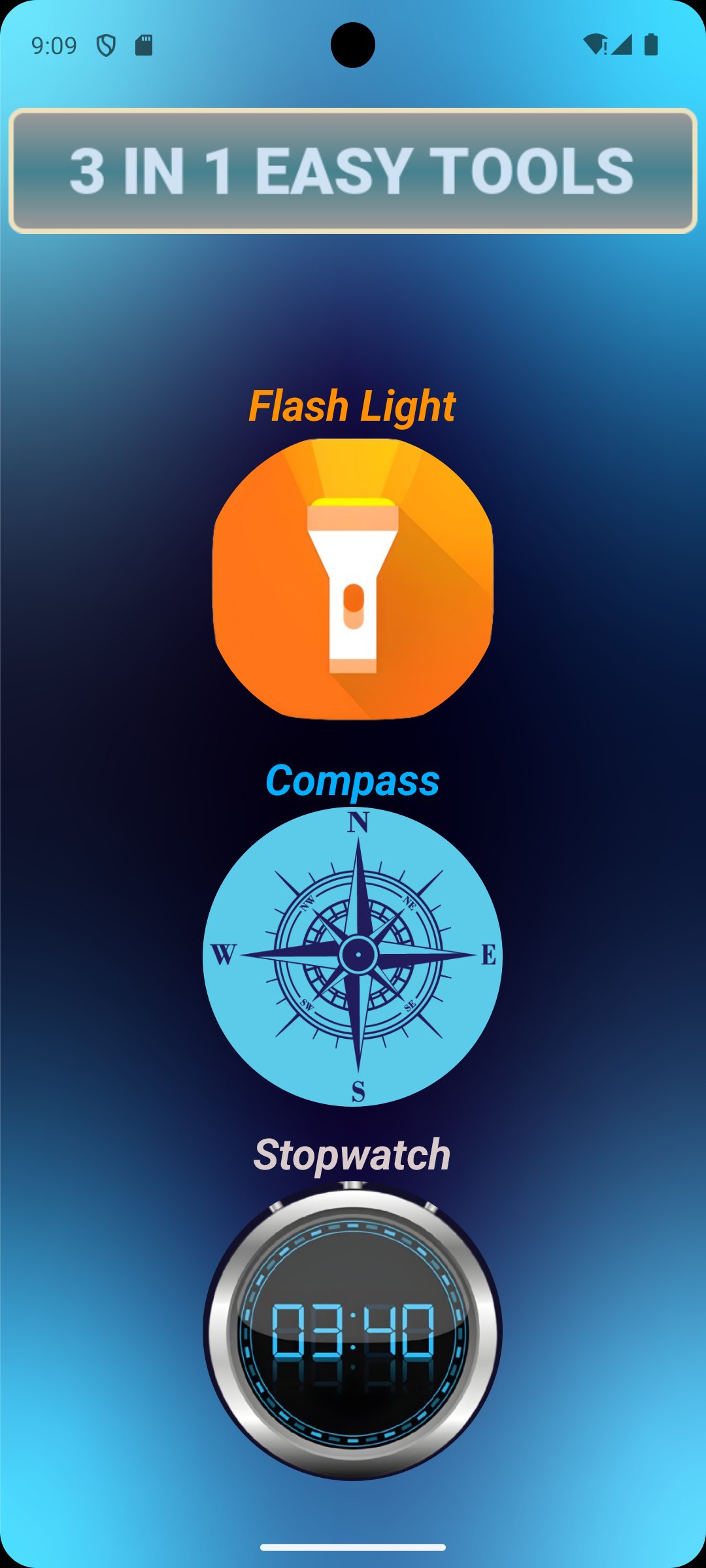
Quick 3 Easy Apps brings you three essential tools—Torch, Compass with GPS, and a Digital Stopwatch—all in one clean, lightweight app. Designed for simplicity and speed, this ad-free utility gives you what you need, when you need it.
🚫 No Ads, No Clutter
Enjoy a distraction-free experience. No popups, banners, or interruptions—just pure functionality.
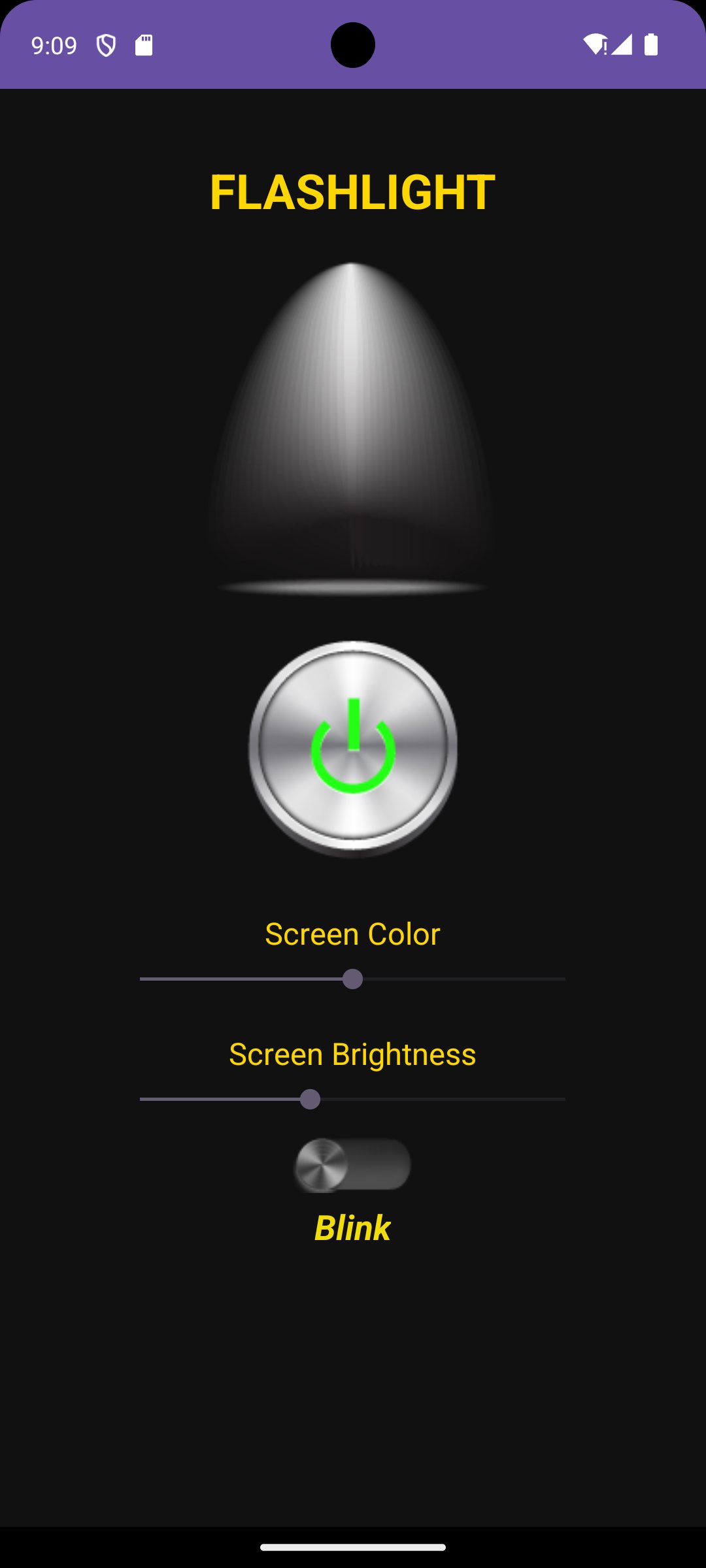
💡 Torch
Bright and reliable flashlight that turns on instantly. Use your phone’s LED as a handy light source in dark or emergency situations.
🧭 Compass with GPS
Find your direction with an accurate digital compass. Bonus GPS info includes your coordinates and location accuracy.
⏱️ Digital Stopwatch
Perfect for workouts, tasks, or timing events. Includes lap tracking and easy controls.
Preview
Tags
ToolsInformation
Developer
HiroStudioshastorga
Latest Version
1.0
Last Updated
2025-07-04
Category
Tools
Available on
Google Play
Show More
How to play Quick 3 Easy Apps with GameLoop on PC
1. Download GameLoop from the official website, then run the exe file to install GameLoop
2. Open GameLoop and search for “Quick 3 Easy Apps” , find Quick 3 Easy Apps in the search results and click “Install”
3. Enjoy playing Quick 3 Easy Apps on GameLoop
Minimum requirements
OS
Windows 8.1 64-bit or Windows 10 64-bit
GPU
GTX 1050
CPU
i3-8300
Memory
8GB RAM
Storage
1GB available space
Recommended requirements
OS
Windows 8.1 64-bit or Windows 10 64-bit
GPU
GTX 1050
CPU
i3-9320
Memory
16GB RAM
Storage
1GB available space