
DrDig Images Recovery PC
GreatStuffApps
Download DrDig Images Recovery on PC With GameLoop Emulator
DrDig Images Recovery sa PC
Ang DrDig Images Recovery, na nagmumula sa developer na GreatStuffApps, ay tumatakbo sa Android systerm sa nakaraan.
Ngayon, maaari mong laruin ang DrDig Images Recovery sa PC gamit ang GameLoop nang maayos.
I-download ito sa GameLoop library o mga resulta ng paghahanap. Hindi na tumitingin sa baterya o nakakadismaya na mga tawag sa maling oras.
I-enjoy lang ang DrDig Images Recovery PC sa malaking screen nang libre!
DrDig Images Recovery Panimula
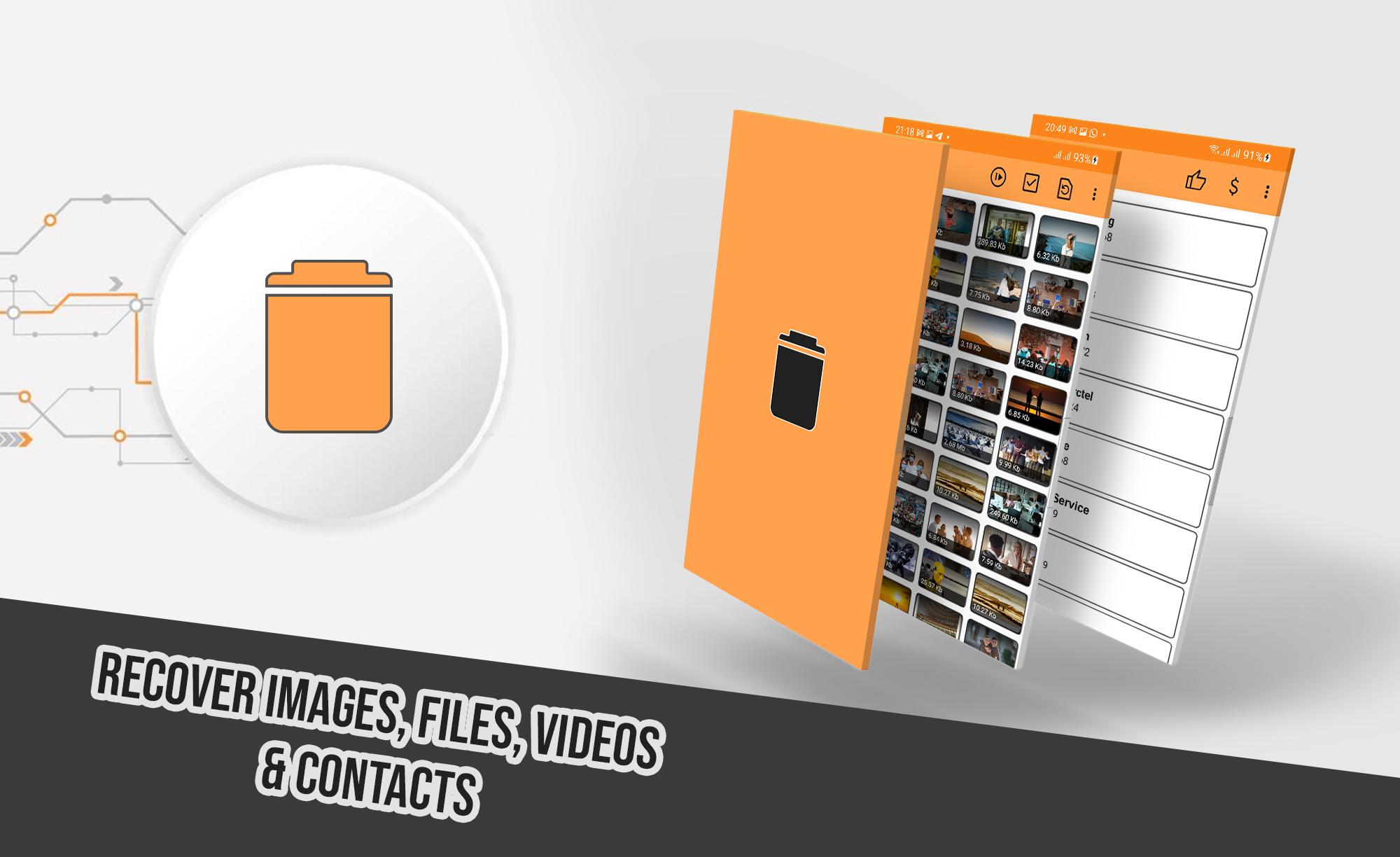
A revolutionary new tool to restore deleted files from your phone, it performs a deep scan for Internal Storage and SD Card memory looking for accidently deleted images, videos, audios, files and more.
It supports wide range of files extensions including the most known ones such as JPG, PNG, GIF, MP4, MP3, WAV, XLS, DOCX, AVI, MOV and much more.
HOW TO USE:
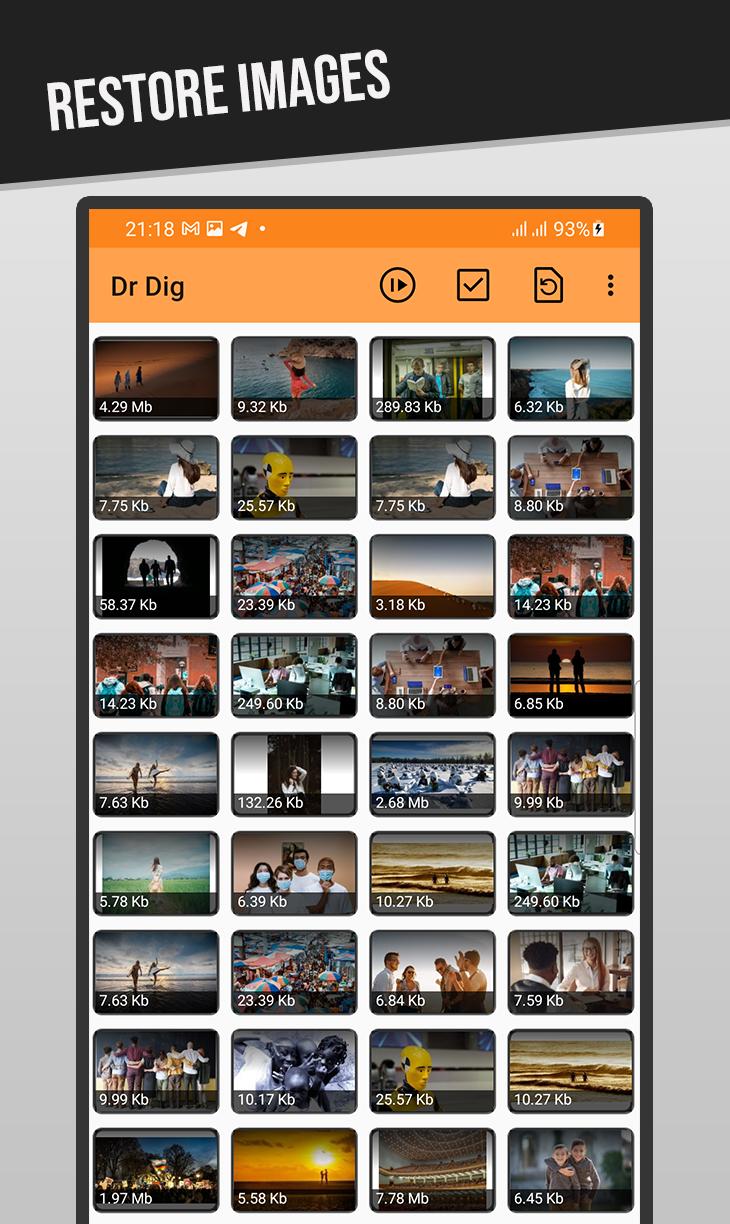
After launching the app and giving the necessary permission, Select desired file type from the menu, either images, videos, or files. The scan will start, wait until it finishes, the longer it takes depends in your device storage size. After that you can view and undelete files easily.
Note 1: The app uses "Access all files" permission to scan the storage of your device, when asked for it please give the permission to use it. Without this permission the app will not work properly.
Note 2: DrDig may show existing files along with the deleted one as it scans the whole memory, this is a normal thing across all data recovery softwares, just look carefully until you find the desired file to recover.
Note 3: This is not a Recycle-Bin app. And you can undelete files even the ones lost before this app was installed.
FEATURES:
-Supports multiple Languages
-Works without root permission
-Easy to use and understandable UI
Preview
Tags
ToolsInformation
Developer
GreatStuffApps
Latest Version
5.5
Last Updated
2025-07-15
Category
Tools
Available on
Google Play
Show More
How to play DrDig Images Recovery with GameLoop on PC
1. Download GameLoop from the official website, then run the exe file to install GameLoop
2. Open GameLoop and search for “DrDig Images Recovery” , find DrDig Images Recovery in the search results and click “Install”
3. Enjoy playing DrDig Images Recovery on GameLoop
Minimum requirements
OS
Windows 8.1 64-bit or Windows 10 64-bit
GPU
GTX 1050
CPU
i3-8300
Memory
8GB RAM
Storage
1GB available space
Recommended requirements
OS
Windows 8.1 64-bit or Windows 10 64-bit
GPU
GTX 1050
CPU
i3-9320
Memory
16GB RAM
Storage
1GB available space