
Dr.Web Mobile Control Center PC
Doctor Web, Ltd
Download Dr.Web Mobile Control Center on PC With GameLoop Emulator
Dr.Web Mobile Control Center sa PC
Ang Dr.Web Mobile Control Center, na nagmumula sa developer na Doctor Web, Ltd, ay tumatakbo sa Android systerm sa nakaraan.
Ngayon, maaari mong laruin ang Dr.Web Mobile Control Center sa PC gamit ang GameLoop nang maayos.
I-download ito sa GameLoop library o mga resulta ng paghahanap. Hindi na tumitingin sa baterya o nakakadismaya na mga tawag sa maling oras.
I-enjoy lang ang Dr.Web Mobile Control Center PC sa malaking screen nang libre!
Dr.Web Mobile Control Center Panimula
Dr.Web Mobile Control Center is an easy tool for administrating the anti-virus network based on Dr.Web Enterprise Security Suite, Dr.Web Industrial or Dr.Web AV-Desk. It is designed for installation and operation on mobile devices.
Dr.Web Mobile Control Center connects to Dr.Web Server according to the anti-virus network administrator credentials including via an encrypted protocol.
General functions
1. Manage Dr.Web Server repository:
• view the products state in the repository;
• launch repository update from Dr.Web Global Update System.
2. Manage stations on which an update of anti-virus software is failed:
• display failed stations;
• update components on failed stations.
3. Display statistics information on anti-virus network state:
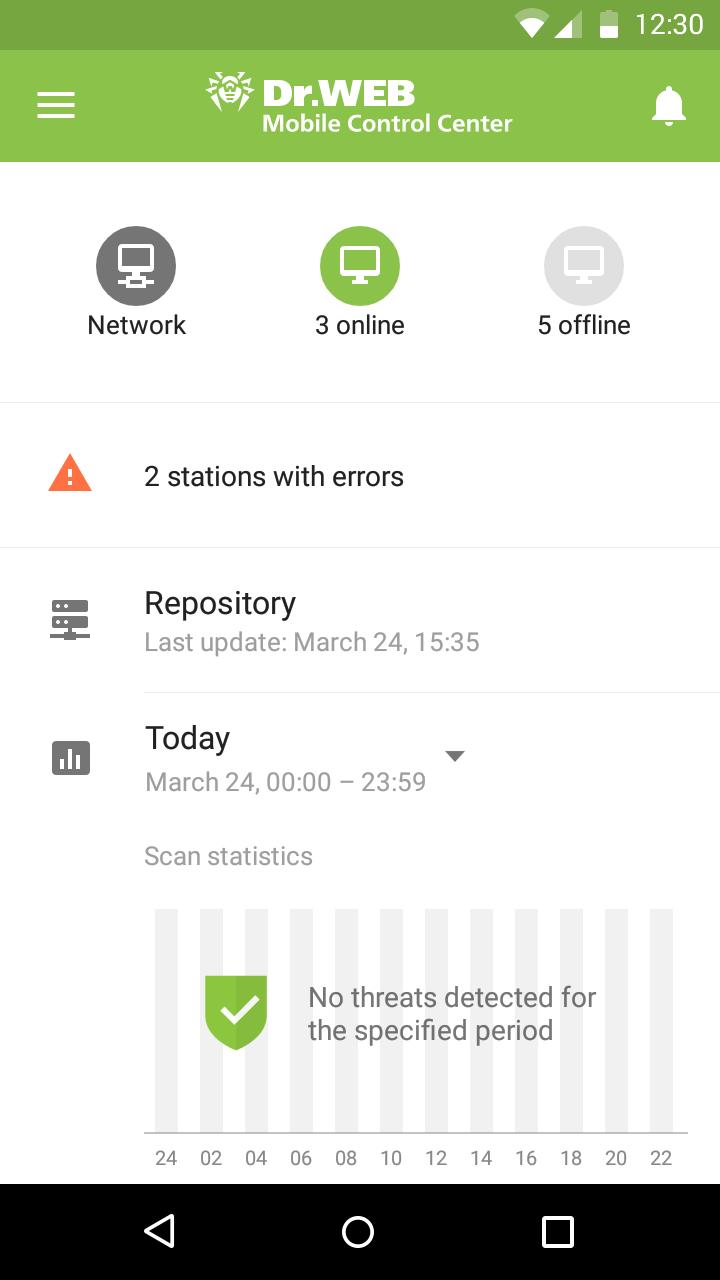
• number of stations registered at Dr.Web Server and their current state (online/offline);
• viral statistics for protected stations.
4. Manage new stations waiting for connection to Dr.Web Server:
• approve access;
• reject stations.
5. Manage anti-virus components installed on anti-virus network stations:
• launch the fast or full scan either for selected stations or for all stations of selected groups;
• setup Dr.Web Scanner reaction on malware detection;
• view and manage files in the Quarantine either for selected stations or for all stations in the selected group.
6. Manage stations and groups:
• view properties;
• view and manage components composition of anti-virus package;
• delete;
• send custom messages to stations;
• reboot stations under Windows OS;
• add to favorites list for the quick assess.
7. Search for stations and groups in an anti-virus network by different parameters: name, address, ID.
8. View and manage messages on major events in an anti-virus network via the interactive Push notifications:
• display all notifications at Dr.Web Server;
• set reactions on notification events;
• search notification by specified filter parameters;
• delete notifications;
• exclude notifications from automatic deletion.
Preview
Tags
ToolsInformation
Developer
Doctor Web, Ltd
Latest Version
13.1.202310260
Last Updated
2023-10-30
Category
Tools
Available on
Google Play
Show More
How to play Dr.Web Mobile Control Center with GameLoop on PC
1. Download GameLoop from the official website, then run the exe file to install GameLoop
2. Open GameLoop and search for “Dr.Web Mobile Control Center” , find Dr.Web Mobile Control Center in the search results and click “Install”
3. Enjoy playing Dr.Web Mobile Control Center on GameLoop
Minimum requirements
OS
Windows 8.1 64-bit or Windows 10 64-bit
GPU
GTX 1050
CPU
i3-8300
Memory
8GB RAM
Storage
1GB available space
Recommended requirements
OS
Windows 8.1 64-bit or Windows 10 64-bit
GPU
GTX 1050
CPU
i3-9320
Memory
16GB RAM
Storage
1GB available space