Sticker Maker - DIY Sticker PC
Magic Mobile Studio
Download Sticker Maker - DIY Sticker on PC With GameLoop Emulator
Sticker Maker - DIY Sticker sa PC
Ang Sticker Maker - DIY Sticker, na nagmumula sa developer na Magic Mobile Studio, ay tumatakbo sa Android systerm sa nakaraan.
Ngayon, maaari mong laruin ang Sticker Maker - DIY Sticker sa PC gamit ang GameLoop nang maayos.
I-download ito sa GameLoop library o mga resulta ng paghahanap. Hindi na tumitingin sa baterya o nakakadismaya na mga tawag sa maling oras.
I-enjoy lang ang Sticker Maker - DIY Sticker PC sa malaking screen nang libre!
Sticker Maker - DIY Sticker Panimula
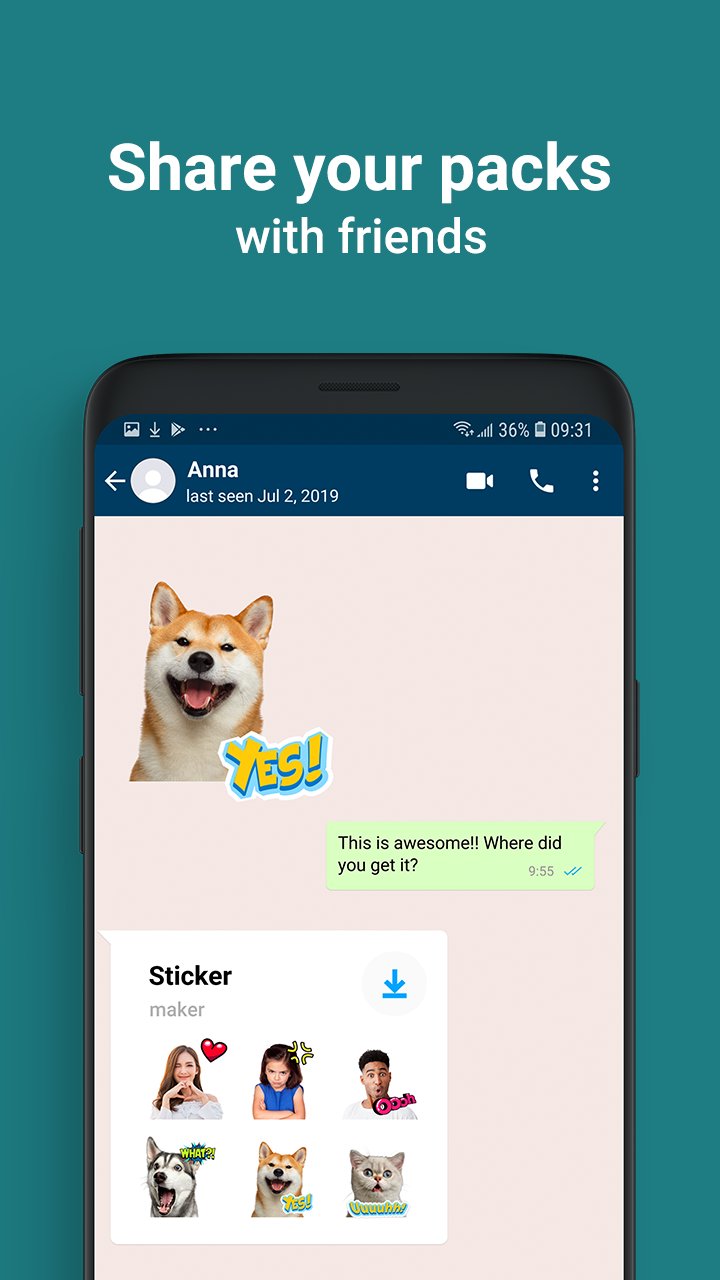
❤️Enhance Your Chats With Vibrant Text Stickers! Create A Myriad Of Colorful Stickers With Our Versatile Sticker Maker App!
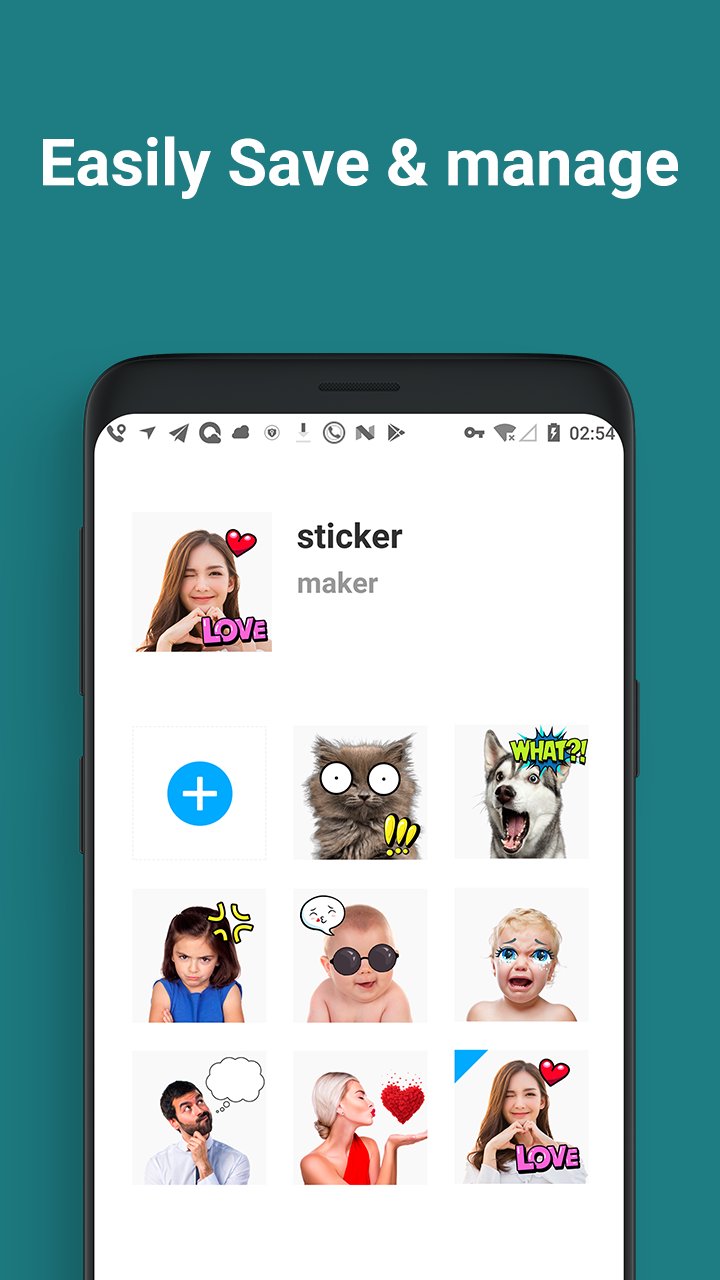
❤️Discover One Of The Top Sticker Maker Apps Available Now. Whether Capturing New Photos Or Selecting Images From Your Gallery, You Can Effortlessly Edit Your Chosen Picture And Craft A Personalized Sticker Pack!
❤️When Words Fall Short, Express Your Joy With Our Emoji Maker! When Emotions Defy Language, Download Our Sticker Editor!
How To Use The Sticker Maker:
• Create A Sticker Pack
• Add Pack And Author Name
• Select Photos From Your Gallery Or Capture New Ones
• Crop The Desired Image And Adjust Its Size Manually
• Include Provided Stickers Or Text
• Save, Share Your Pack, Or Add More!
Get Your Hands On The Sticker Maker 2024 Today! Sticker Maker - Diy Sticker Empowers You To Create Stickers For Free!
Preview
Tags
ToolsInformation
Developer
Magic Mobile Studio
Latest Version
2.6.0
Last Updated
2024-11-19
Category
Tools
Available on
Google Play
Show More
How to play Sticker Maker - DIY Sticker with GameLoop on PC
1. Download GameLoop from the official website, then run the exe file to install GameLoop
2. Open GameLoop and search for “Sticker Maker - DIY Sticker” , find Sticker Maker - DIY Sticker in the search results and click “Install”
3. Enjoy playing Sticker Maker - DIY Sticker on GameLoop
Minimum requirements
OS
Windows 8.1 64-bit or Windows 10 64-bit
GPU
GTX 1050
CPU
i3-8300
Memory
8GB RAM
Storage
1GB available space
Recommended requirements
OS
Windows 8.1 64-bit or Windows 10 64-bit
GPU
GTX 1050
CPU
i3-9320
Memory
16GB RAM
Storage
1GB available space