Digital Compass Multi Themes PC
Expressway Apps
Download Digital Compass Multi Themes on PC With GameLoop Emulator
Digital Compass Multi Themes sa PC
Ang Digital Compass Multi Themes, na nagmumula sa developer na Expressway Apps, ay tumatakbo sa Android systerm sa nakaraan.
Ngayon, maaari mong laruin ang Digital Compass Multi Themes sa PC gamit ang GameLoop nang maayos.
I-download ito sa GameLoop library o mga resulta ng paghahanap. Hindi na tumitingin sa baterya o nakakadismaya na mga tawag sa maling oras.
I-enjoy lang ang Digital Compass Multi Themes PC sa malaking screen nang libre!
Digital Compass Multi Themes Panimula
Magnetic & geographic north using magnetic declination.
Keep screen on,Simple mode, energy saving mode available.
Sunrise & Sunset time and Moon rise & Moon set time show
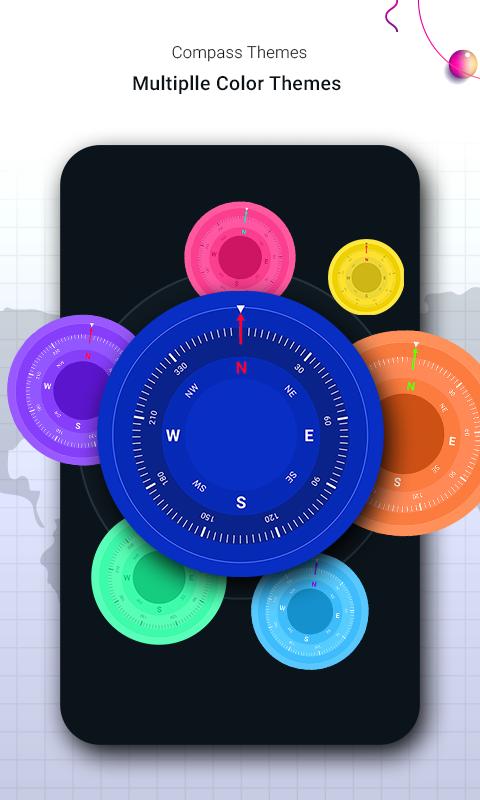
Multiple theme available.
Has a simple user interface!
Feature:
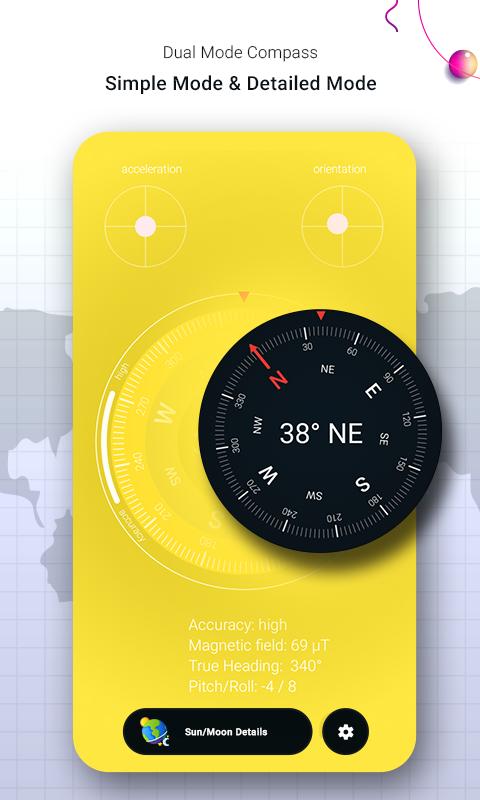
Show the True heading
Show the pitch/roll
Show the magnetic field strength
Show the slope angel
Show the current accuracy state
Show the acceleration
Show the orientation
Preview
Tags
ToolsInformation
Developer
Expressway Apps
Latest Version
1.9
Last Updated
2022-09-15
Category
Tools
Available on
Google Play
Show More
How to play Digital Compass Multi Themes with GameLoop on PC
1. Download GameLoop from the official website, then run the exe file to install GameLoop
2. Open GameLoop and search for “Digital Compass Multi Themes” , find Digital Compass Multi Themes in the search results and click “Install”
3. Enjoy playing Digital Compass Multi Themes on GameLoop
Minimum requirements
OS
Windows 8.1 64-bit or Windows 10 64-bit
GPU
GTX 1050
CPU
i3-8300
Memory
8GB RAM
Storage
1GB available space
Recommended requirements
OS
Windows 8.1 64-bit or Windows 10 64-bit
GPU
GTX 1050
CPU
i3-9320
Memory
16GB RAM
Storage
1GB available space